Scalar UI
Marketing UIApp UIAIChartsBackgrounds
Sign inGet started
Scalar UI
Scalar UI© 2026 Scalar Limited

React · Tailwind CSS · Motion

Browse

HomeAll components 213

Collections

Marketing UI 107App UI 94AI 16Charts 45Backgrounds 2Text 43

More

Text 43

Getting started

Installation

Primitives

AccordionsAlert DialogsAlerts2Aspect RatiosAvatars2BadgesBreadcrumbsButton GroupsButtons2CalendarsCheckboxesCollapsiblesComboboxesCommand MenusContext MenusDate PickersDialogsDropdown MenusEmpty StatesFields2FormsHover CardsInput OTPInputs3KbdMenubarsNavigation MenusPaginationPassword InputsPopoversProgress2Radio GroupsResizableScroll AreasSelectsSeparatorsSheetsSkeletonsSlidersSpinnersSwitchesTablesTabsToastsToggles2ToolbarsTooltipsSortablesStatus DotsTree ViewsFile UploadsSteppers

Layouts

SidebarsNavbarsApp Shells

Blocks

SchedulersBoards3CanvasesWorkflowsAI apps4Developer tools3AuthenticationOnboardingSettingsPricing & upgrades2Help & feedback4System pages7Admin console

Other

Cards

Resources

Docs & installScalar Design
App UIPrimitives

Password Inputs

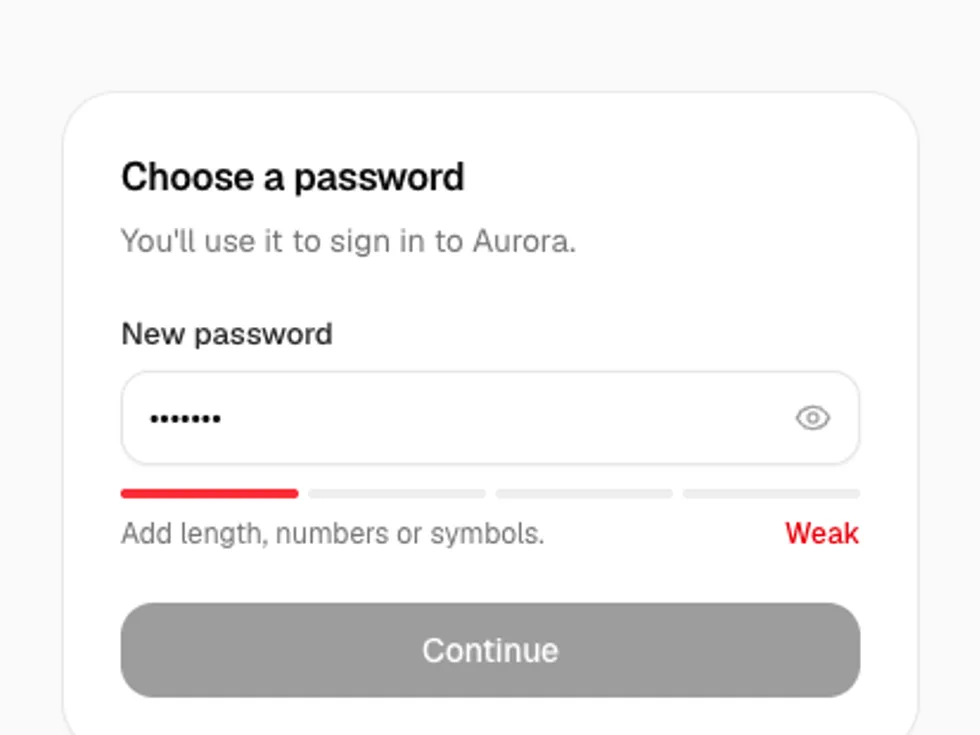
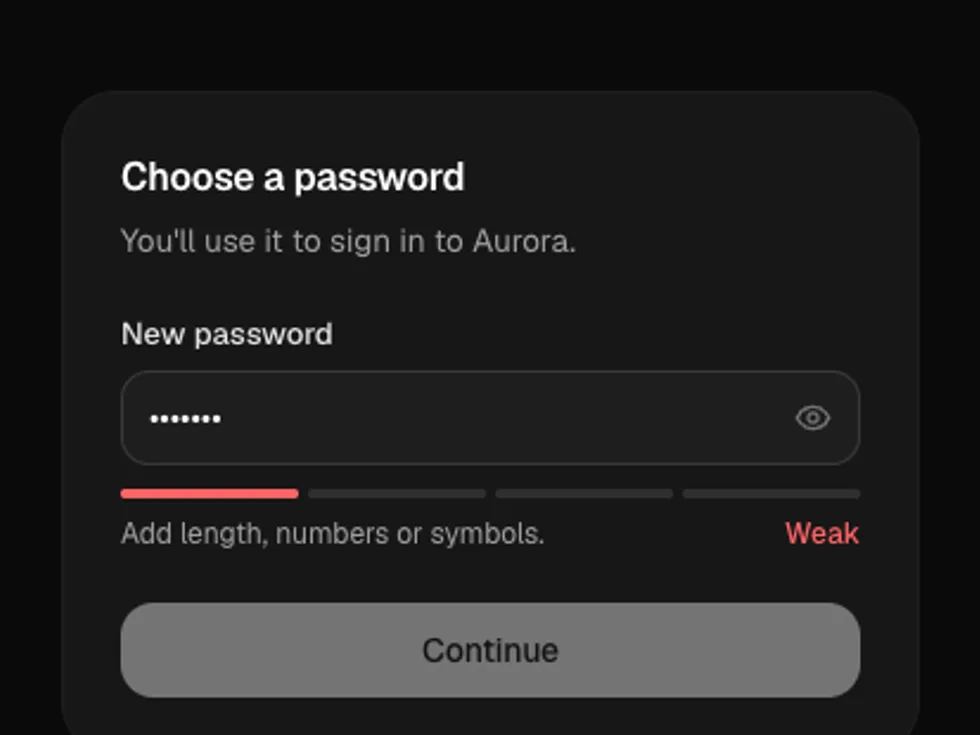
A password field with a show/hide toggle, Caps Lock hint, strength meter and checklist.

PreviousPaginationNextPopovers

On this page

DefaultStrengthRequirementsConfirmGenerateVariants and SizeInvalid and DisabledBreached Password

Password Input

radix-ui · motion · lucide-react

Default

A sign-in field with a show/hide toggle.

Strength

strength shows a four-step meter: weak, fair, good, strong.

Requirements

requirements lists rules that tick off as you type.

Confirm

A second field that checks it matches the first.

Generate

Fill in a random strong password and reveal it.

Variants and Size

outline (default) and soft; sm, md and lg.

Invalid and Disabled

invalid after a failed sign-in, and disabled.

Breached Password

Warns when a new password appears in a known breach list.