Scalar UI
Marketing UIApp UIAIChartsBackgrounds
Sign inGet started
Scalar UI
Scalar UI© 2026 Scalar Limited

React · Tailwind CSS · Motion

Browse

HomeAll components 213

Collections

Marketing UI 107App UI 94AI 16Charts 45Backgrounds 2Text 43

More

Text 43

Getting started

Installation

Primitives

AccordionsAlert DialogsAlerts2Aspect RatiosAvatars2BadgesBreadcrumbsButton GroupsButtons2CalendarsCheckboxesCollapsiblesComboboxesCommand MenusContext MenusDate PickersDialogsDropdown MenusEmpty StatesFields2FormsHover CardsInput OTPInputs3KbdMenubarsNavigation MenusPaginationPassword InputsPopoversProgress2Radio GroupsResizableScroll AreasSelectsSeparatorsSheetsSkeletonsSlidersSpinnersSwitchesTablesTabsToastsToggles2ToolbarsTooltipsSortablesStatus DotsTree ViewsFile UploadsSteppers

Layouts

SidebarsNavbarsApp Shells

Blocks

SchedulersBoards3CanvasesWorkflowsAI apps4Developer tools3AuthenticationOnboardingSettingsPricing & upgrades2Help & feedback4System pages7Admin console

Other

Cards

Resources

Docs & installScalar Design
App UIPrimitives

Fields

Labels, descriptions and errors wired to any control.

PreviousEmpty StatesNextForms

On this page

FieldDefaultWith ErrorHorizontalFieldsetSelect, Textarea, DisabledLabelRequiredOptionalWith AsideWith Icon

Field

Wires a label, any control, a description and an animated error together with the right ids and aria attributes, stacked or side by side.

radix-ui · motion · lucide-react

Default

Label, control and description.

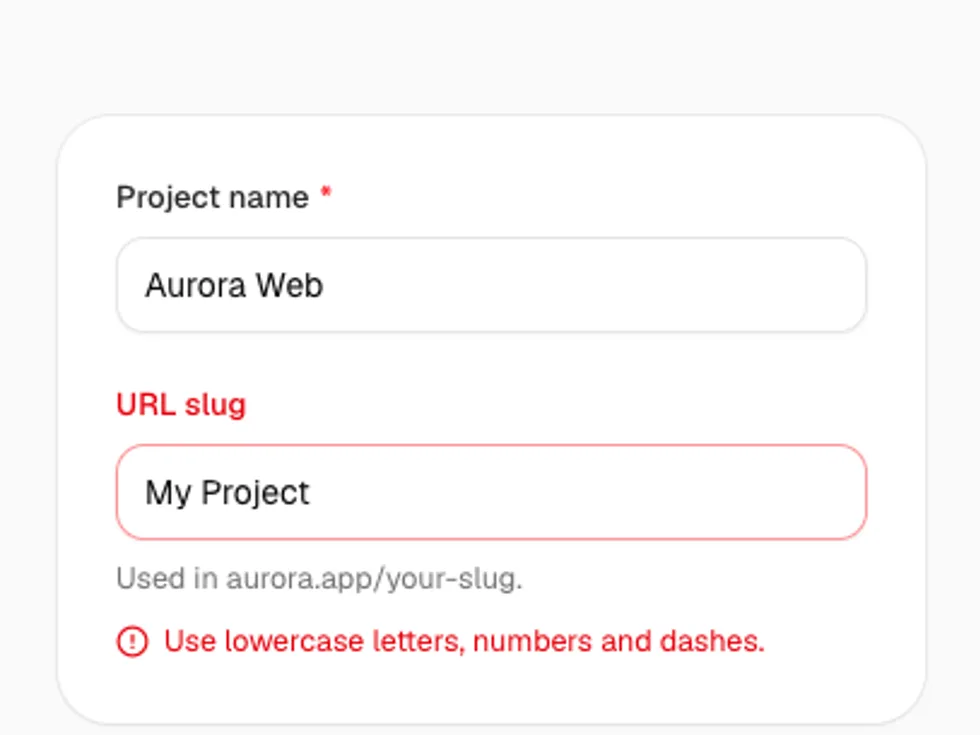
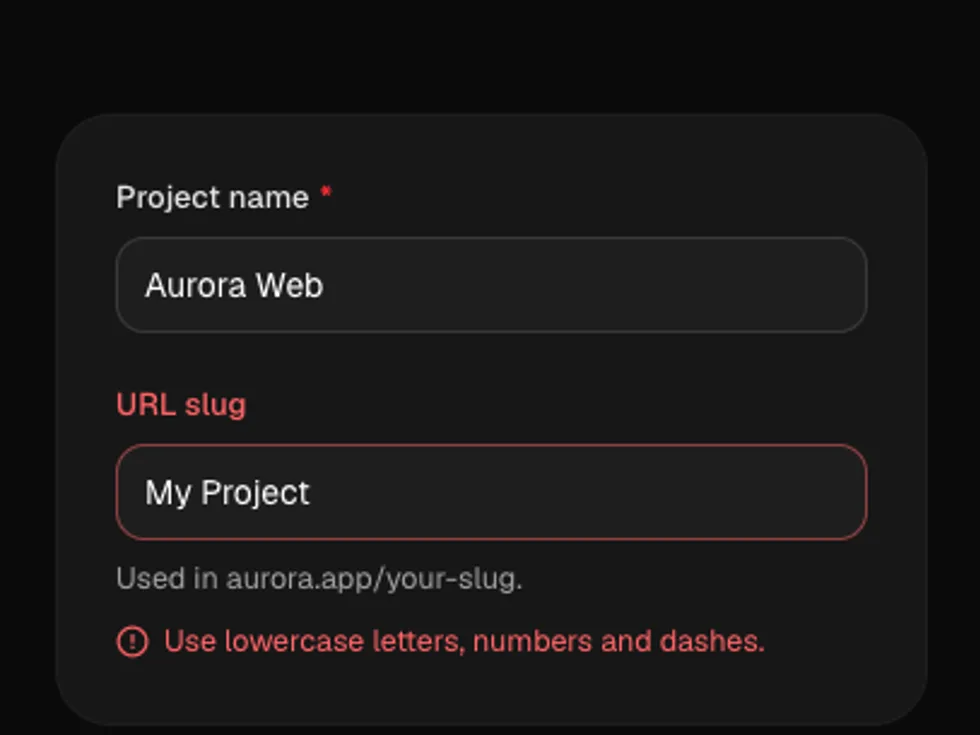
With Error

invalid shows FieldError and marks the control aria-invalid.

Horizontal

orientation="horizontal" for settings pages.

Fieldset

FieldSet and FieldLegend group related fields.

Select, Textarea, Disabled

FieldControl wraps any control; disabled covers the whole field.

Label

A Radix label with required and optional markers and an aside for hints or links.

radix-ui

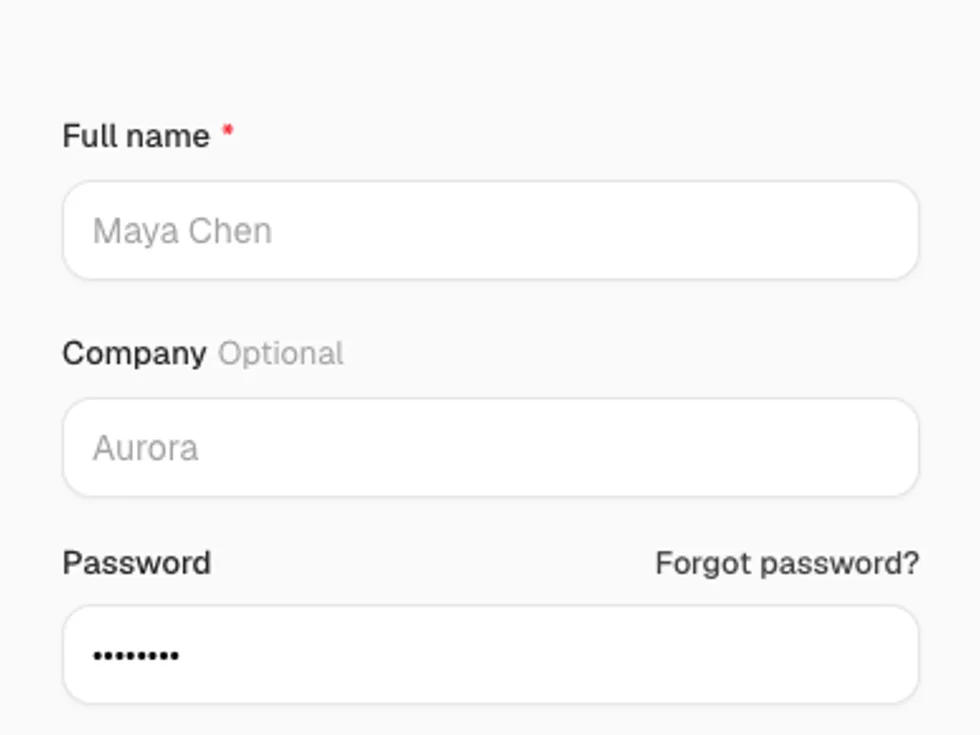
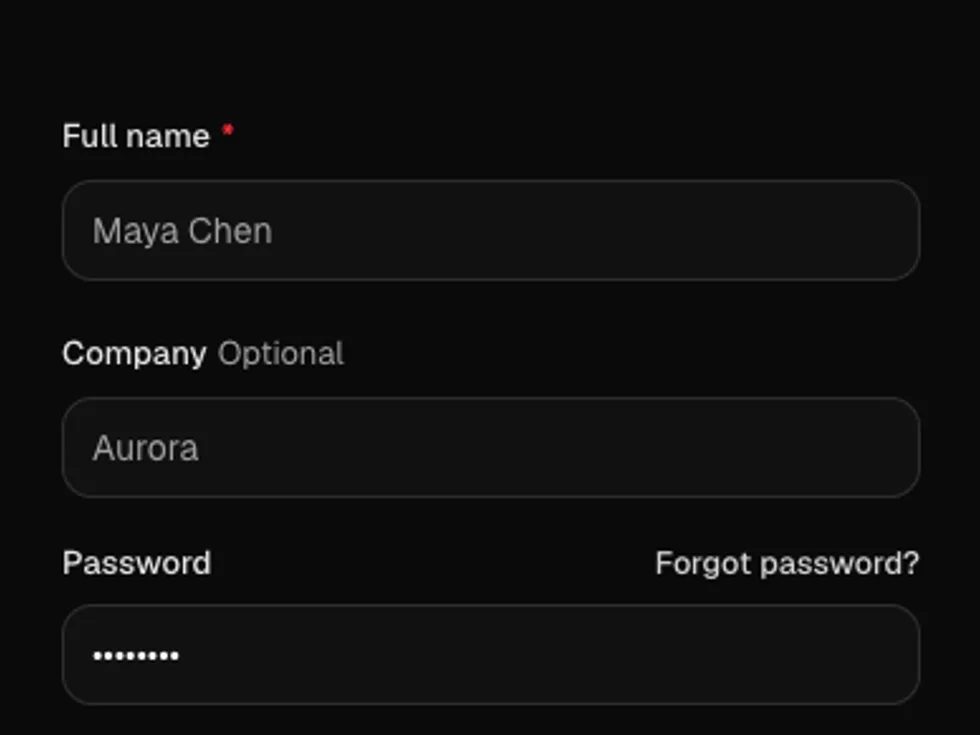
Required

required adds a red asterisk.

Optional

optional adds muted text; pass a string to change it.

With Aside

aside puts a hint or a link on the right.

With Icon

An icon in the label, next to a checkbox.