Scalar UI
Marketing UIApp UIAIChartsBackgrounds
Sign inGet started
Scalar UI
Scalar UI© 2026 Scalar Limited

React · Tailwind CSS · Motion

Browse

HomeAll components 213

Collections

Marketing UI 107App UI 94AI 16Charts 45Backgrounds 2Text 43

More

Text 43

Getting started

Installation

Primitives

AccordionsAlert DialogsAlerts2Aspect RatiosAvatars2BadgesBreadcrumbsButton GroupsButtons2CalendarsCheckboxesCollapsiblesComboboxesCommand MenusContext MenusDate PickersDialogsDropdown MenusEmpty StatesFields2FormsHover CardsInput OTPInputs3KbdMenubarsNavigation MenusPaginationPassword InputsPopoversProgress2Radio GroupsResizableScroll AreasSelectsSeparatorsSheetsSkeletonsSlidersSpinnersSwitchesTablesTabsToastsToggles2ToolbarsTooltipsSortablesStatus DotsTree ViewsFile UploadsSteppers

Layouts

SidebarsNavbarsApp Shells

Blocks

SchedulersBoards3CanvasesWorkflowsAI apps4Developer tools3AuthenticationOnboardingSettingsPricing & upgrades2Help & feedback4System pages7Admin console

Other

Cards

Resources

Docs & installScalar Design
App UIBlocks

Authentication

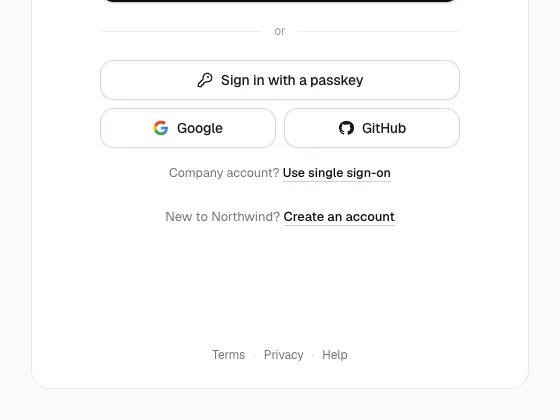
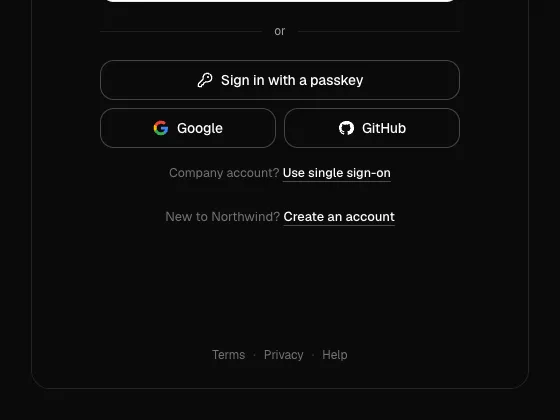
A full sign-in flow in separate files: email-first log in that routes to a password, SSO or sign up, passkeys, two providers, two-step codes, magic links, reset, workspace picker, invites, a confirm-it's-you dialog and session screens.
PreviousDeveloper toolsNextOnboarding

On this page

Centered Log InSign UpTwo-step Sign UpWaitlistSave a PasskeyEmail CodeMagic LinkVerify EmailReset PasswordTwo-step VerificationSingle Sign-onChoose a WorkspaceAccept InviteConfirm It's YouSession StatesAllow Access

Auth

radix-ui · motion · lucide-react

Centered Log In

The email-first log in as a card in the middle of the page.

Sign Up

Name, email and a password with live rules, then the emailed code.

Two-step Sign Up

Email first, then name and password, on a plain background.

Waitlist

Join an invite-only product and see your place in line.

Save a Passkey

The prompt after a password login, in plain words.

Email Code

Six digits that submit themselves, with resend after 30 seconds.

Magic Link

Check your email, open your mail app, or type a code instead.

Verify Email

Waiting, verified and expired-link states.

Reset Password

Request a link, then pick a new password with rules and a match check.

Two-step Verification

An authenticator code, a recovery code, and trust this device.

Single Sign-on

The organisation found from the email, with SSO required.

Choose a Workspace

Workspaces with role and plan, a pending invite, and create new.

Accept Invite

Signed in, signed out and expired versions of an invite link.

Confirm It's You

A password or passkey check before sensitive actions, then a 10-minute pass.

Session States

Signed out, expired, locked after failed attempts, and suspended.

Allow Access

The screen a third-party app sends people to before it connects.