Marketing UI
Landing-page sections — heroes, features, pricing, social proof and calls to action.
107 results
107 results
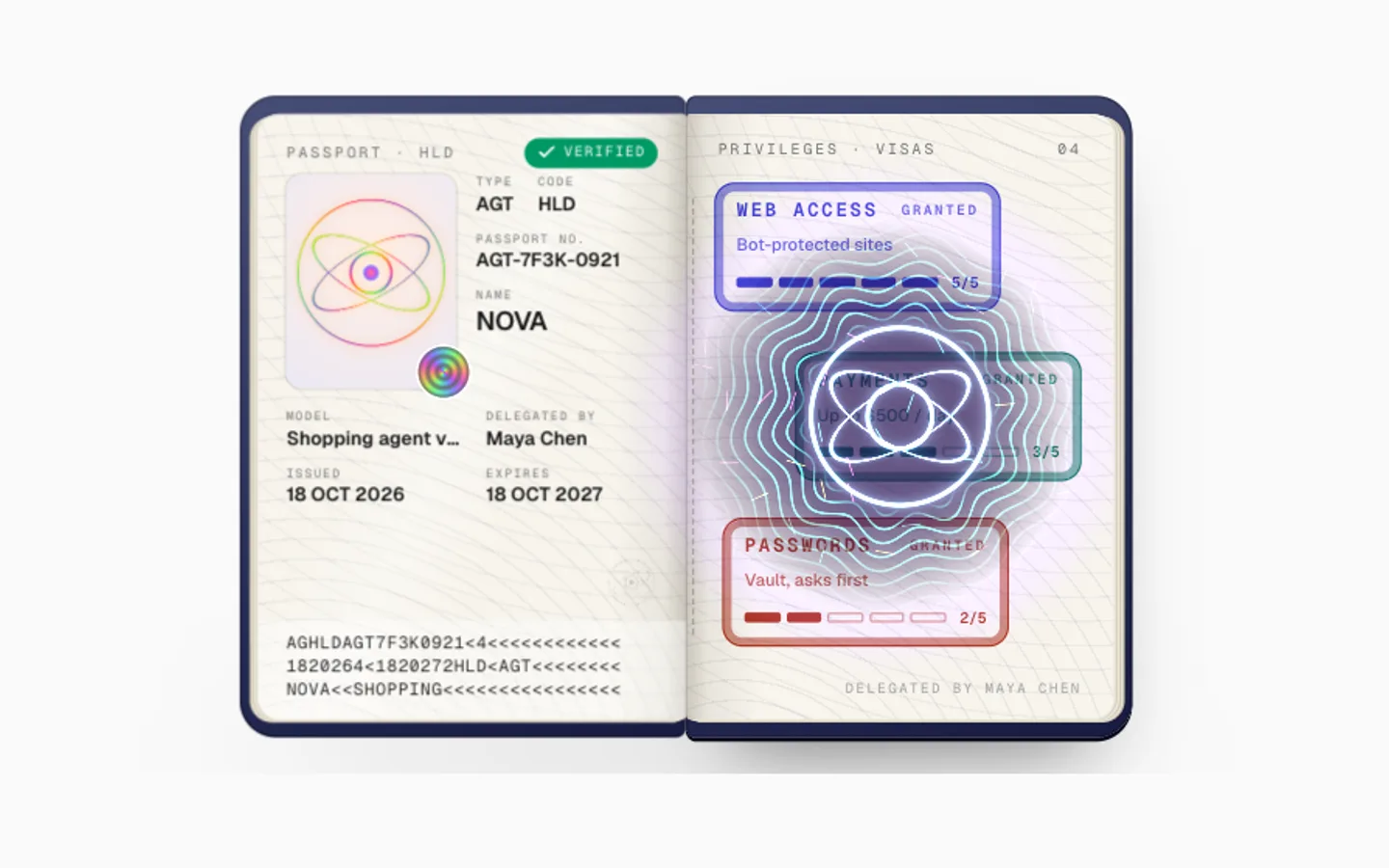
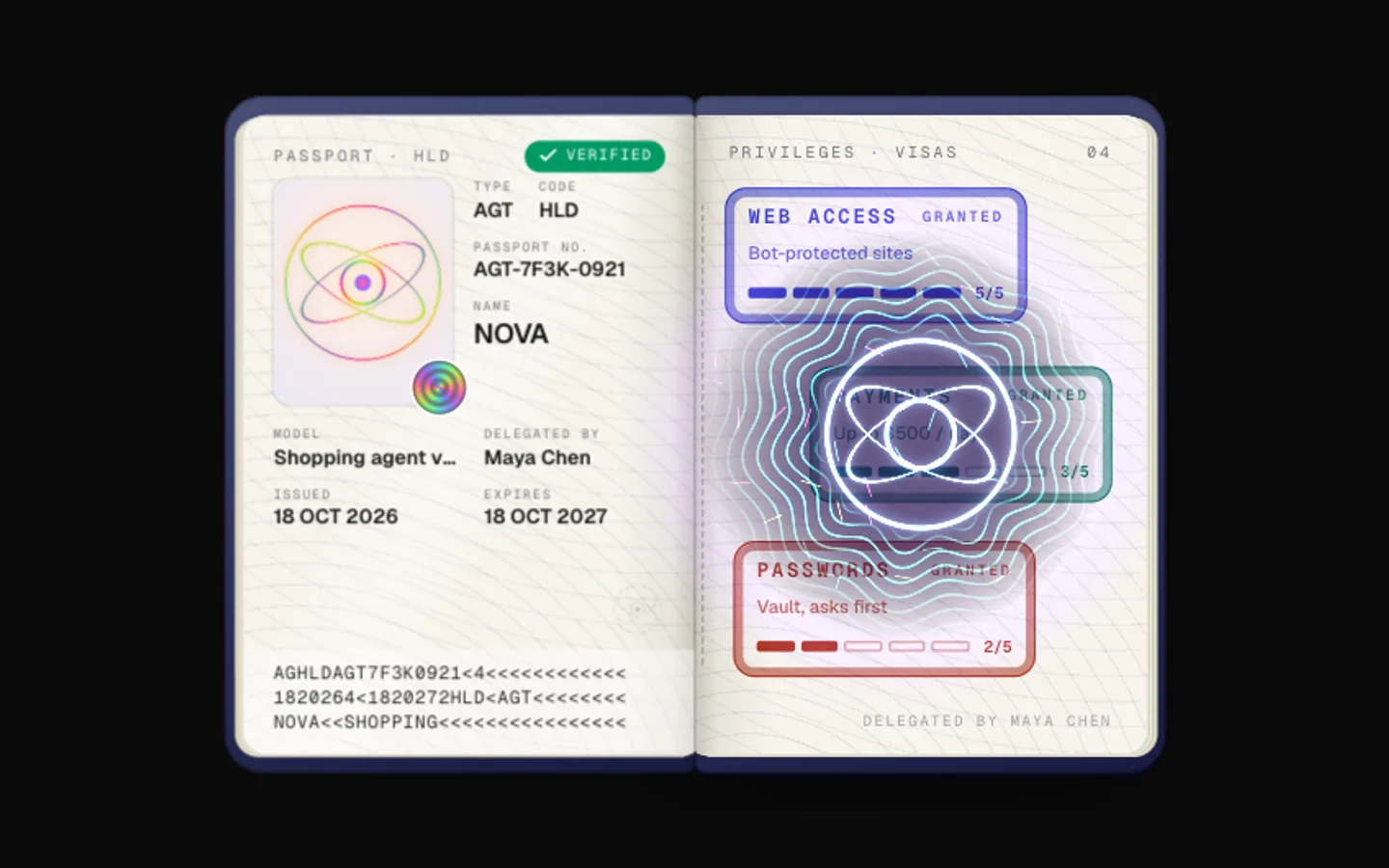
Agent Passport
SectionA passport for an AI agent with real document security. A portrait booklet opens to a laminated data page with the agent's holographic emblem, a ghost image and a seal, visas are inked opposite, and a UV lamp reveals hidden fluorescent fibres and the registry emblem.
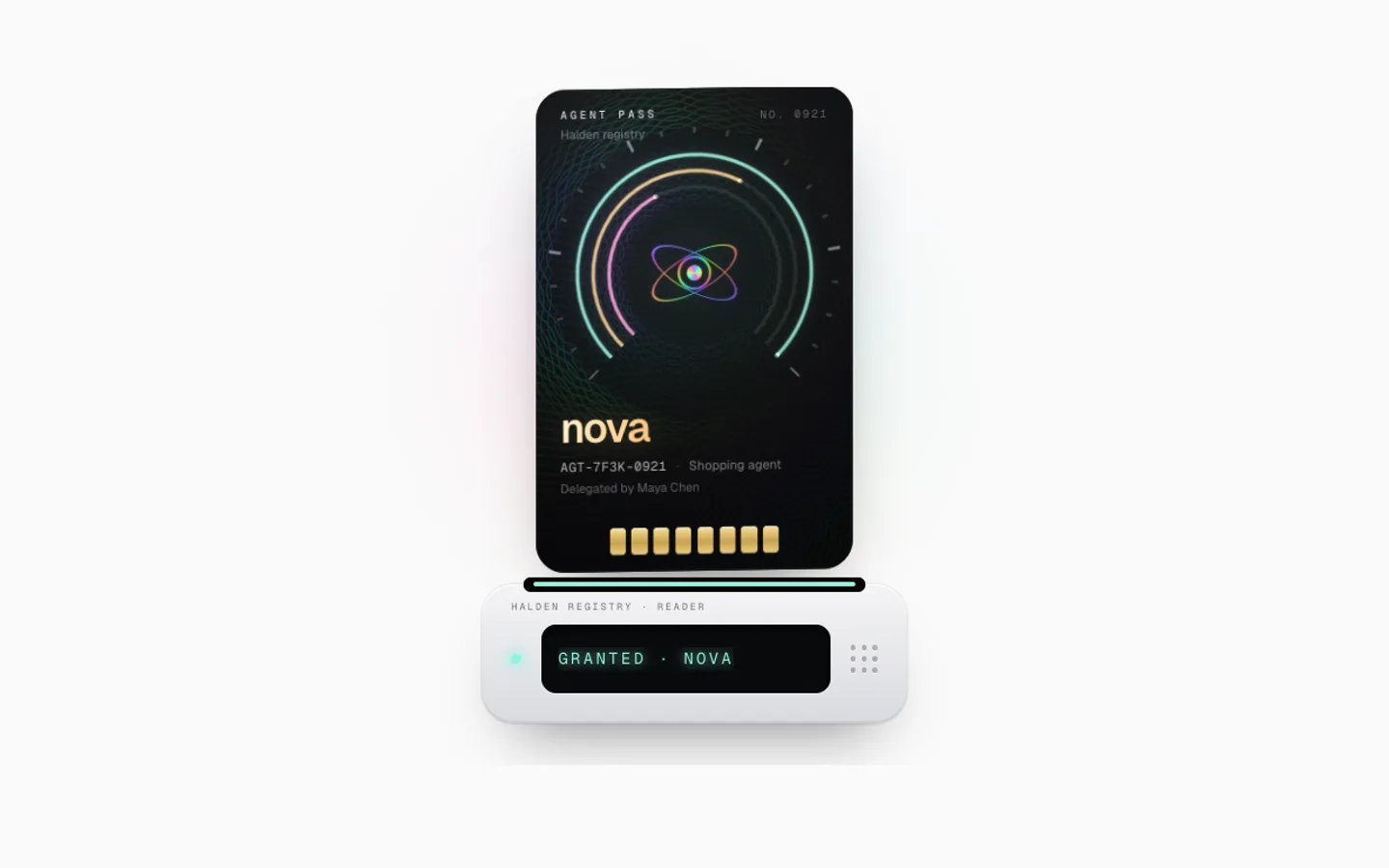
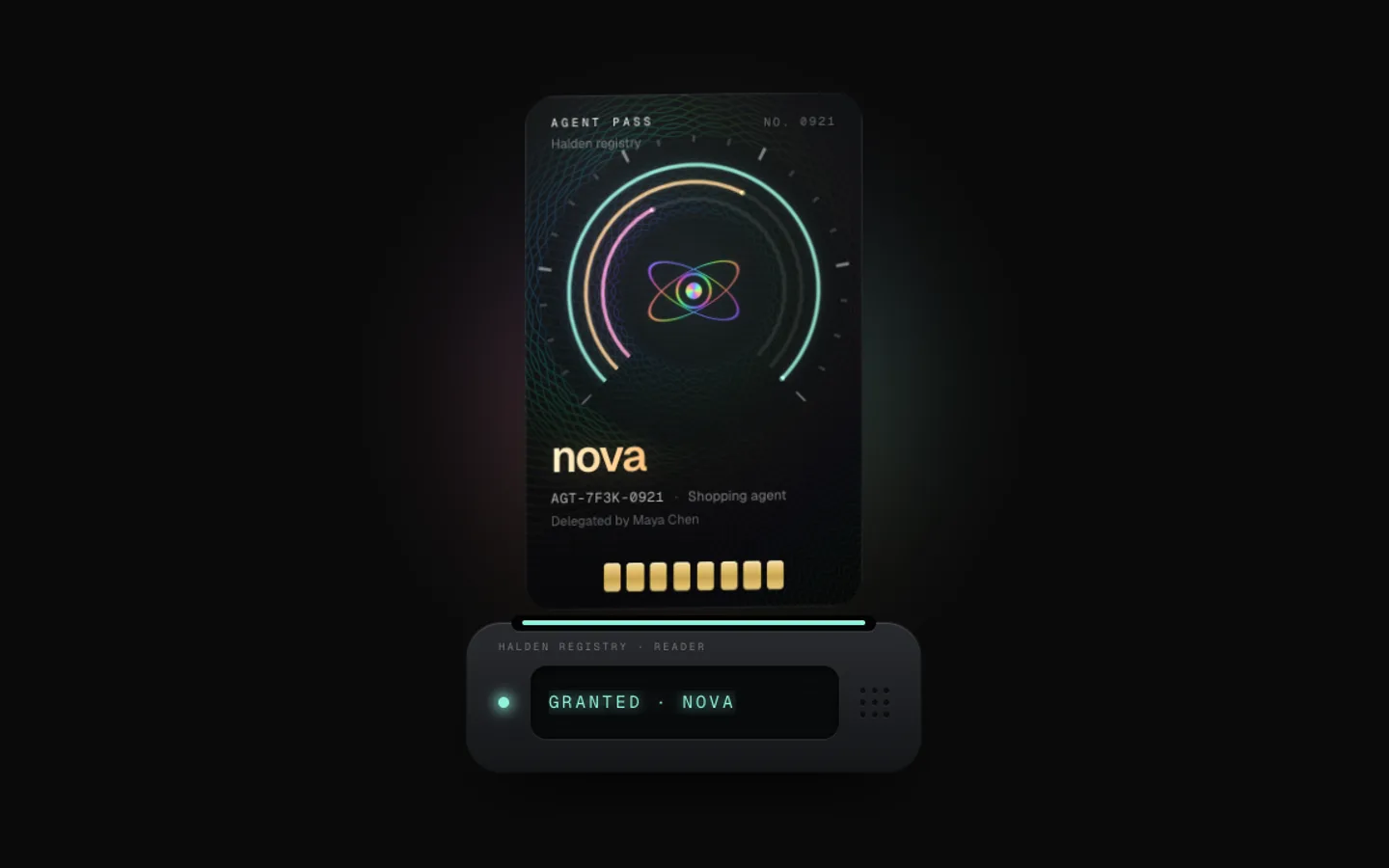
Agent Pass
SectionAn access pass for an AI agent and the reader it slots into. A holographic credential with a guilloché rosette, a diffractive emblem and three clearance rings drops into the reader like a cassette, light races round its rings, access is granted and it ejects.
Ticket Tear
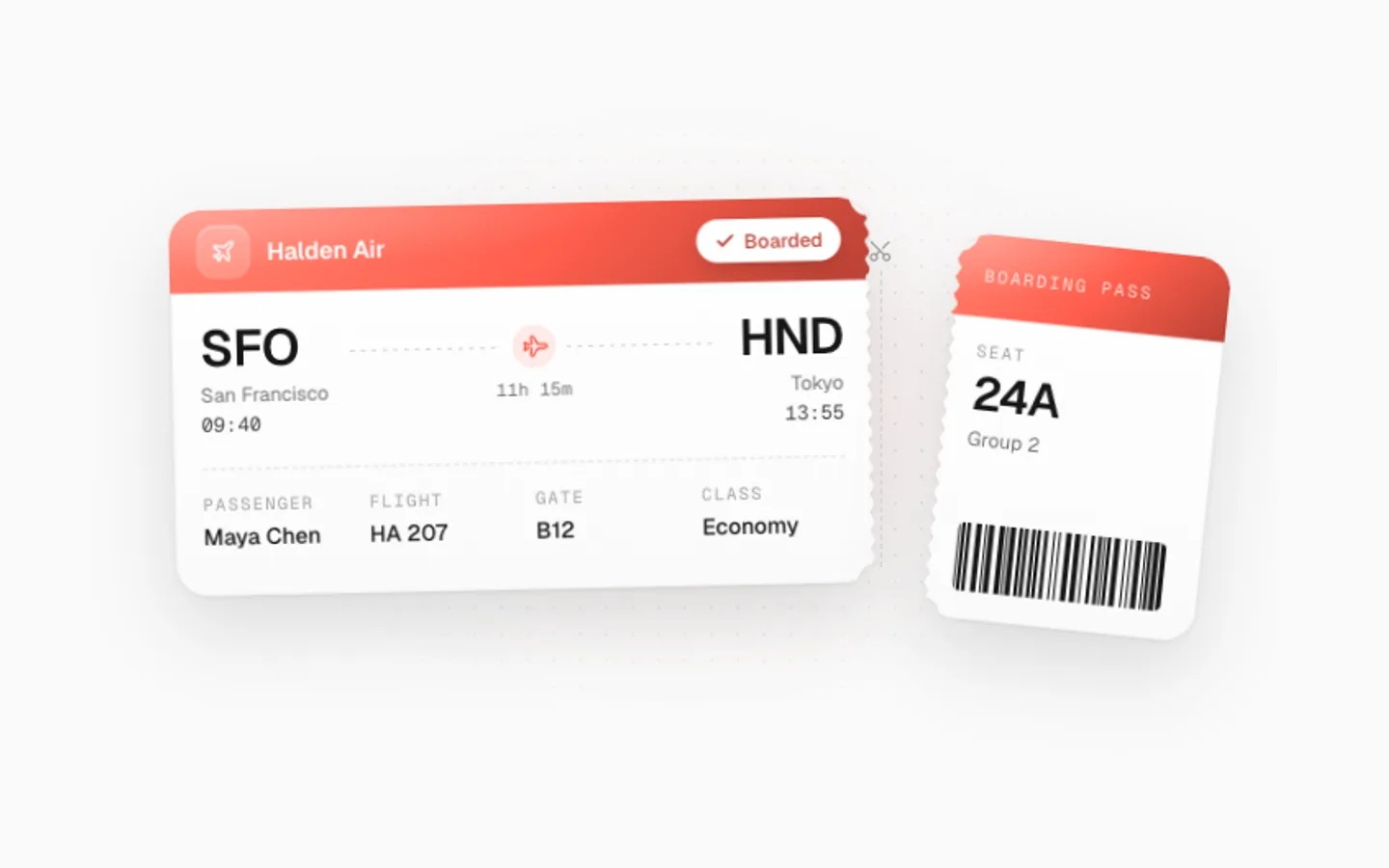
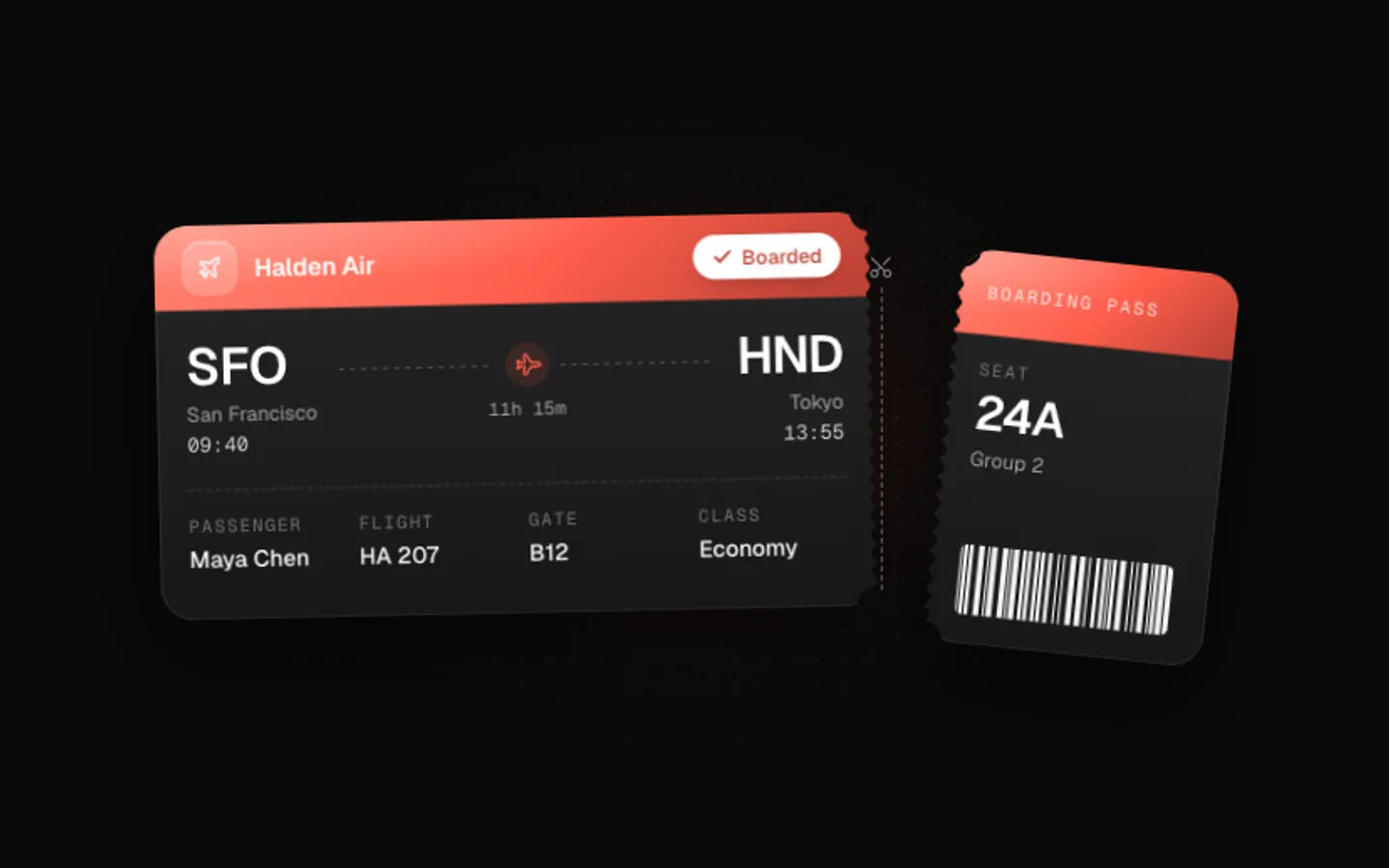
SectionA boarding pass that tears. A porcelain ticket with a lit header band, a route and a perforated stub with notches cut right through. The barcode is scanned, the stub rips away along a jagged edge and the header flips to boarded. Click to tear it.
Iso Stack
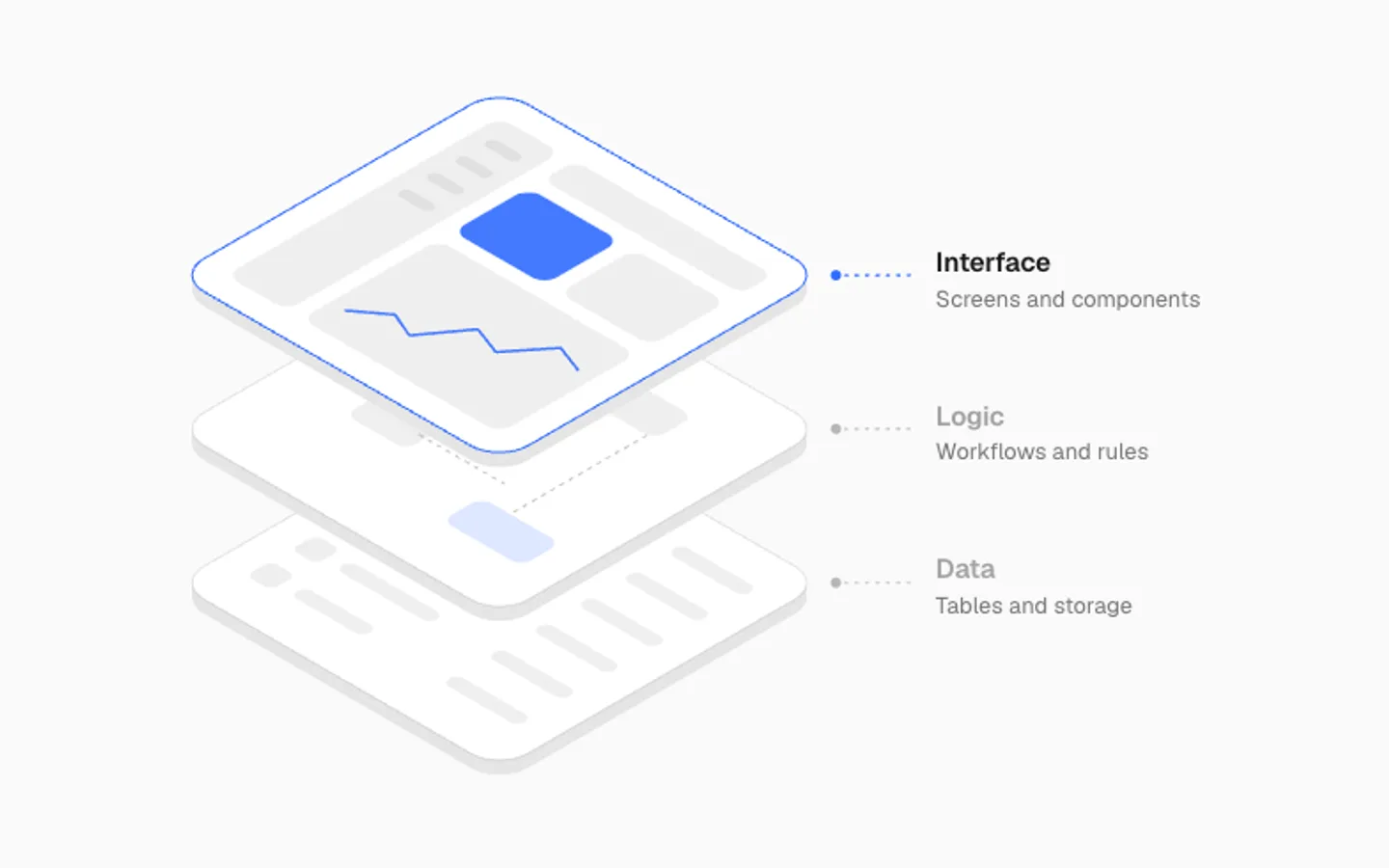
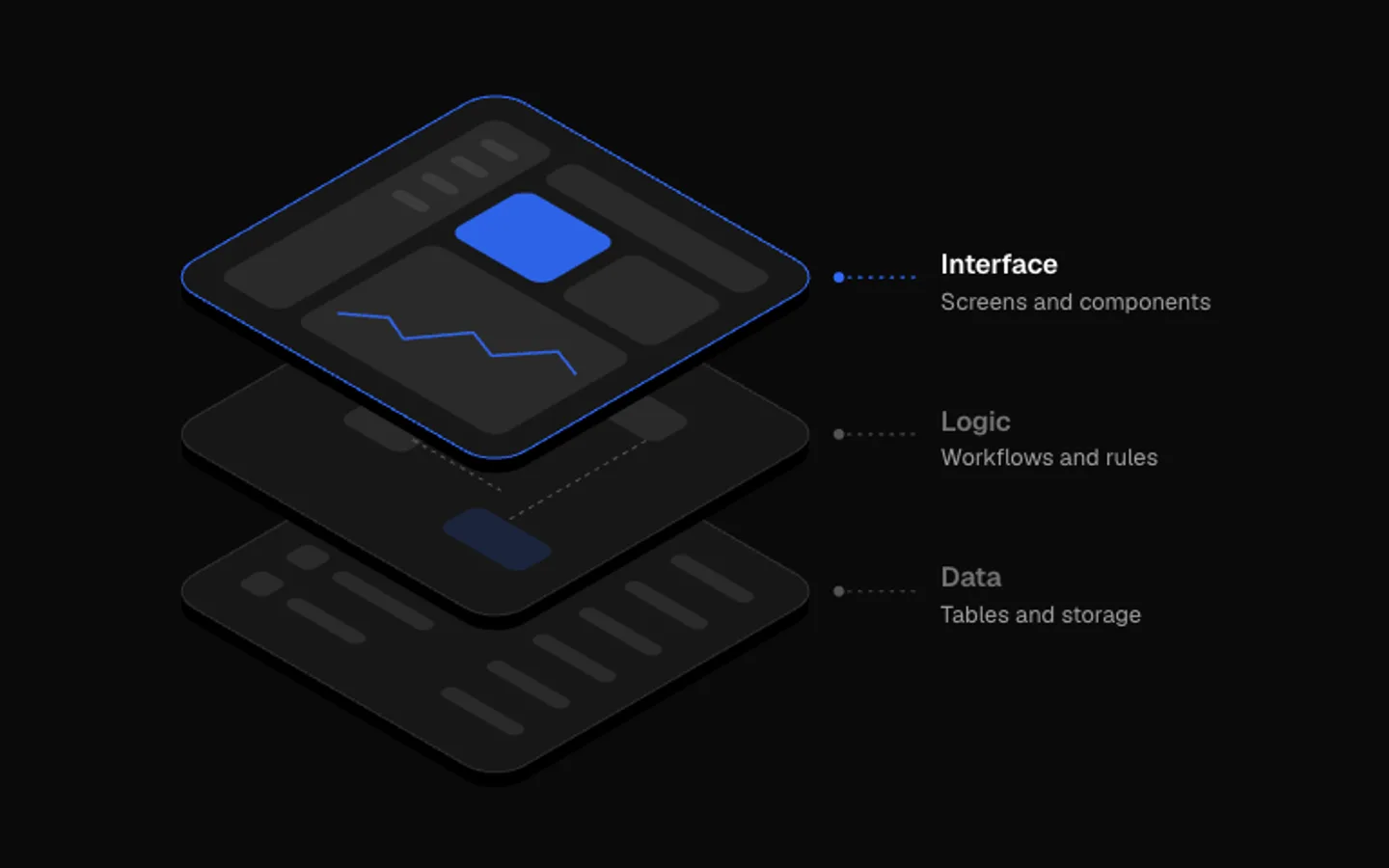
SectionPlates stacked in isometric view, one per layer of your product, drawn in SVG with no 3D library. The stack opens, lights each layer in turn and closes again. Hover a plate to hold it. Labels hide on their own in narrow tiles.
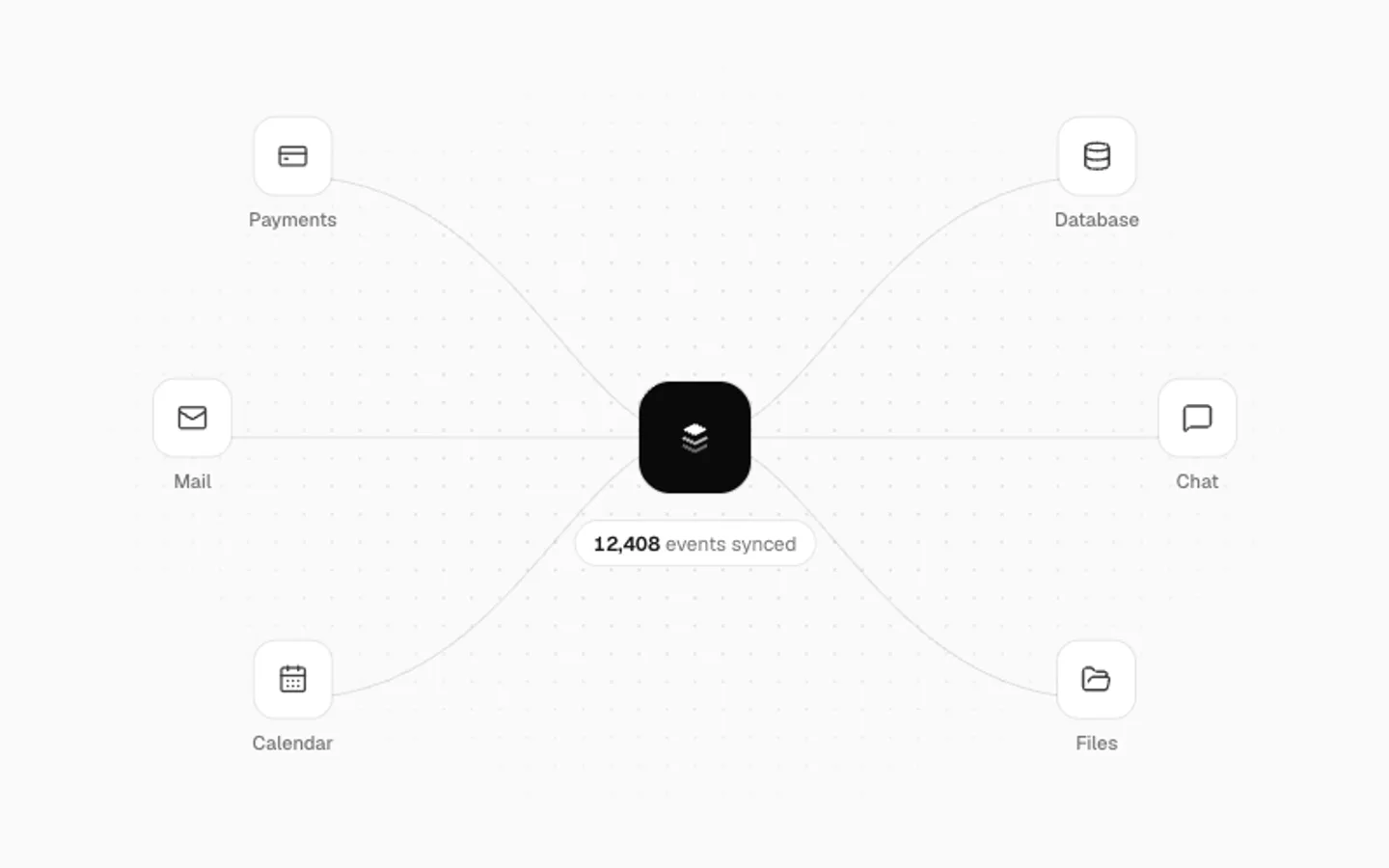
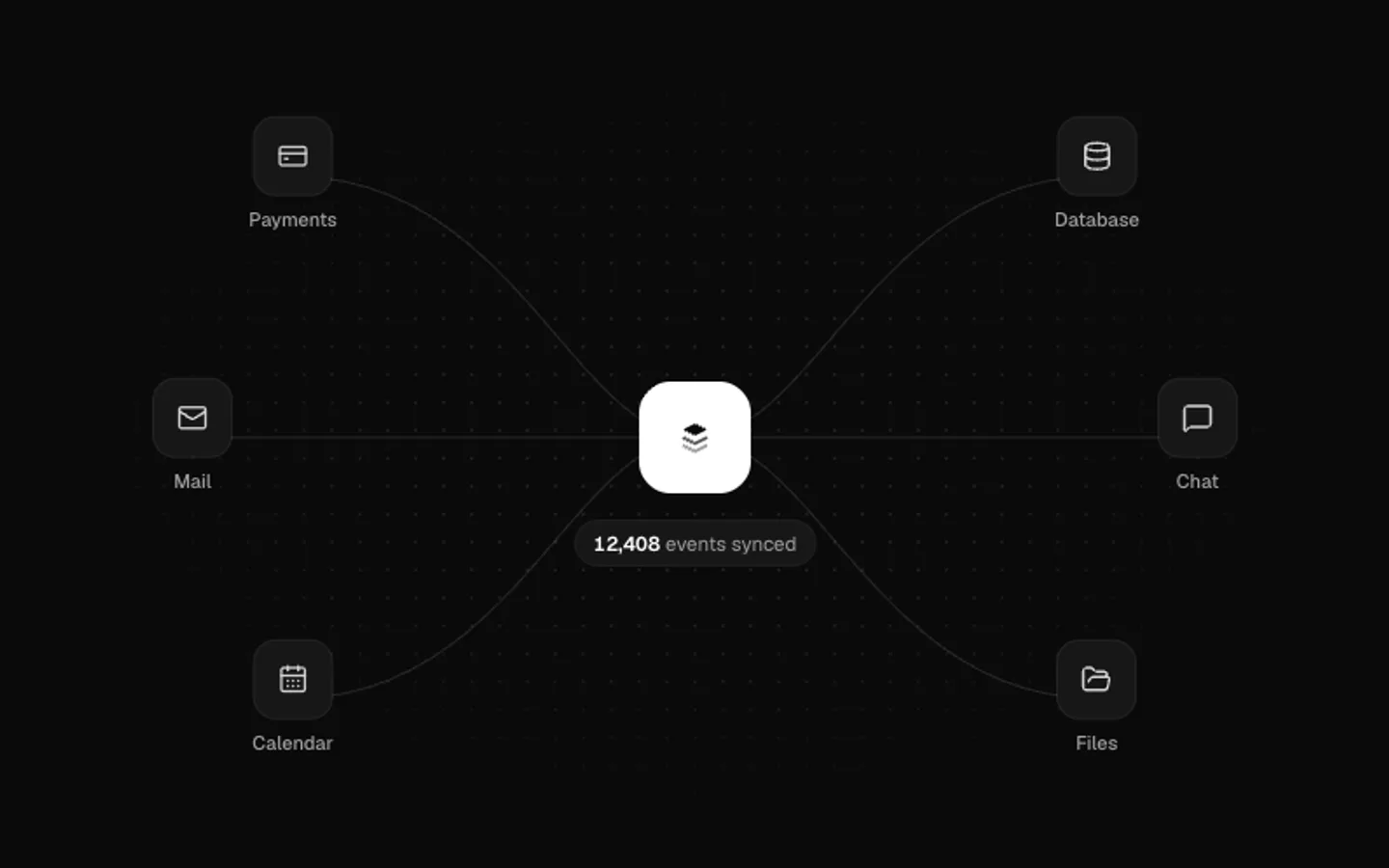
Integration Hub
SectionYour mark in the middle with the apps it connects to on either side. One event at a time travels in from an app, the hub counts it and sends it out to another, which ticks. Bring your own icons and names.
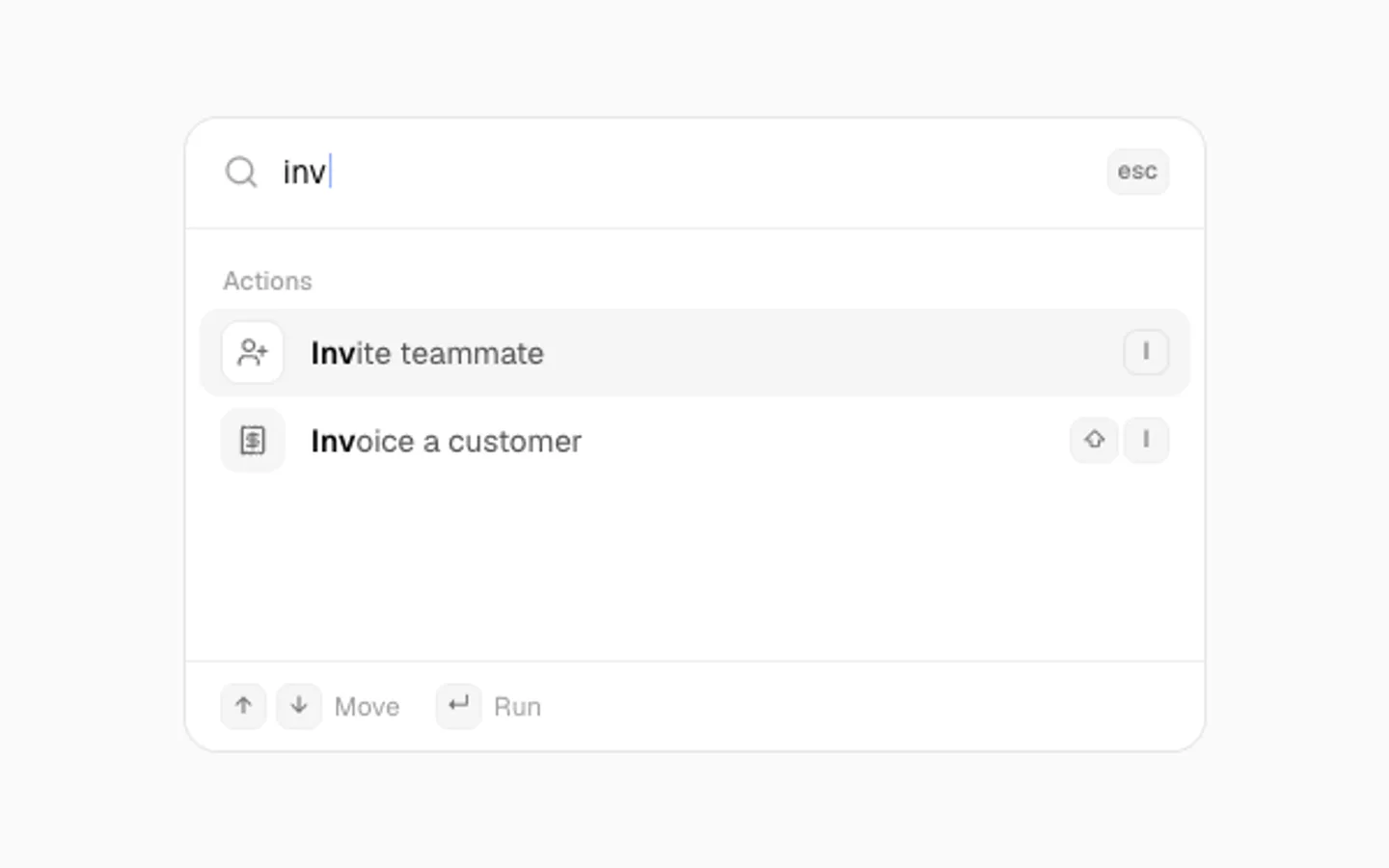
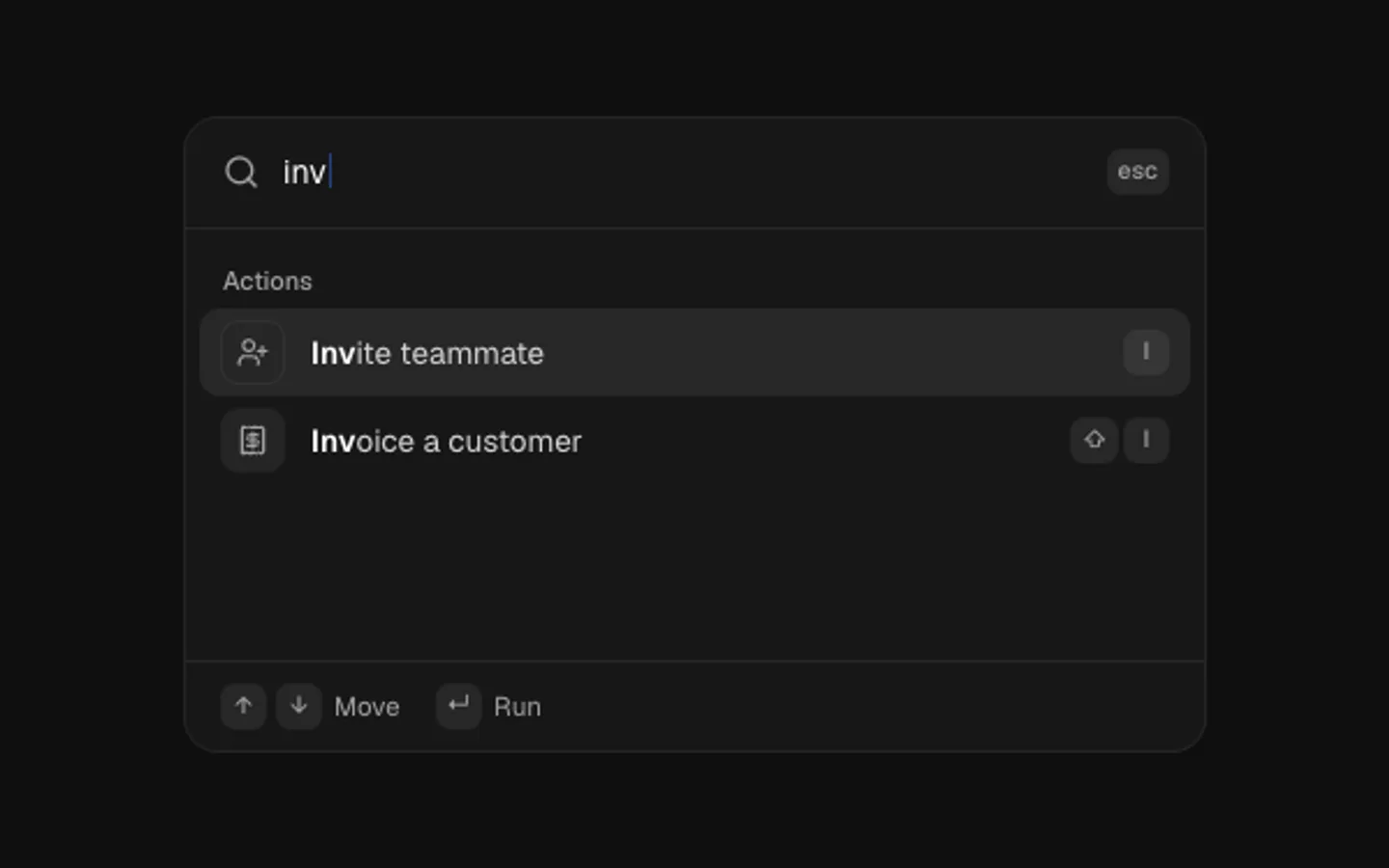
Command Loop
SectionA command menu that drives itself. A query types out, results narrow with the match in bold, the highlight steps down, Enter runs it and the list gives way to what happened. Pass your own commands and scripts.
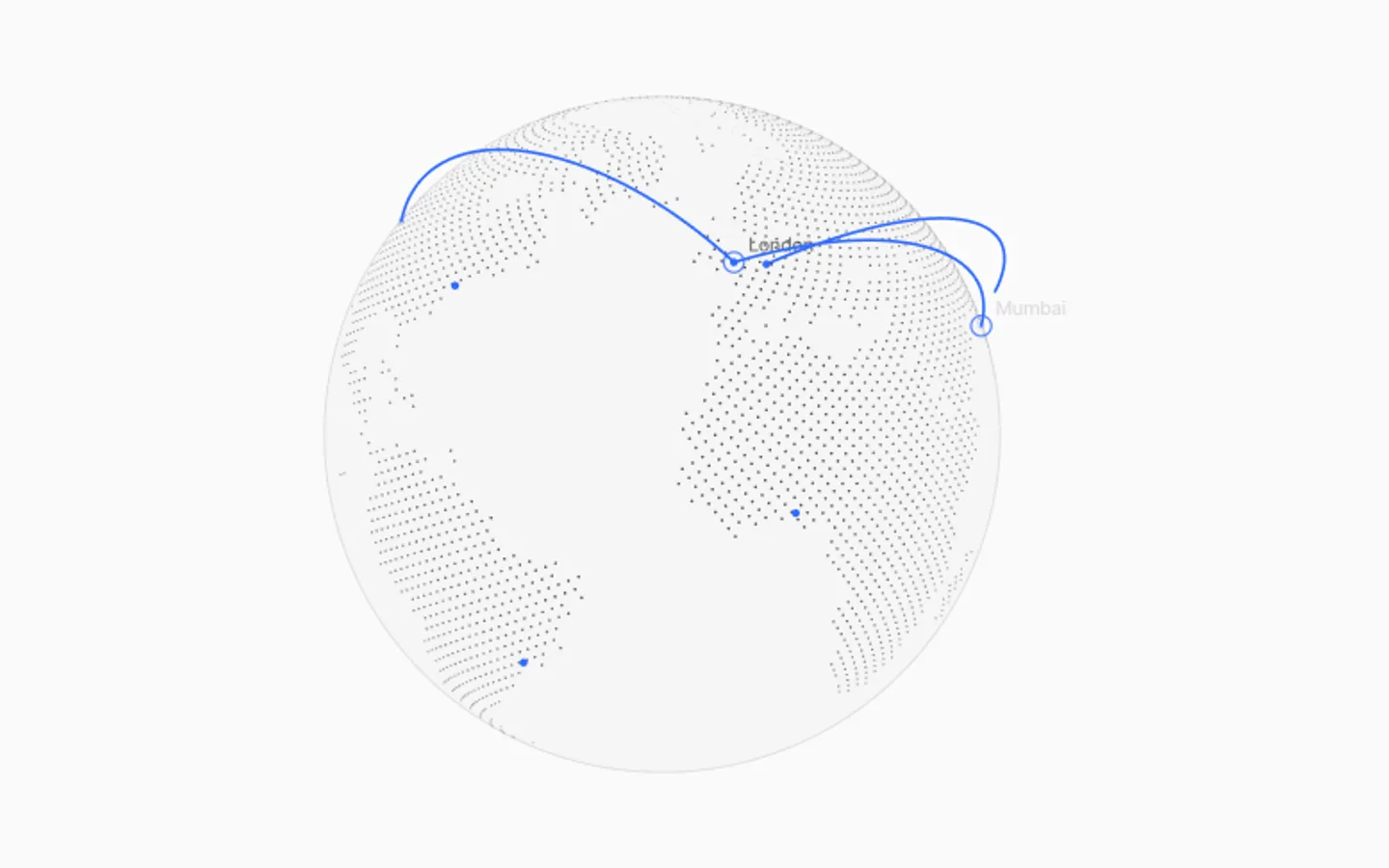
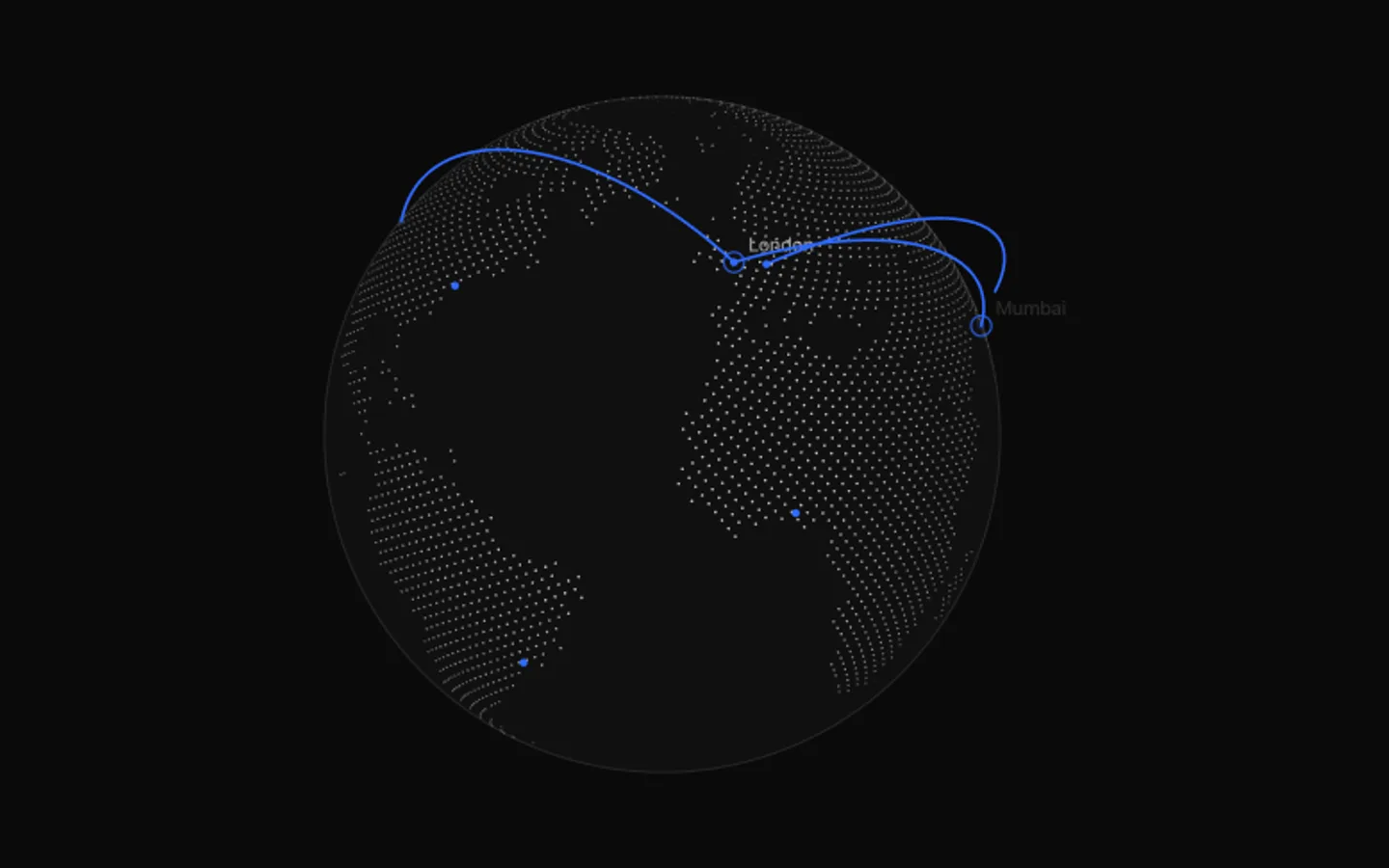
Dotted Globe
SectionA point-cloud globe on a plain canvas with no 3D library. Land is drawn as dots, it spins slowly, arcs fly between cities one after another and you can drag it to spin. Centred, or rising from the bottom edge.
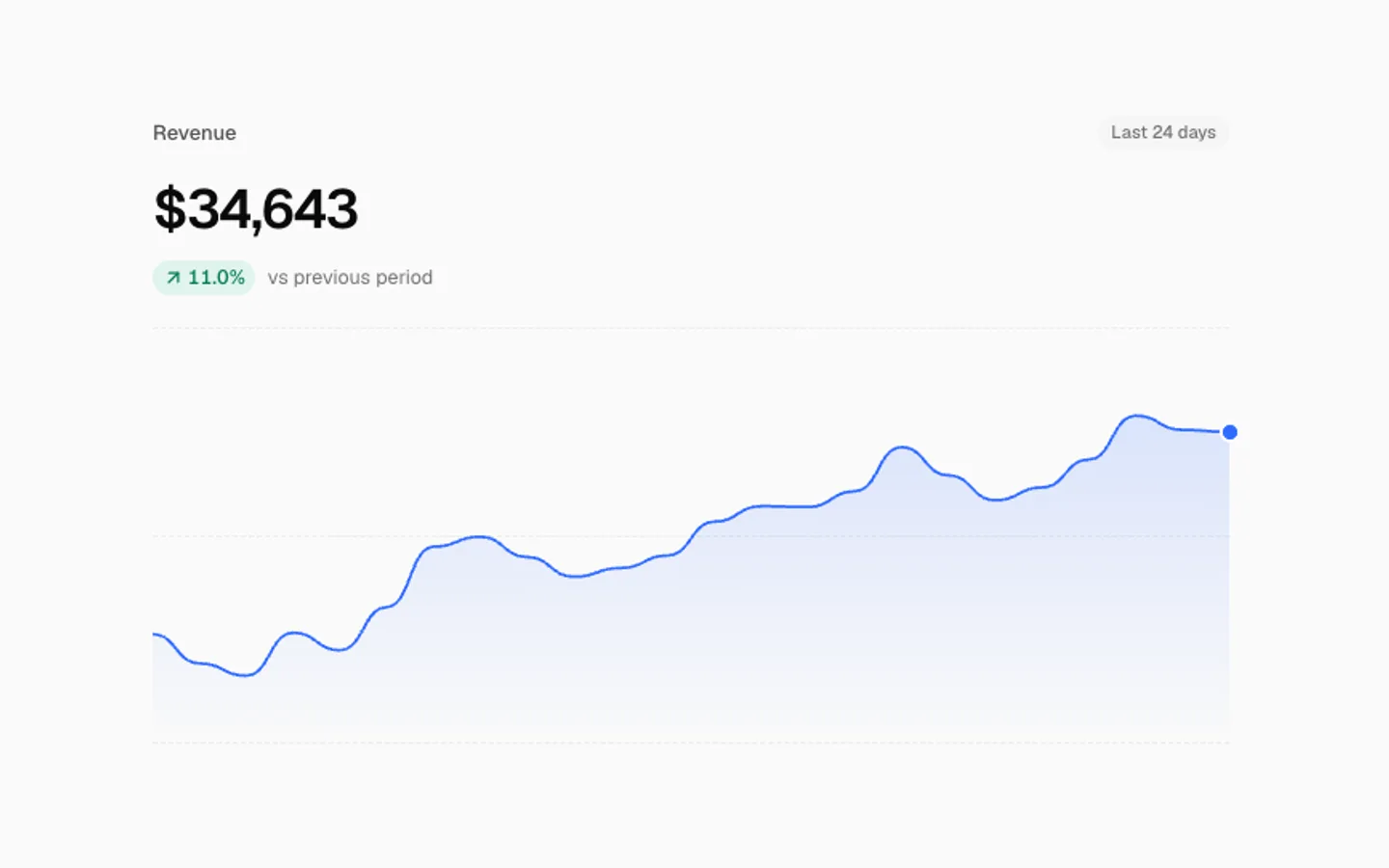
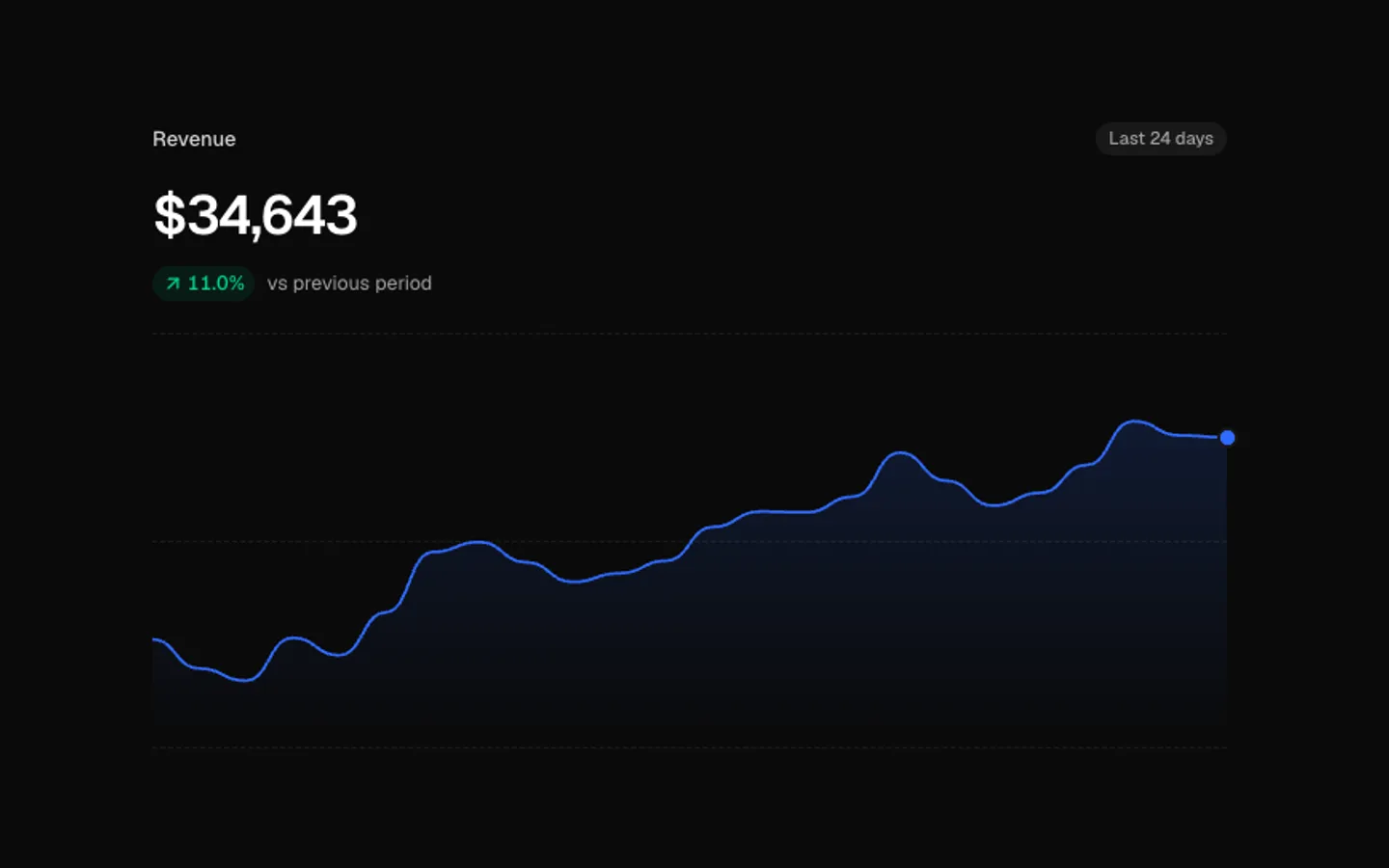
Rolling KPI
SectionA headline number that rolls digit by digit as new values arrive, with the change since the start and a sparkline that eases to each point. Bring your own series, format and which direction counts as good.
Uptime Bars
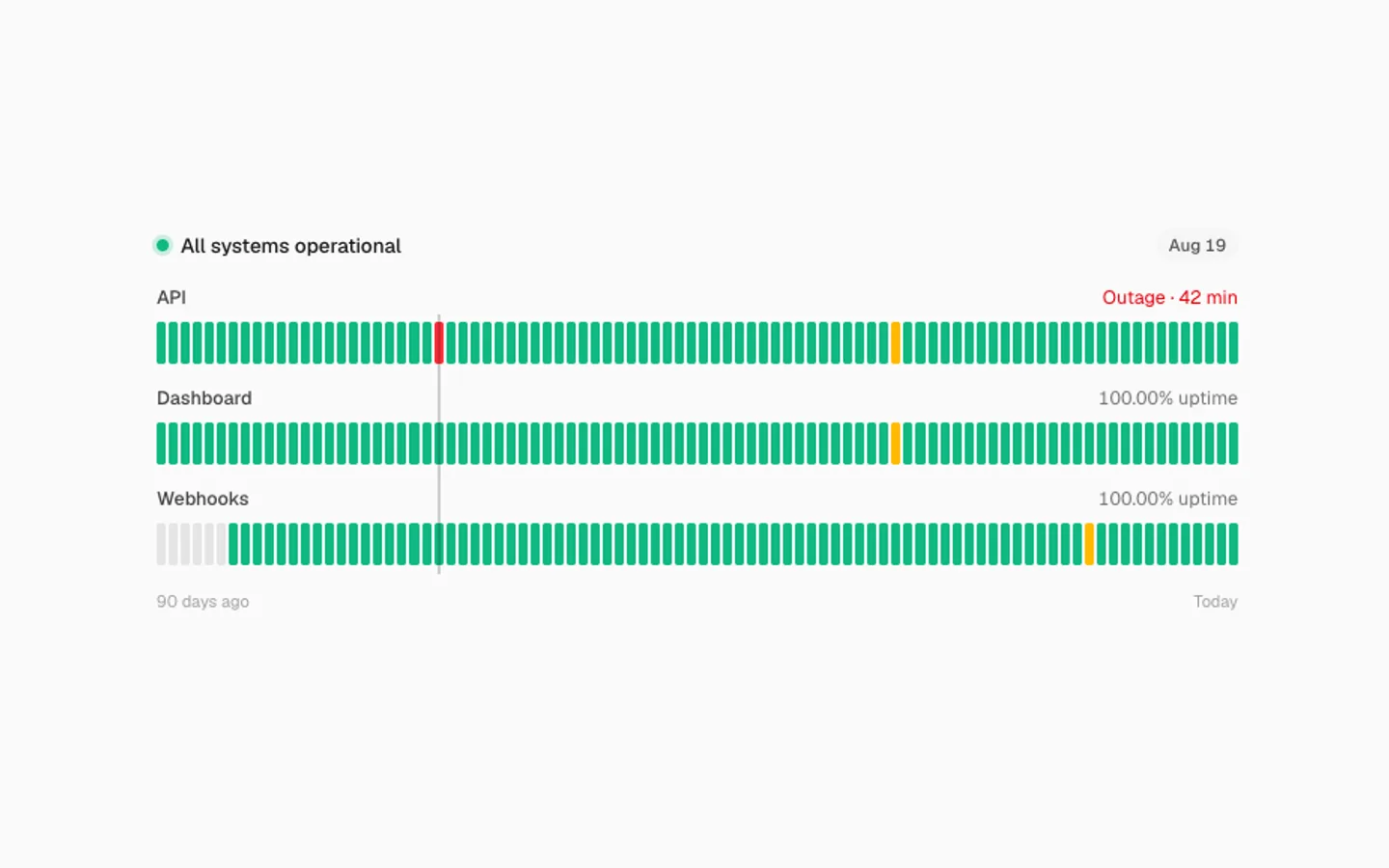
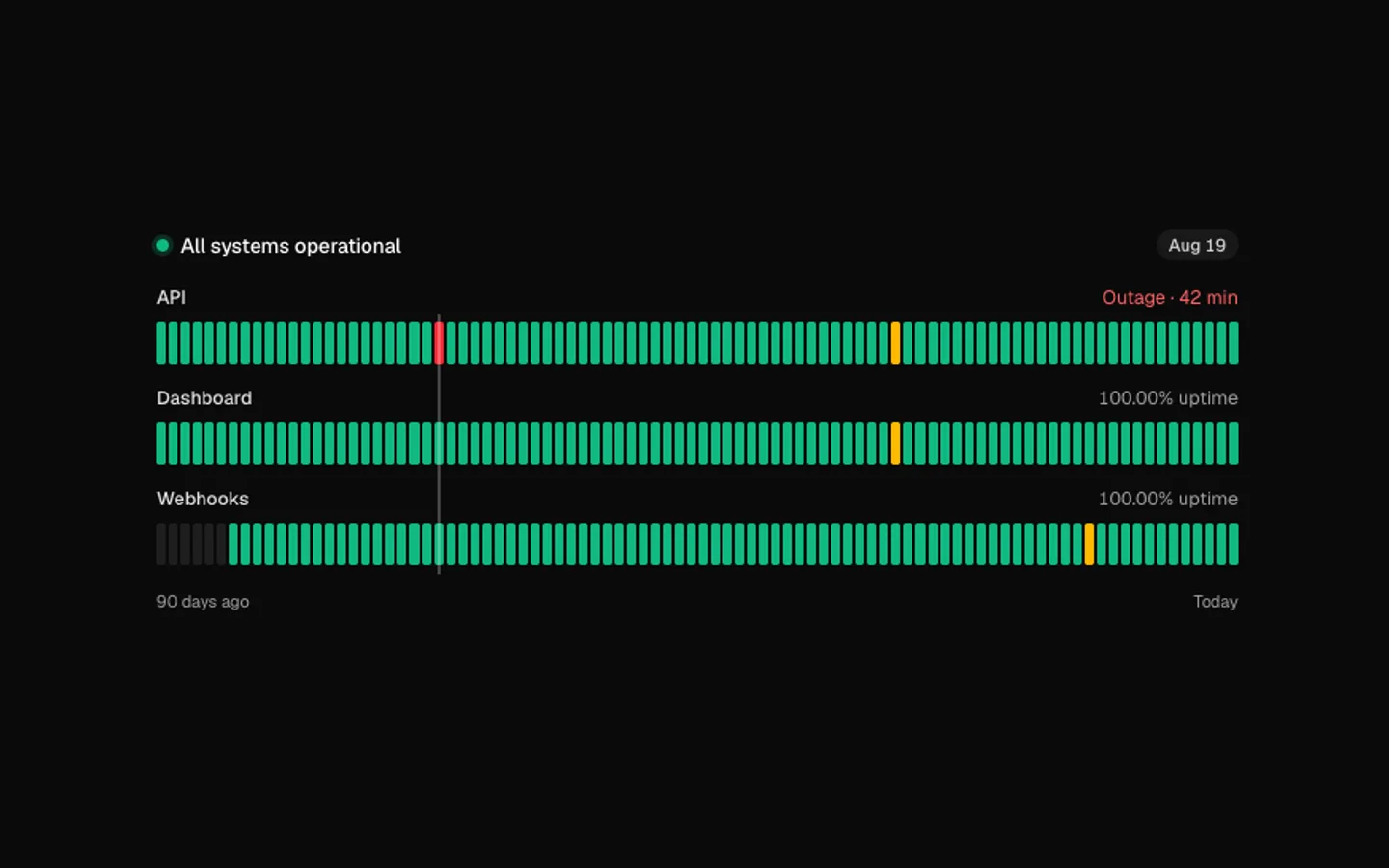
SectionDaily status bars for a few services. They rise in on view, then a scrubber visits each incident and every row says what happened that day. Point at a bar to scrub it yourself. Bars thin out to fit narrow tiles.


Dither Field
SectionA 1-bit canvas for any tile: an ordered 8×8 Bayer dither of a lit orb, drifting hills or slow noise, in one ink colour on a transparent ground. Set the cell size, the ink and an optional paper colour.
Compare Slider
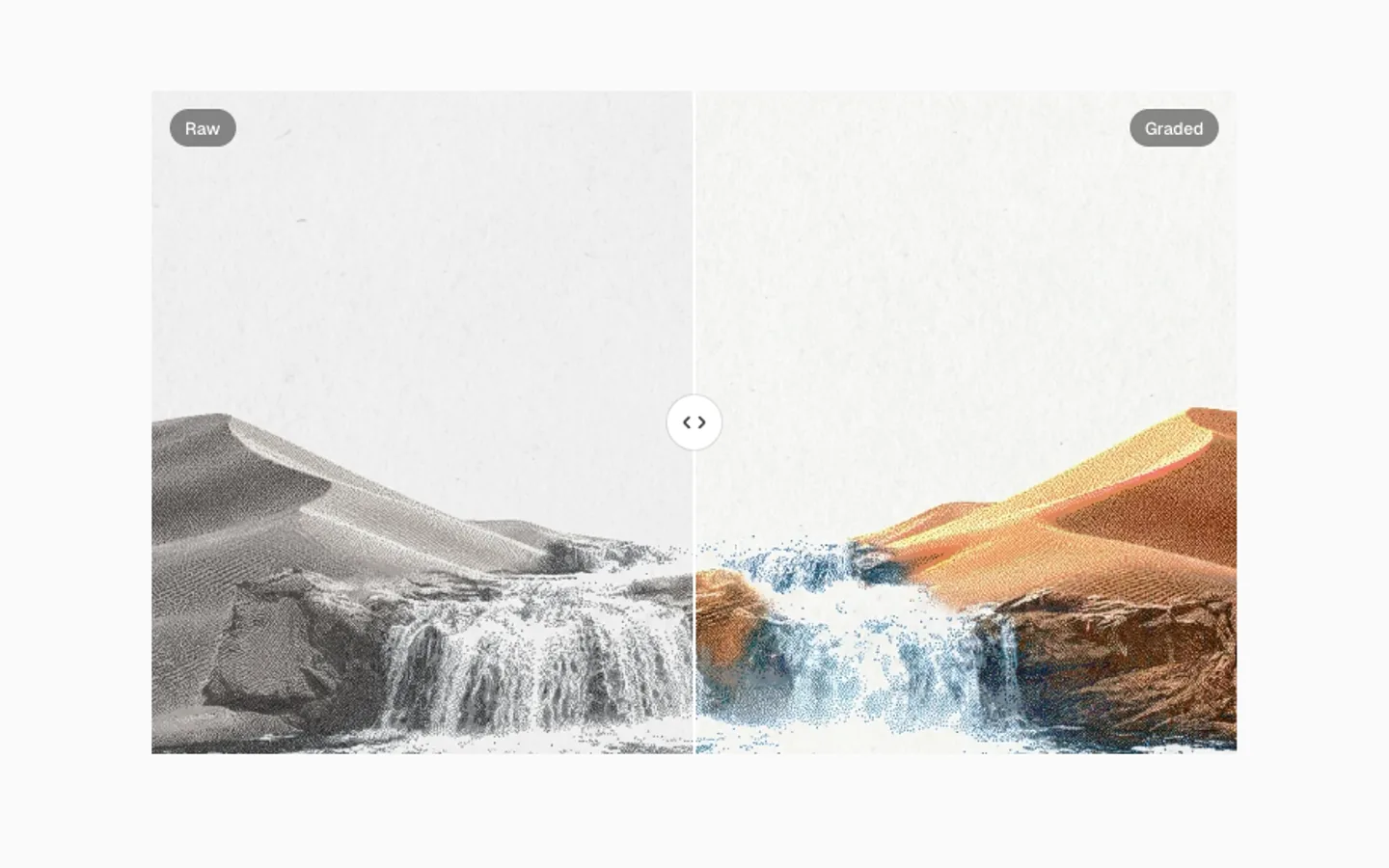
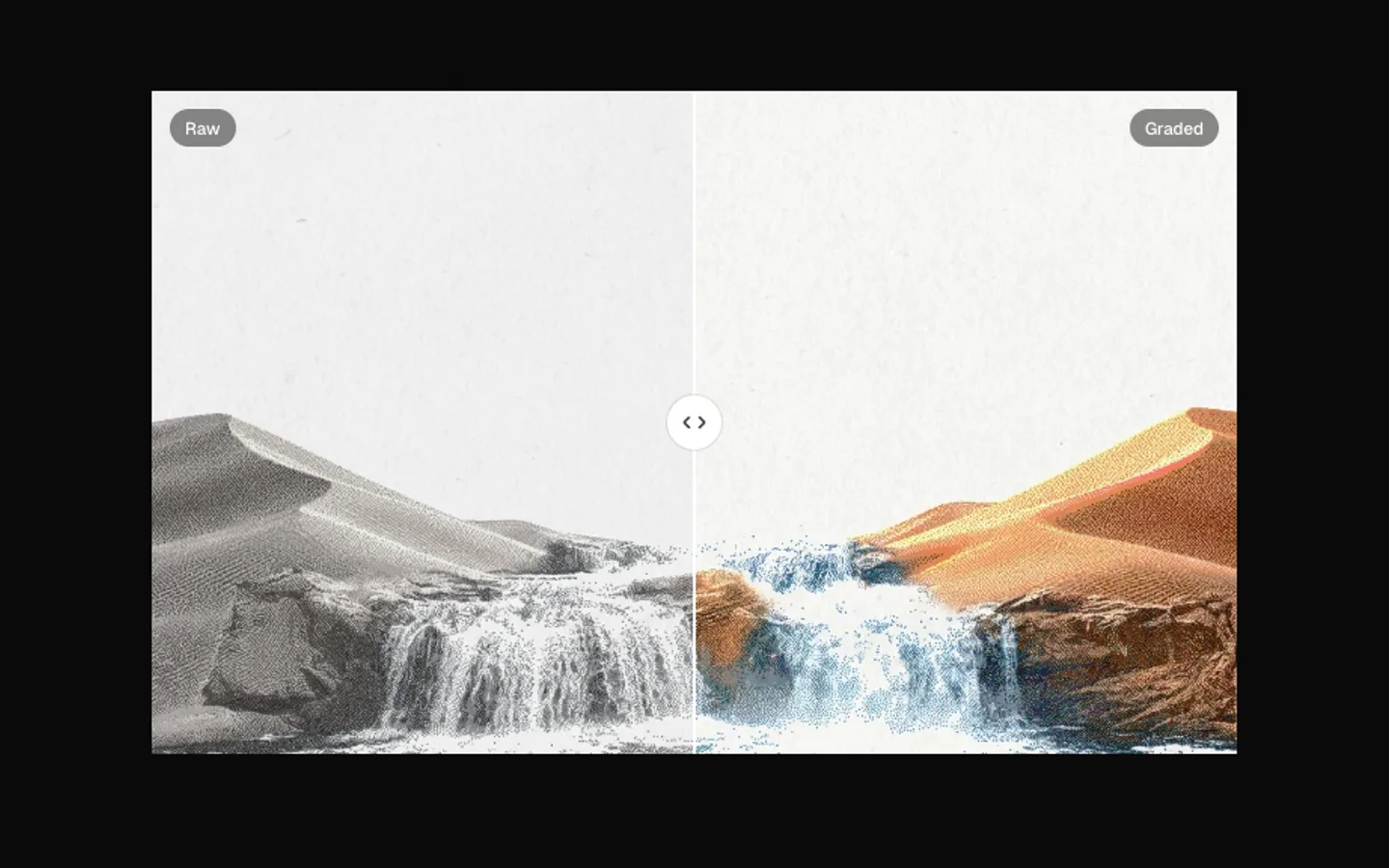
SectionTwo states of the same thing with a divider between them. Drag, click or use the arrow keys. It sweeps now and then to show it moves, and stops once someone touches it. Pass two nodes, or one photo and a filter.
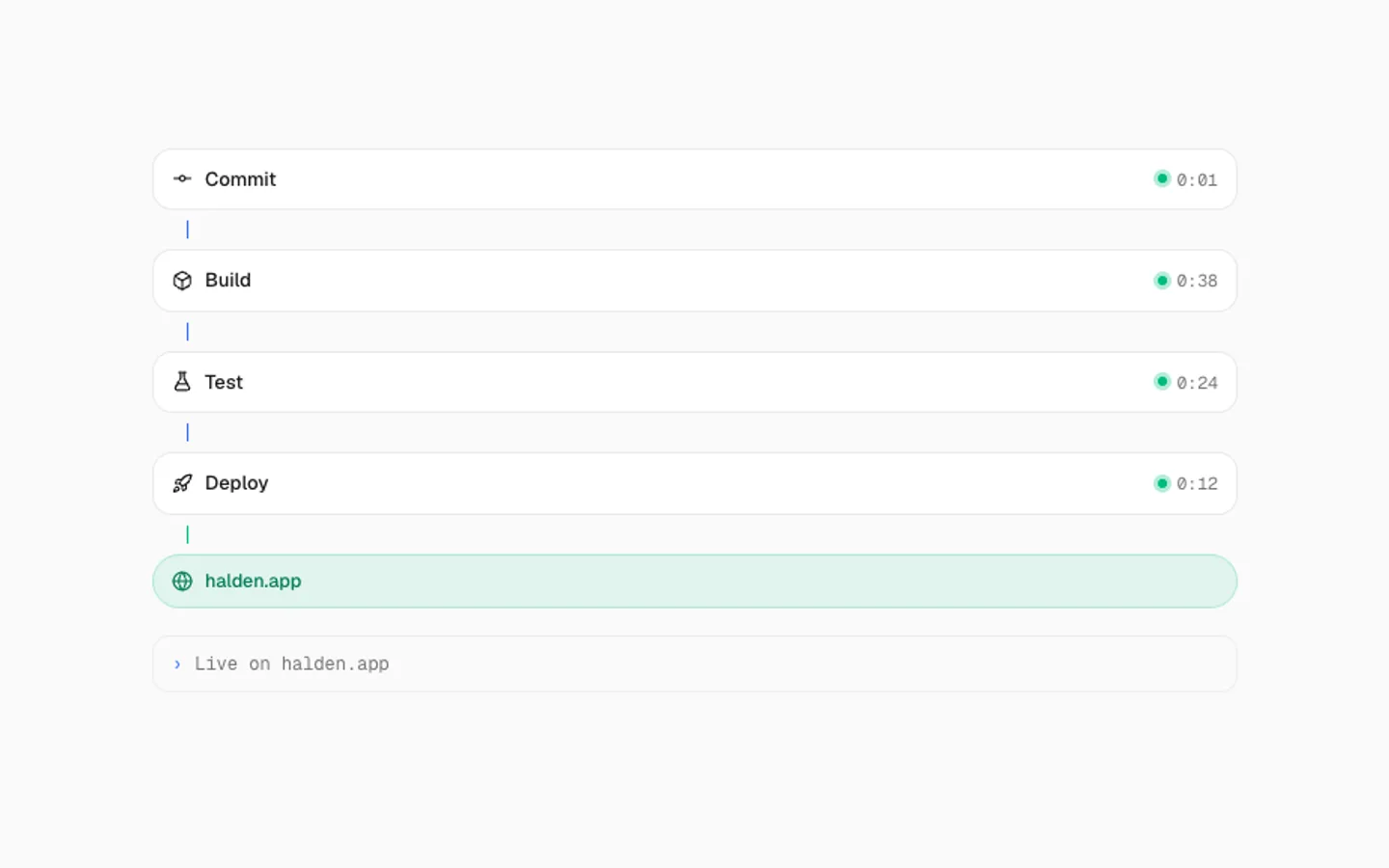
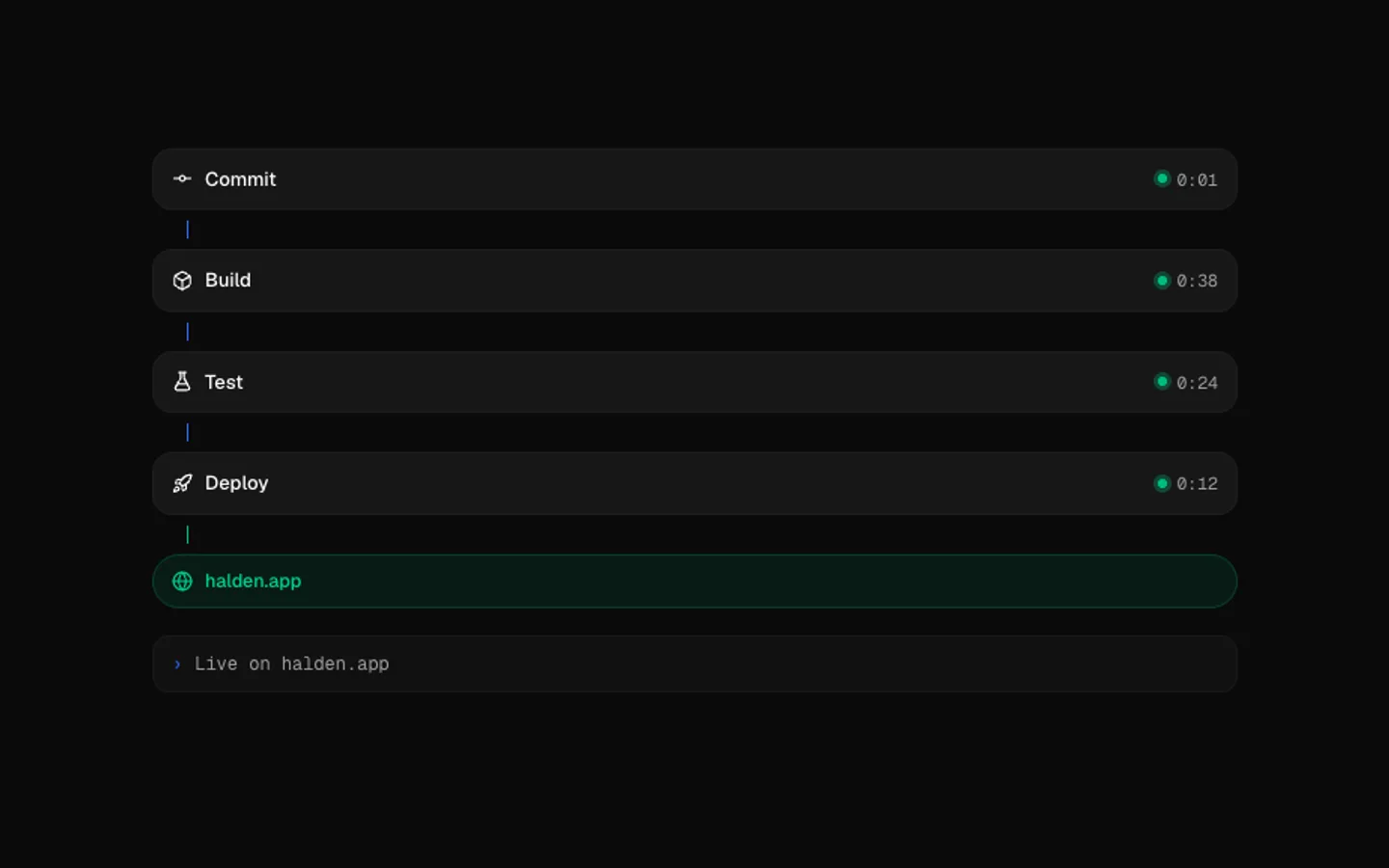
Deploy Pipeline
SectionA release moving through its steps. Each goes queued, running and done while its logs stream underneath and a line fills between them. Then the address lights up and it starts over. Turns vertical in narrow tiles.
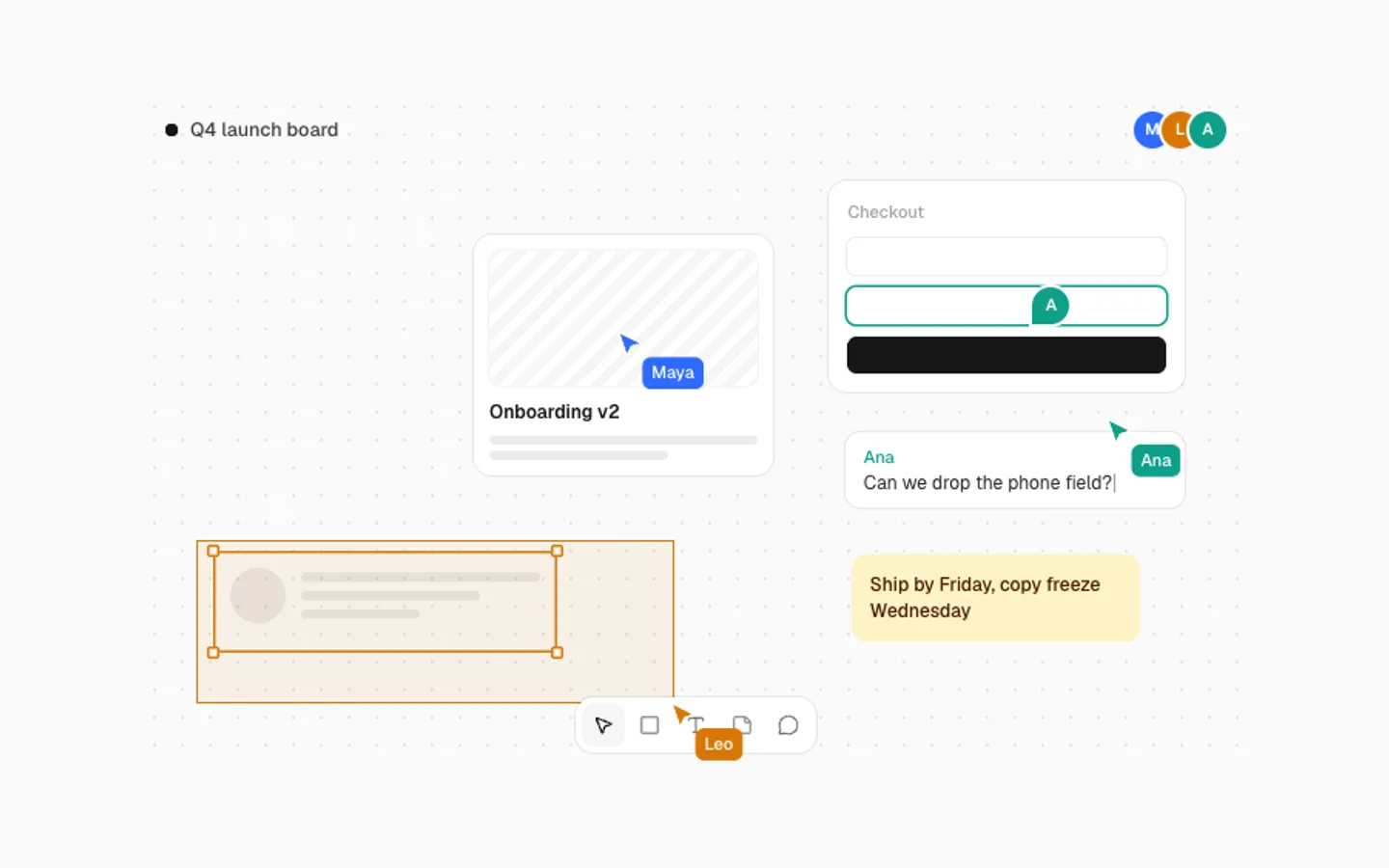
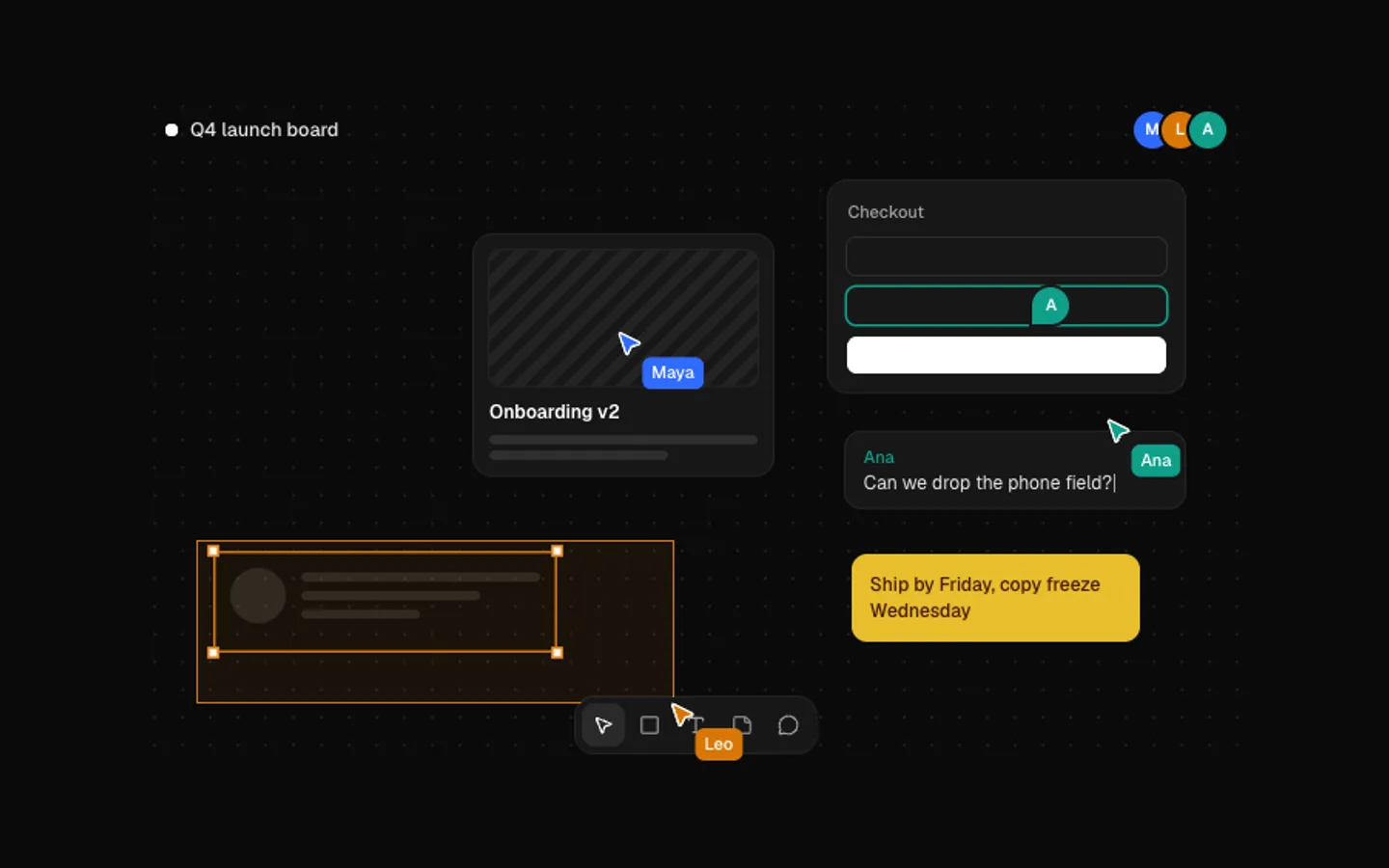
Live Cursors
SectionA shared canvas with three named cursors. One drags a card across and back, one draws a selection round a group and one leaves a comment that types itself out. It all runs off one clock, so it pauses cleanly.
Chat Thread
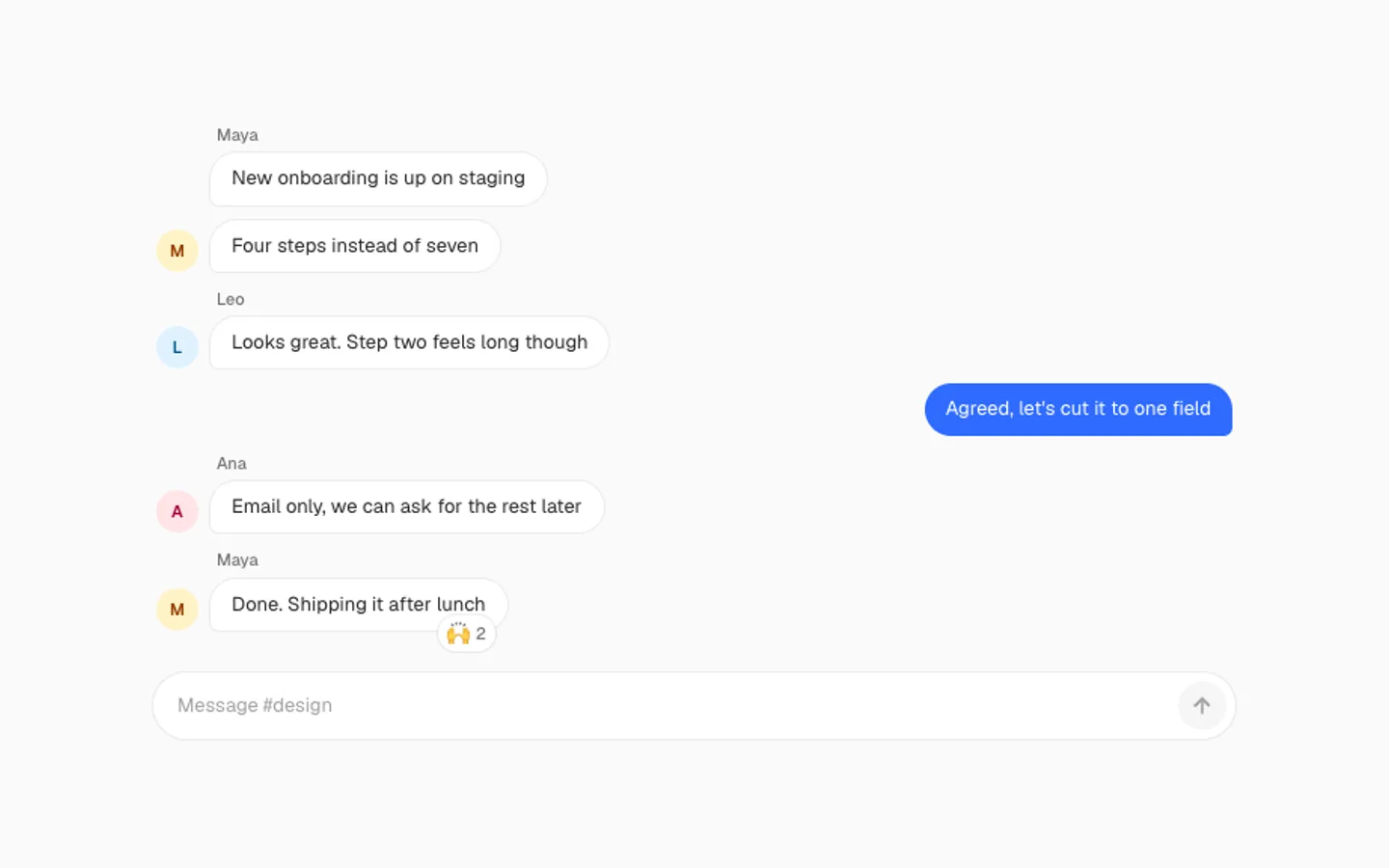
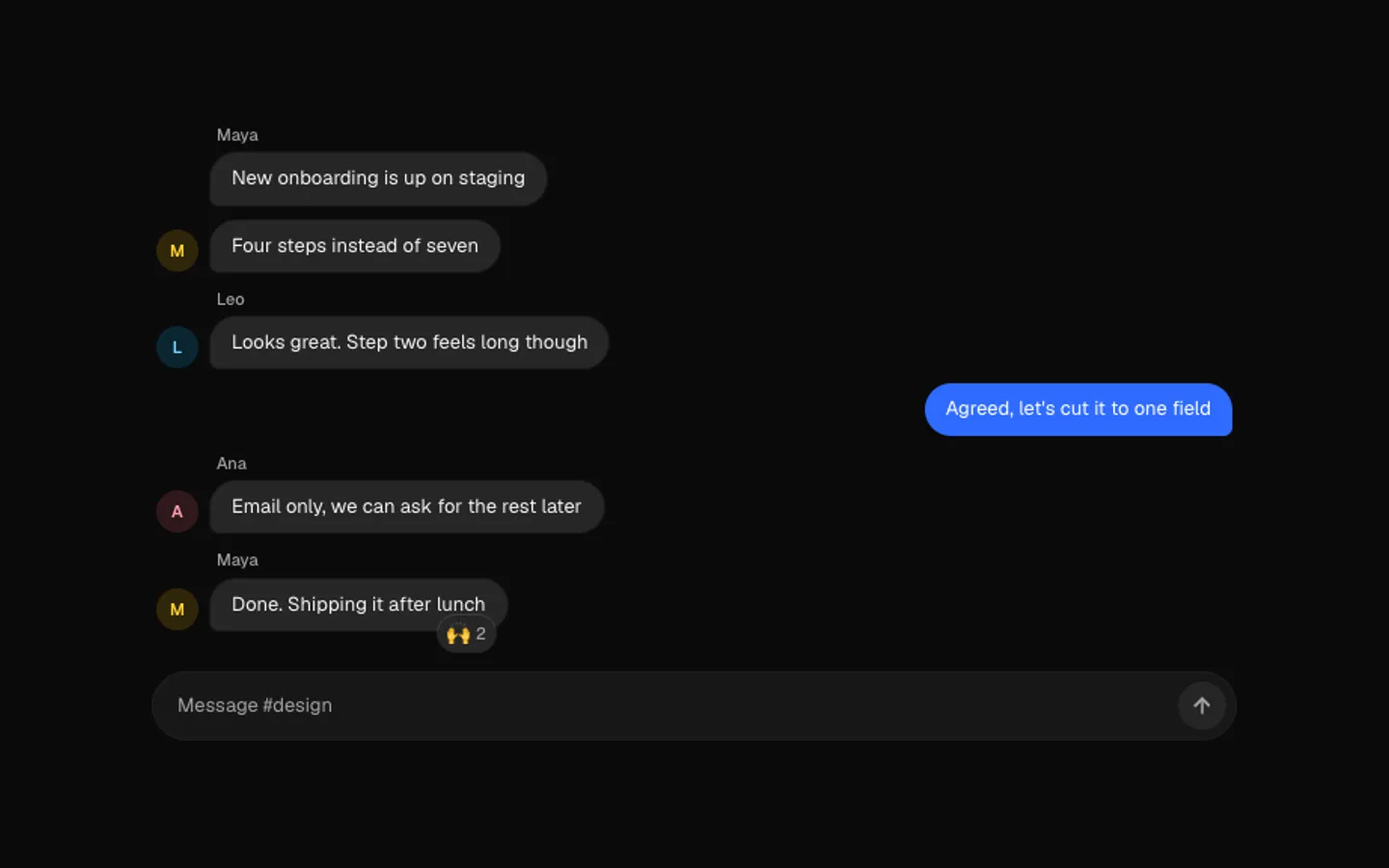
SectionA team thread that plays itself: typing dots, messages that pop in on a spring, a reply typed into the composer and sent, and a reaction that bounces onto the last bubble. Bring your own people and lines.
Kanban Shuffle
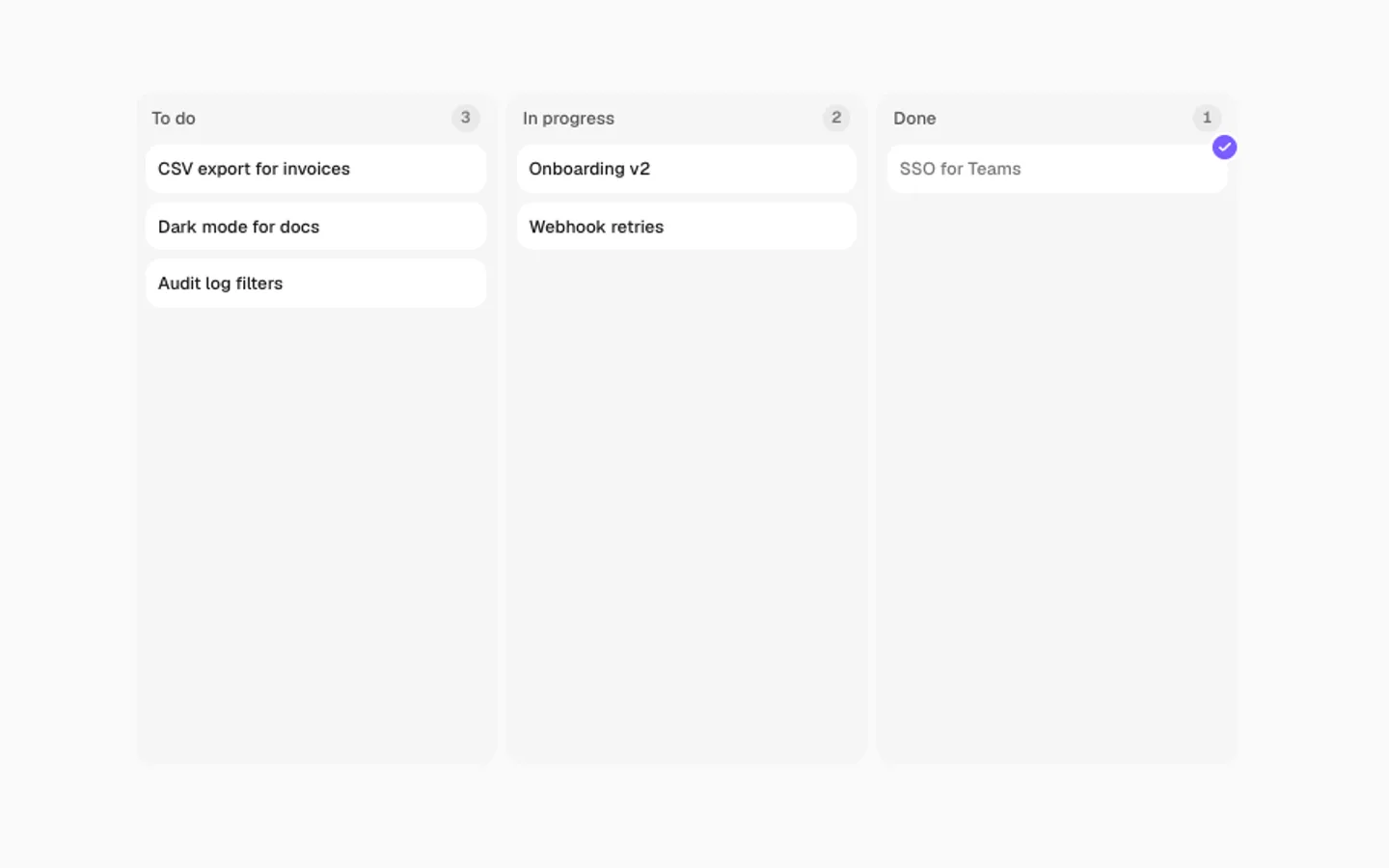
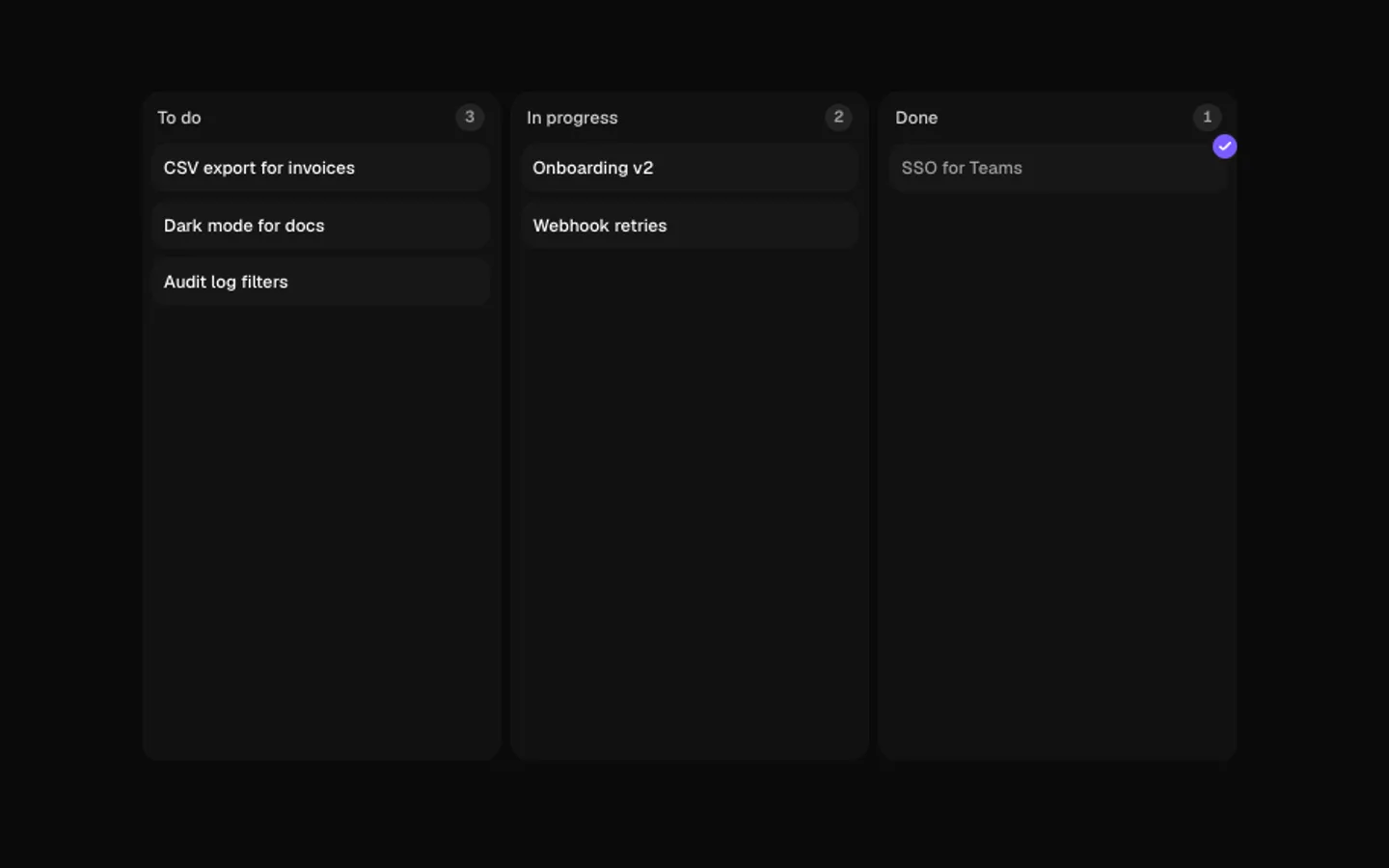
SectionA board that works through itself. A card lifts, flies to the next column while its neighbours make room, and lands with a check in the last one. Counts roll as cards move. Any number of columns.
Toast Stack
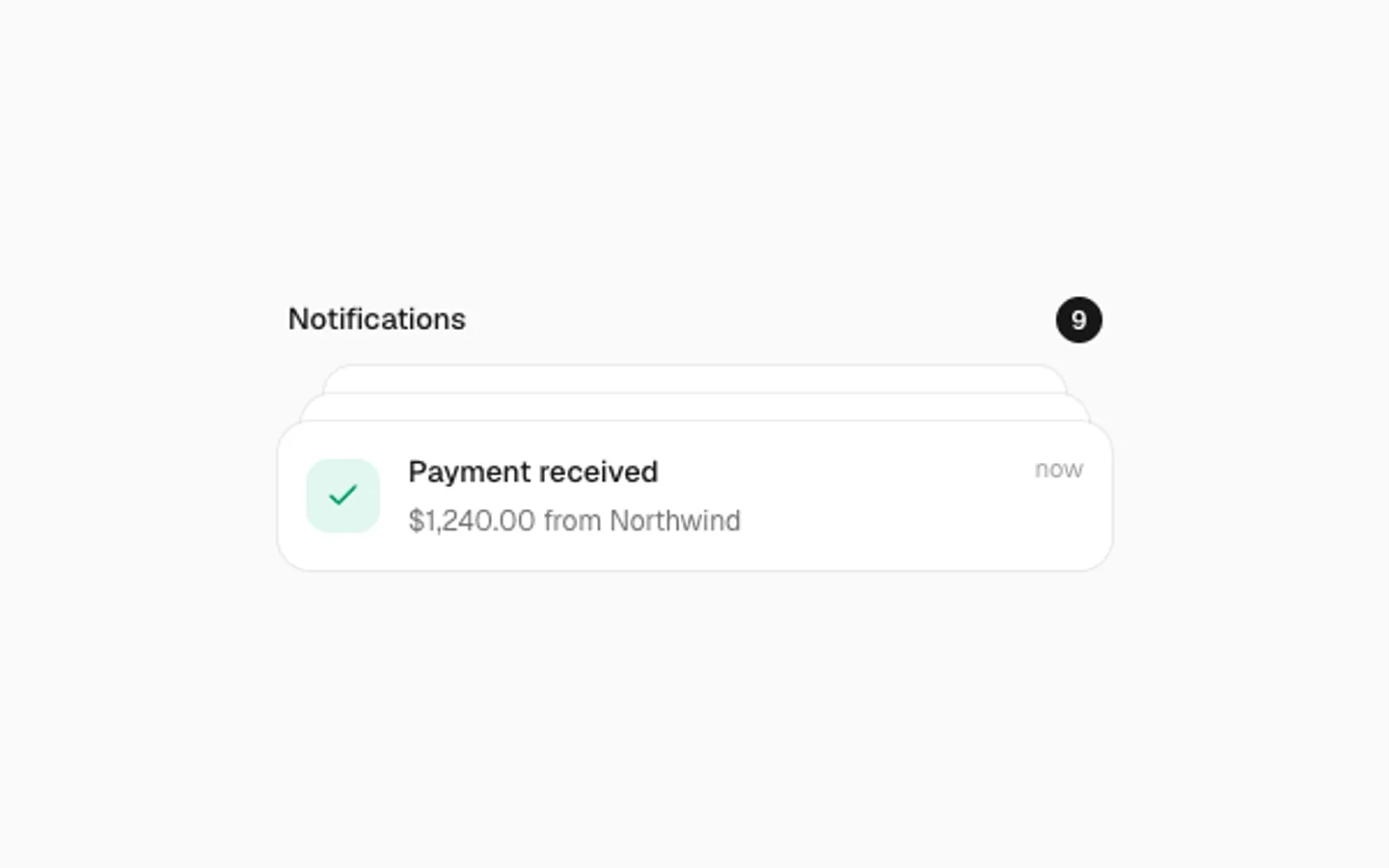
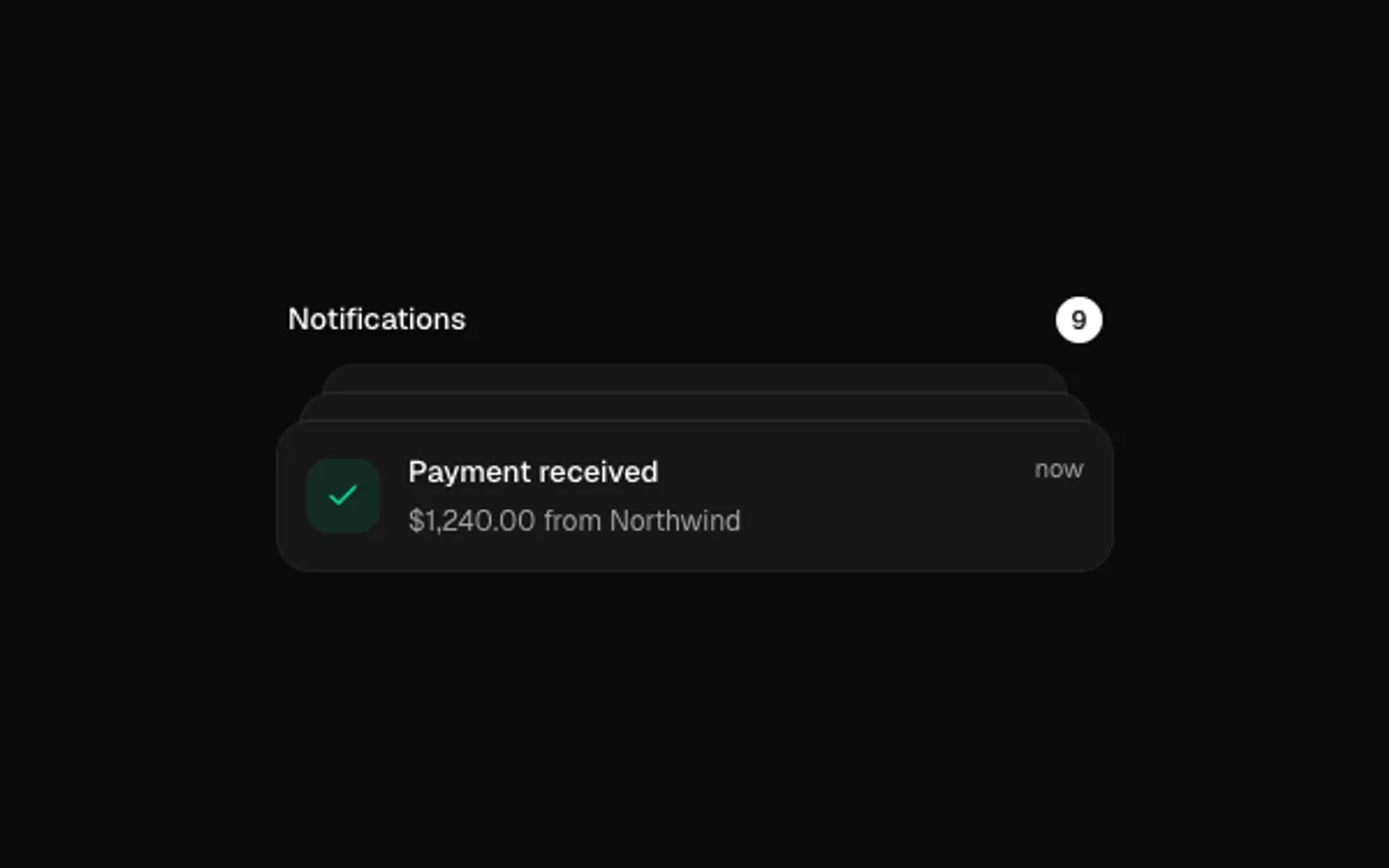
SectionNotifications that pile up like a deck: each new one springs in at the front while older ones step back. Hover to fan the stack out, swipe the front one away, and watch the unread count roll.
Bar Race
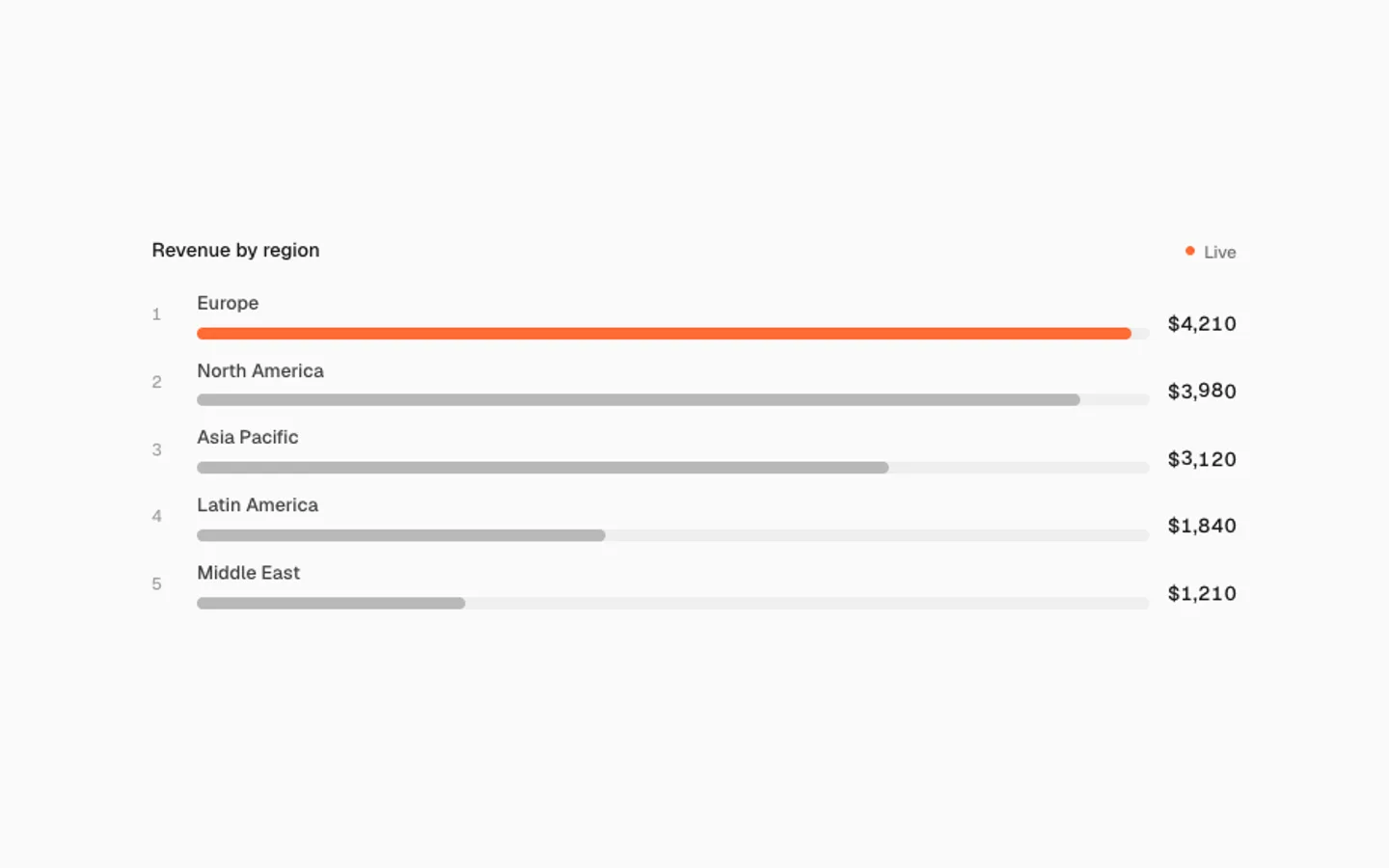
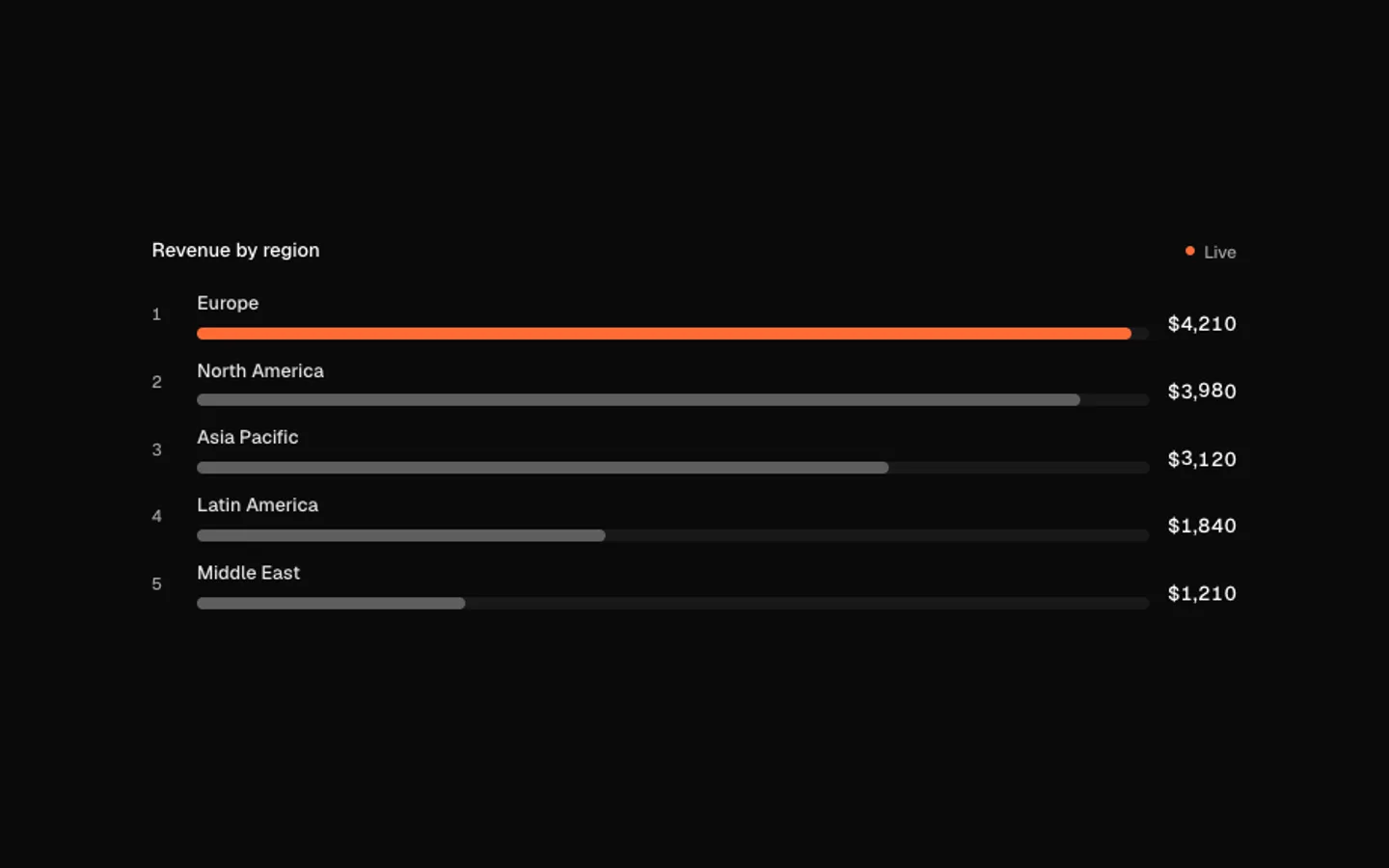
SectionA live leaderboard whose rows re-sort on a spring as values change. Numbers roll digit by digit, the leader takes the accent, and a row that climbs shows how many places it gained.
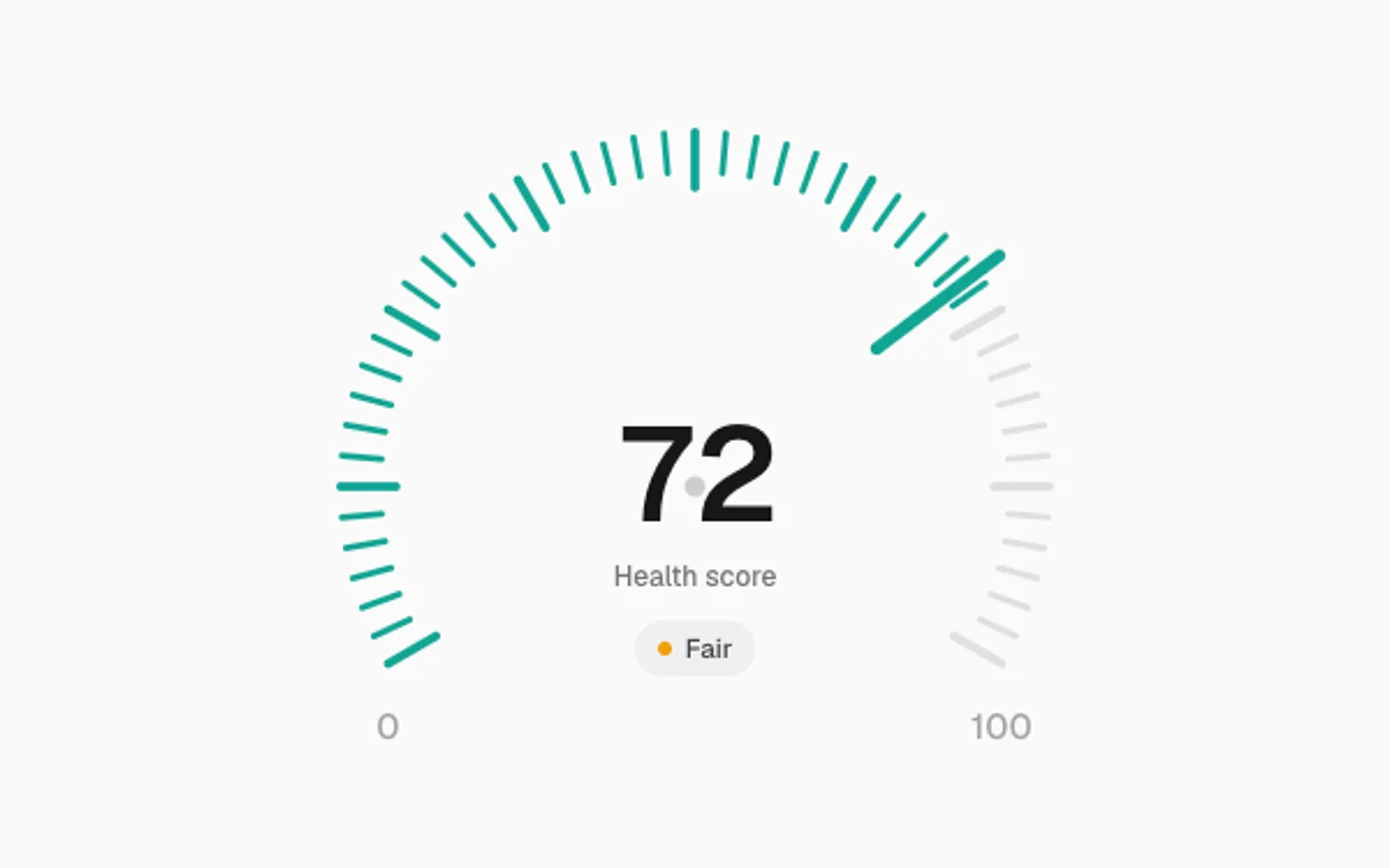
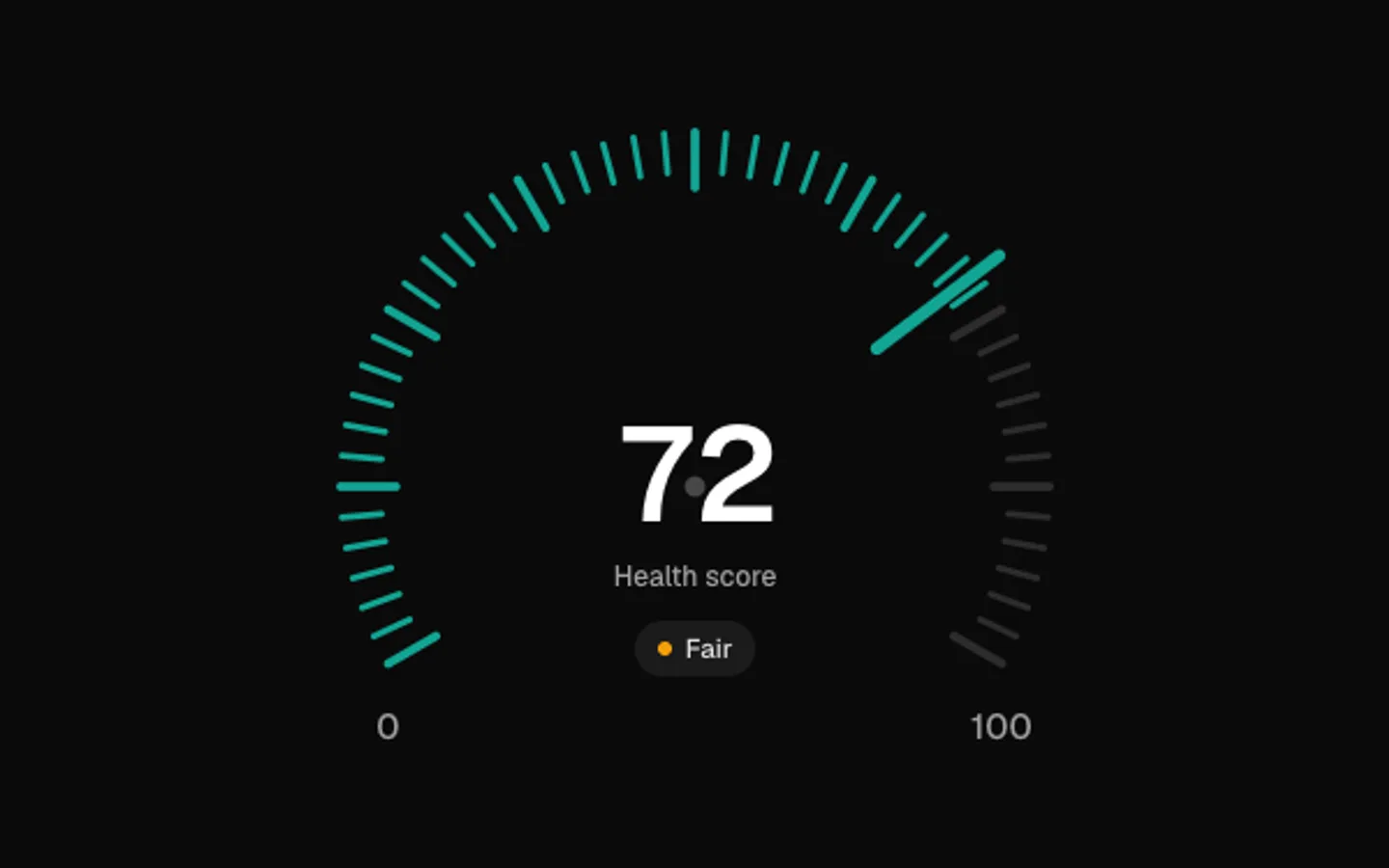
Radial Gauge
SectionA dial with a ring of ticks that light up to the value and a hand that swings there on a spring, overshooting before it settles. The number rides the same spring and a status chip changes by band. Drag to set it.


Envelope
SectionA message that sends itself. The letter slides into a soft porcelain envelope, the flap folds shut on a spring, a seal stamps on and it flies off, leaving a confirmation behind. Then a fresh one opens.


Edge Cloud
SectionA cloud lit from inside, rendered on the GPU. Three wires run into it from each side; every few seconds streaks of light race down all six at once, and when they land the cloud flares as rings of light roll through it from each side. Click to send a wave.
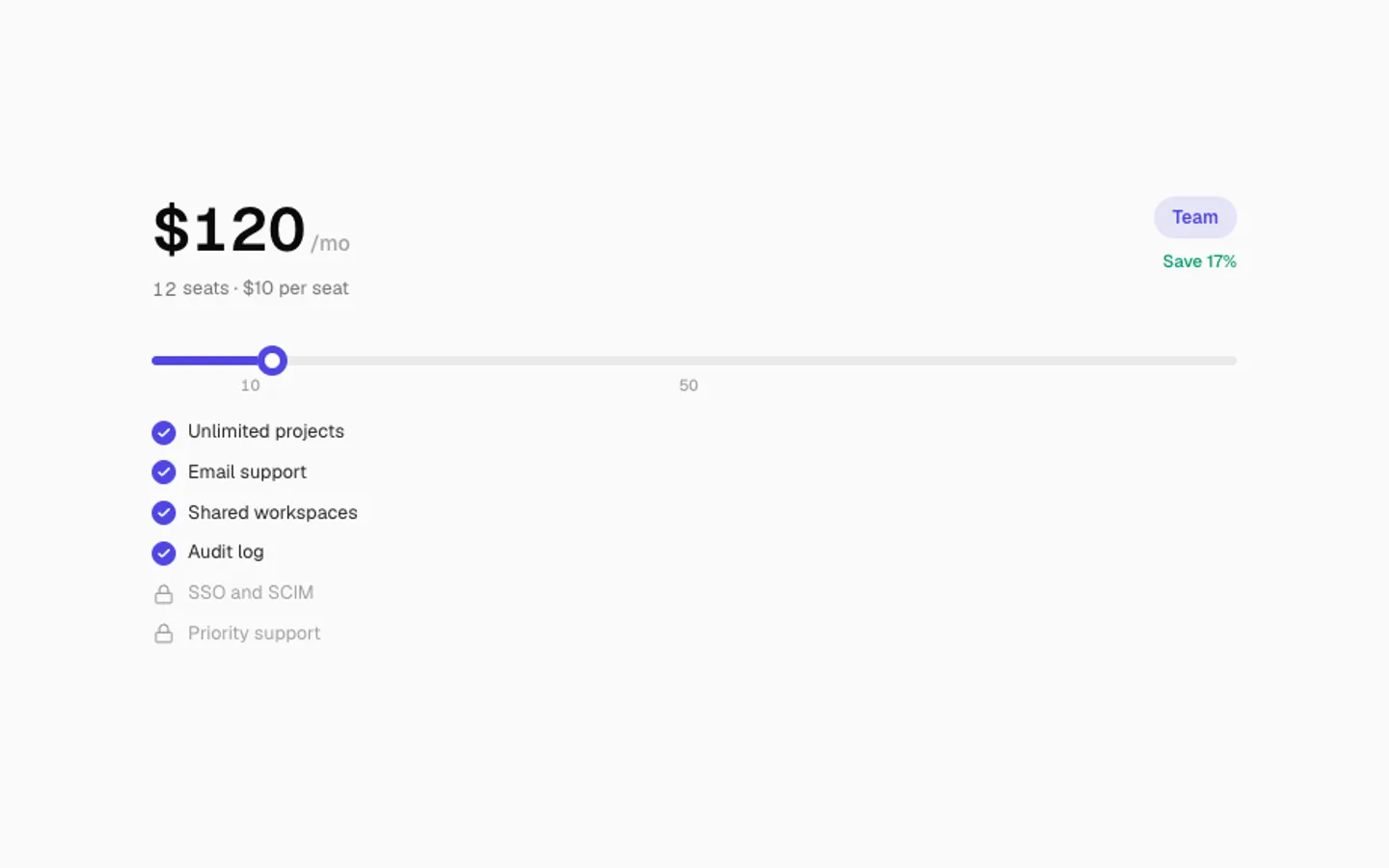
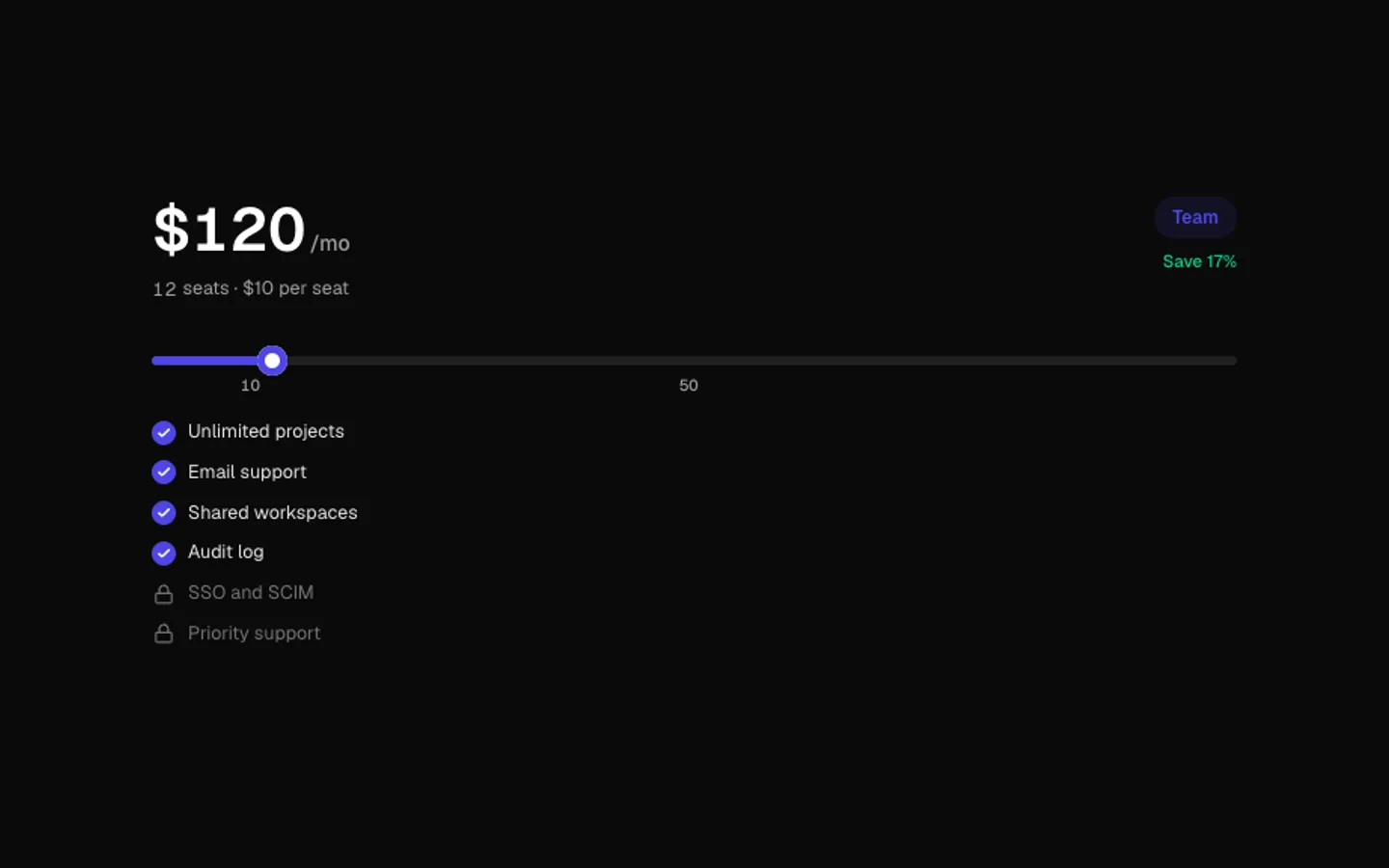
Pricing Slider
SectionA seat slider whose thumb rides a spring. The total rolls digit by digit, the plan badge changes at each tier and the features it unlocks tick on. It glides through a few seat counts until someone drags.
Theme Flip
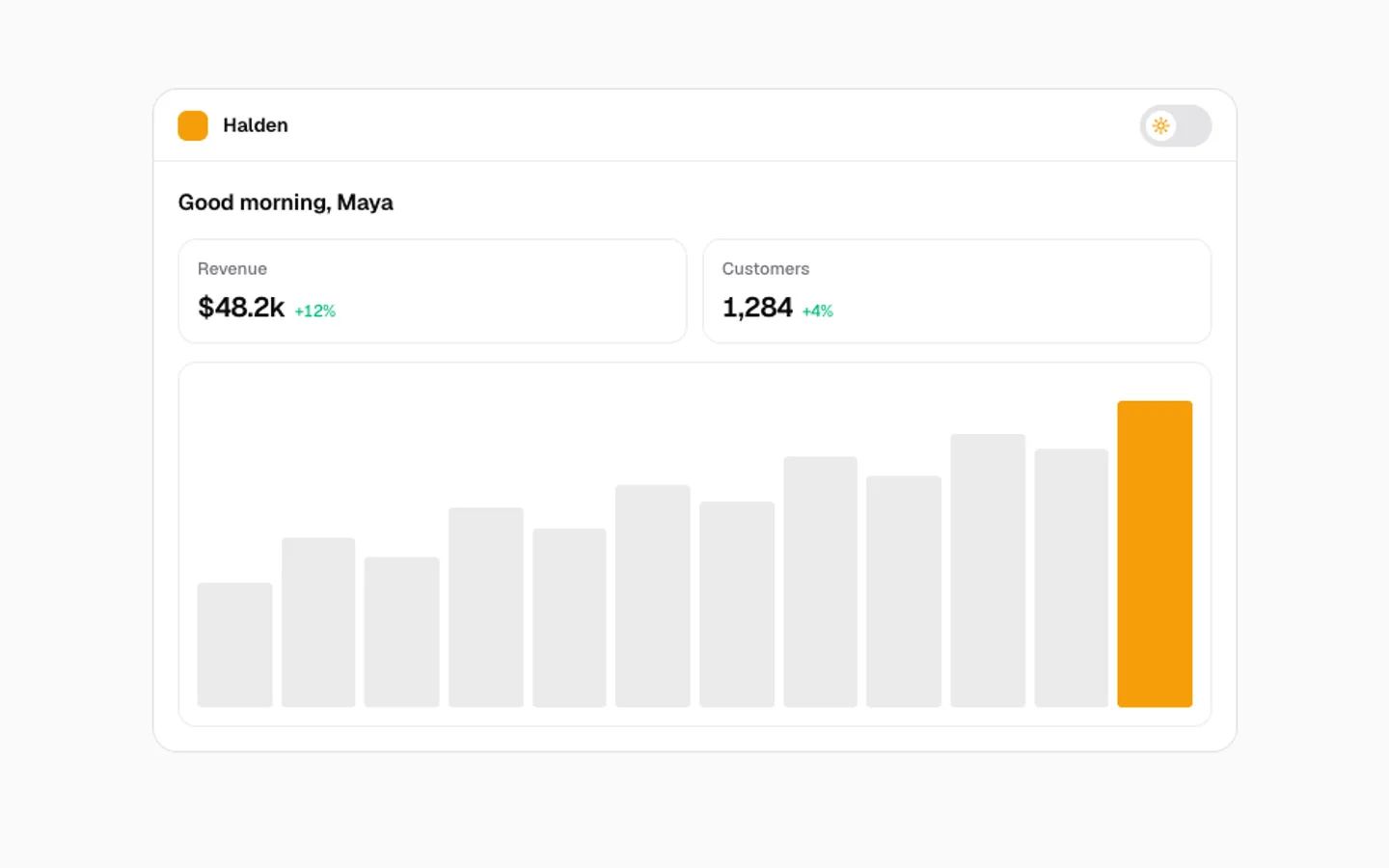
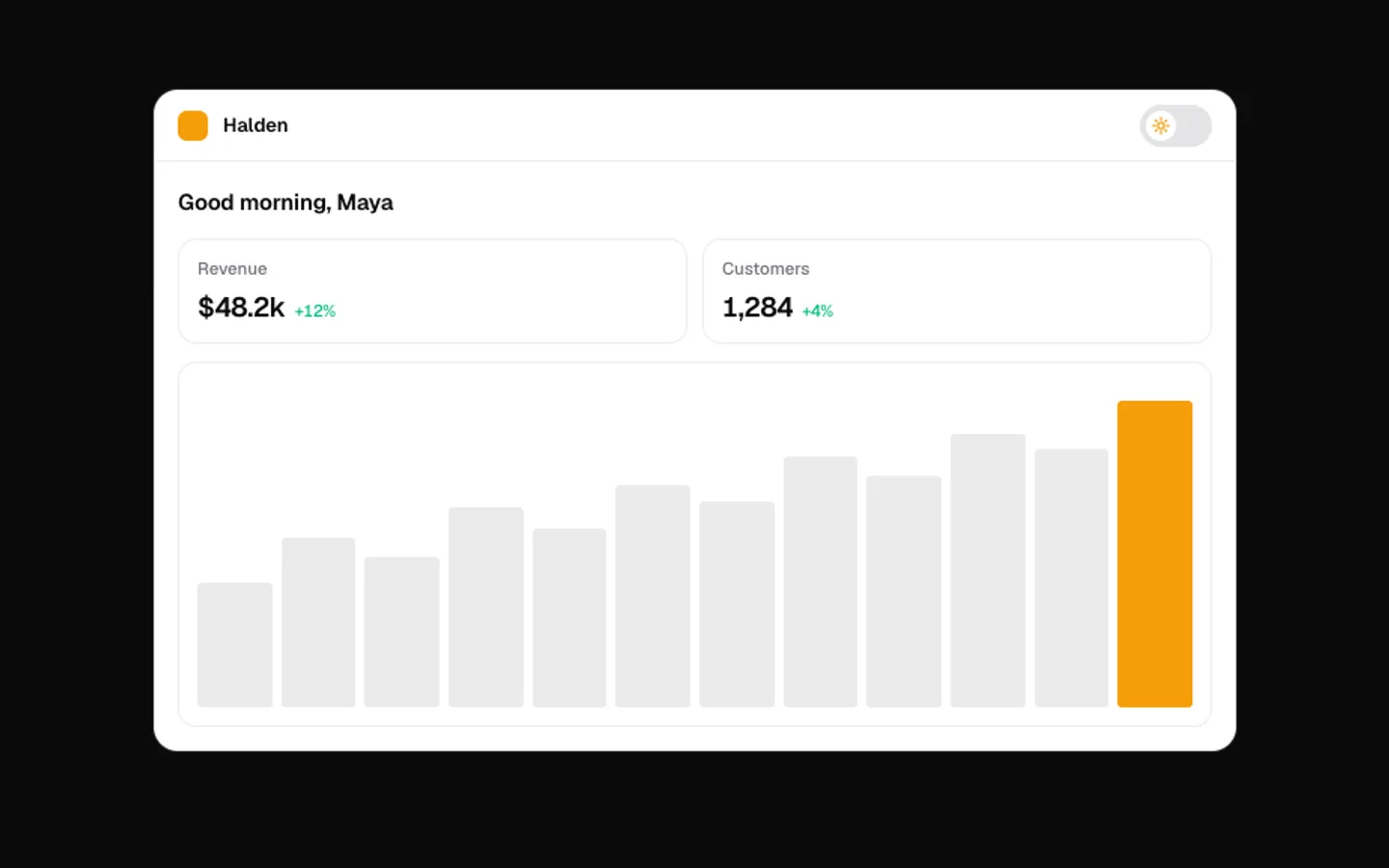
SectionA small app that flips between light and dark. The new theme spreads out from the switch in a circle and pulls back into it on the way home while the knob springs across. Click the switch to flip it.
File Drop
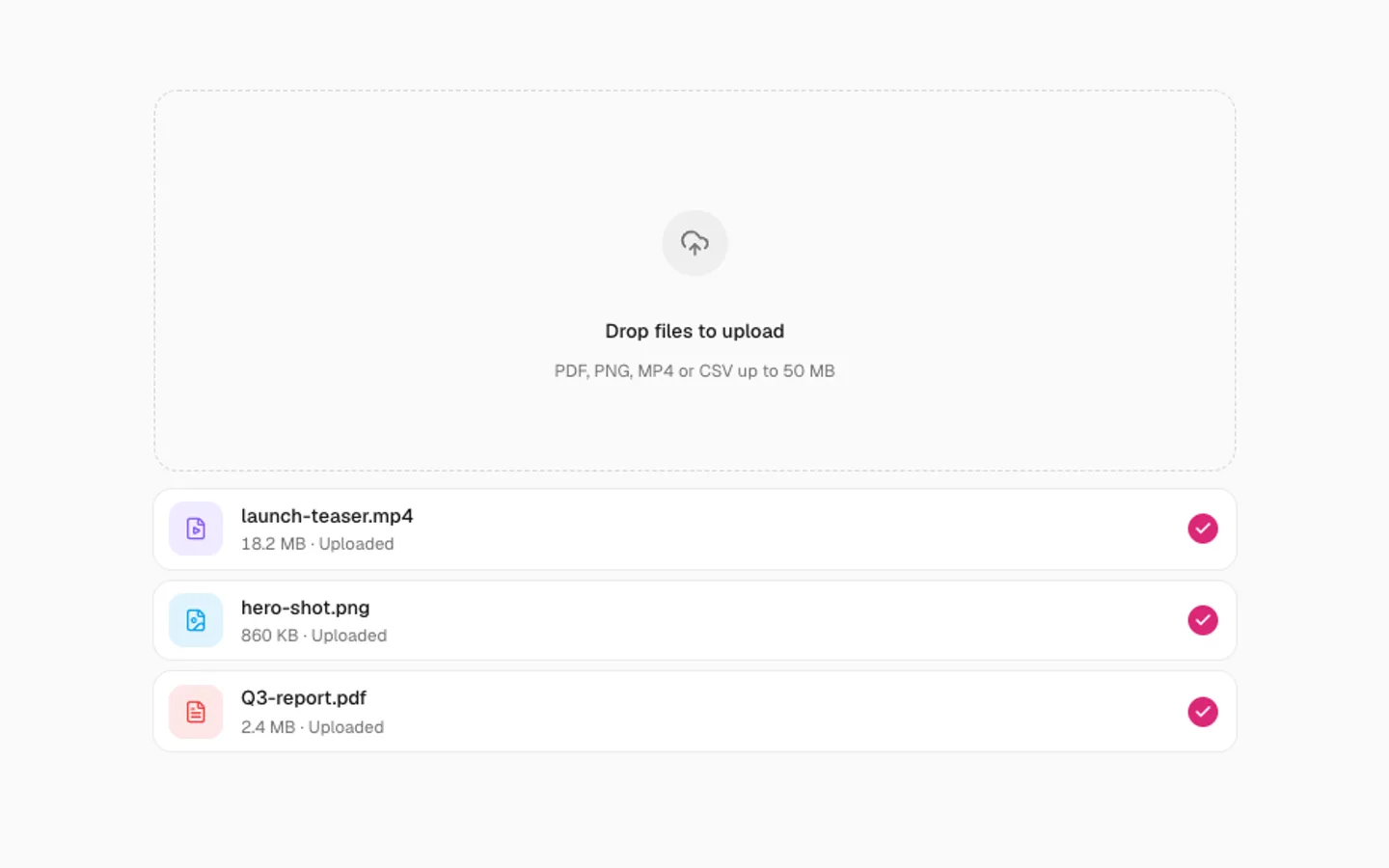
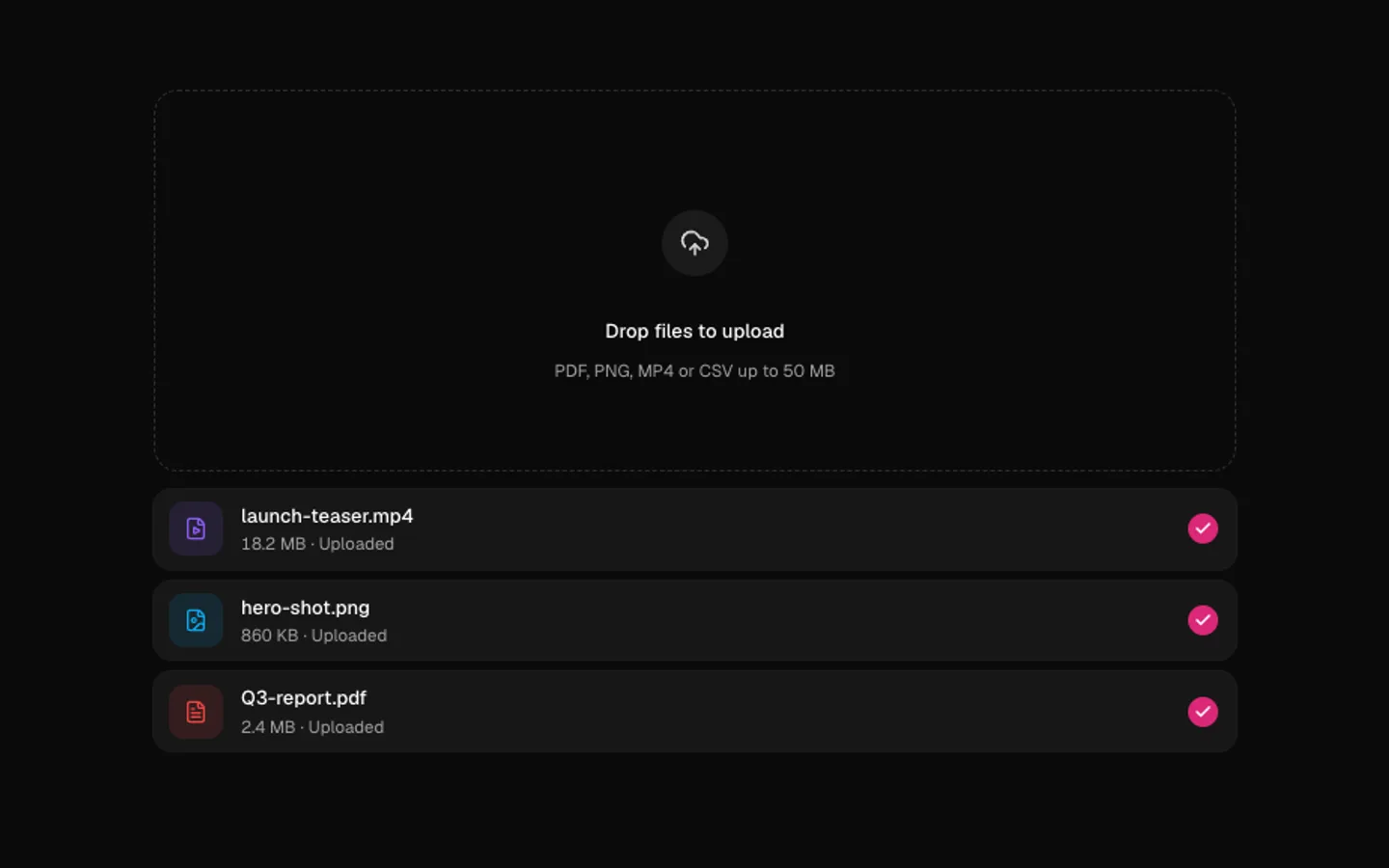
SectionFiles fall into a dropzone with a bounce, the zone gives under them, and each one morphs into a row where a ring fills and turns into a check. Bring your own file names, sizes and types.
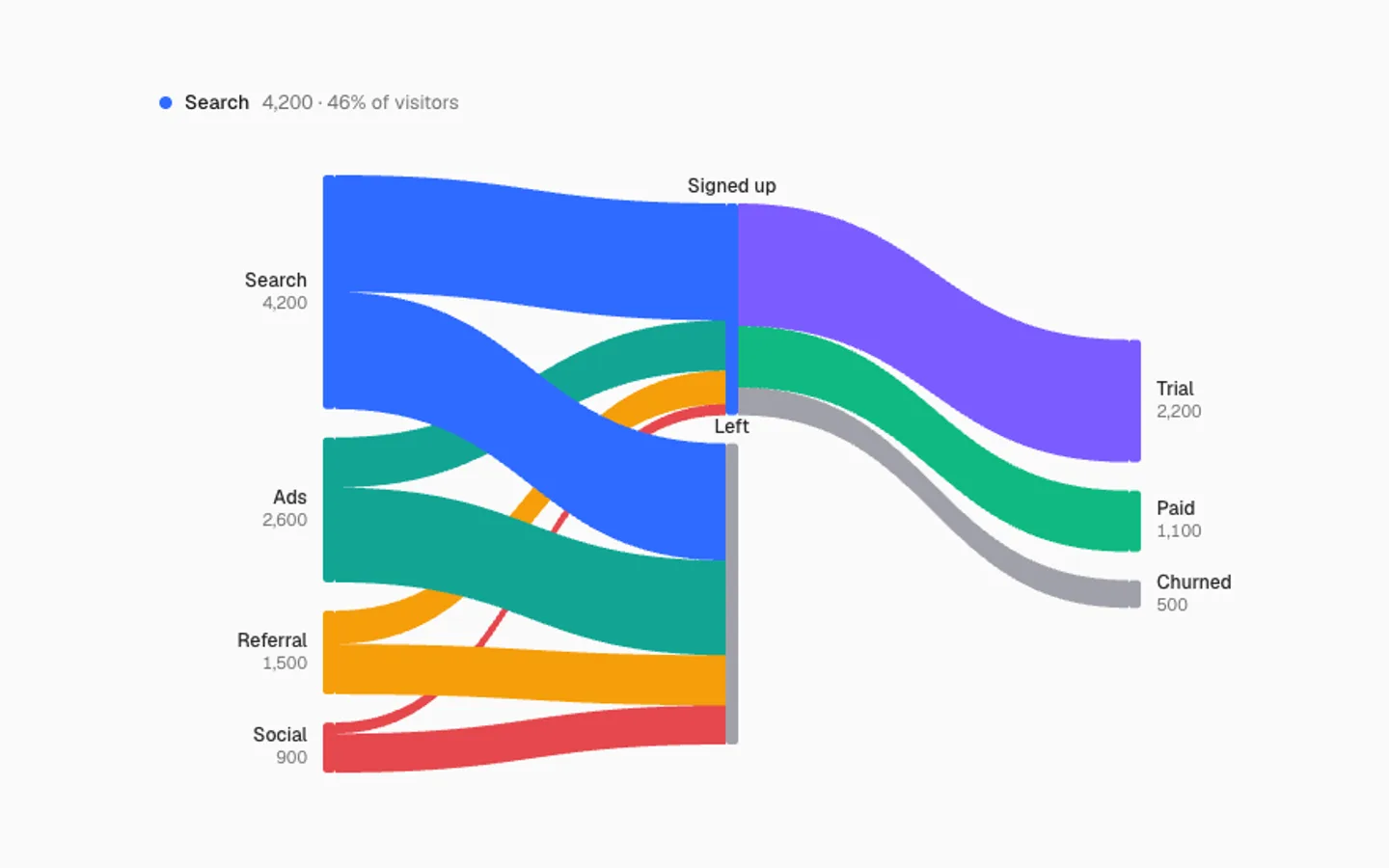
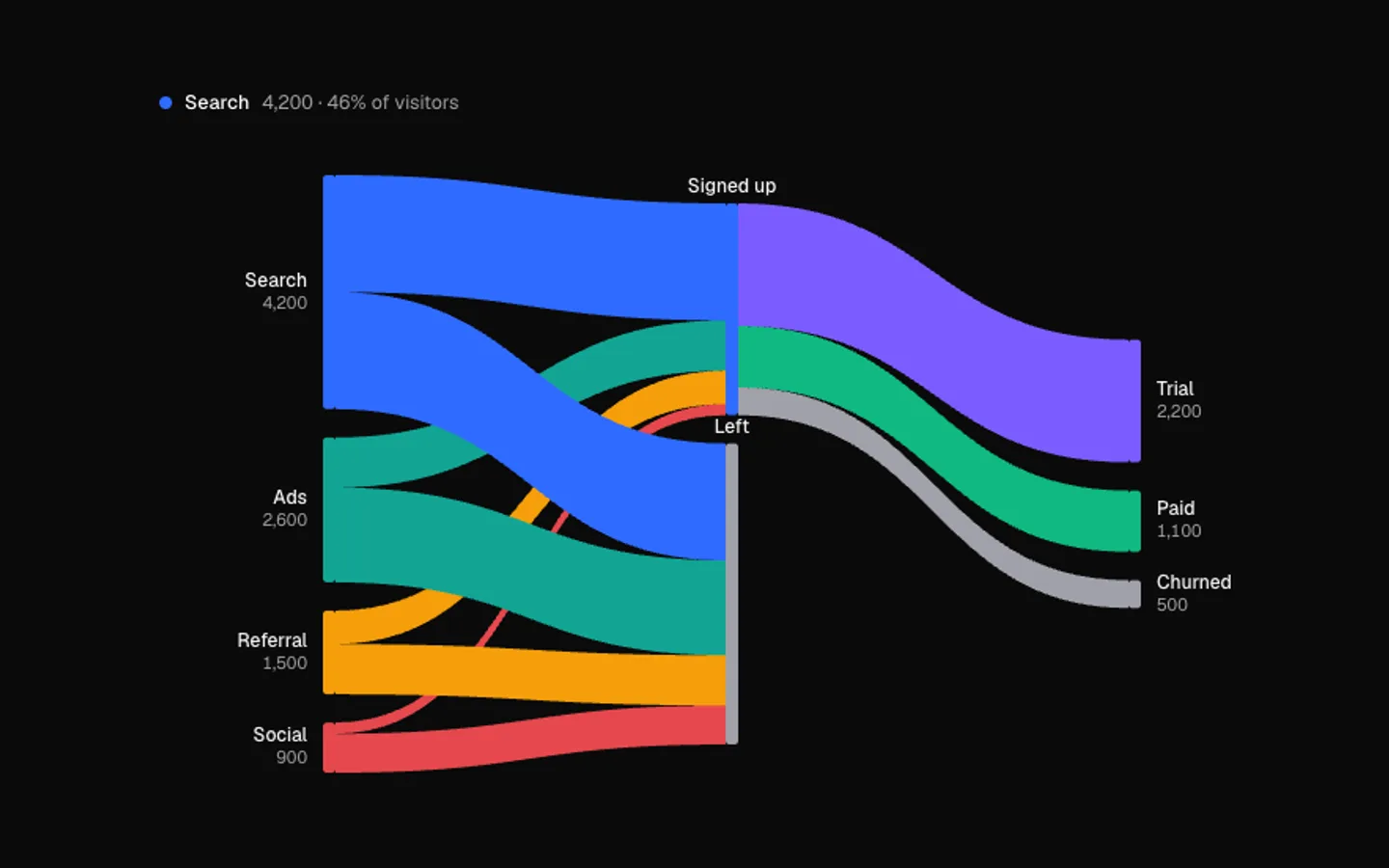
Sankey Flow
SectionWhere things go, as bands whose widths are the volume. Particles stream along every band, and the path through one node lights up while the rest steps back. It tours each source, or follows your pointer.
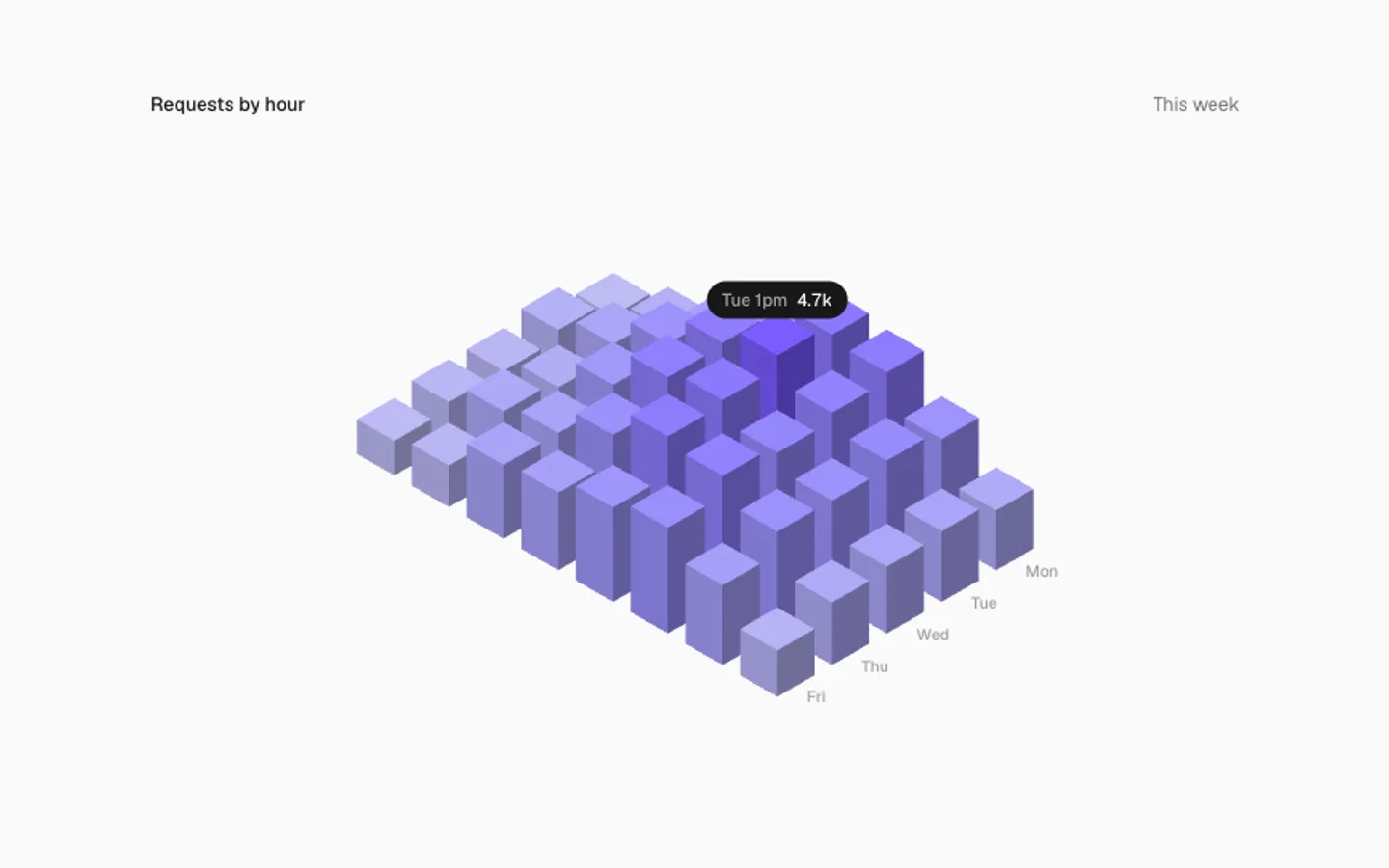
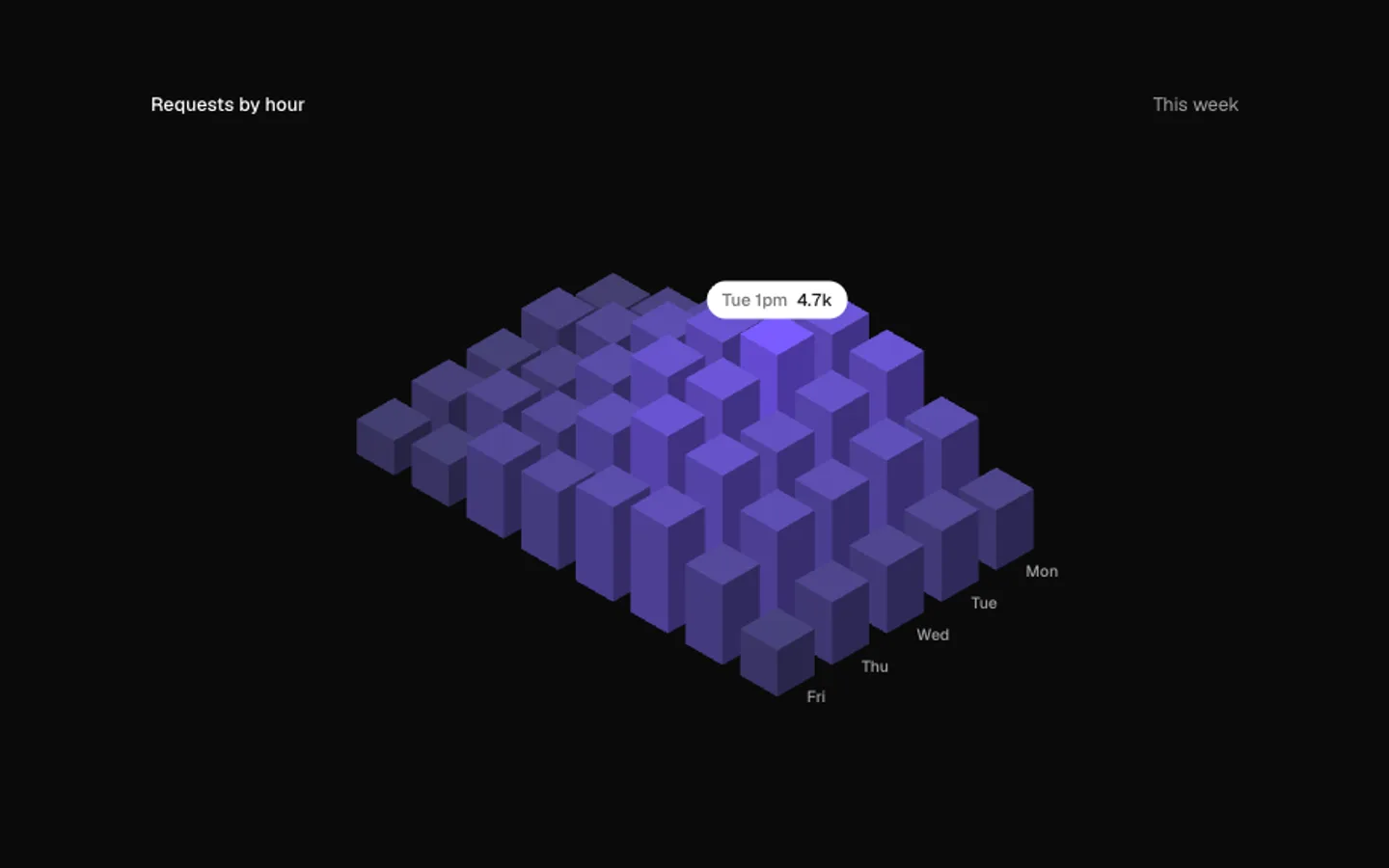
Bar City
SectionAn isometric city of bars, one block per value. Blocks spring up in a wave on view, then new data rolls in and every block springs to its new height. Point at a block to read it.
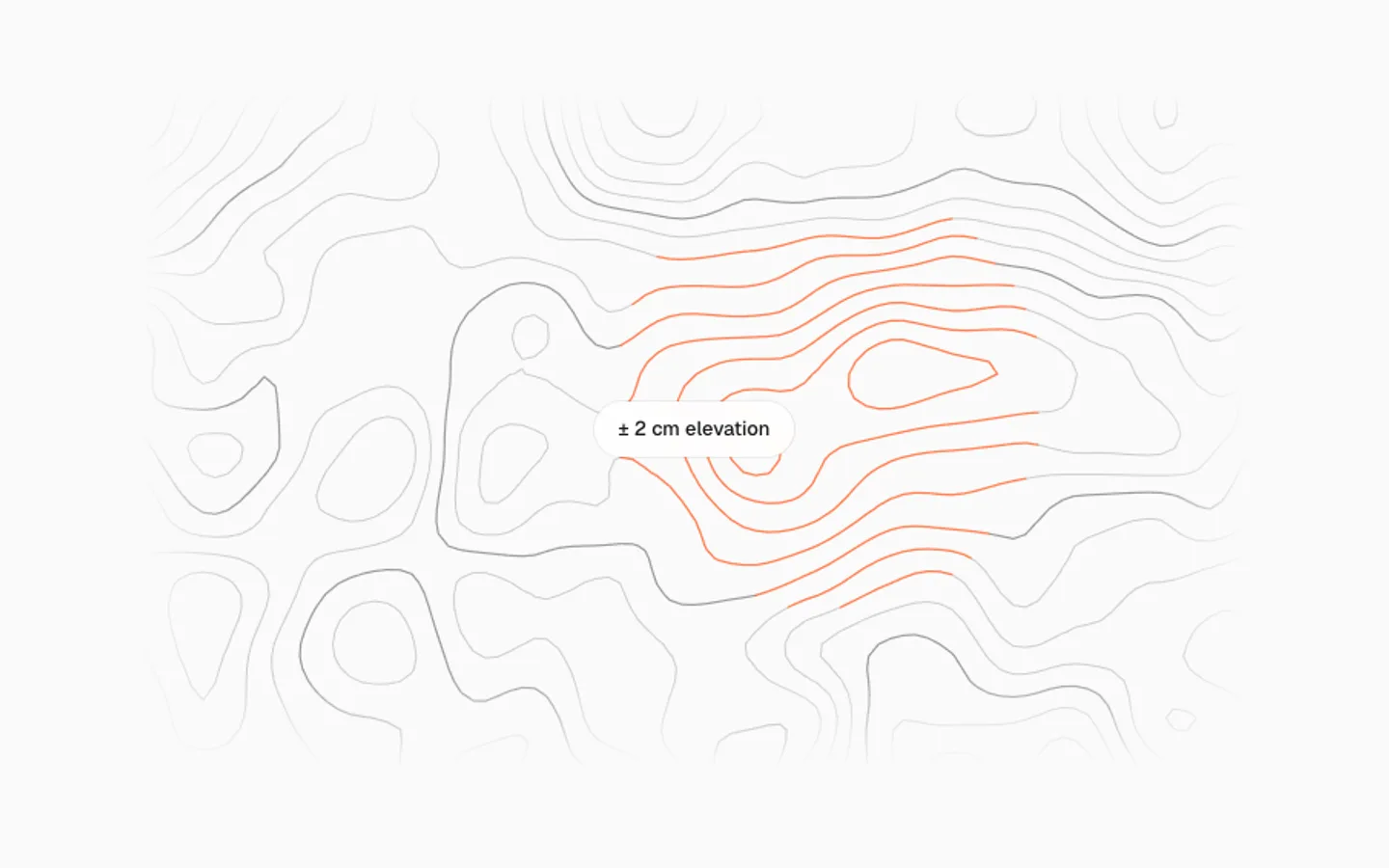
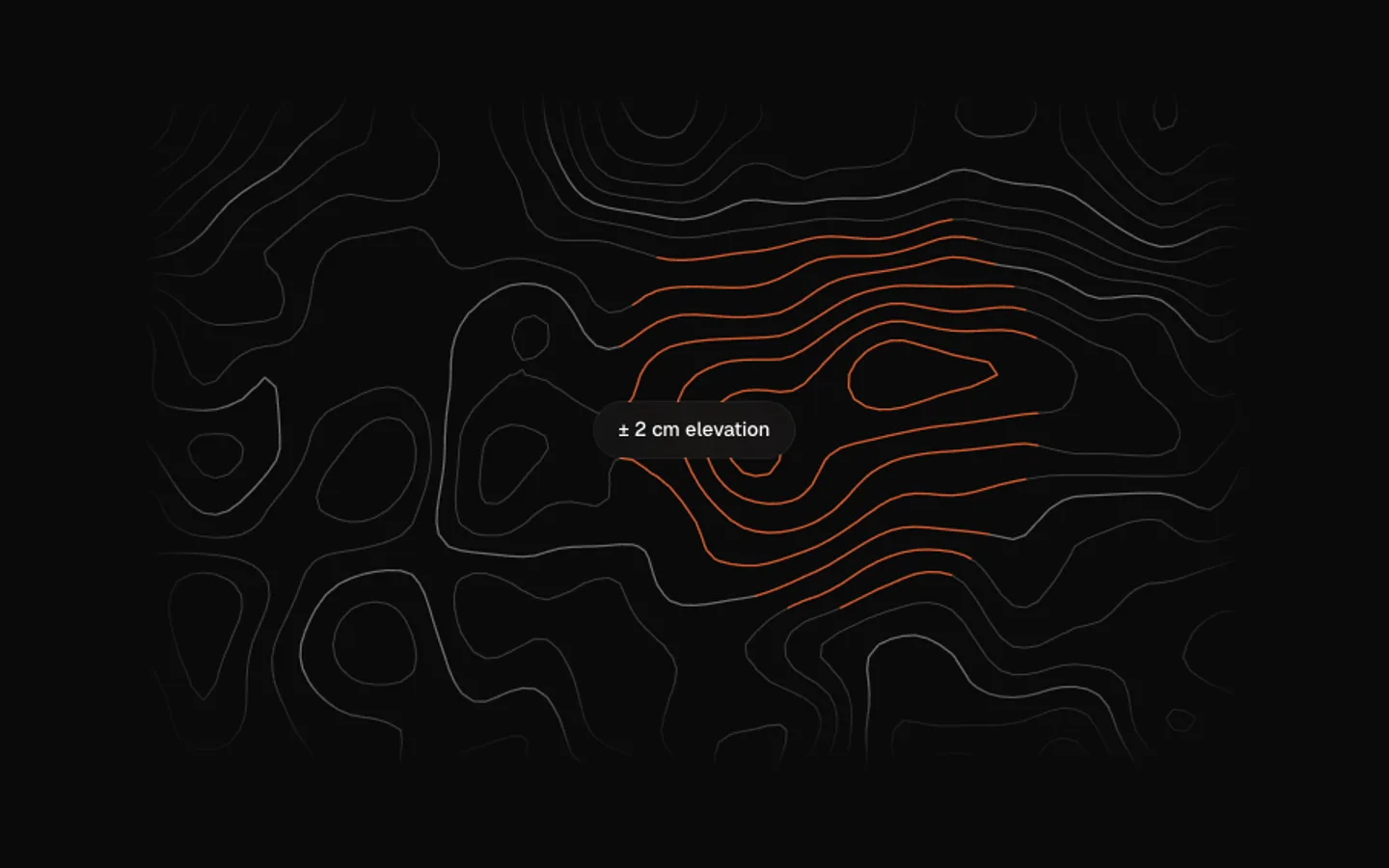
Topographic Lines
SectionA contour map that drifts like weather. A hill follows the pointer and the lines bend around it, taking the accent near its peak. With nobody pointing, the hill wanders by itself.
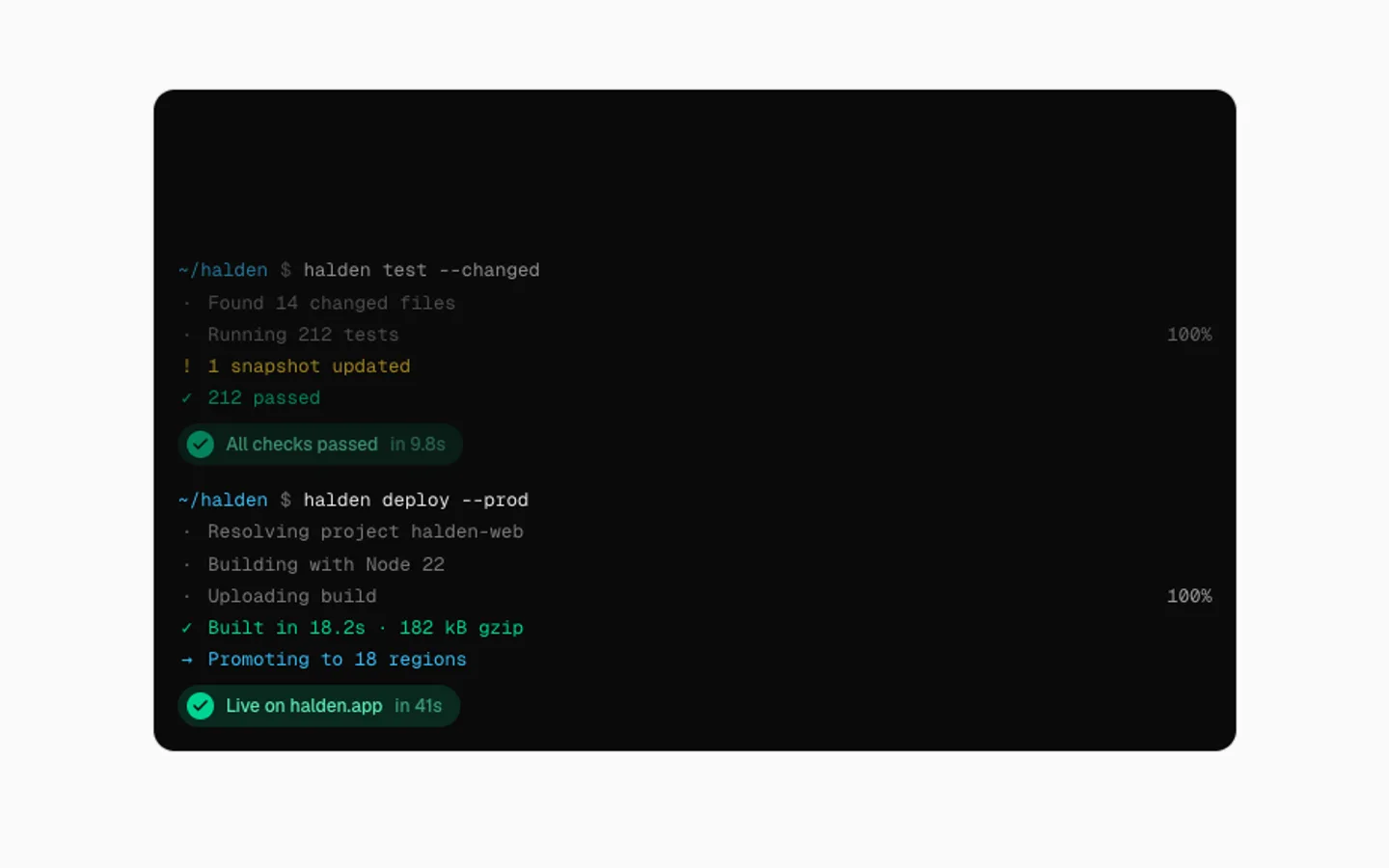
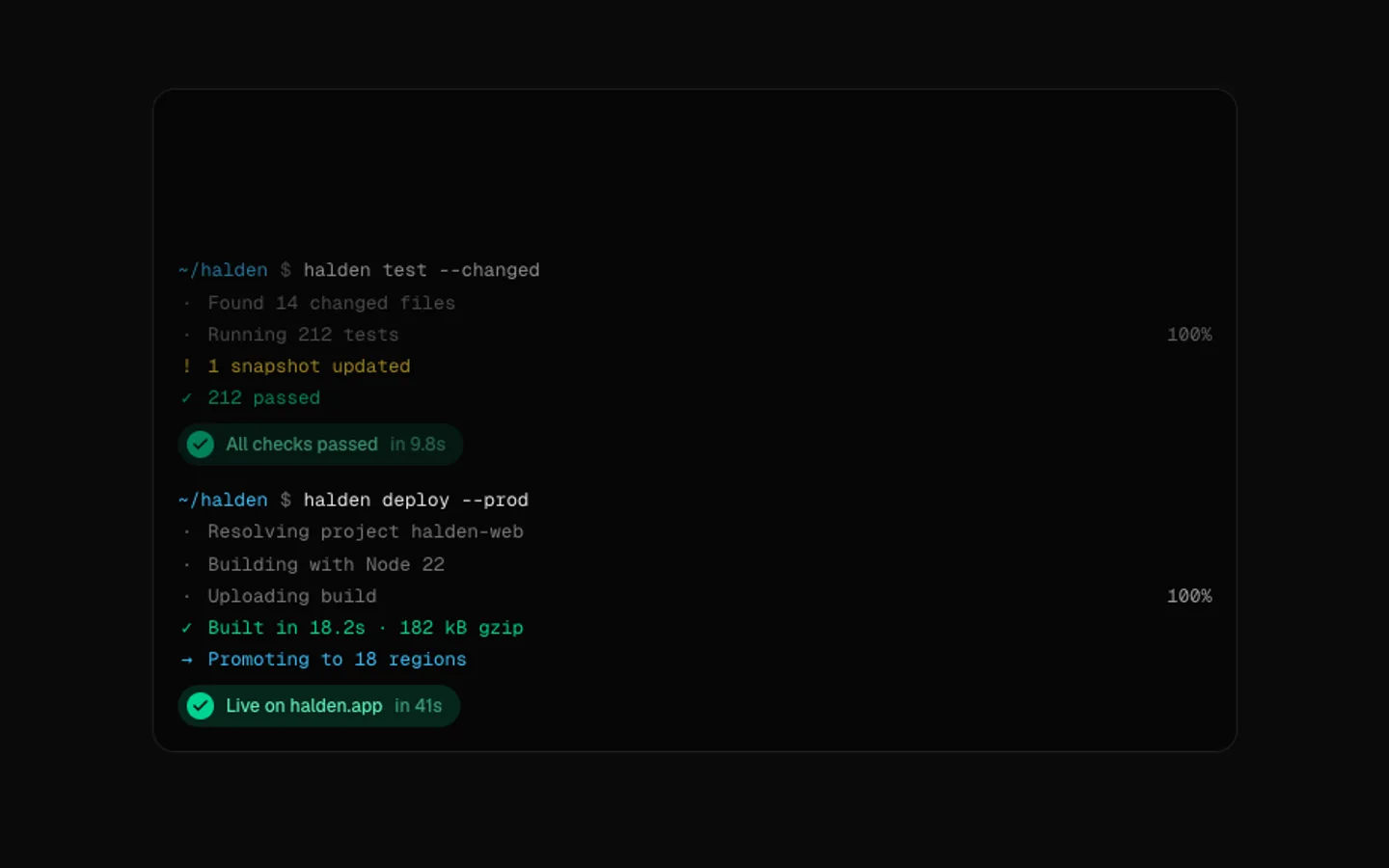
Terminal Run
SectionA terminal that runs commands by itself: the command types out, logs stream in under a spinner, progress bars fill, and each run ends on a success pill before the next one starts.
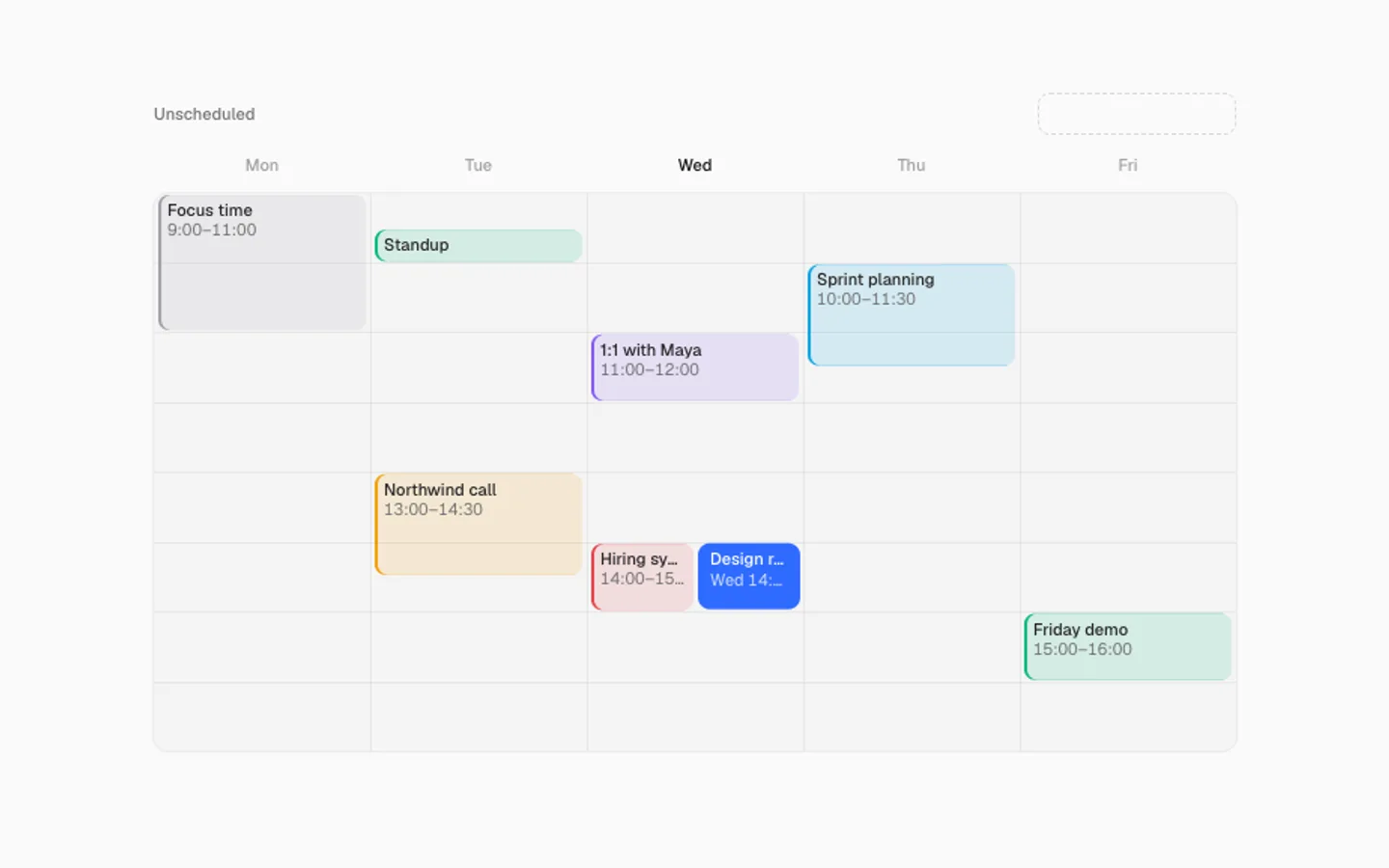
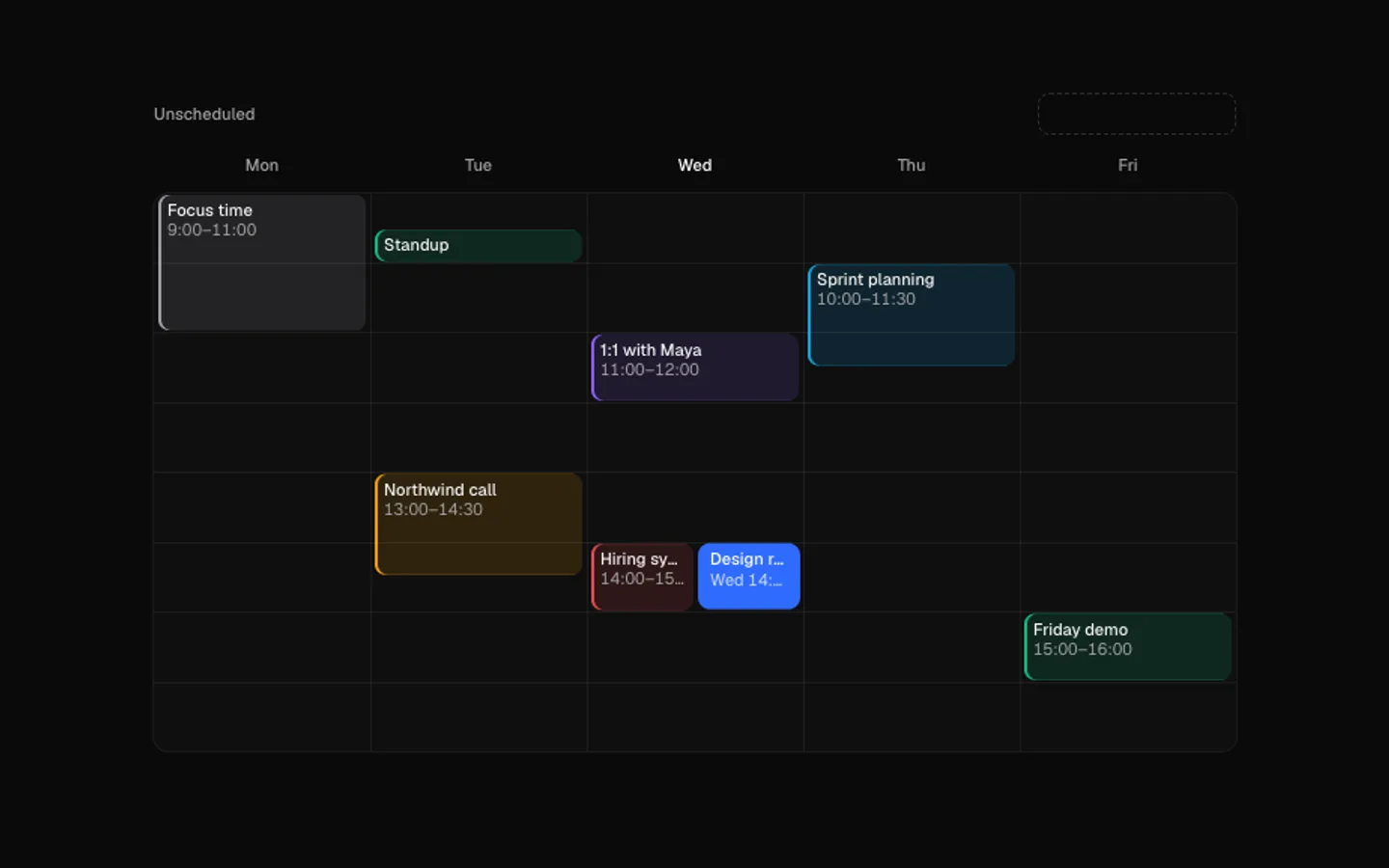
Calendar Drop
SectionA week that schedules itself. An event lifts out of the tray, glides over the grid while a slot outline snaps along under it, and drops in. Whatever it lands on slides over to share the hour.
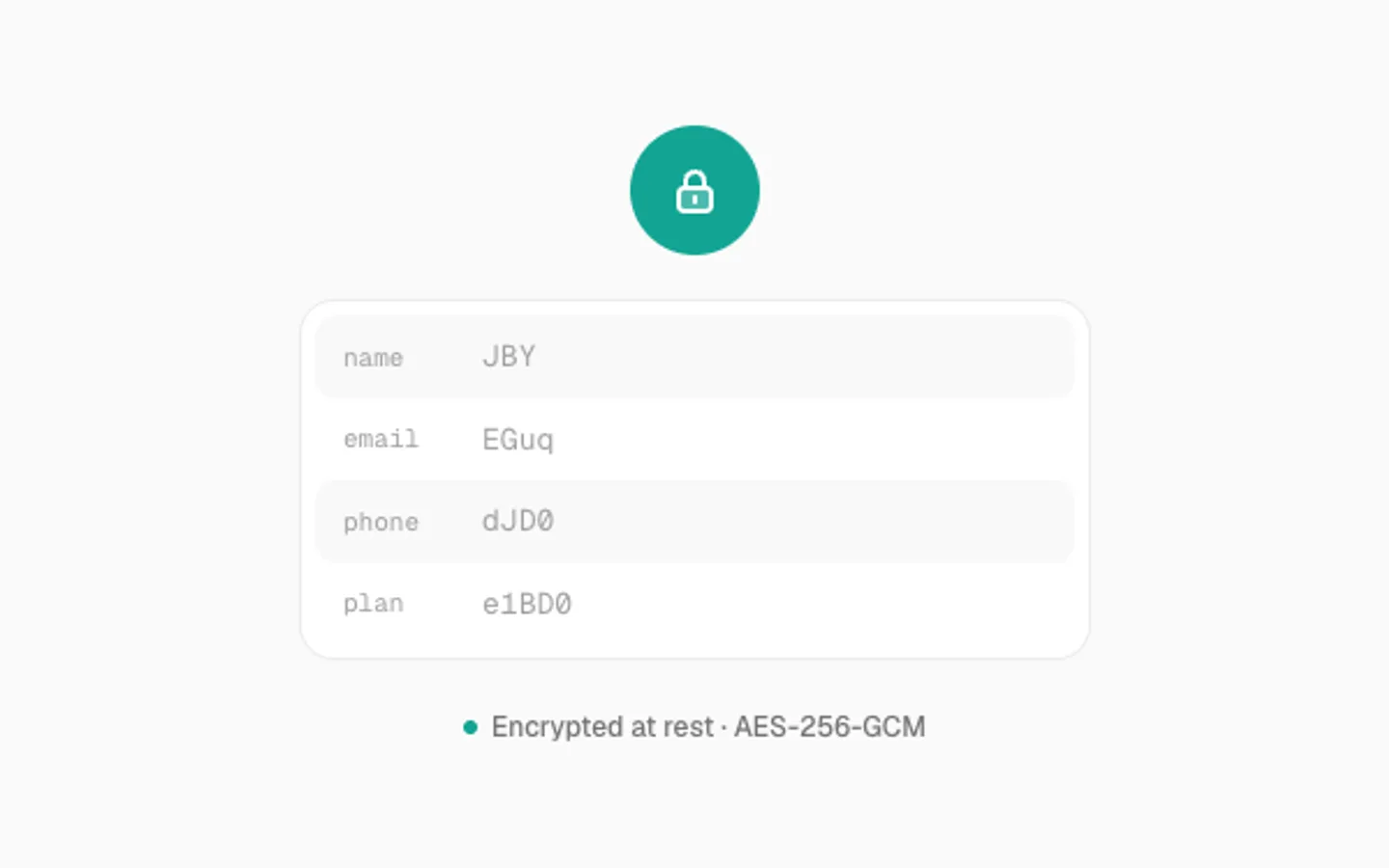
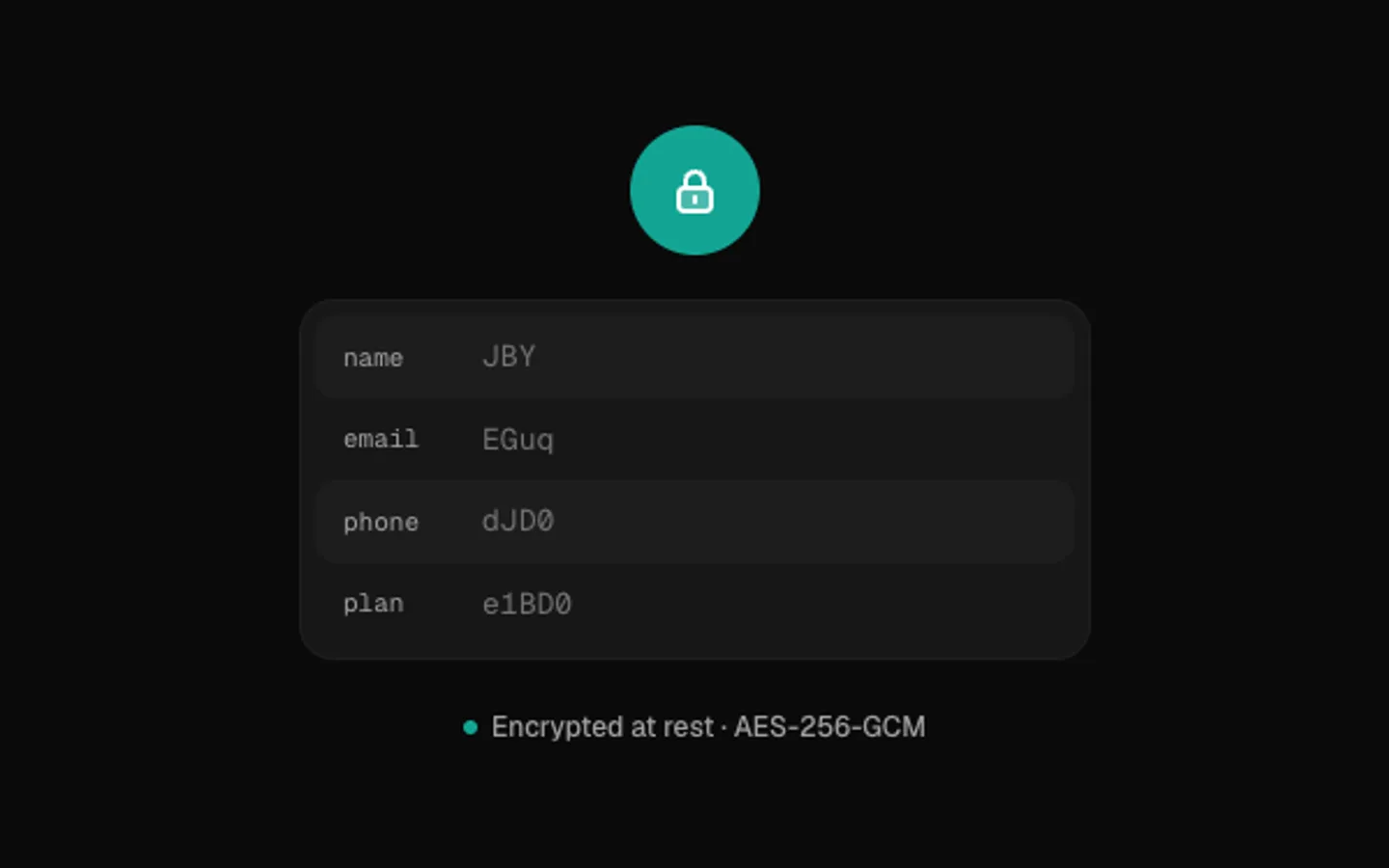
Encryption Scramble
SectionPersonal data that encrypts and decrypts in place. Every character shuffles through cipher glyphs in a wave while a lock snaps shut. Hover to peek at the plain text, or click to flip it.
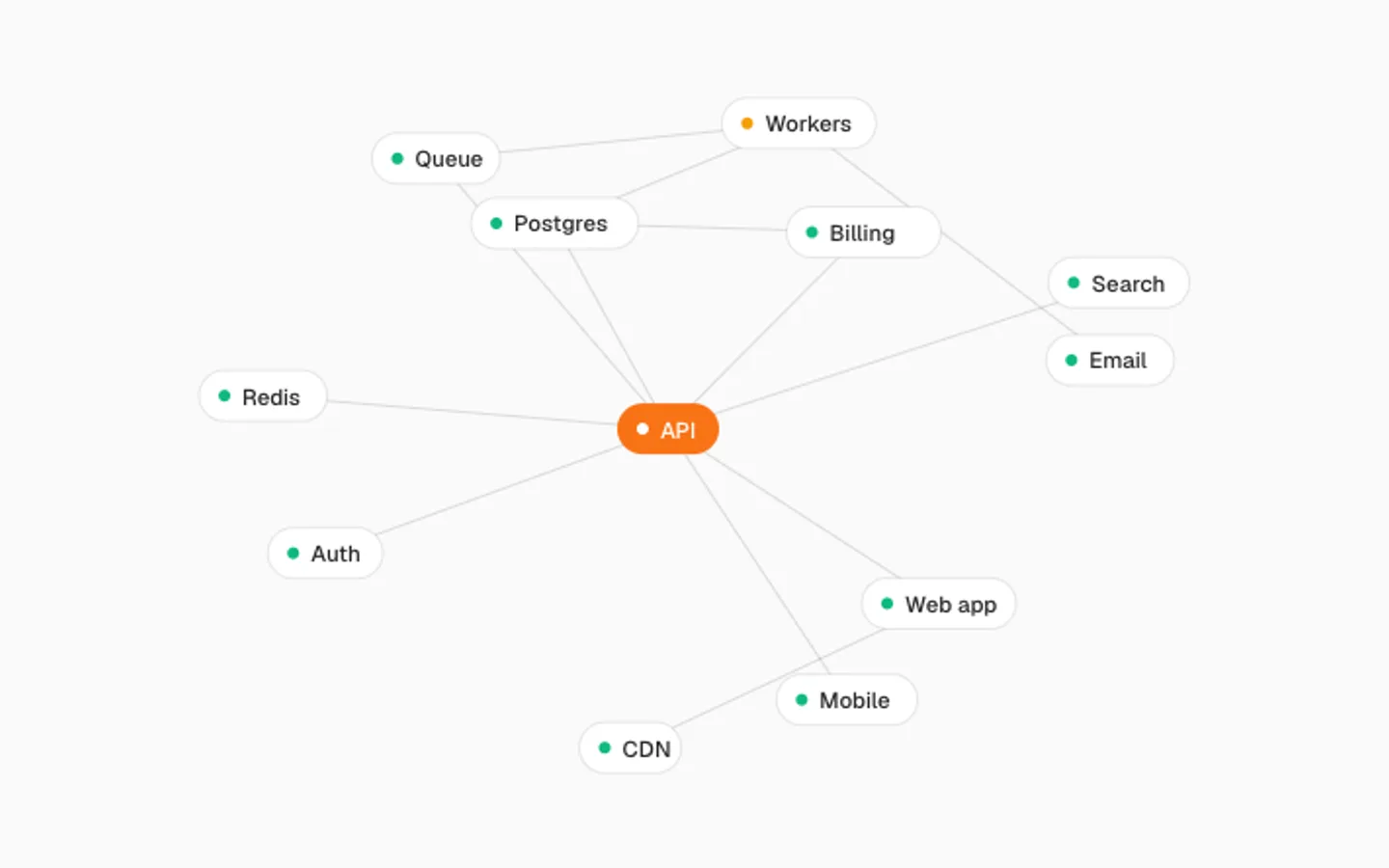
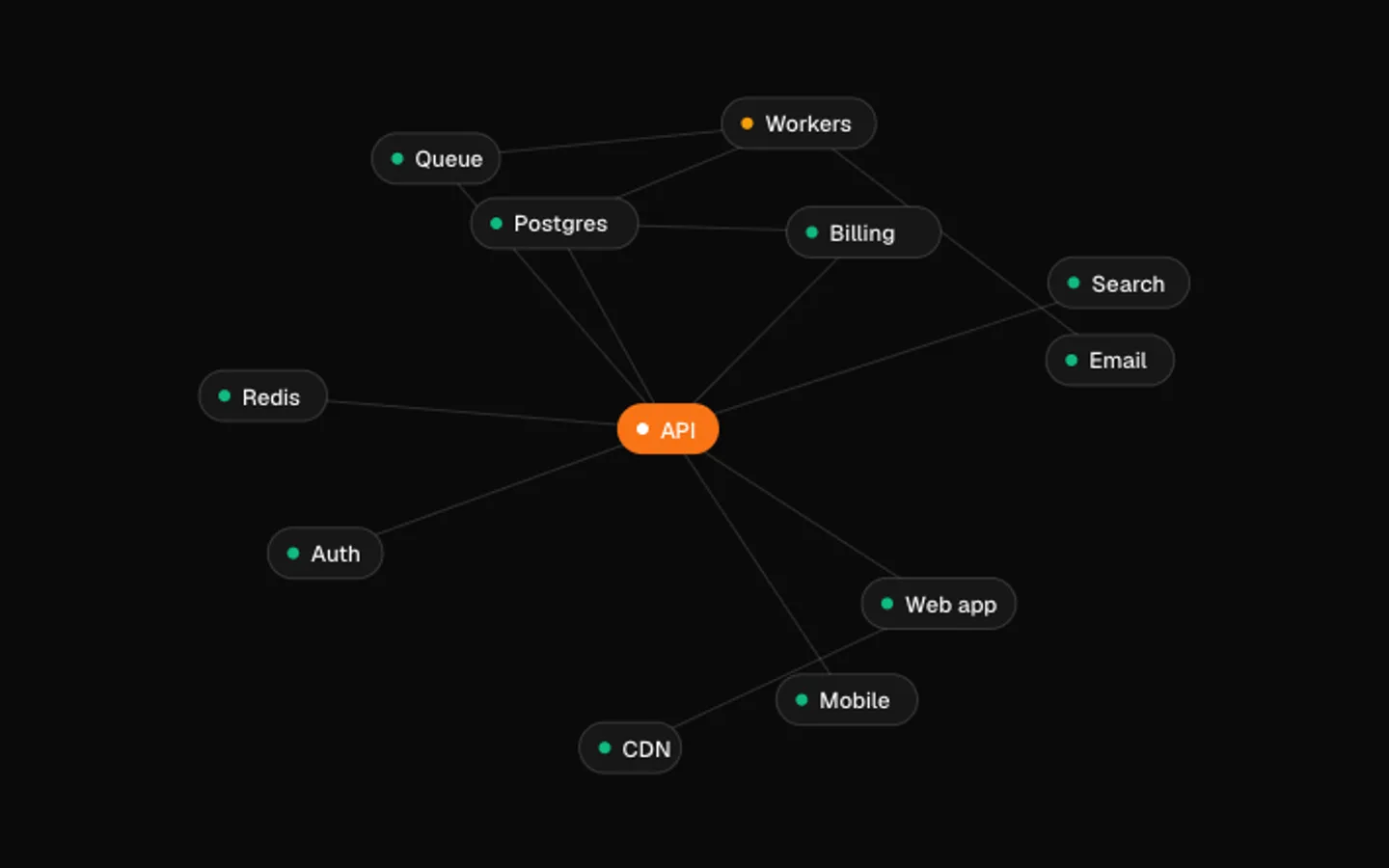
Service Graph
SectionA live service map laid out by a small physics simulation. Requests travel the edges as pulses and the map breathes. Grab any node and fling it, and everything connected follows on springs.
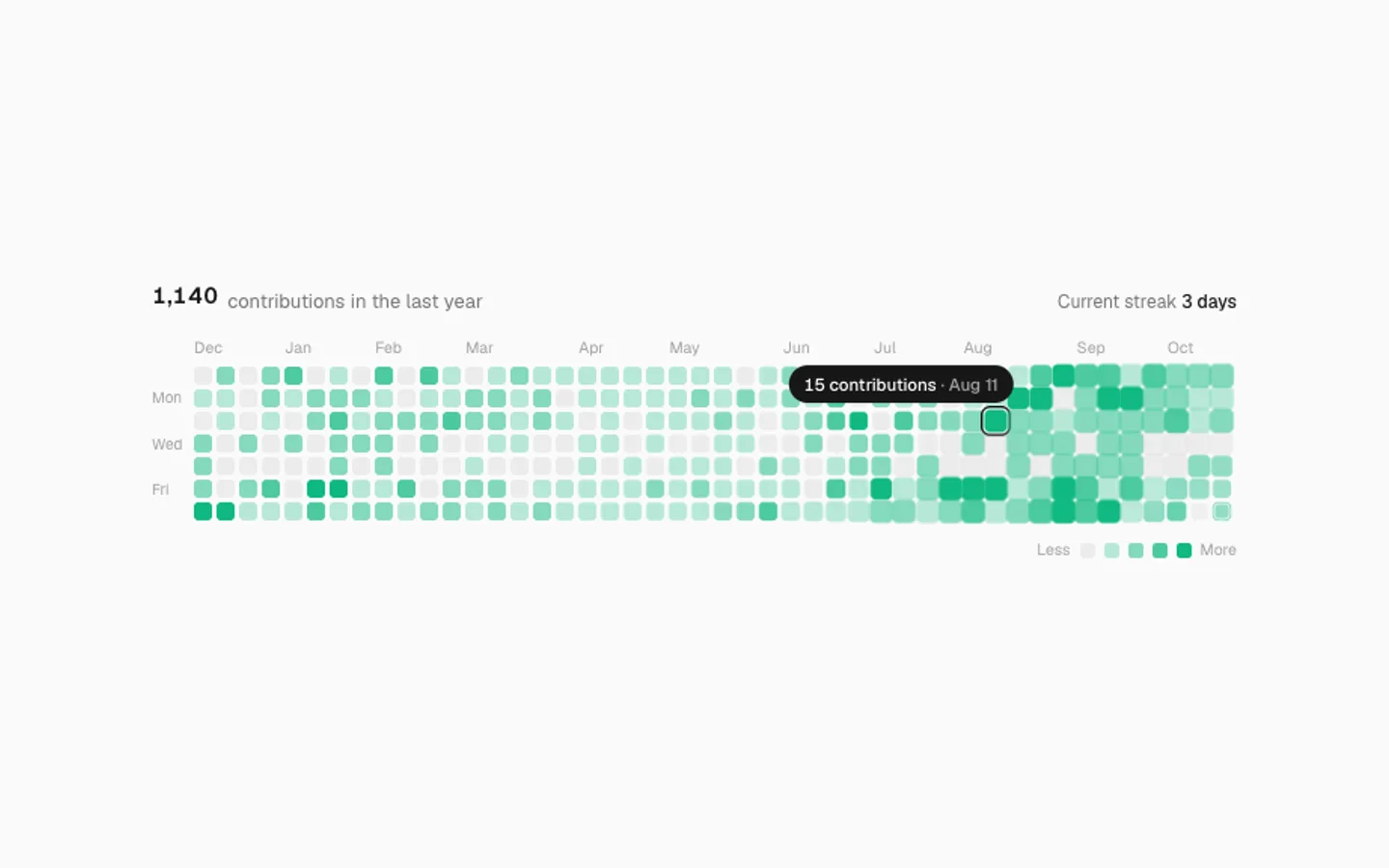
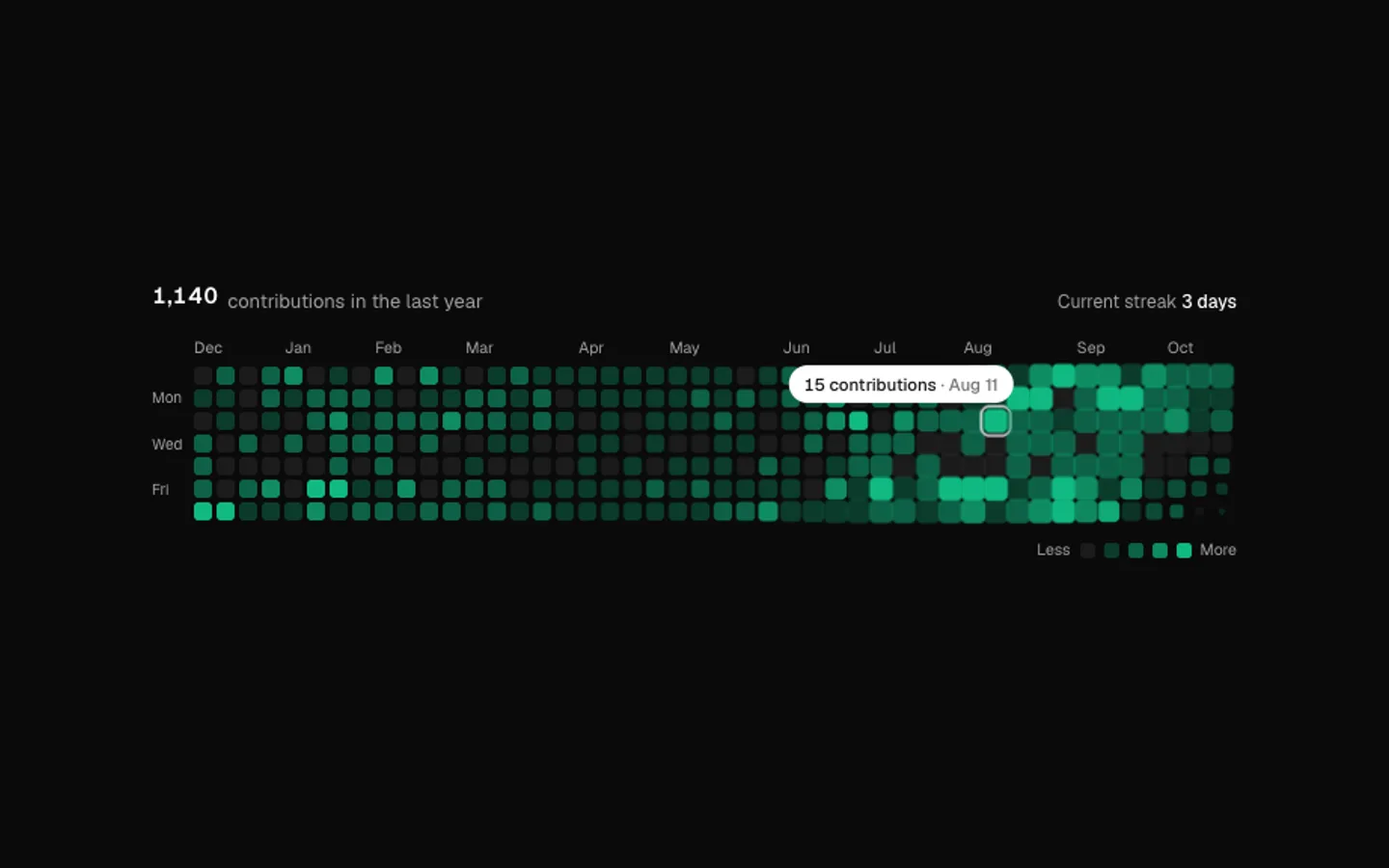
Contribution Heatmap
SectionA year of activity as a grid of days. Weeks pop in from left to right on view, today keeps ticking up and the total rolls. Point at any day to read it; left alone it visits the busiest days.
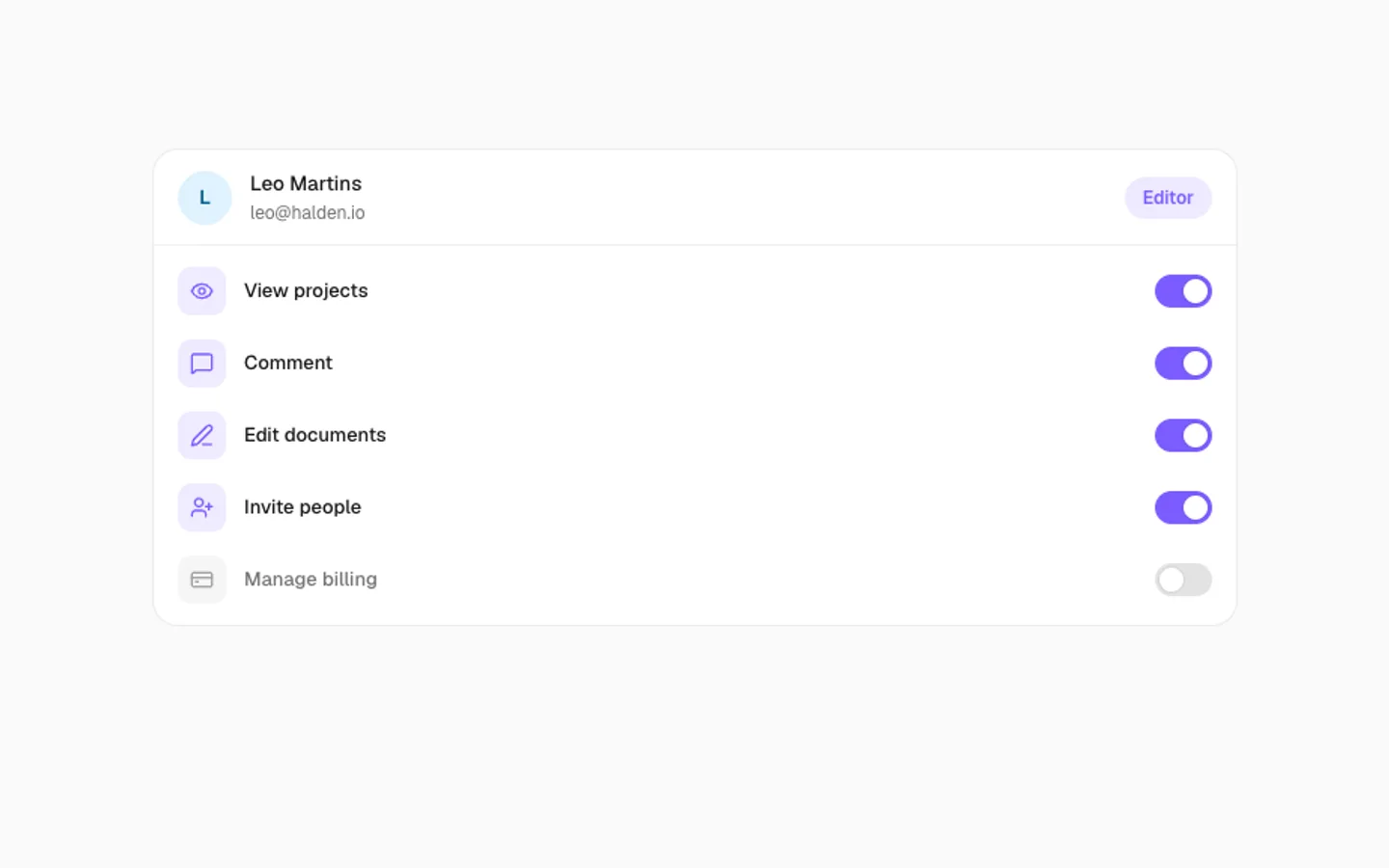
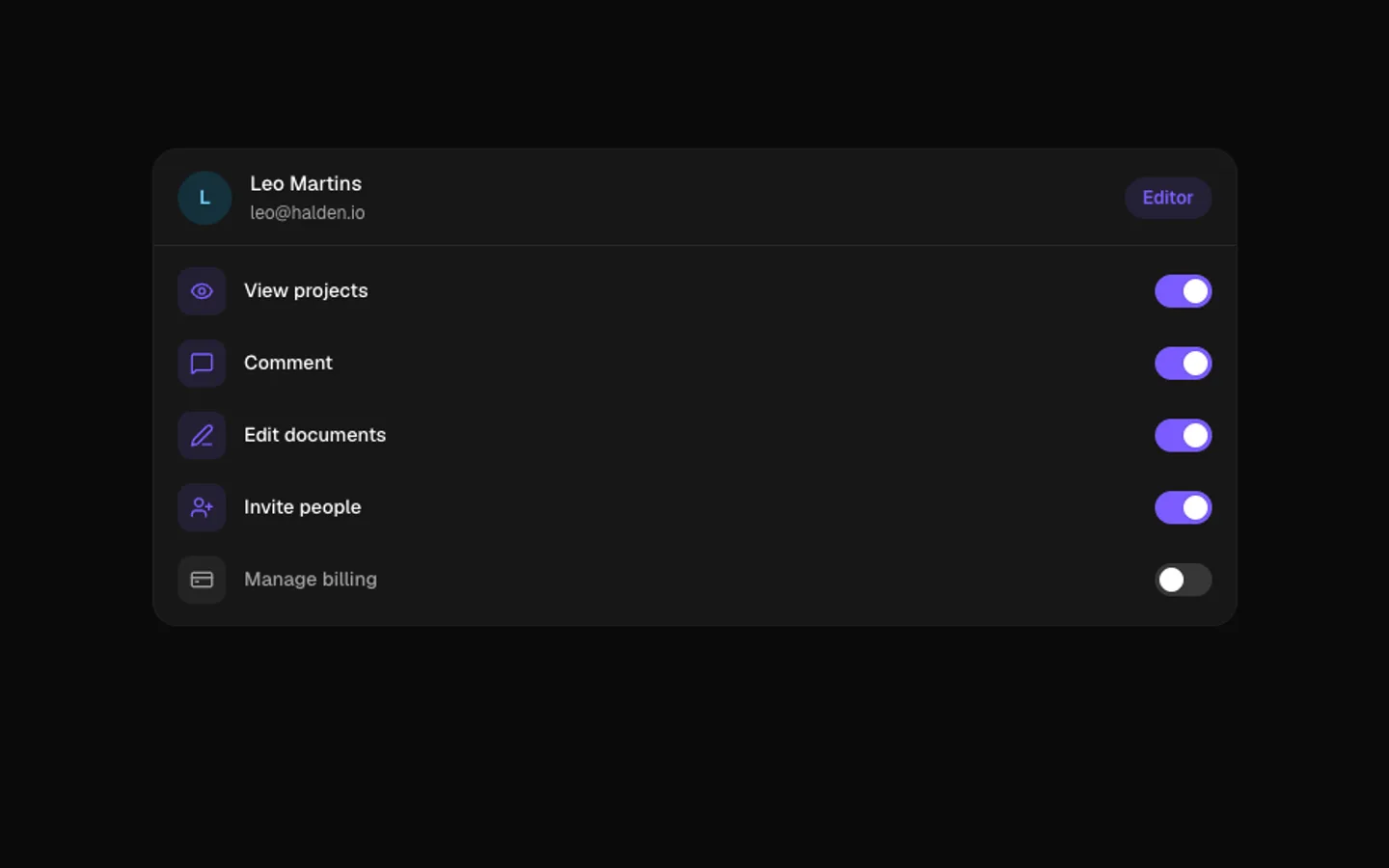
Permission Toggles
SectionA member's access set by role. Each role change flips the switches in a cascade, the role badge morphs and a saved note slides up. Flip any switch yourself and the role becomes Custom.
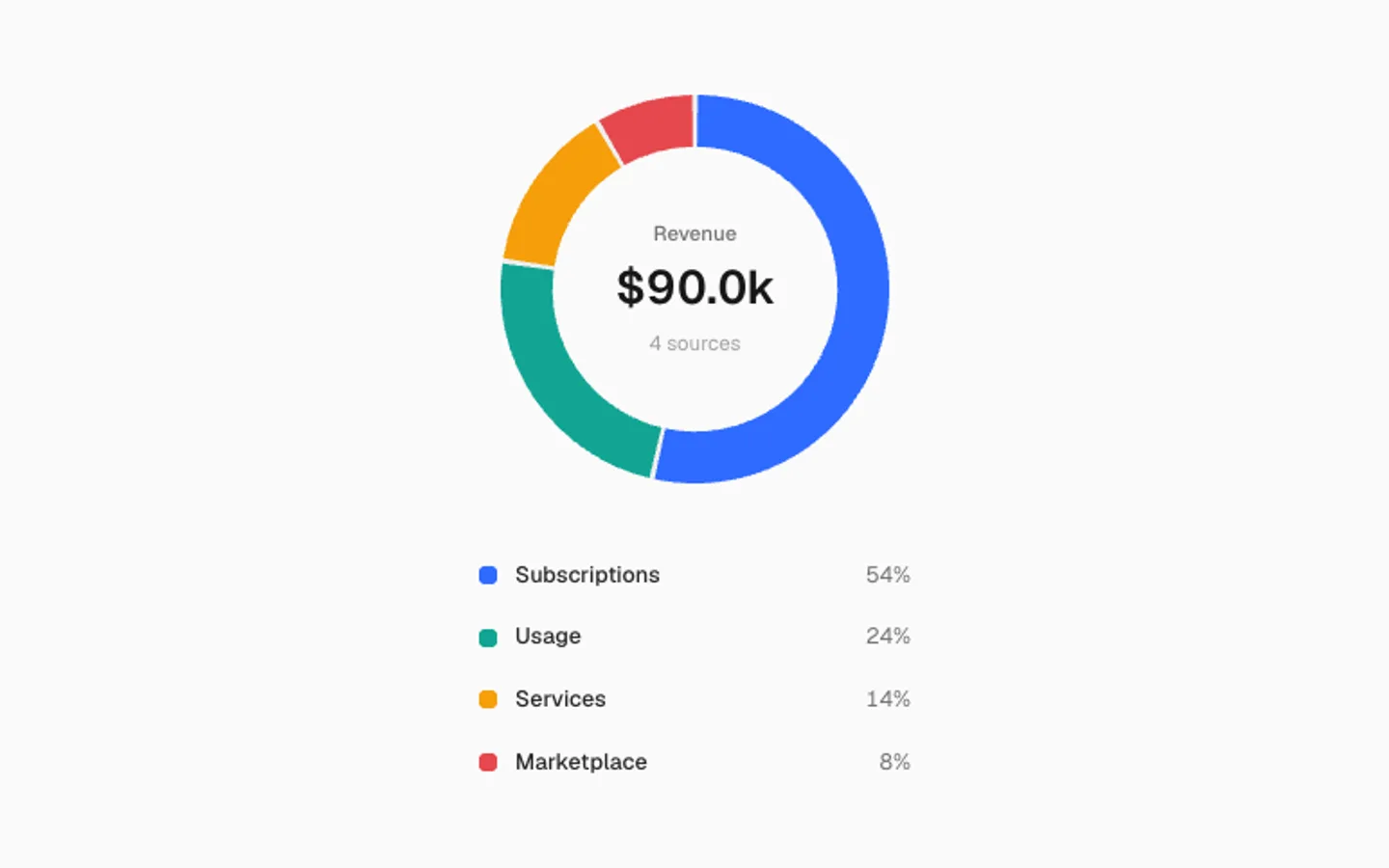
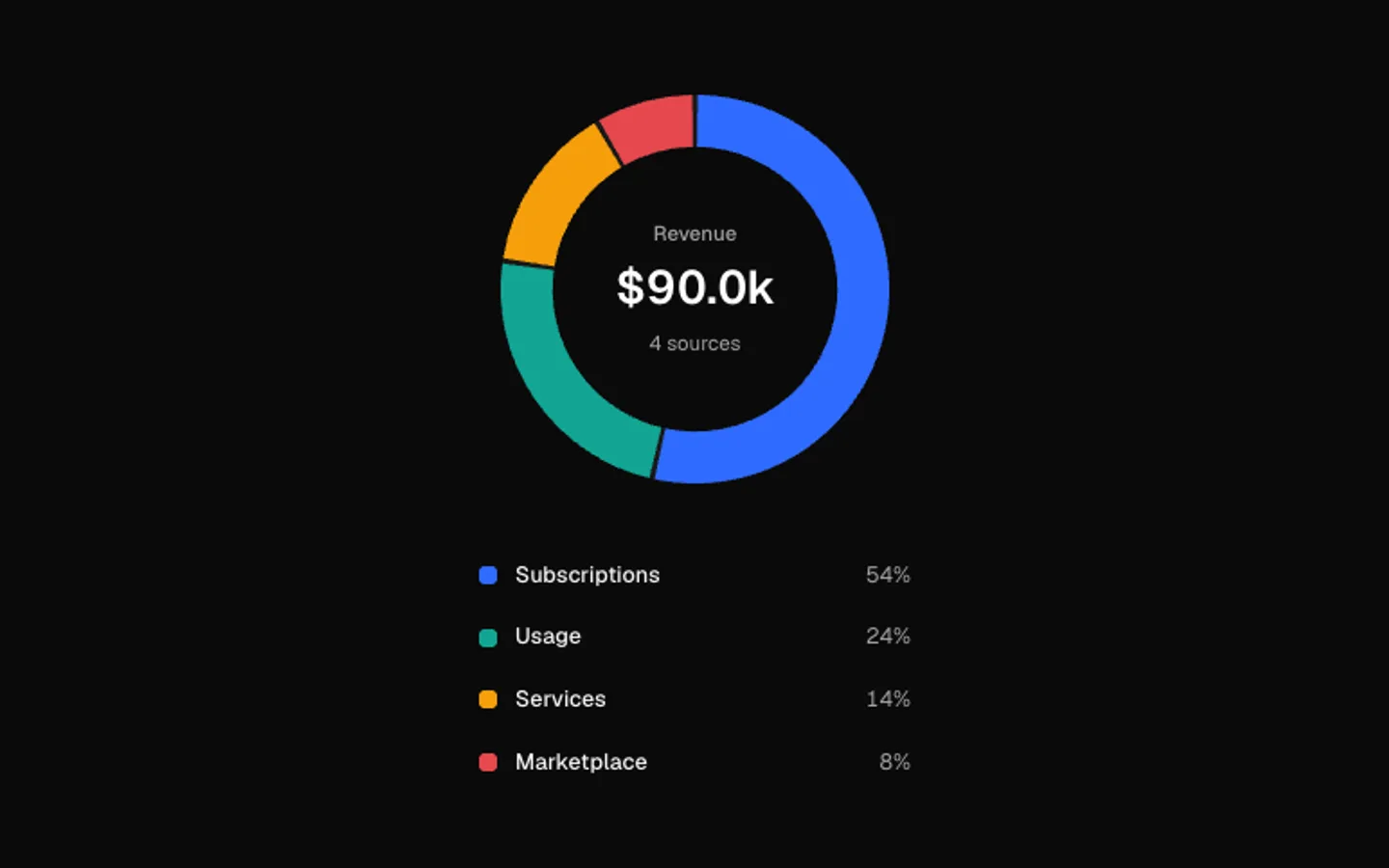
Donut Breakdown
SectionA donut that draws itself slice by slice on view. The picked slice slides out of the ring and the centre rolls to its value and share. It walks the slices on its own until you point at one.
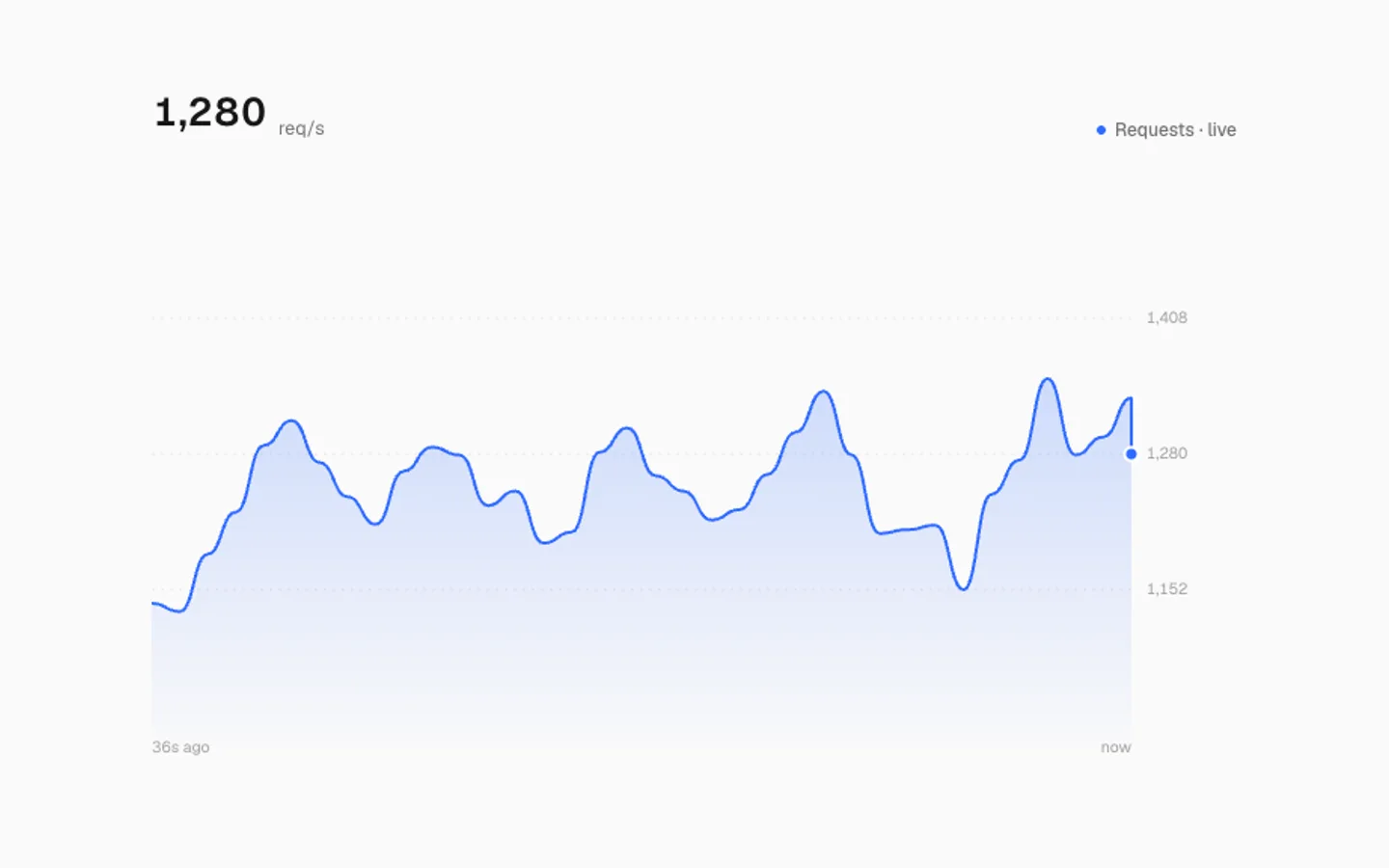
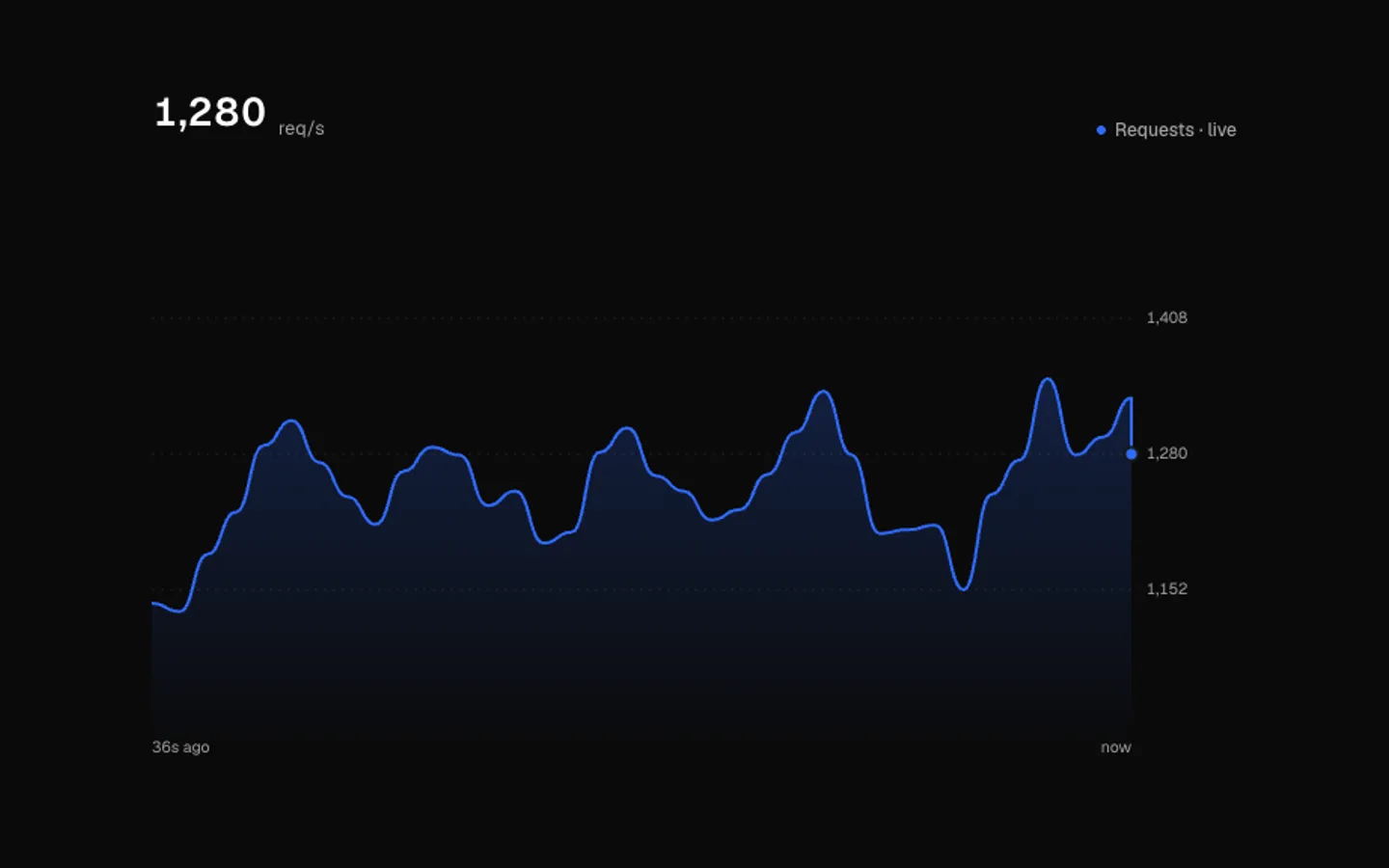
Live Line
SectionA live metric whose line scrolls left as new points arrive. A now dot rides the newest value, the reading rolls digit by digit, the scale eases to fit, and pointing at the line reads earlier points.
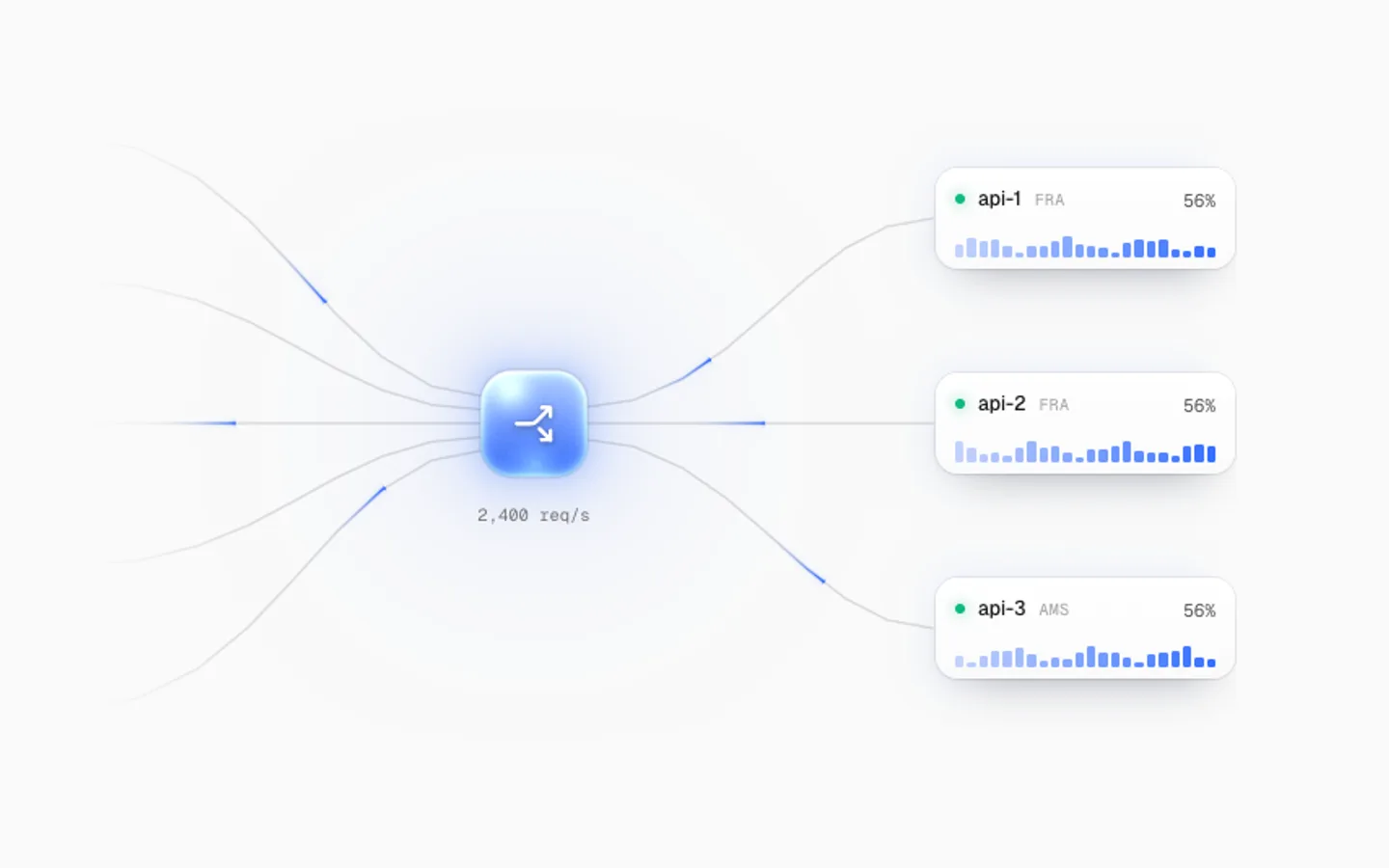
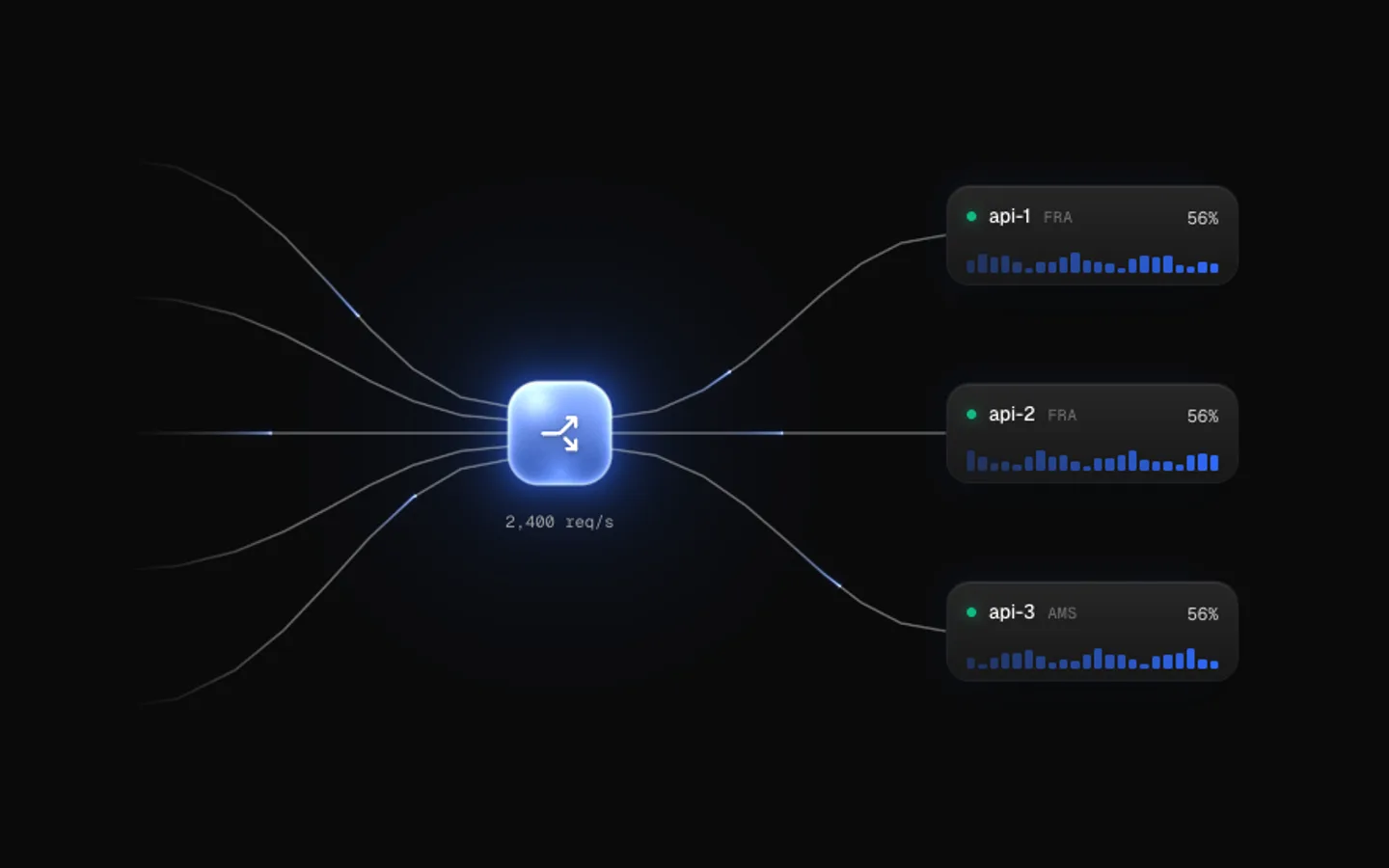
Load Balancer
SectionTraffic through a load balancer, rendered on the GPU. Requests race in along curved wires and land in a glass balancer lit from inside, which flares and hands each on to a server card with a live sparkline. A failing server's route dims red and the rest pick up the load.


Pixel Lock
SectionA padlock built on a pixel grid. Its cells flicker into place, the shackle drops shut with a bounce and a wave of light bursts out across the grid, and a scan line sweeps the body. Then it opens, dissolves and builds again. Hover to open it.
ASCII Torus
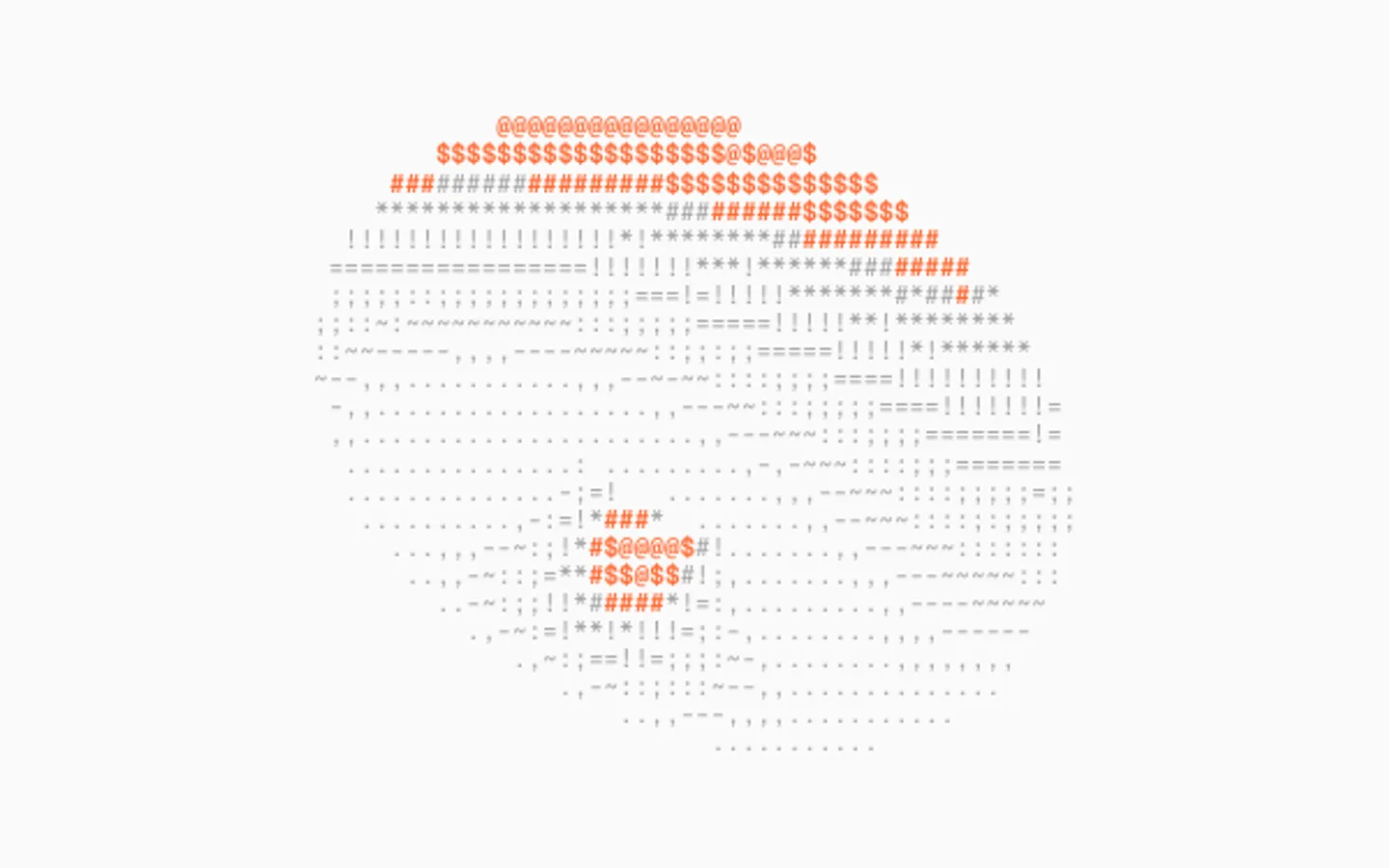
SectionA spinning torus drawn in text, lit and shaded into characters every frame with the brightest in the accent. The pointer tilts it and speeds the spin.

Terrain Flyover
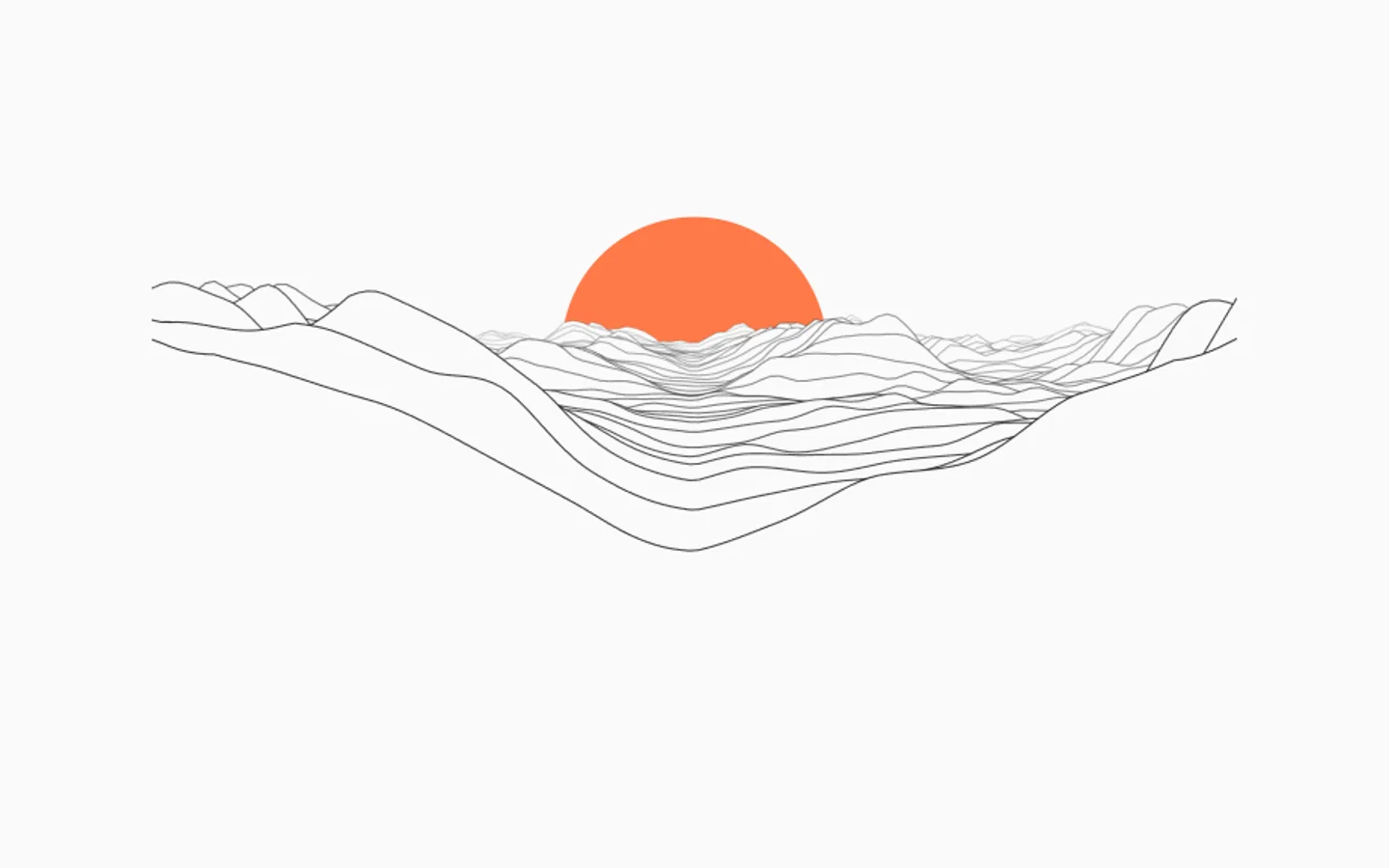
SectionA flight over ridgelines drawn as stacked lines that hide what's behind them. The land scrolls toward you under a low sun, and the pointer steers the camera.
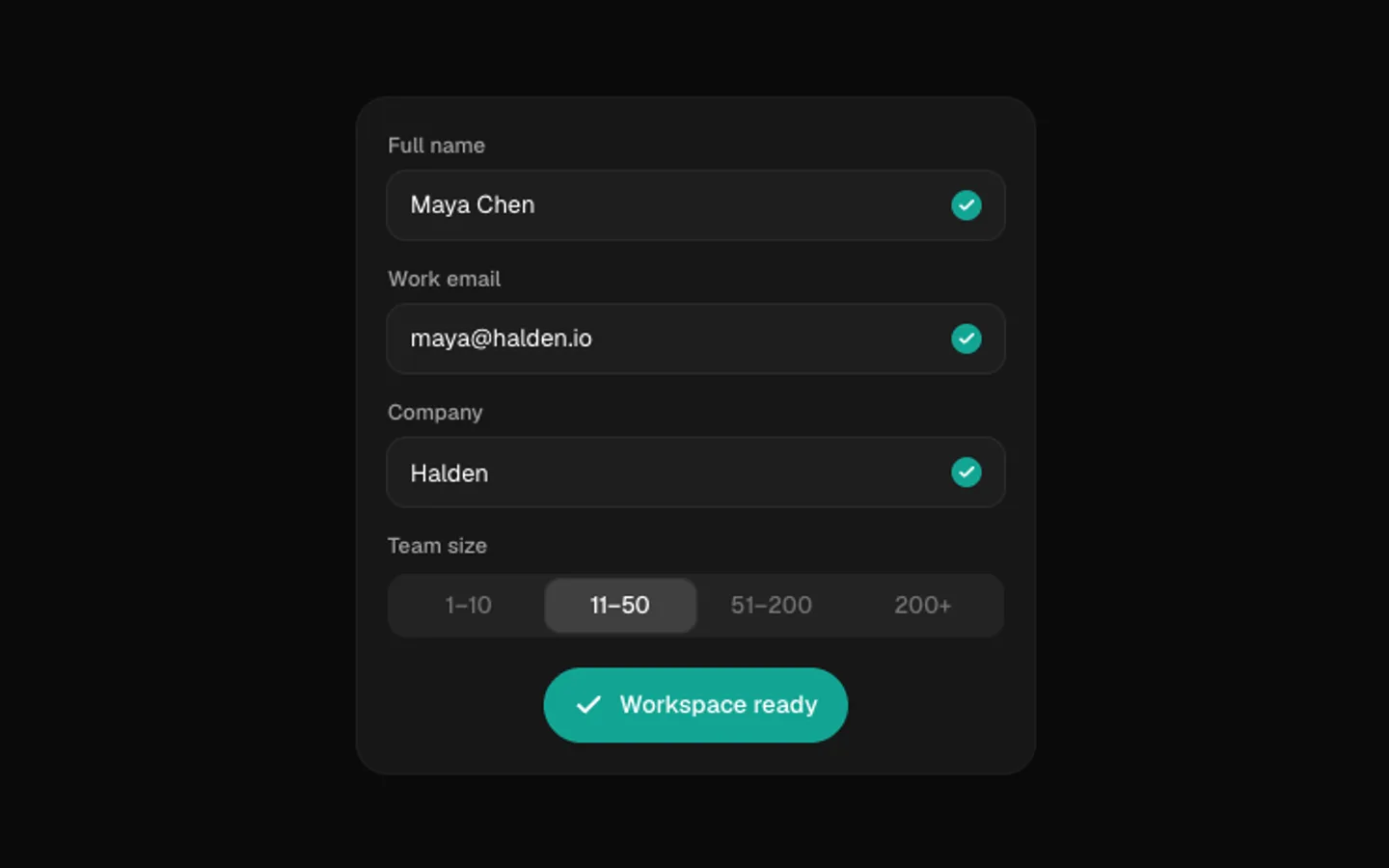
Form Autofill
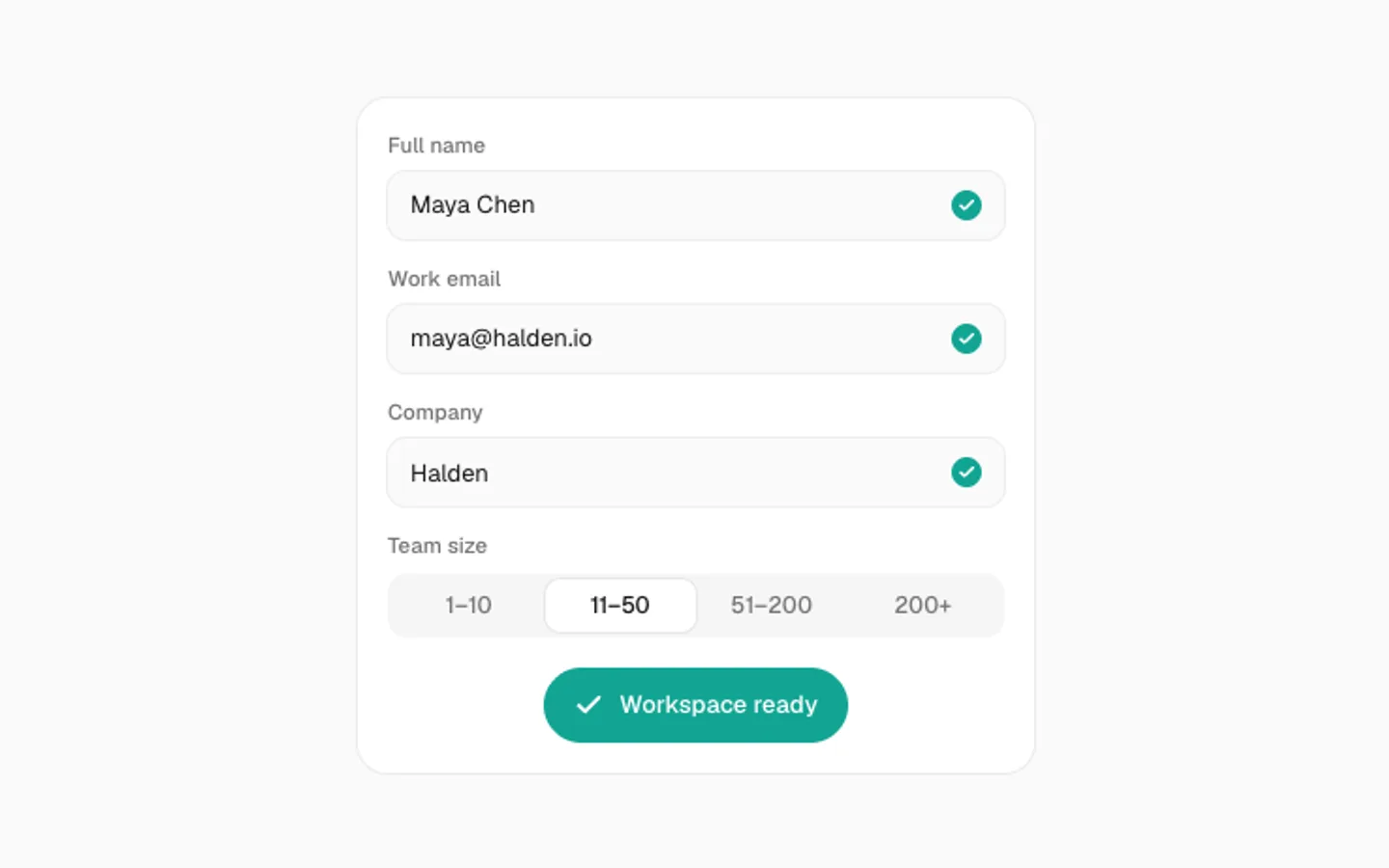
SectionA form that fills itself in. Each field types out, an email check spins, a tick bounces onto every valid field, an option gets picked and the button squeezes into a saved pill.
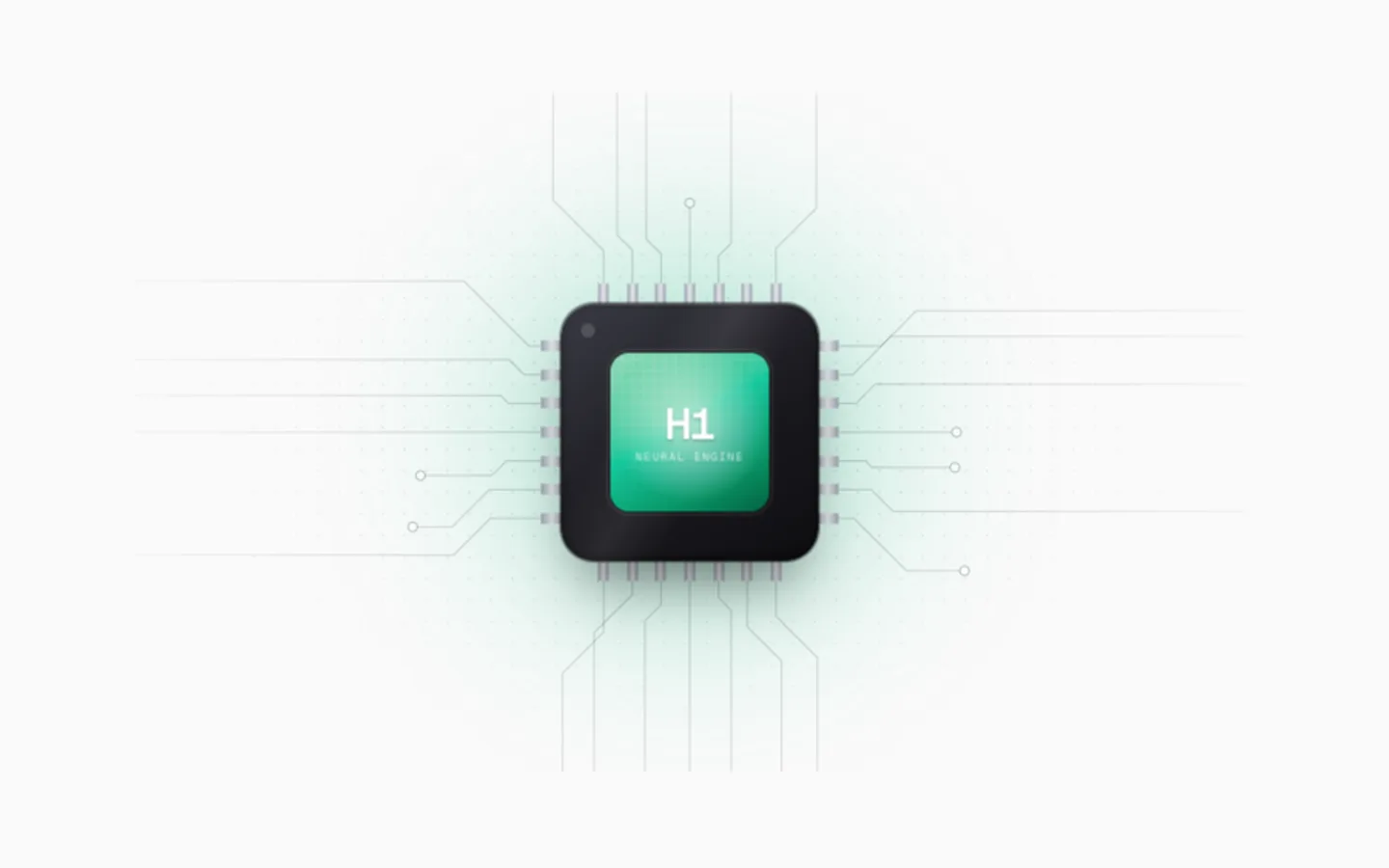
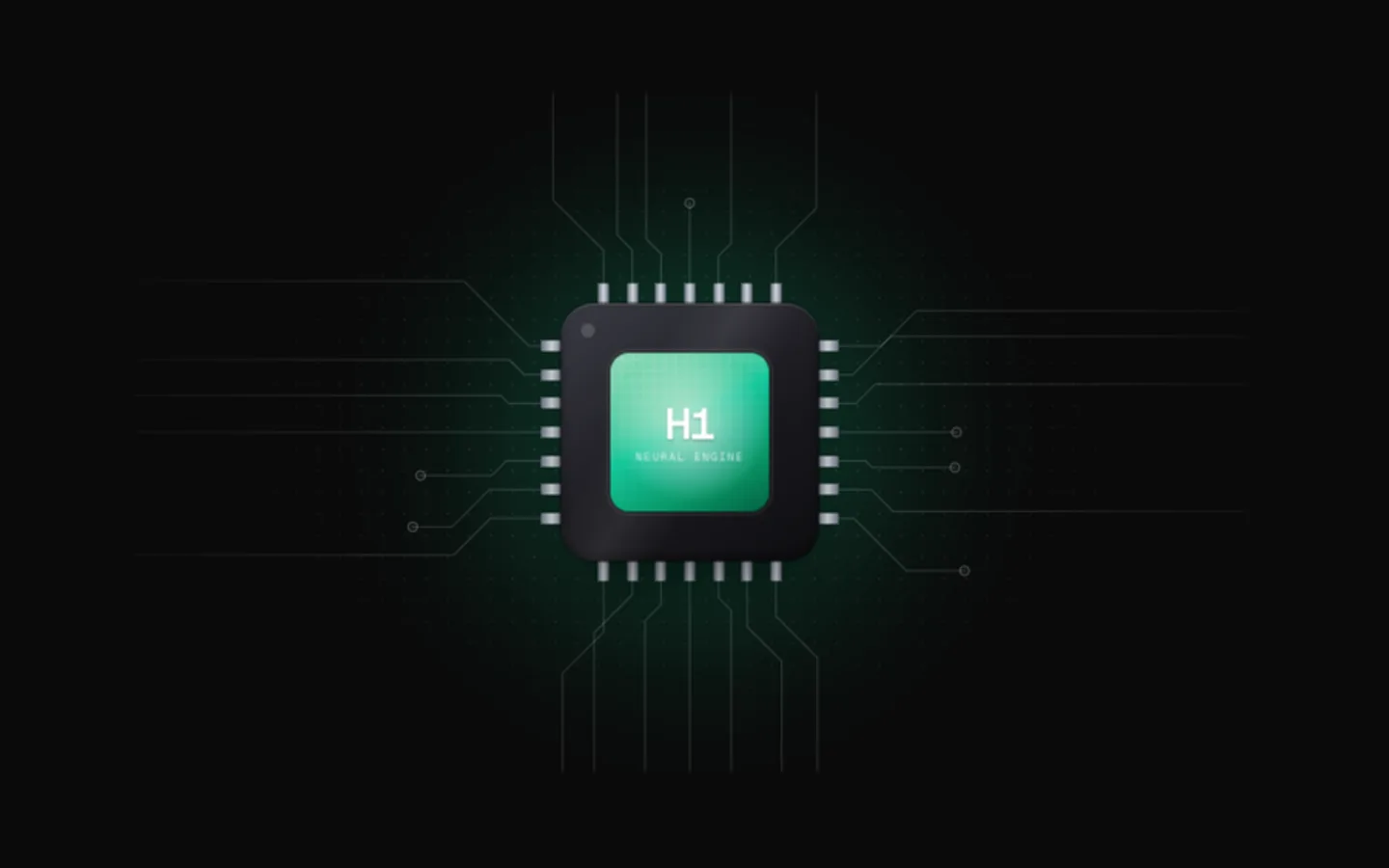
Compute Chip
SectionA processor on a circuit board. Traces fan out from its pins, light pulses race along them into the package, and the die brightens with every one that lands. The chip tilts toward the pointer and the die's highlight follows it.
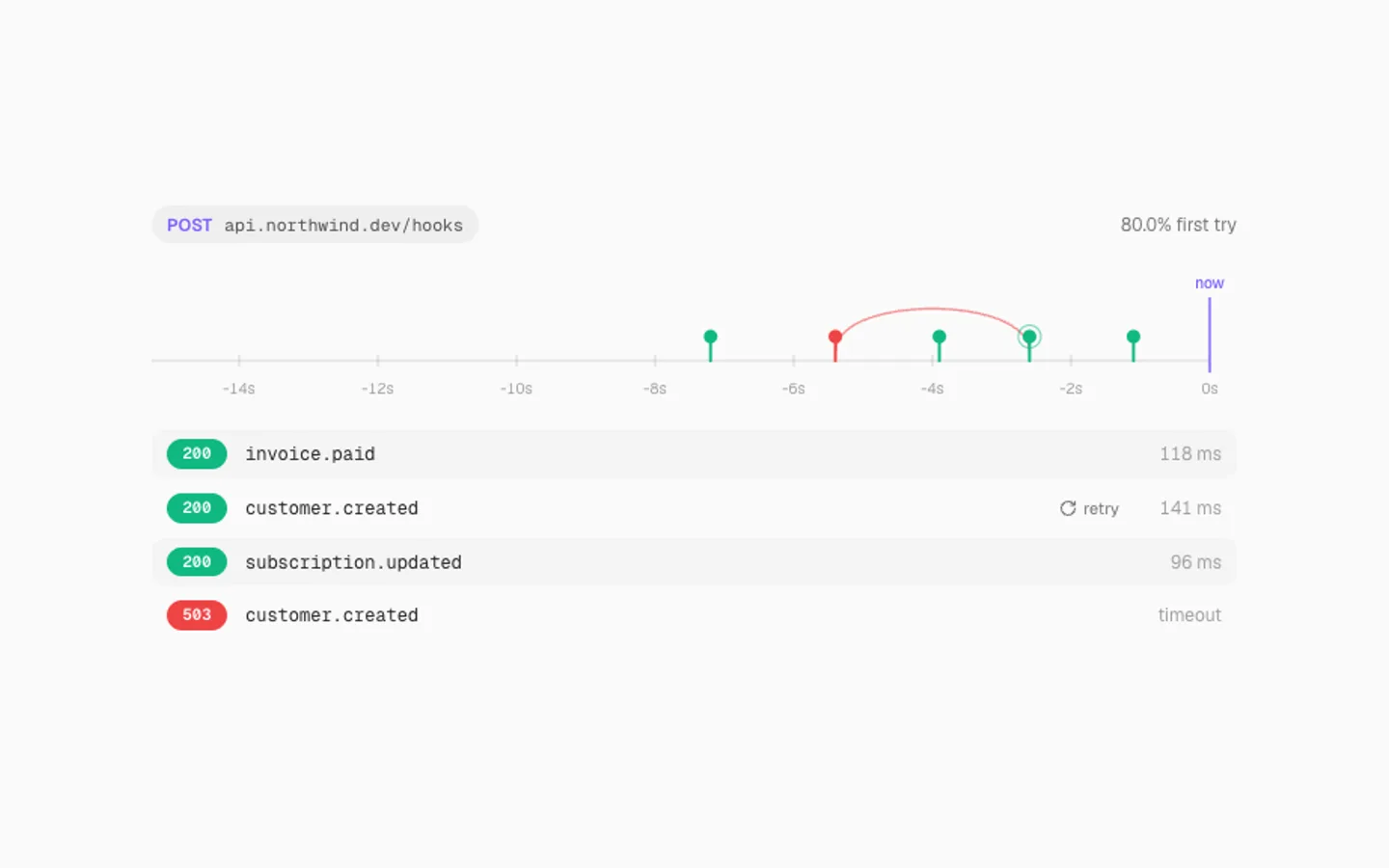
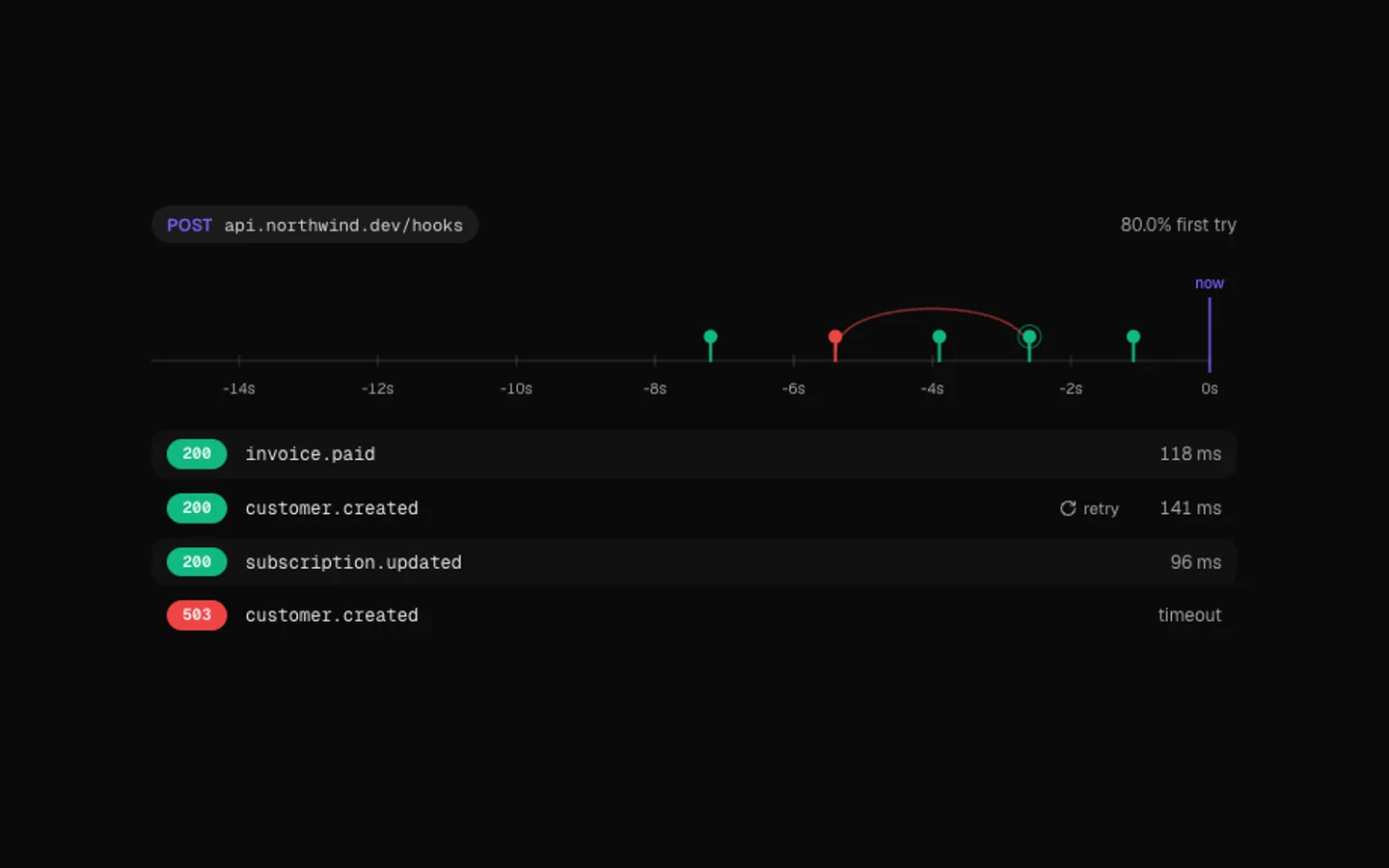
Webhook Timeline
SectionWebhook deliveries on a moving timeline. Each event drops onto the track and joins the log. When one fails, an arc loops it back to the present and the retry lands green.
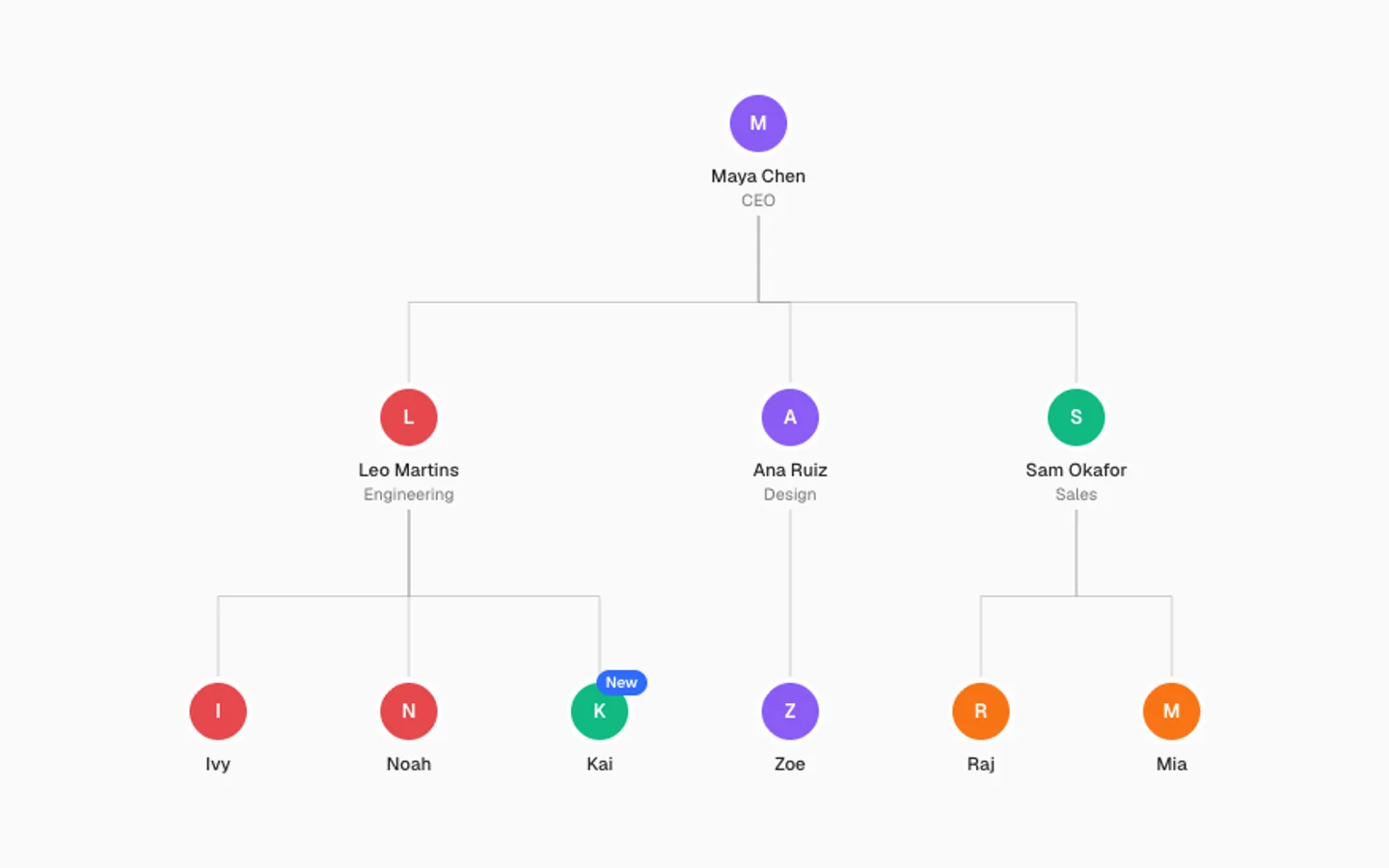
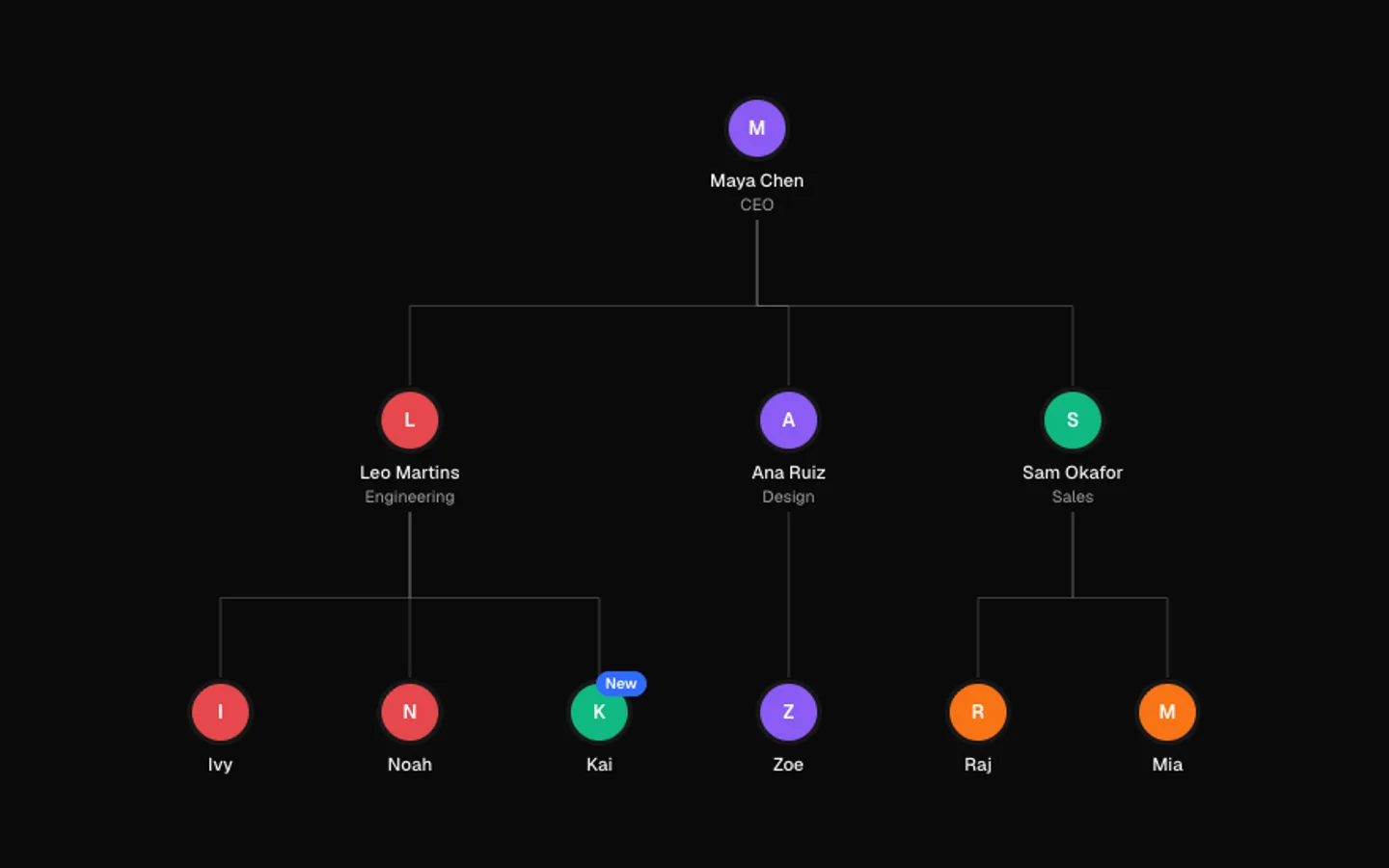
Org Tree
SectionA team that grows in front of you: the tree opens a level at a time as its lines draw in, then a new hire joins and teammates shuffle over. Point at anyone to trace them to the top.
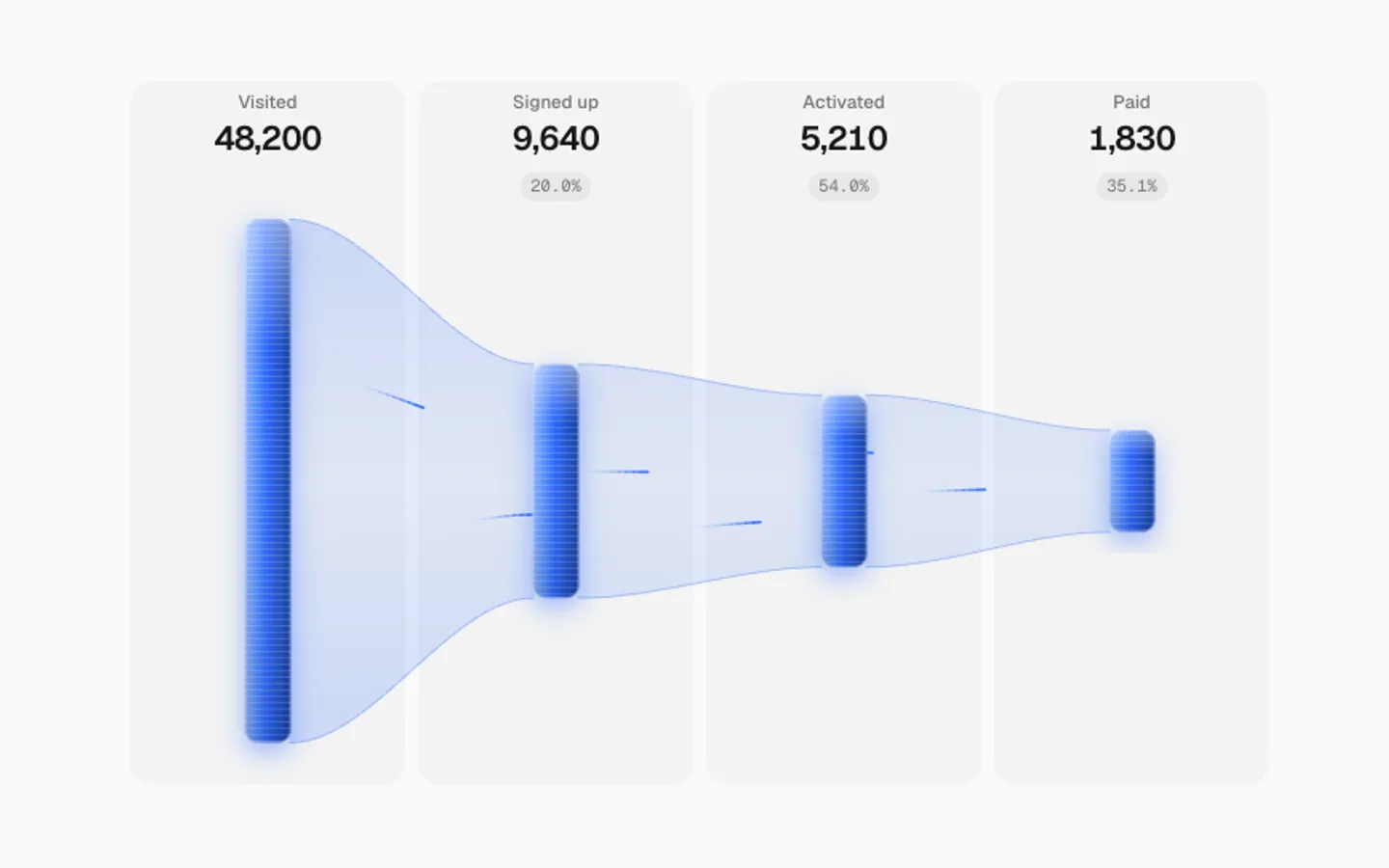
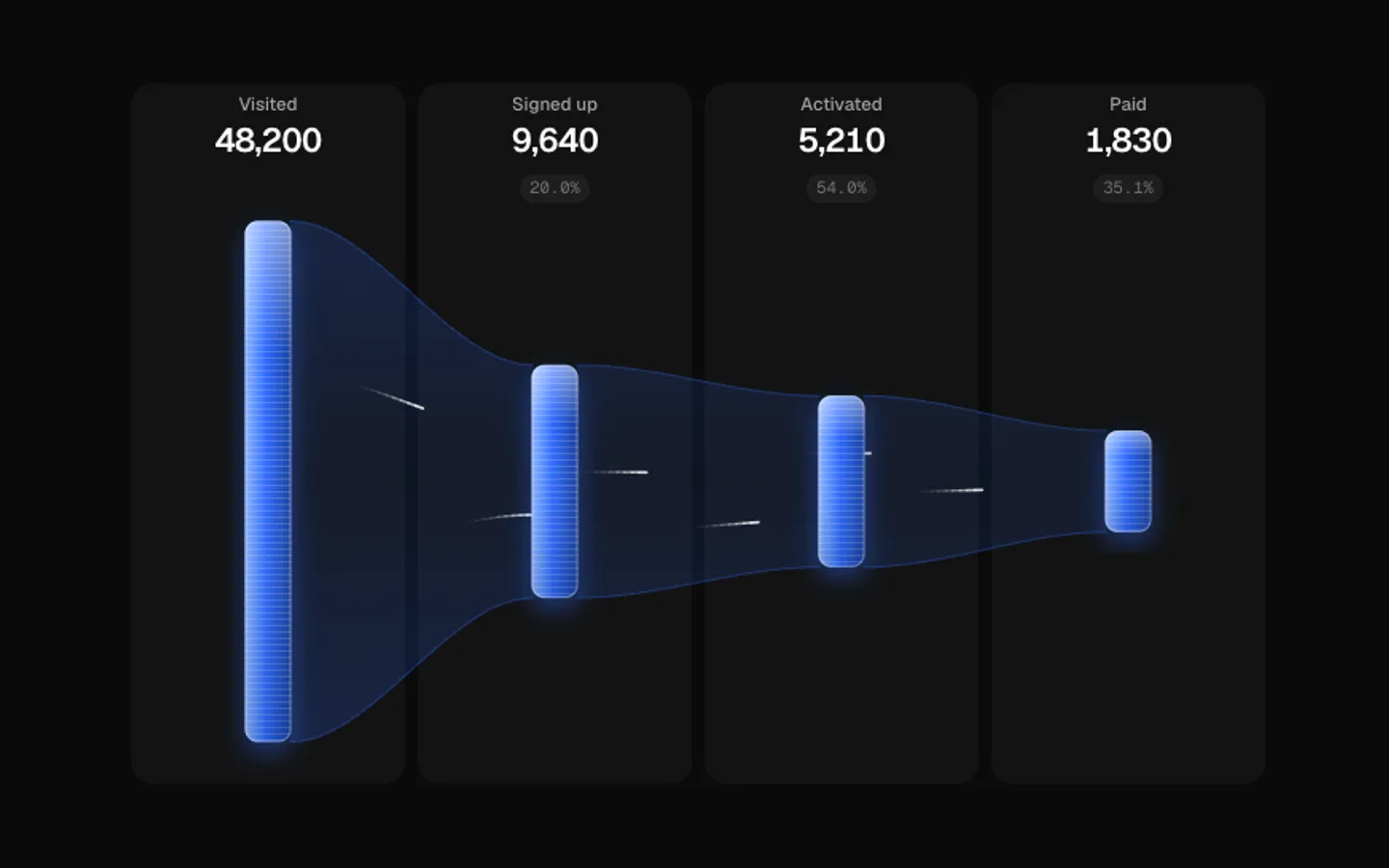
Funnel Flow
SectionA conversion funnel as lit glass bars, one per stage, joined by soft ribbons that taper as people drop away. Streaks of light run through it, and at every step some fade out where they leave, in the share that stage loses. Point at a stage to pick it out.
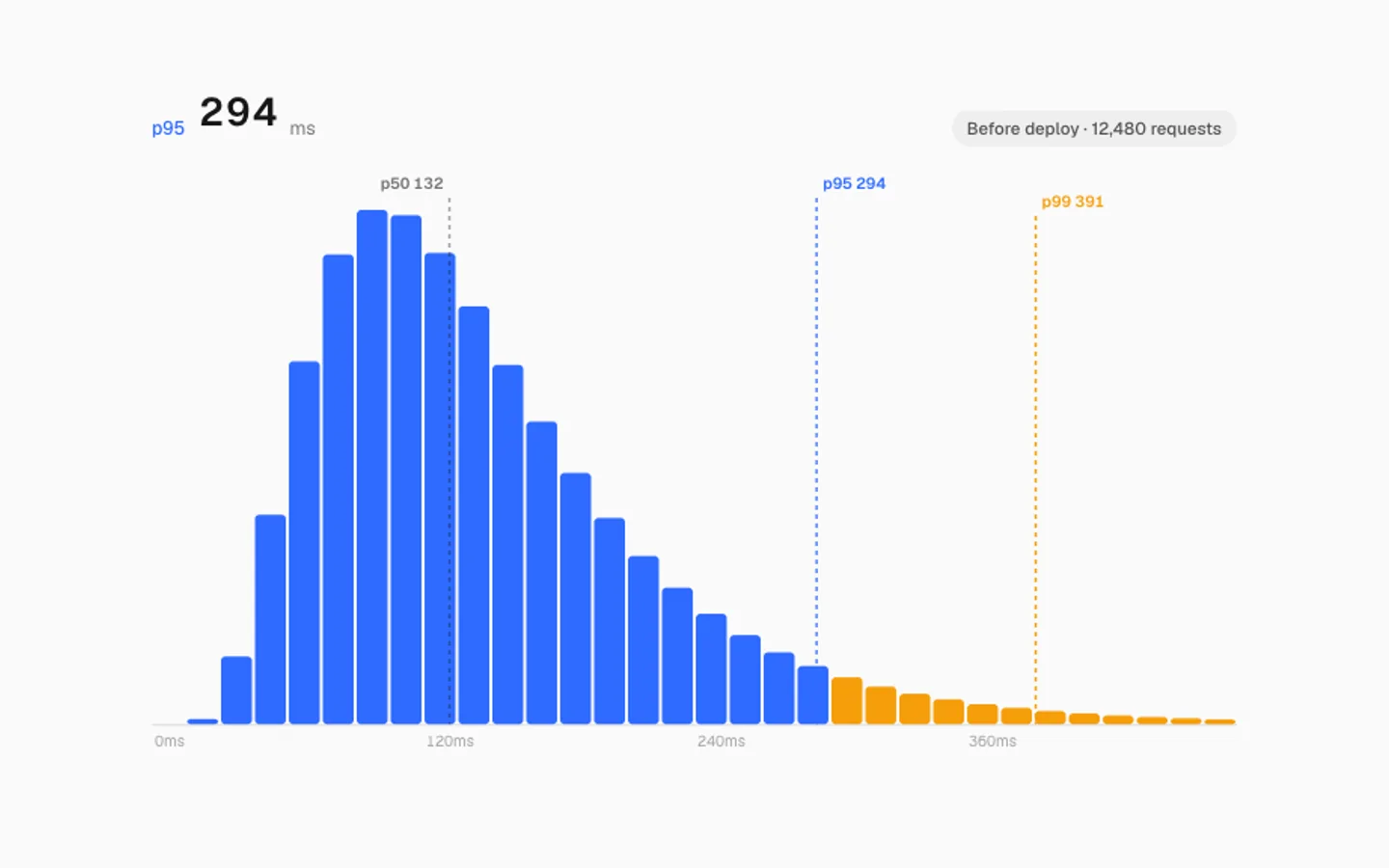
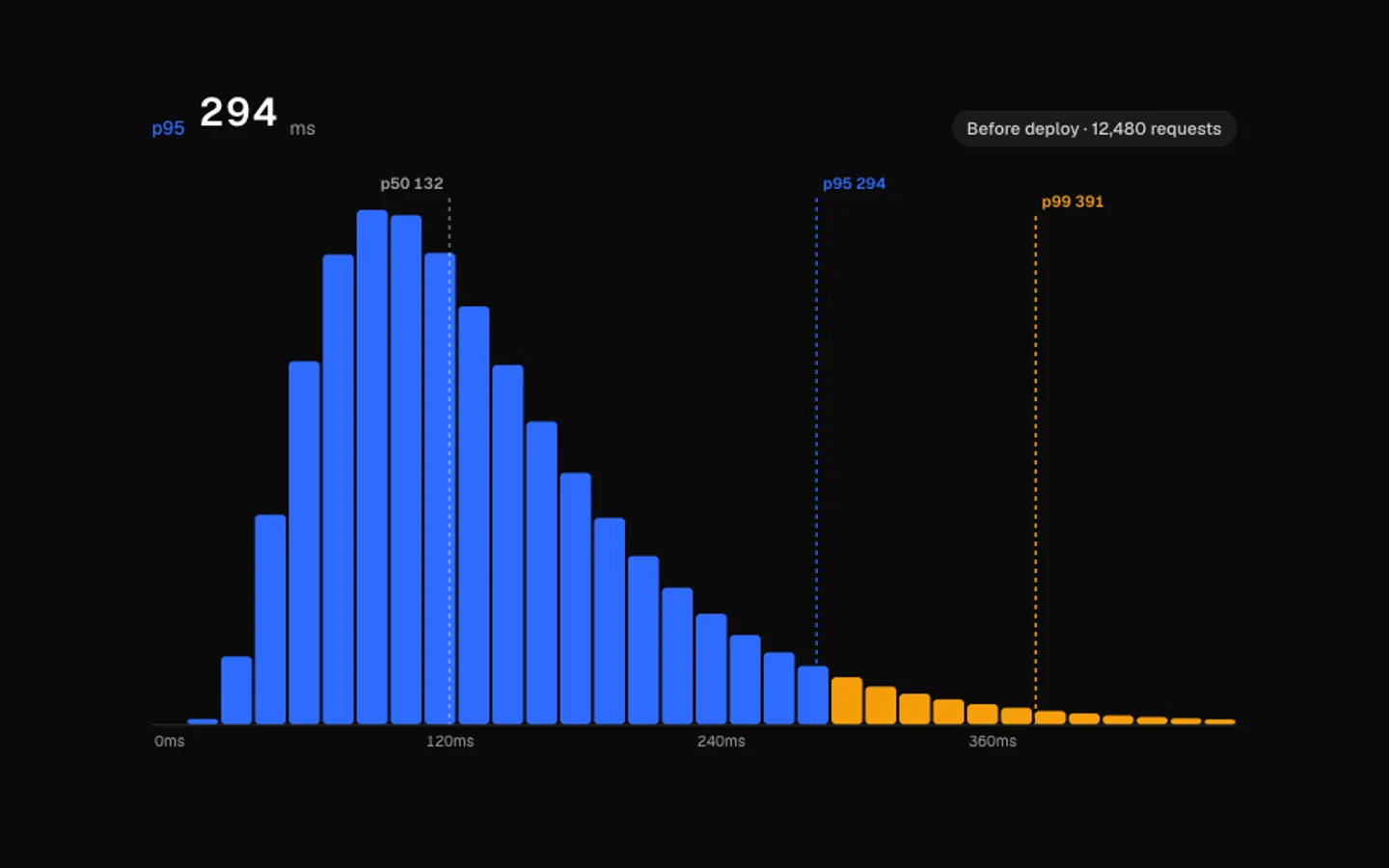
Latency Histogram
SectionHow long requests take, as a histogram. Bars spring to each new shape as conditions change, p50, p95 and p99 markers slide into place, and the slow tail turns amber. Point at a bar to read it.
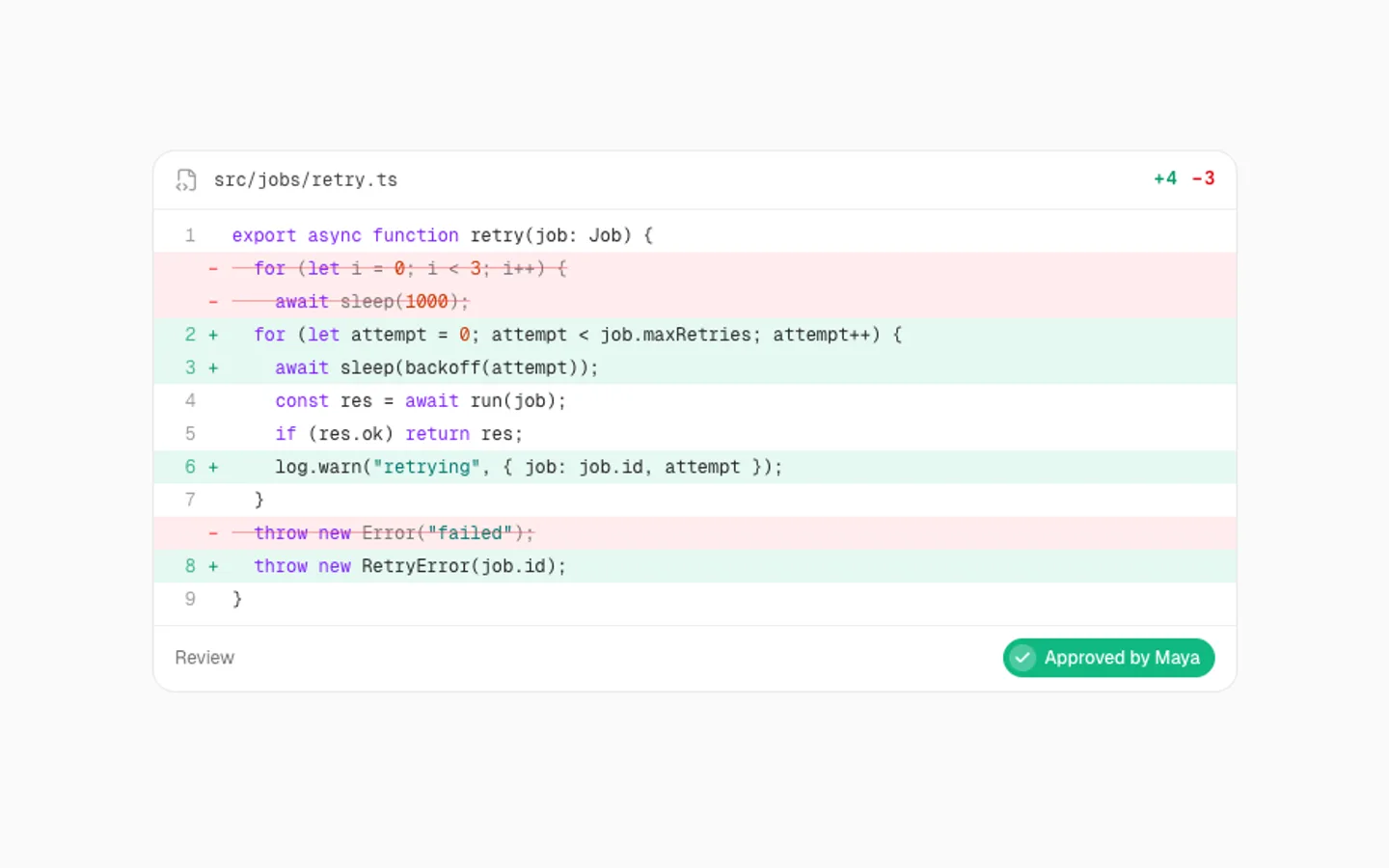
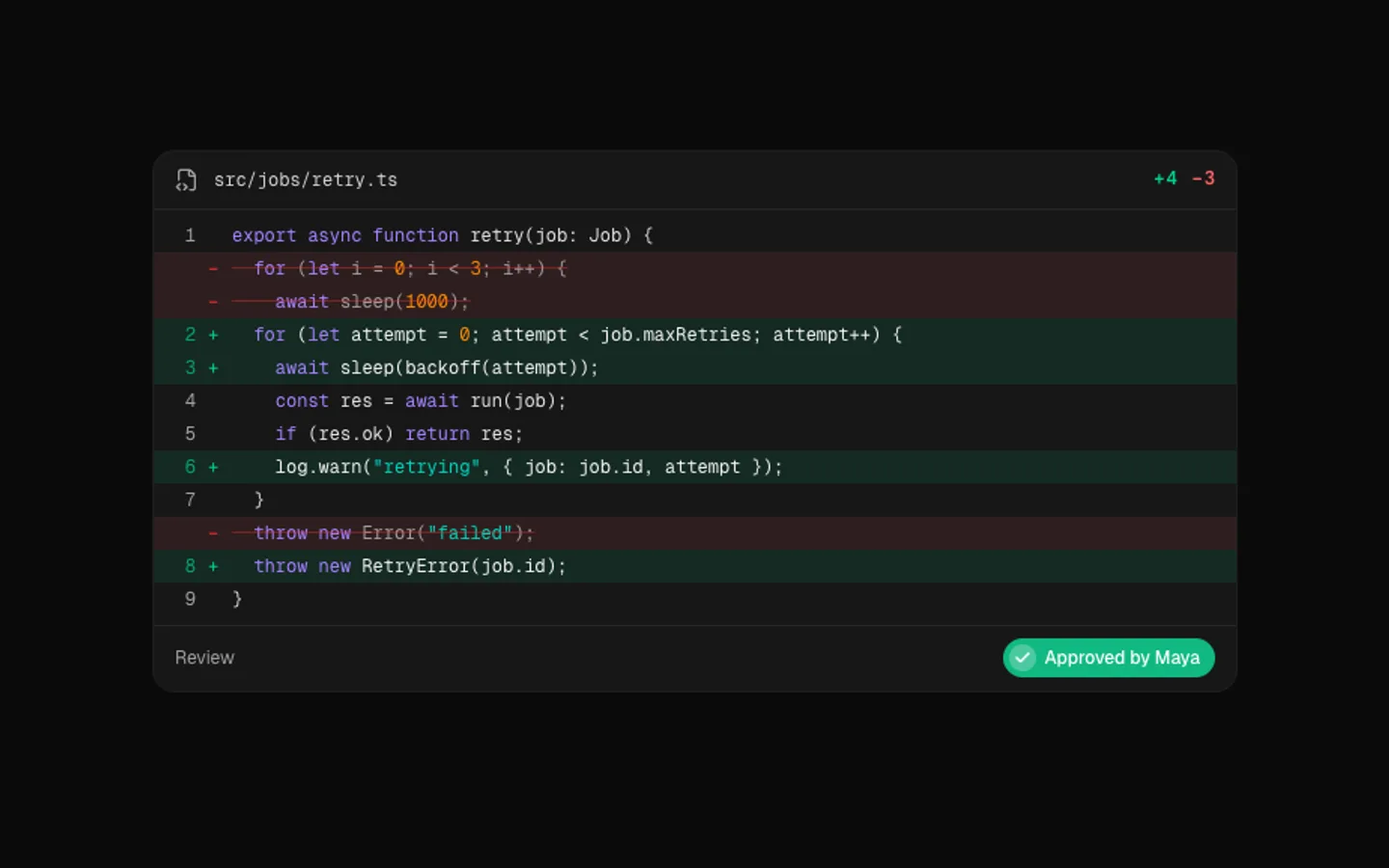
Diff Loop
SectionA pull request that reviews itself. Removed lines turn red one by one, new lines slide open in green while the counts tick up, and the change ends approved. Then it rewinds and plays again.
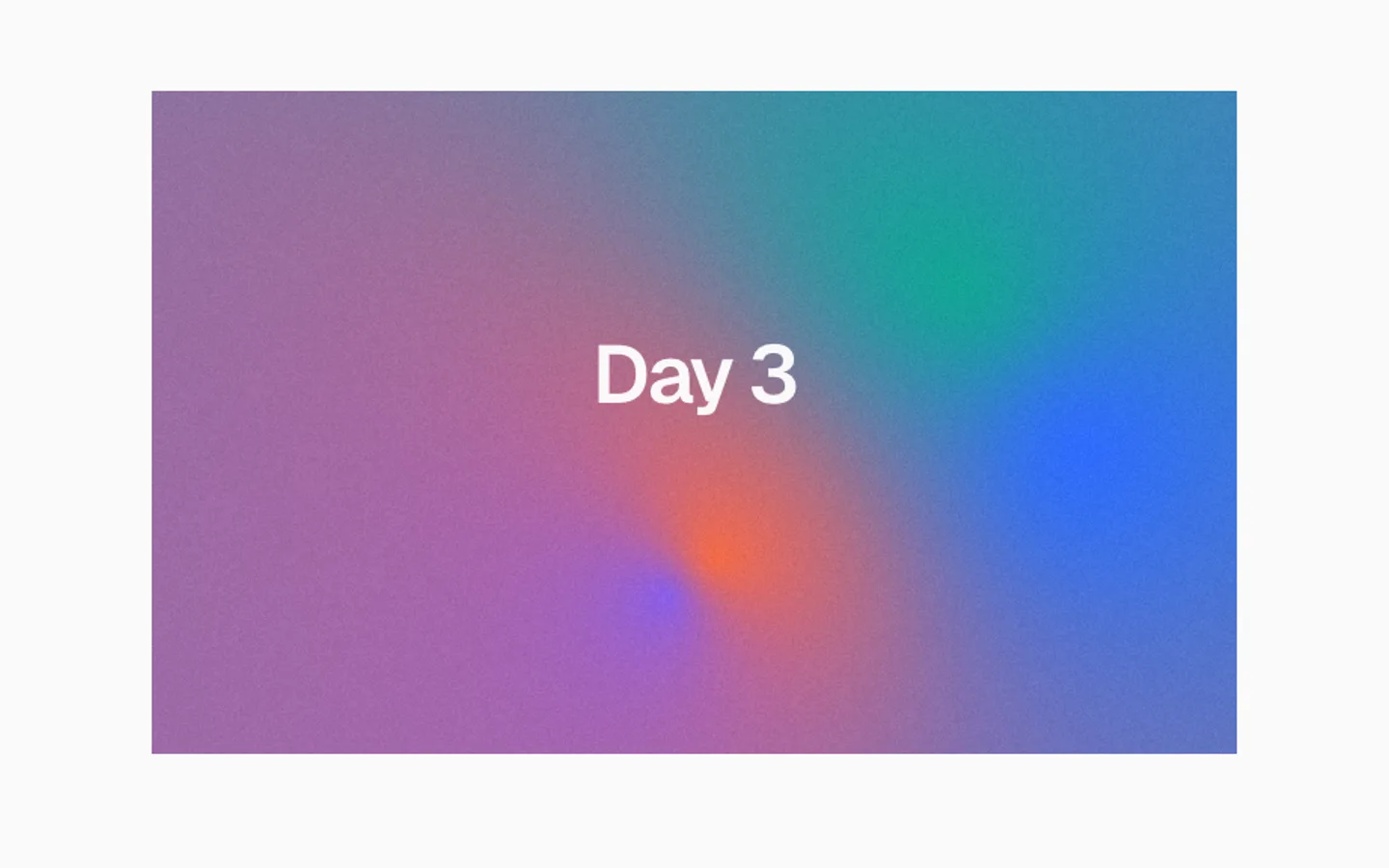
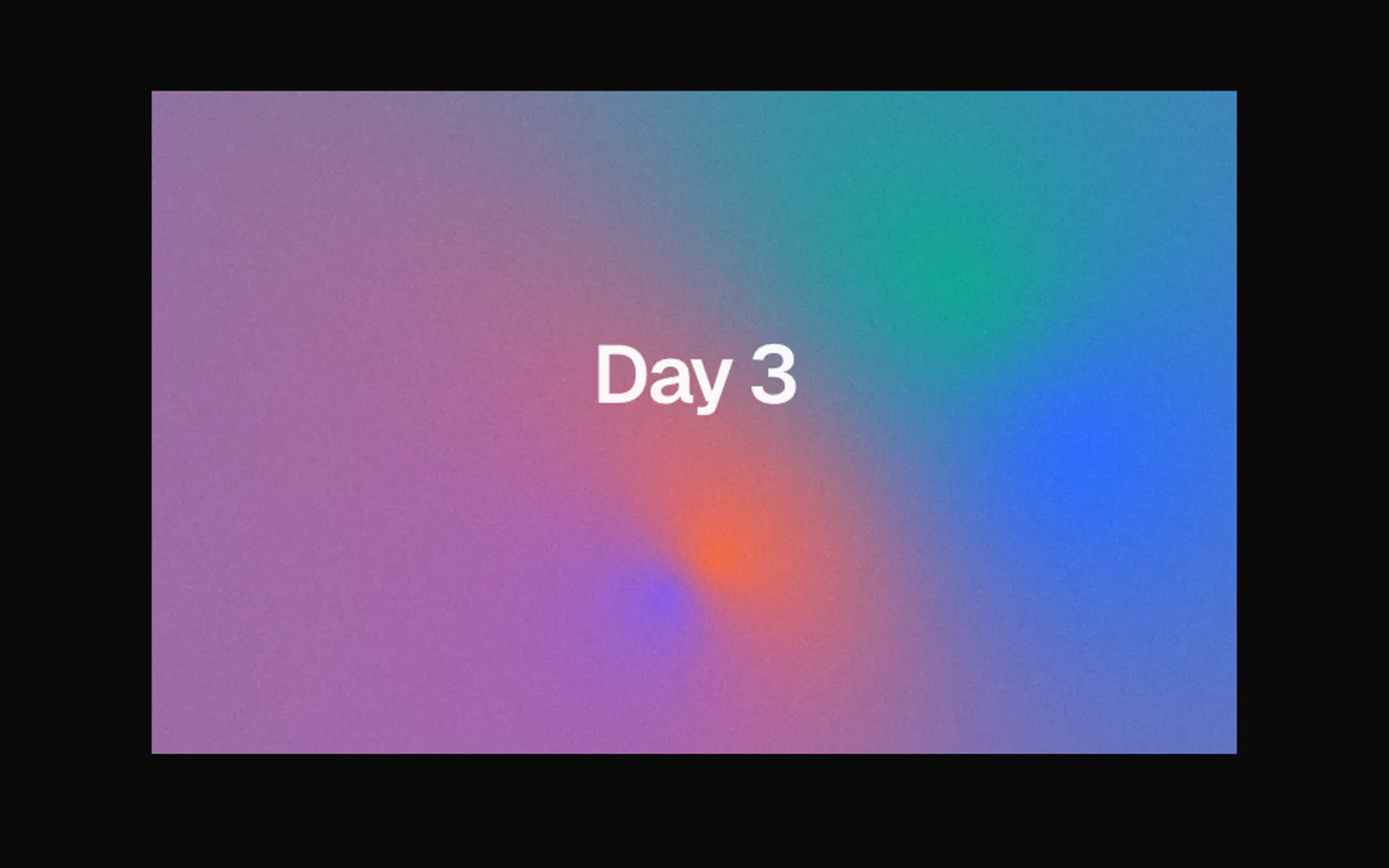
Mesh Gradient
SectionA soft mesh of colour drawn on the GPU. Three pools drift and melt into each other under fine grain, and a fourth follows your pointer through them. Works behind text or on its own.
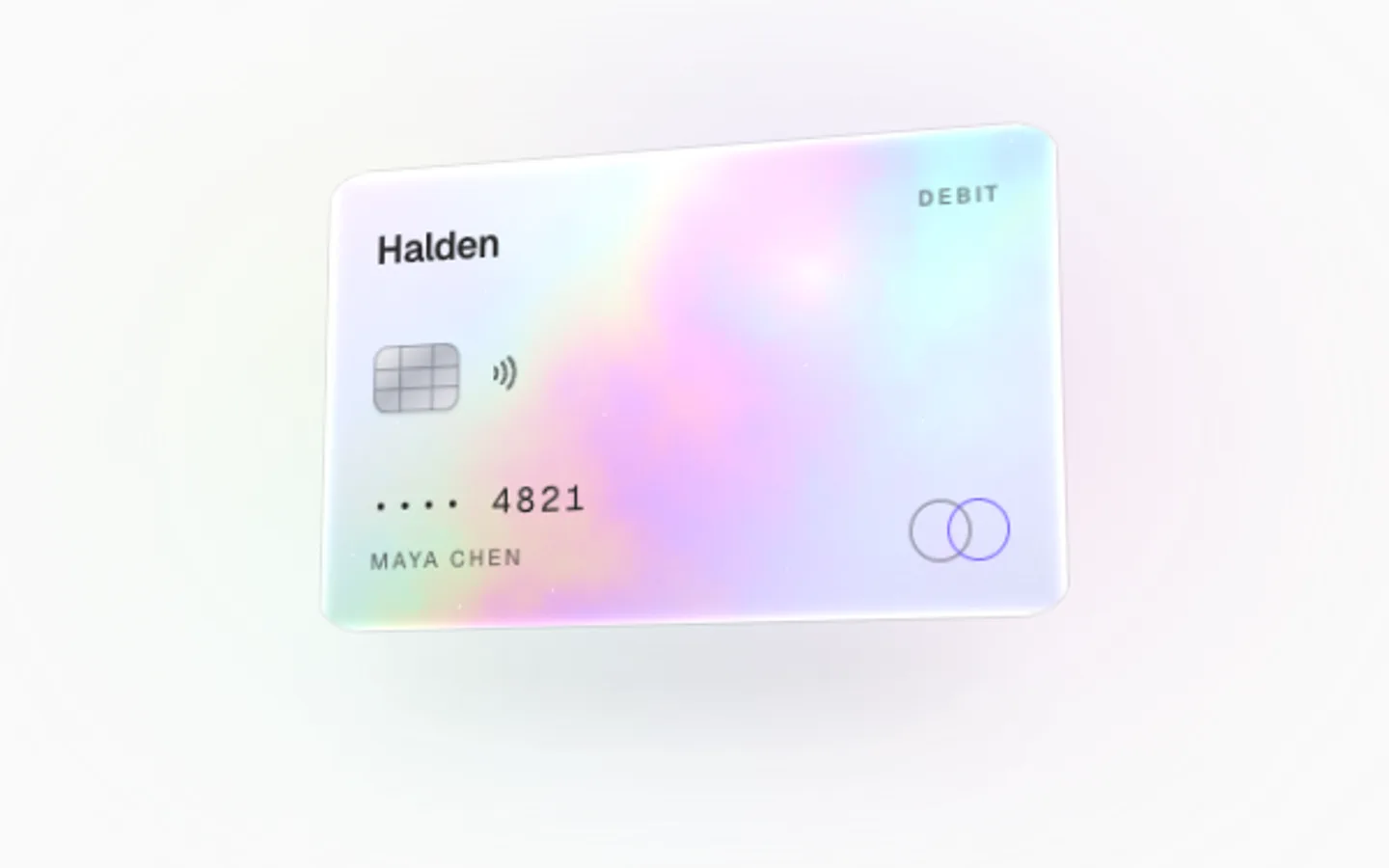
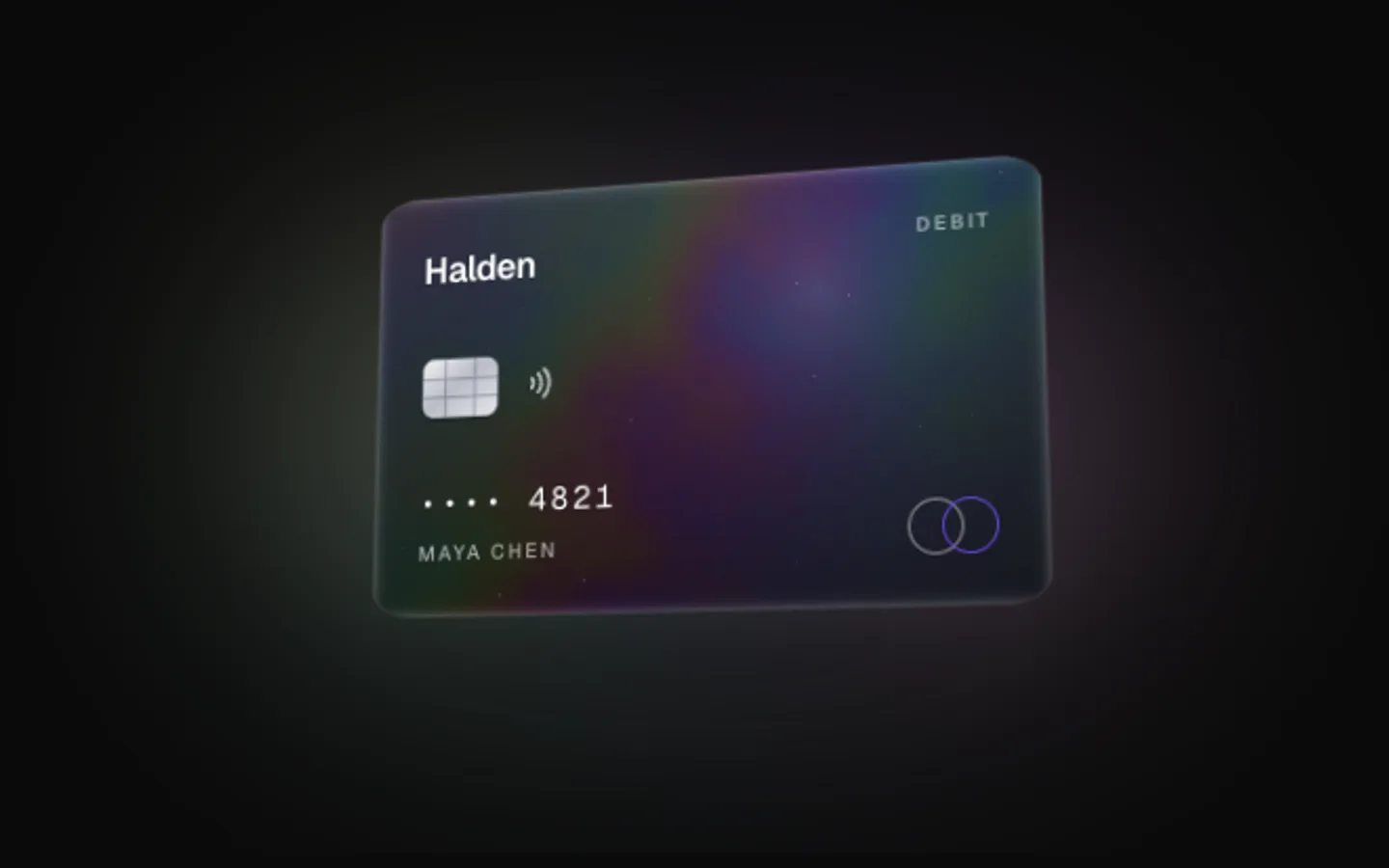
Payment Card
SectionA payment card with a holographic finish, rendered on the GPU. A thin-film foil on a pearl surface shifts colour as the card turns: it sways on its own, tilts toward the pointer with a glare that follows, and flips over to its back when clicked.
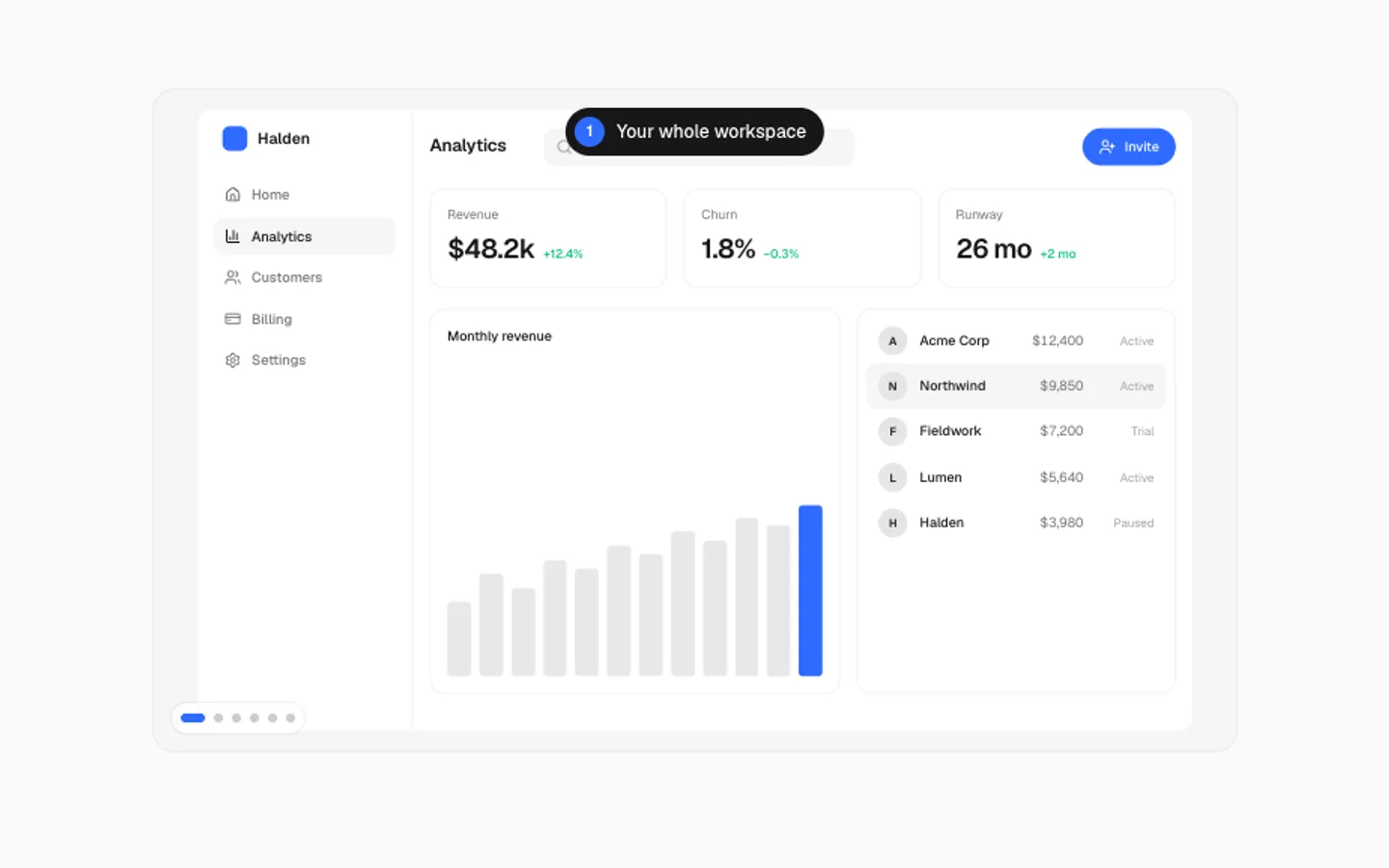
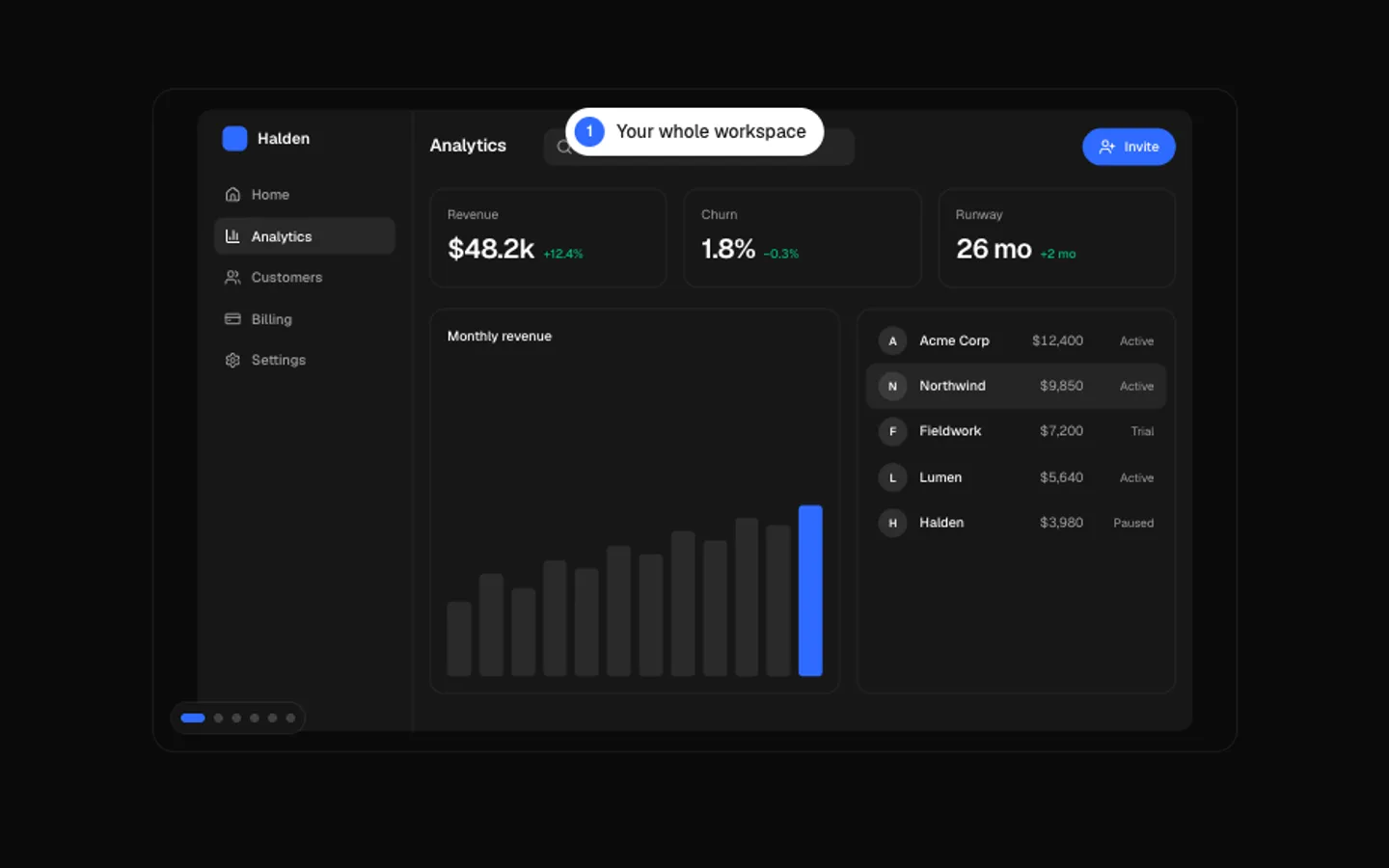
Product Tour
SectionA guided tour of an app screen. The camera glides and zooms from one area to the next, a ring settles around it with a caption and the rest dims. Click a dot to jump to a step.
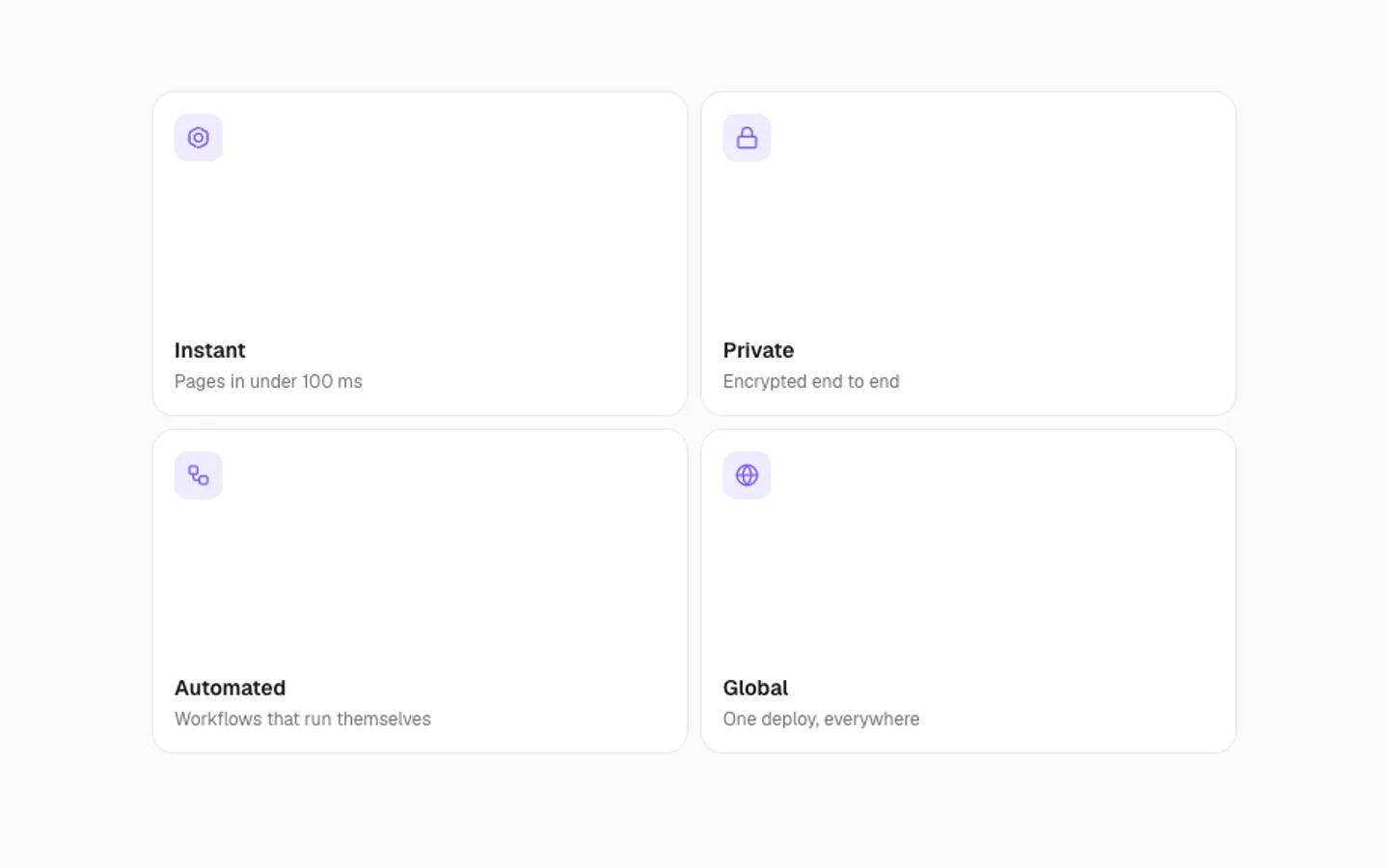
Expand Grid
SectionA small grid whose tiles open in place. A tile grows to fill the grid while the others step back, shows its details, then folds back into its spot. Click any tile to open it.
Inference
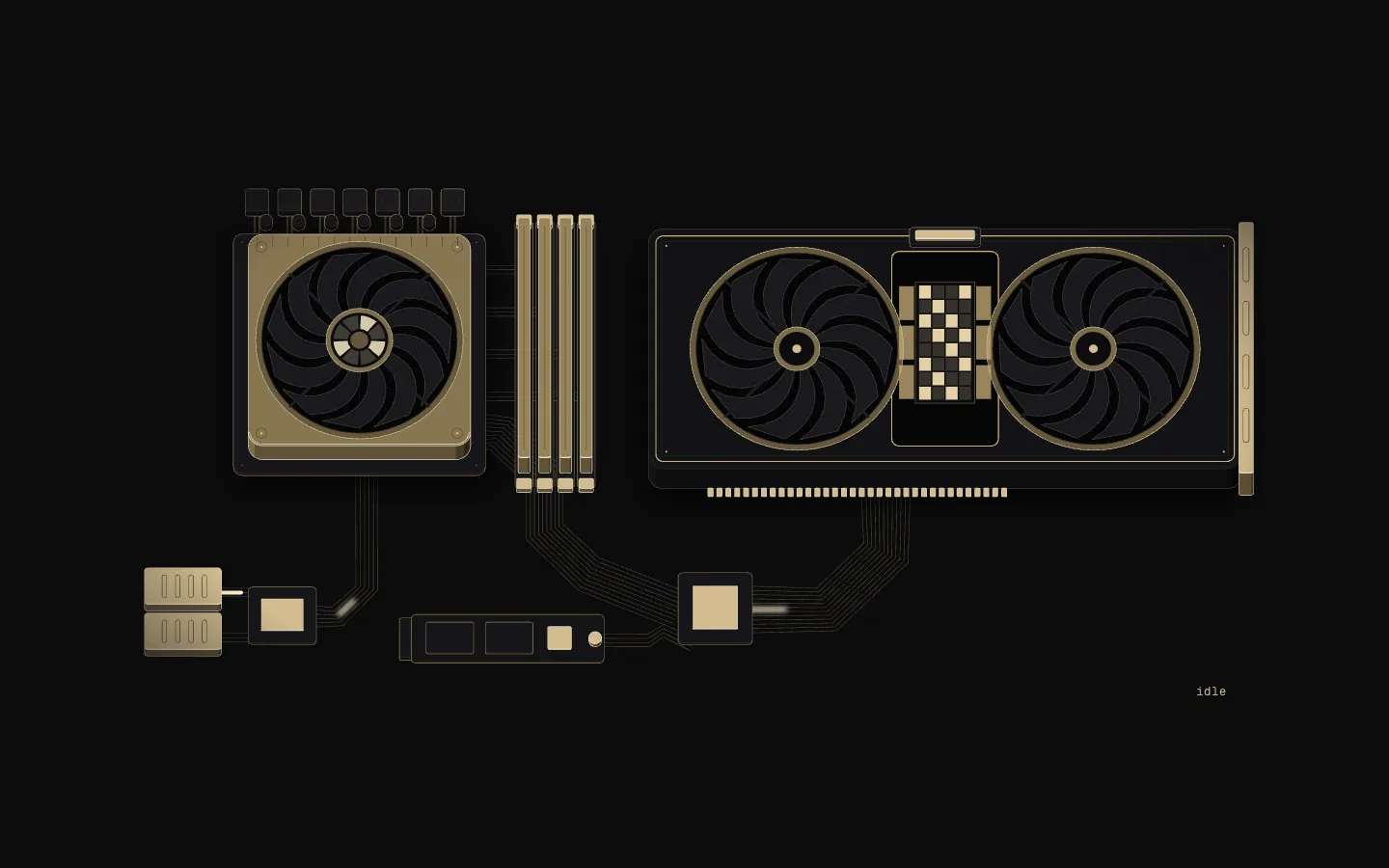
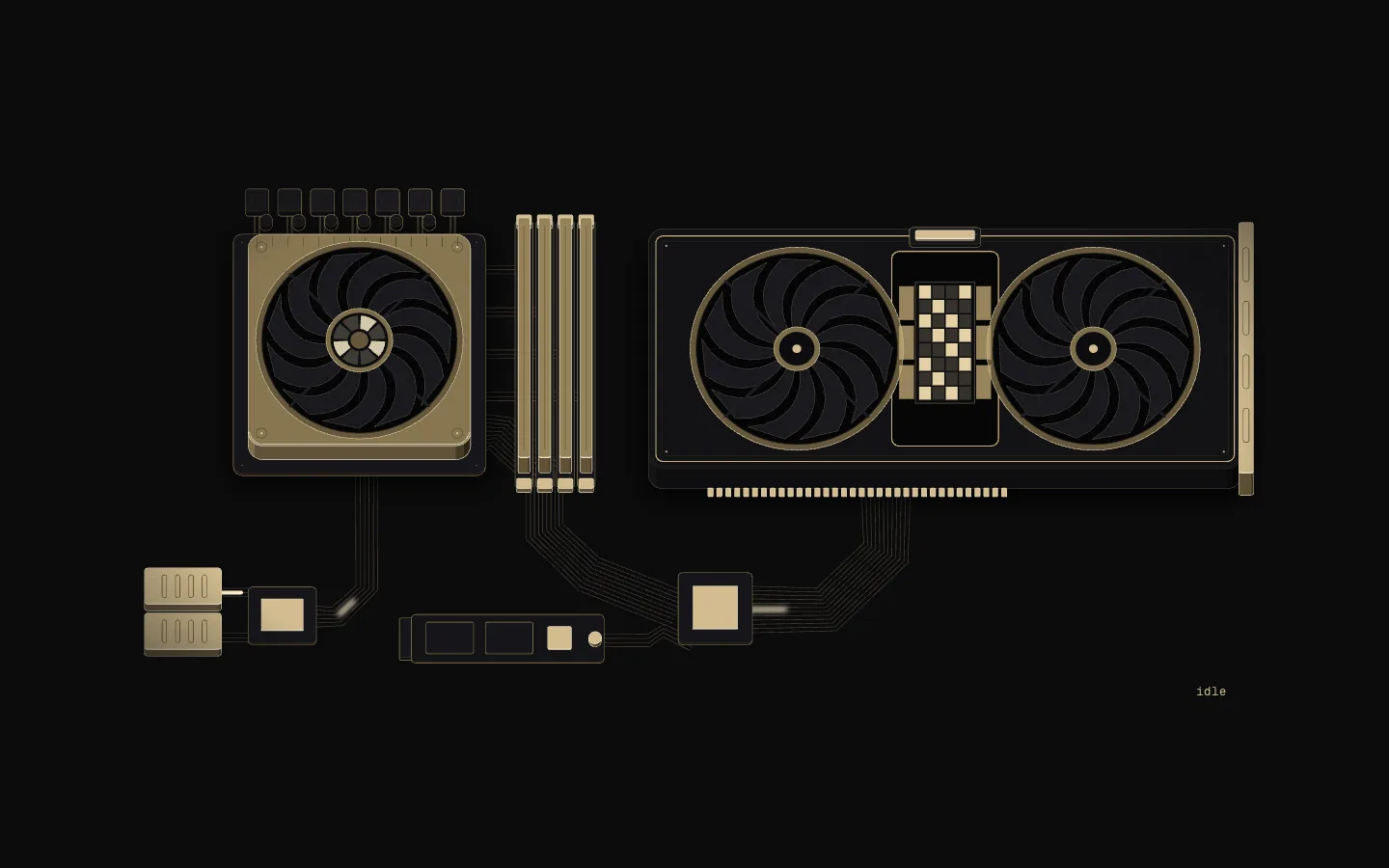
SectionAn AI inference board drawn as an isometric machine in black and champagne gold: a request arrives at the network cage, the CPU tokenizes it, it crosses PCIe to the GPU, whose compute tiles and HBM stacks run prefill and decode, and tokens stream back out.
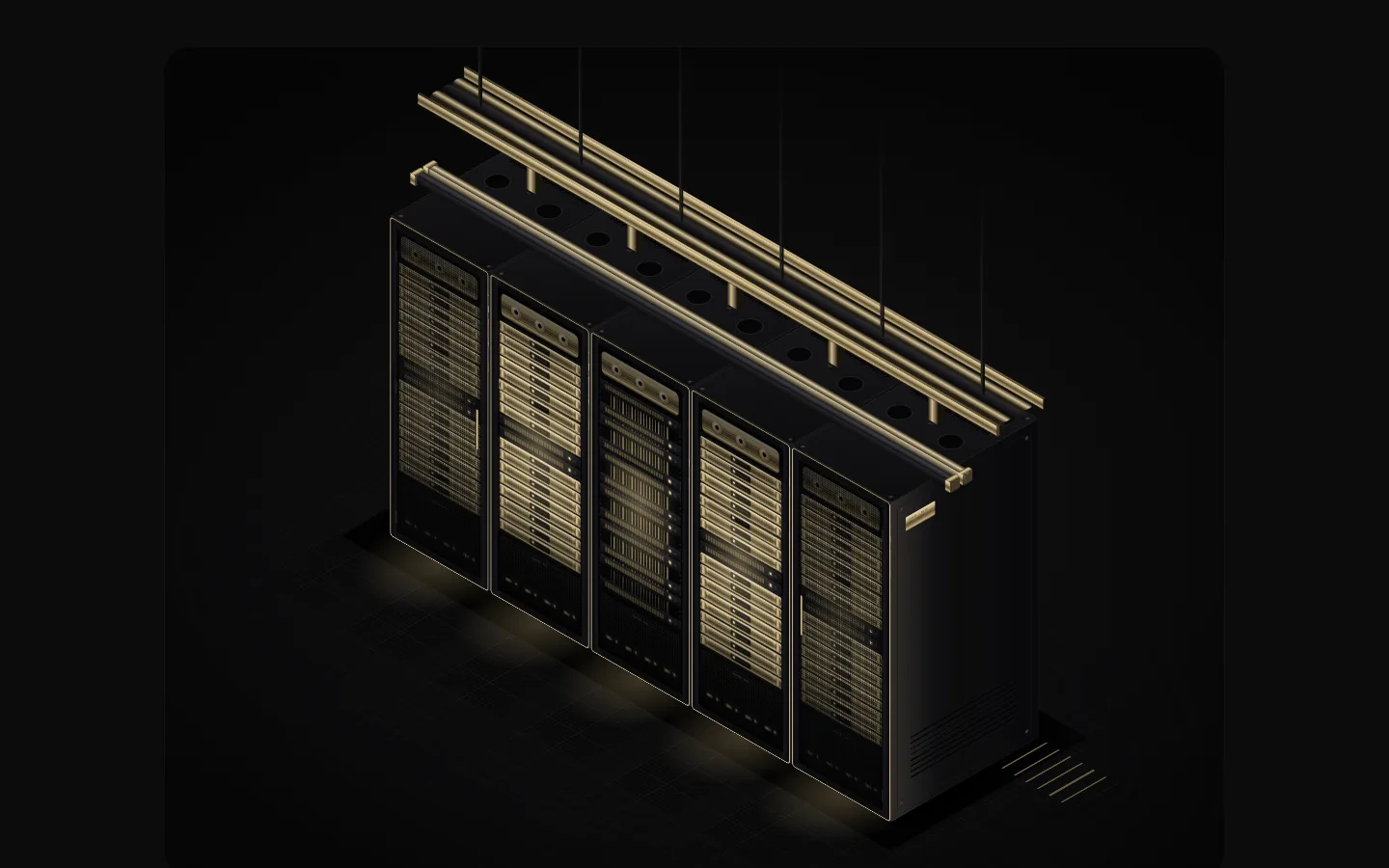
Server Racks Isometric
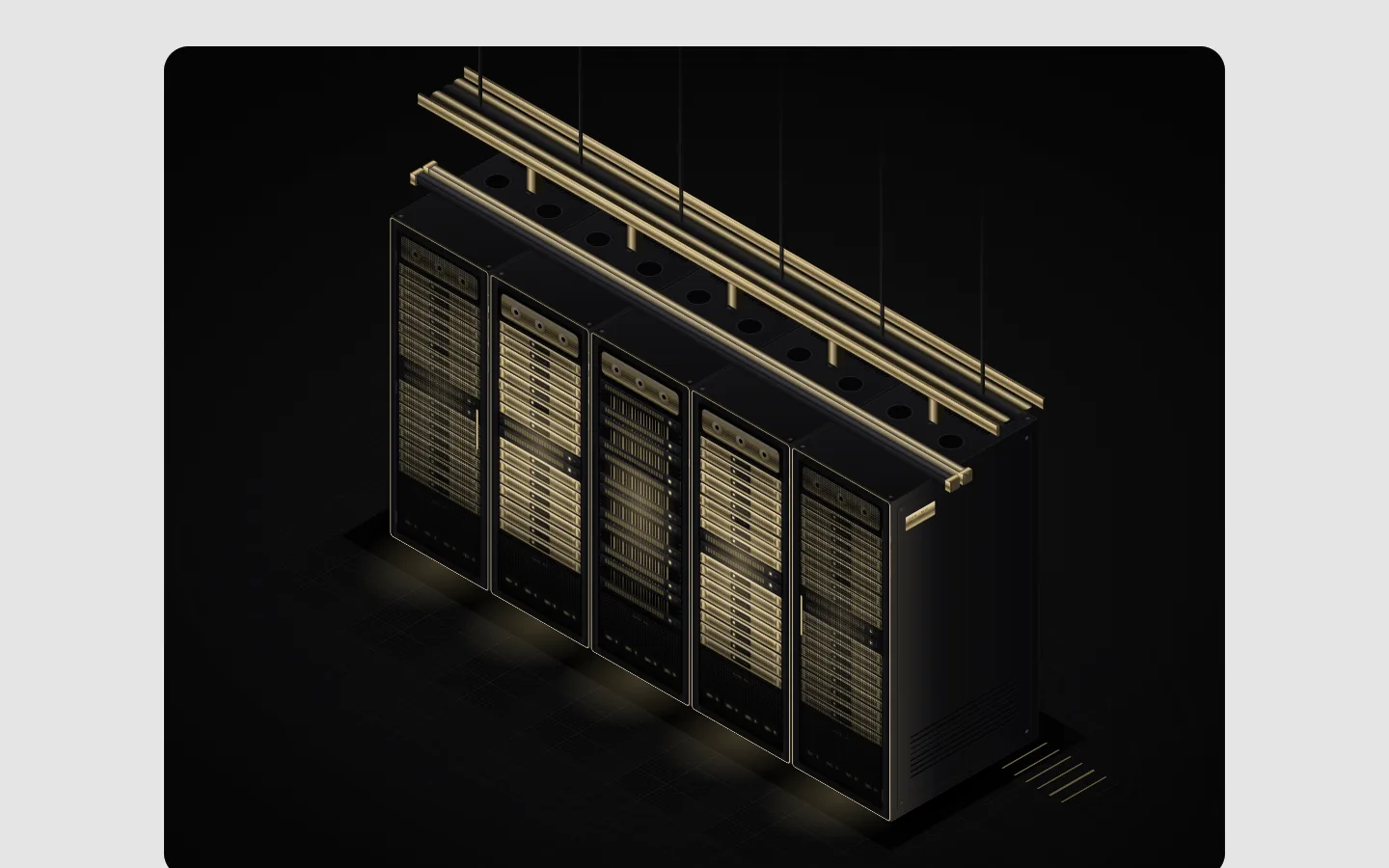
SectionThe server rack row as an isometric 3D model: black cabinets on a raised floor, a gold cable bed overhead and a cooling manifold across the tops. Hover or pick a rack to slide a compute tray out and swing its door open.
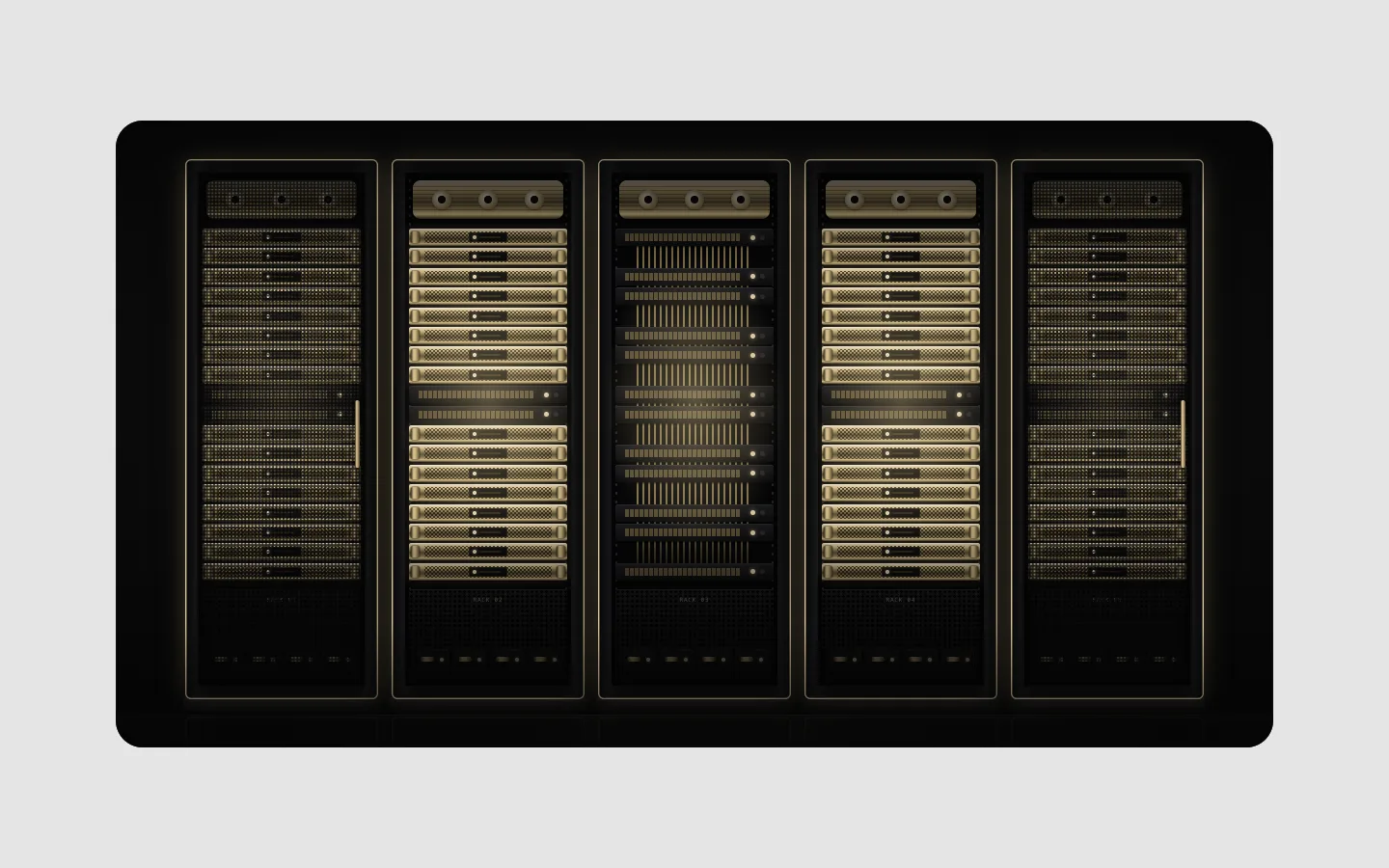
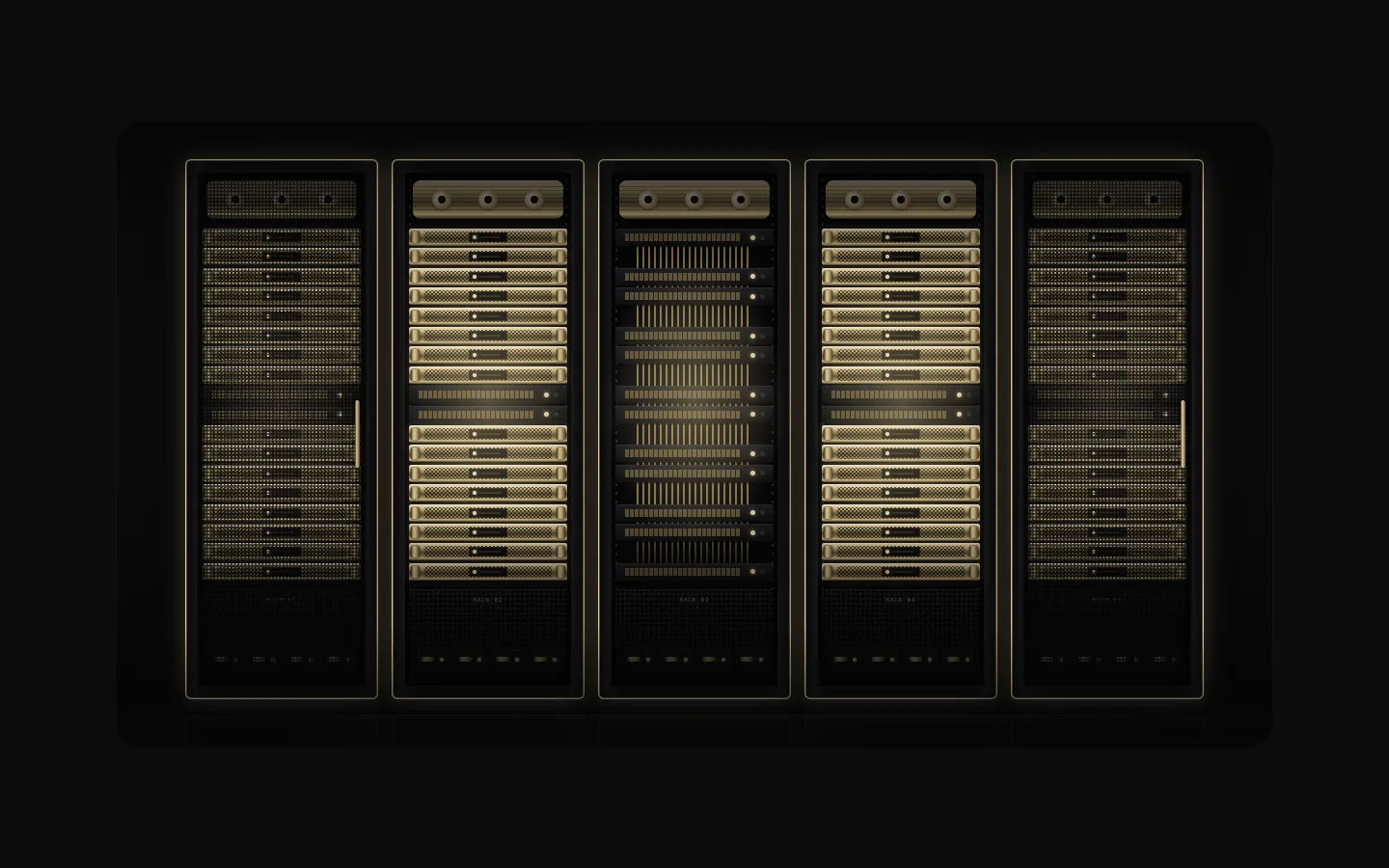
Server Racks
SectionA row of AI server racks seen straight on: black cabinets, champagne-gold compute trays, mesh doors and warm light in the dark. Racks power up as it scrolls in and tray lights ripple; hover or pick a rack to light it up.
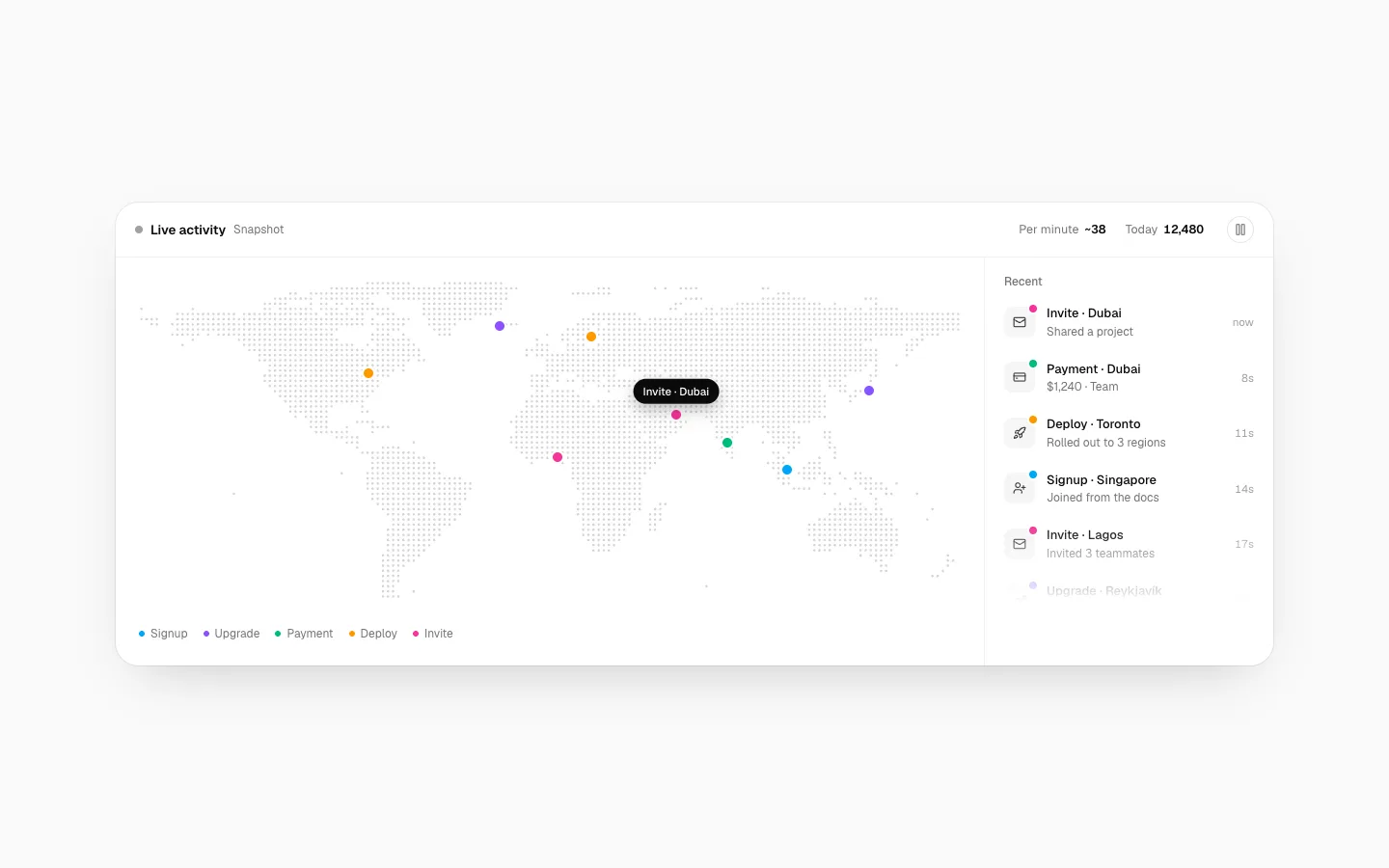
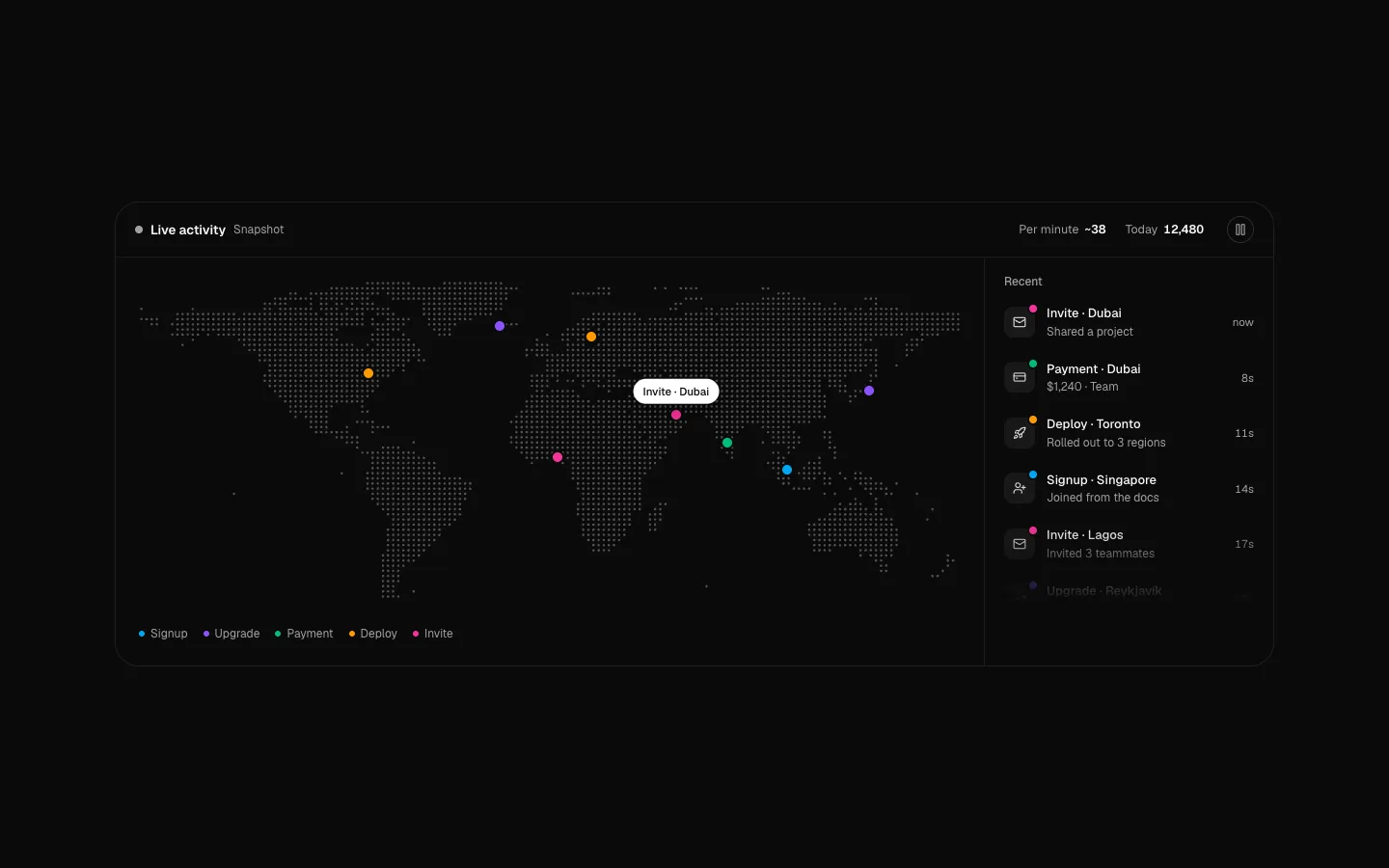
Live Activity Map
SectionA dotted world map where signups, upgrades, payments and deploys pop up as they happen, with a live feed beside it. Hover a row to find it on the map. Pass your own events or let it simulate; it pauses off screen and has a pause button.
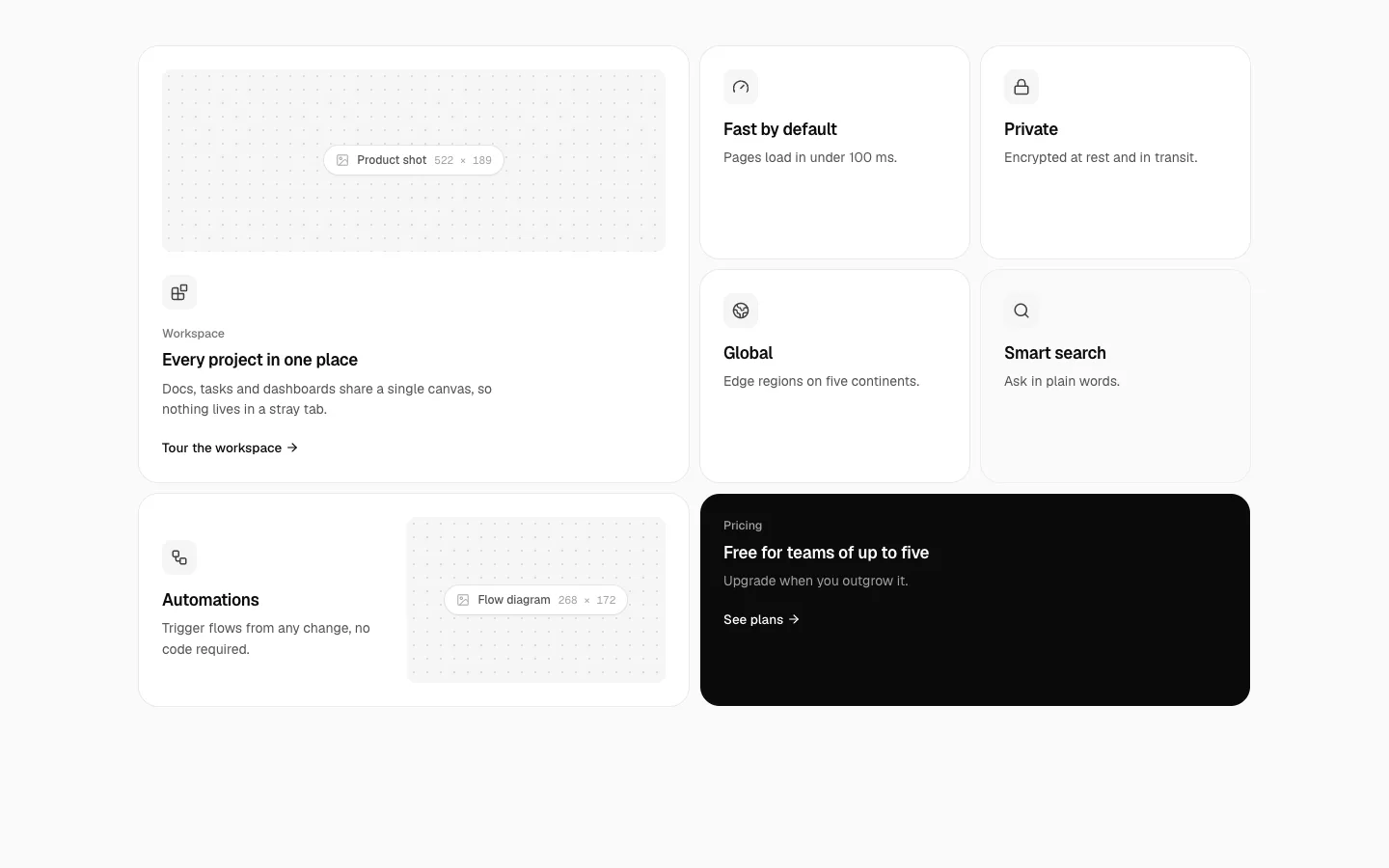
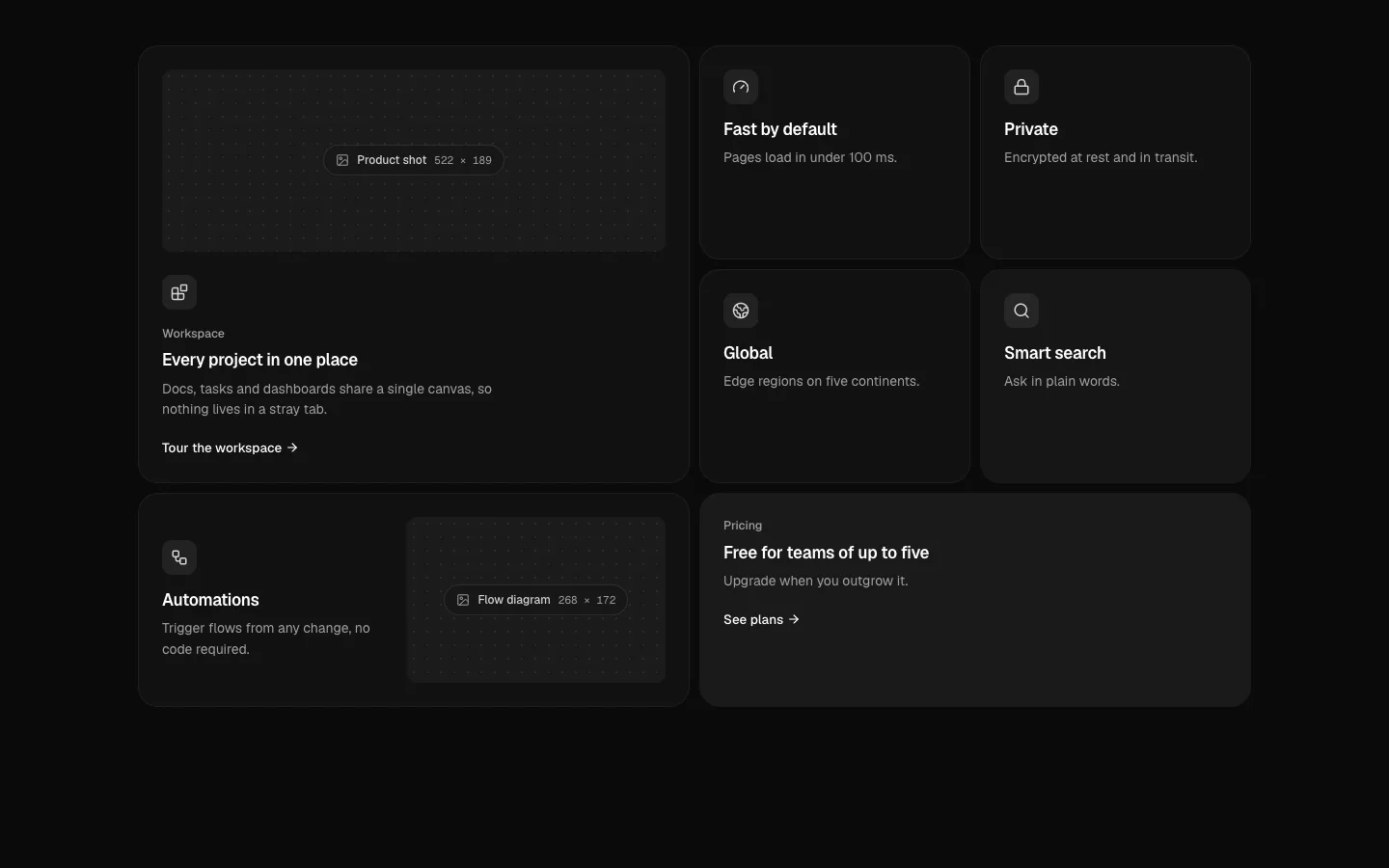
Bento Shell
SectionA bento grid you set up by picking a layout, text alignment and text position. Ten preset layouts or your own grid areas, tiles with an image placeholder that shows its size, and a builder that copies the JSX.
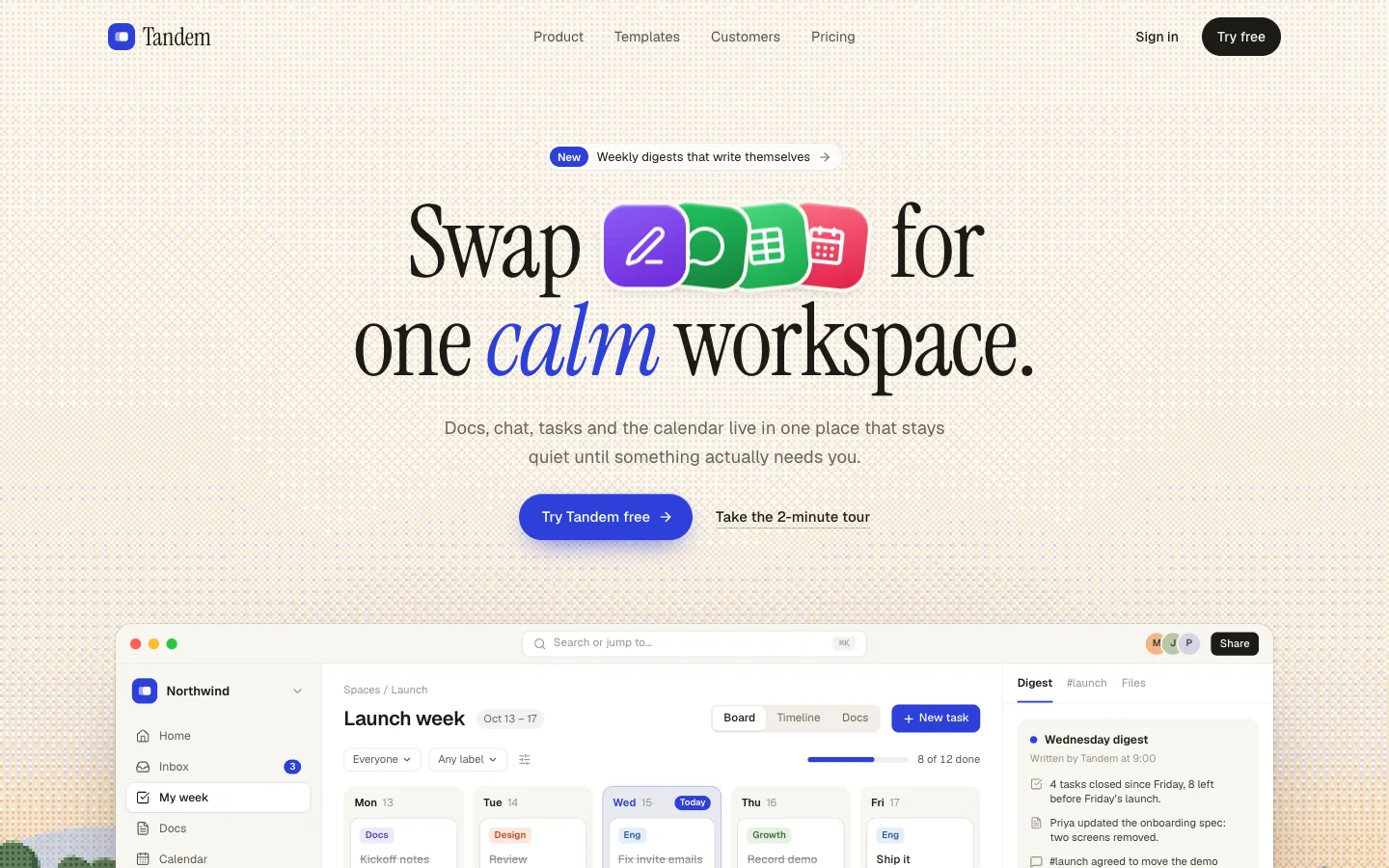
Workspace Hero
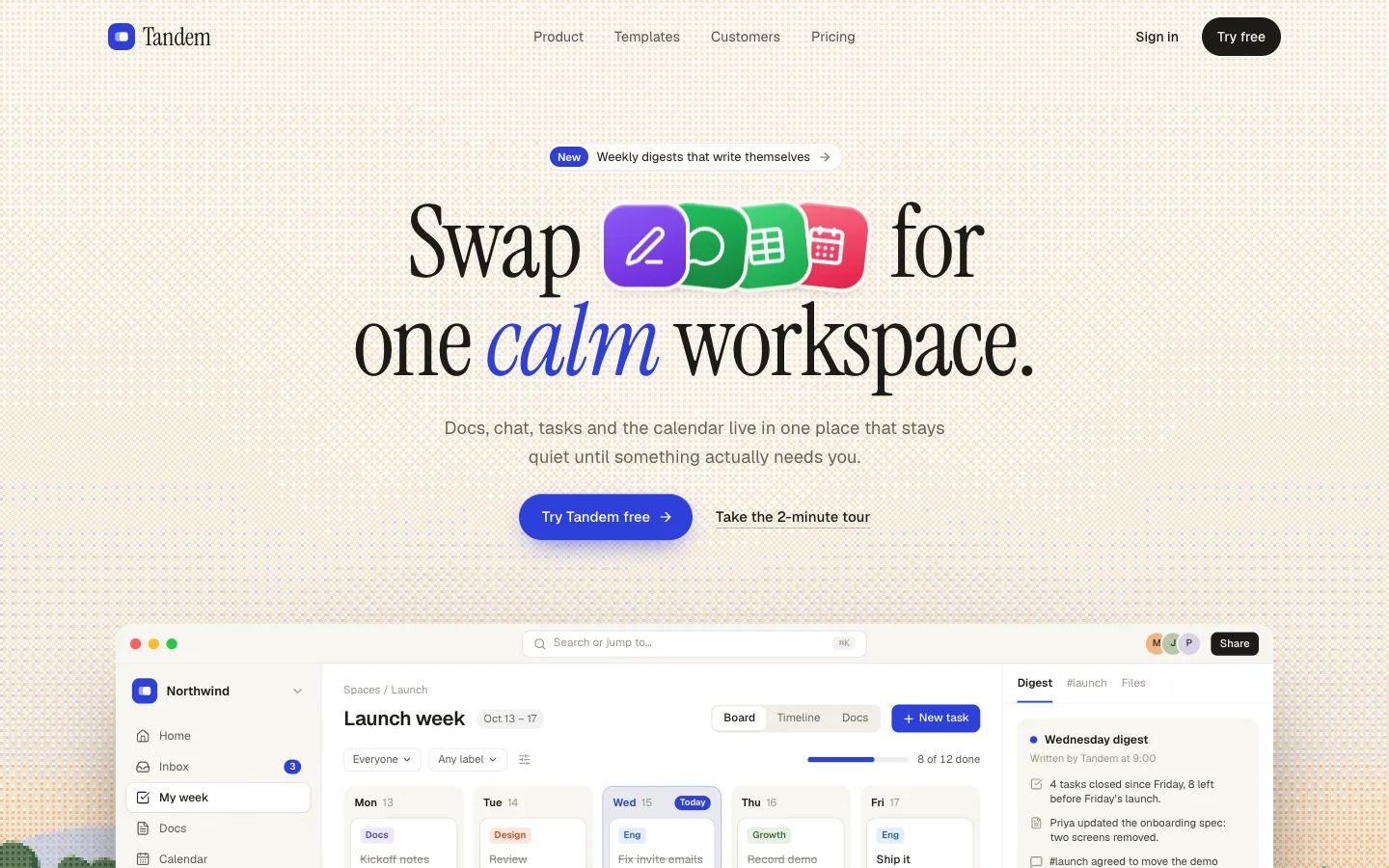
SectionA team-workspace hero in Instrument Serif over a landscape drawn in code and Bayer-dithered like a print. Four app tiles in the headline fold into one, and the full desktop app below works on its own: tasks tick off, a digest writes itself, a teammate drags a card.
Backups Hero
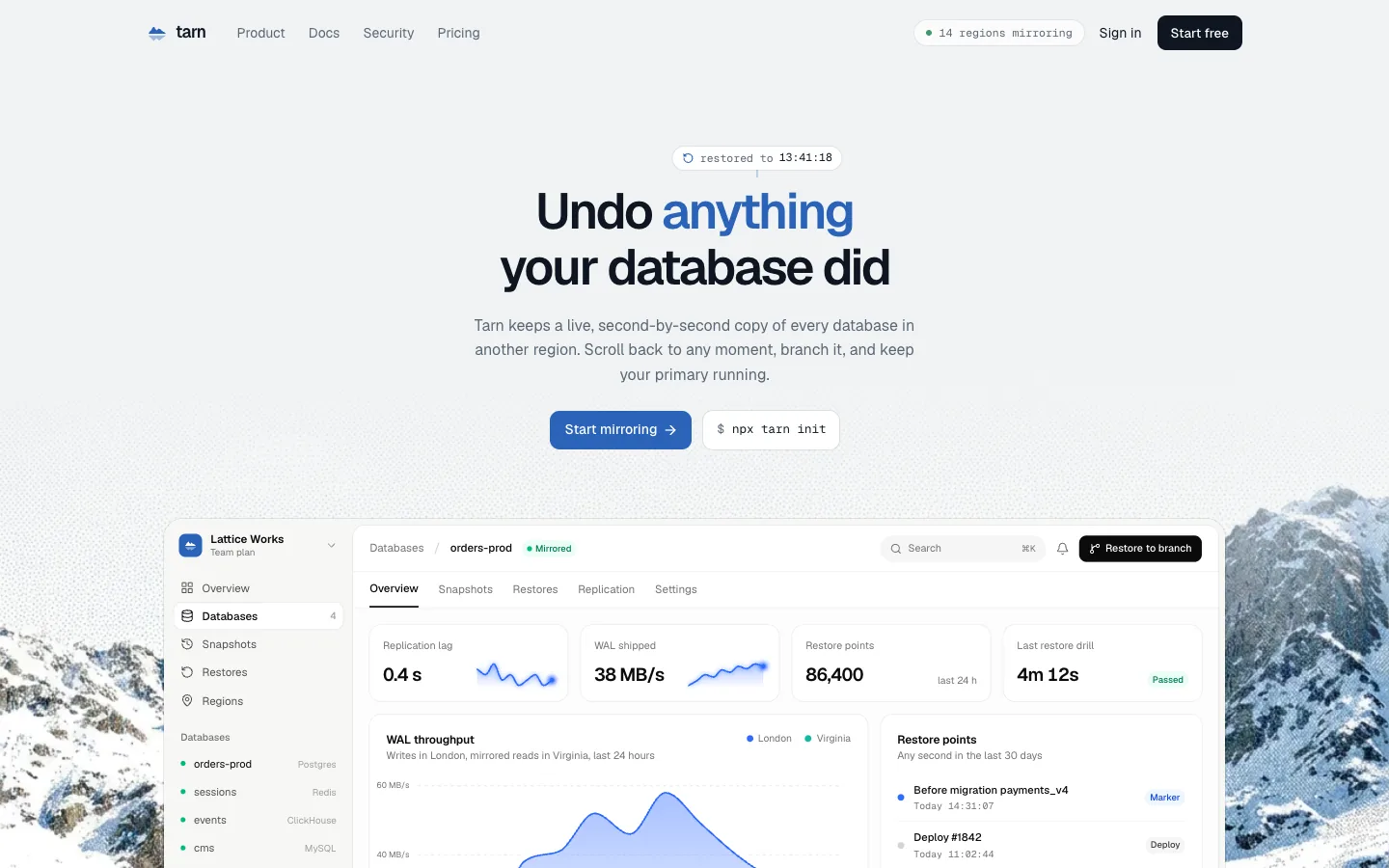
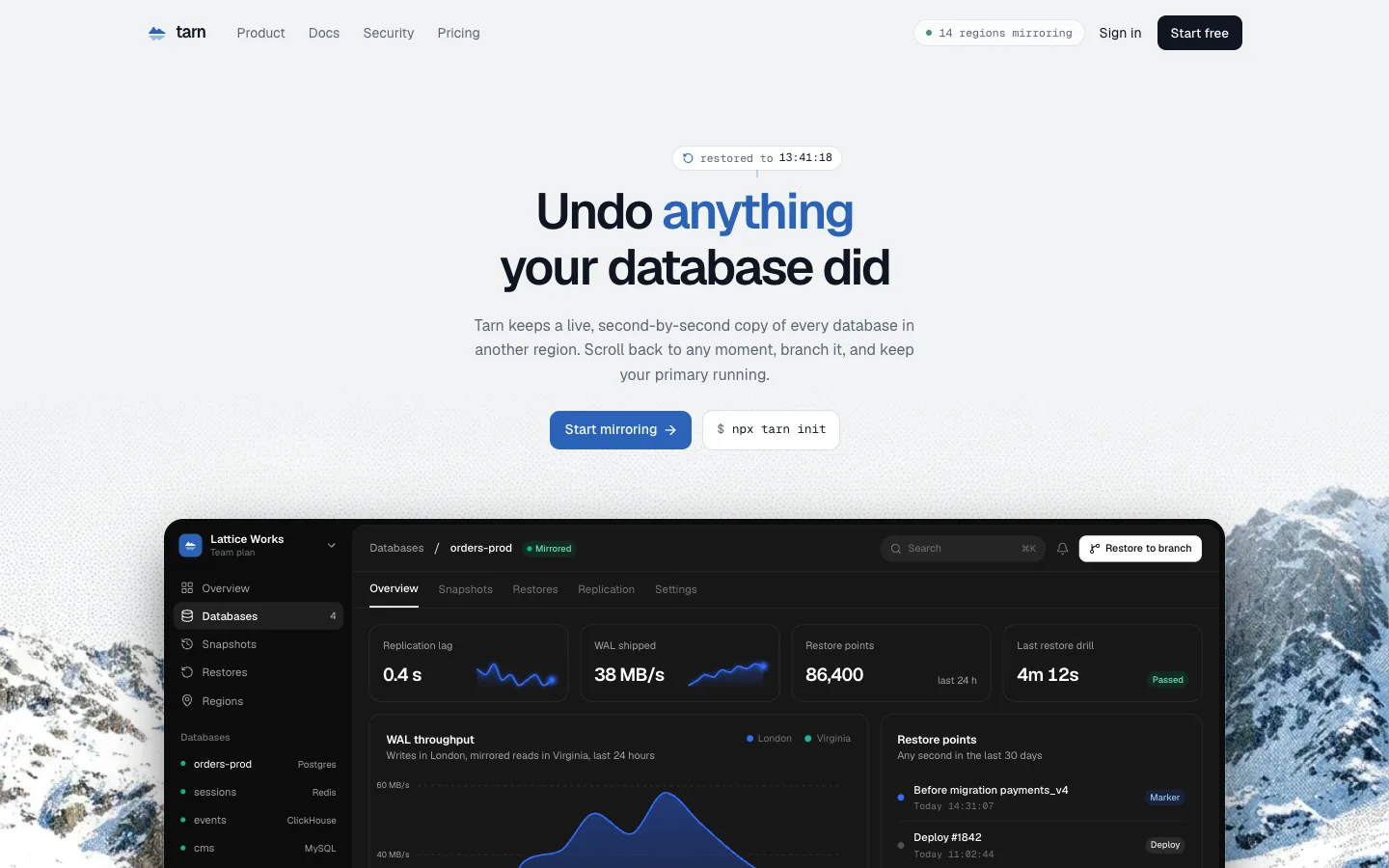
SectionA database-mirroring hero in Geist over a glacier lake. “Undo anything” rewinds through fading echoes onto a timestamp, and below it the console scrubs back through 24 hours and shows the exact rows a restore would change.
Equity Hero
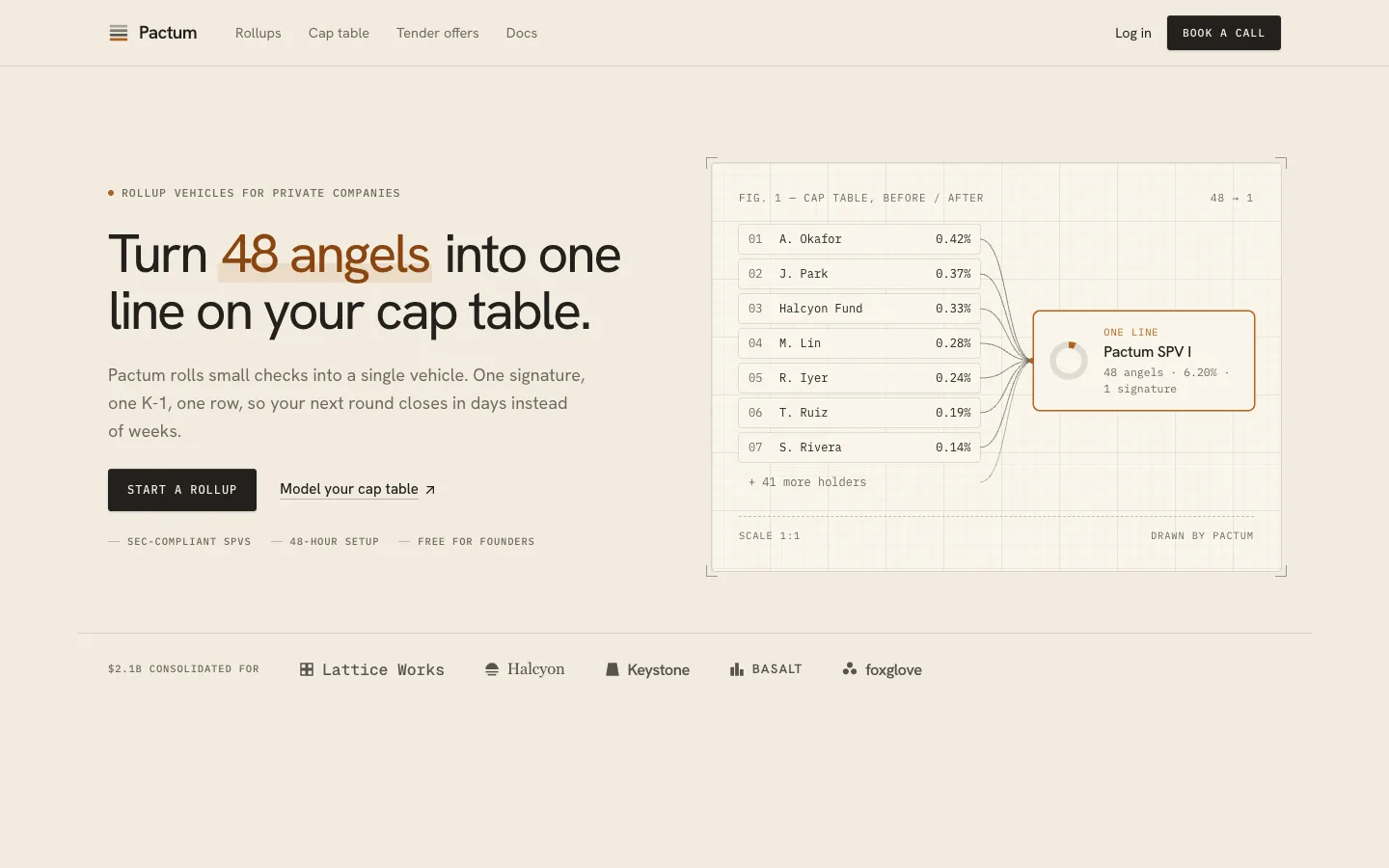
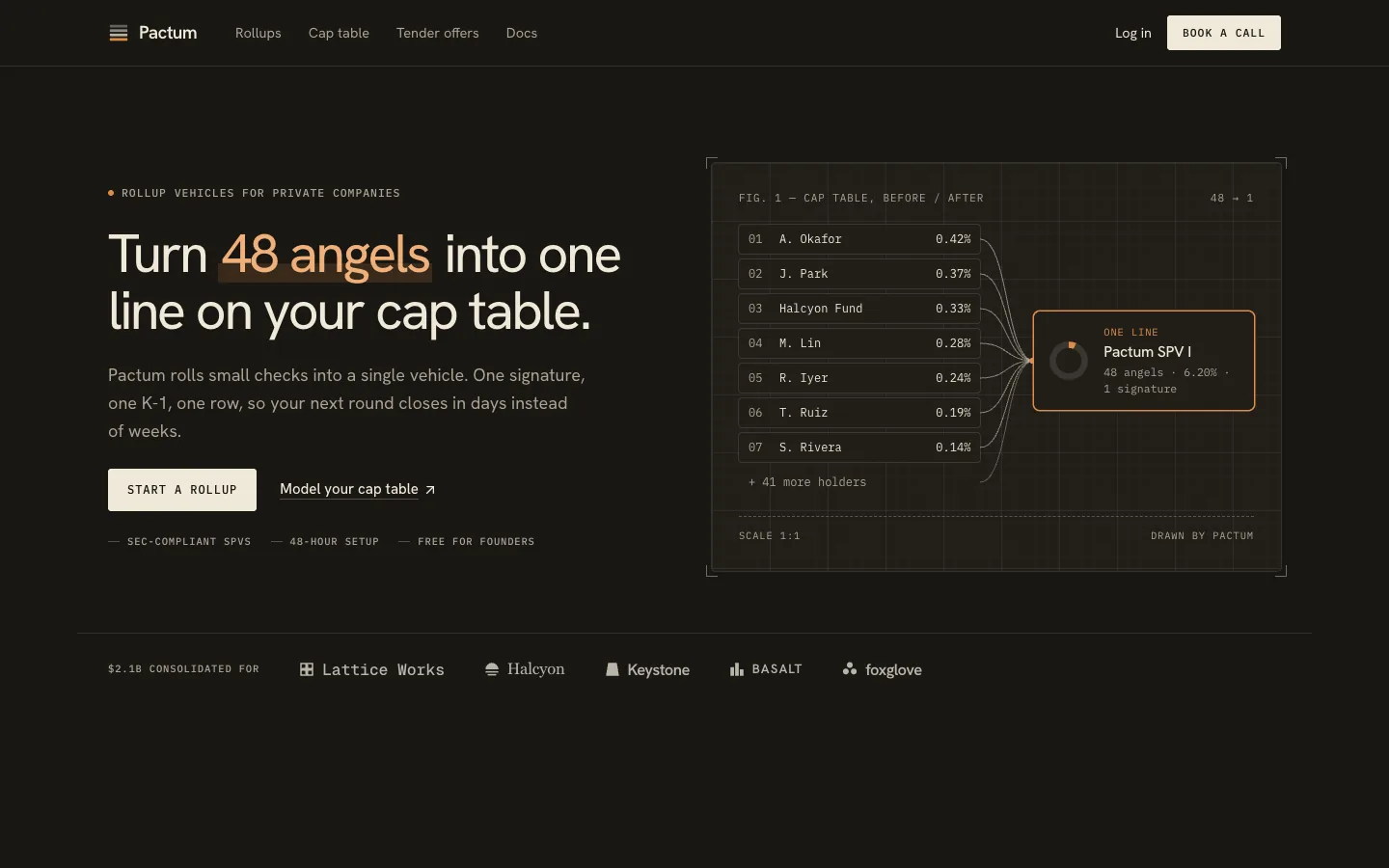
SectionA cap-table hero in cream, ink and ochre, drawn like a technical figure. The headline's number counts and its noun decodes into each deal while a ledger on graph paper braces dozens of holders into one vehicle row. Split or centred, with an espresso dark mode.
Cash-flow Hero
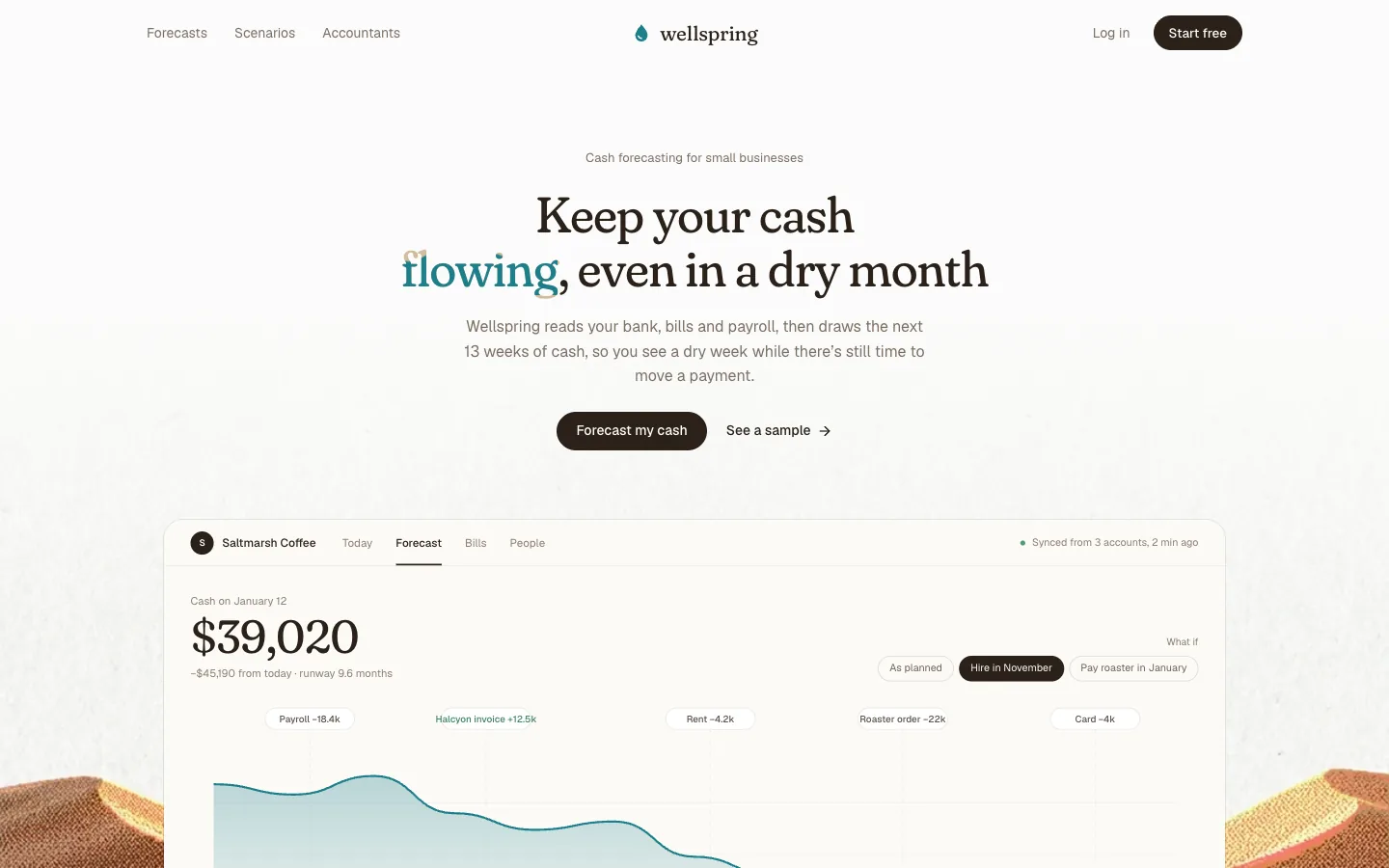
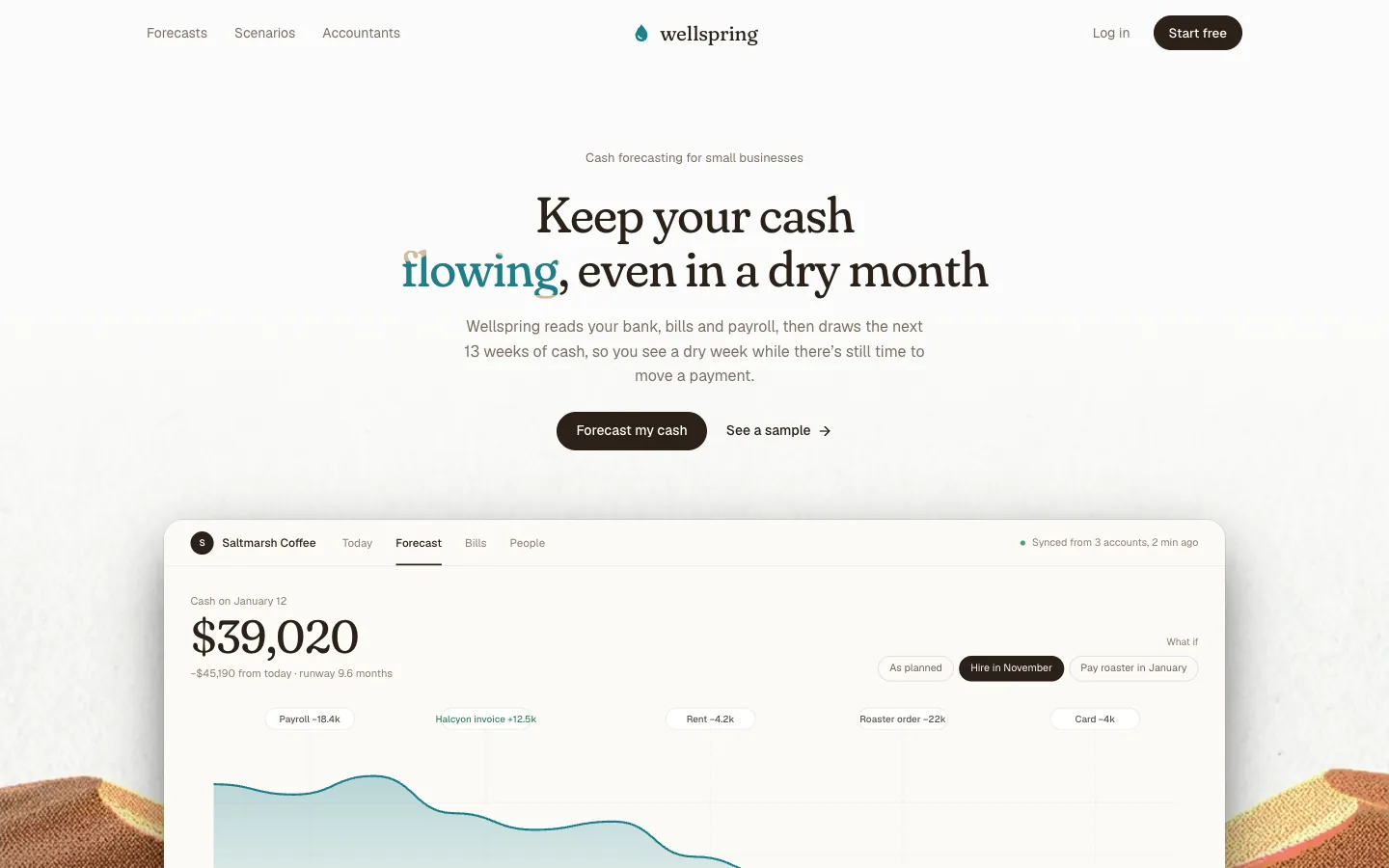
SectionA cash-forecasting hero in Recoleta over a desert waterfall. Water rises and drains inside the word “flowing”, and below the headline a calm forecast screen draws the next 13 weeks as a river, switching scenarios on its own.
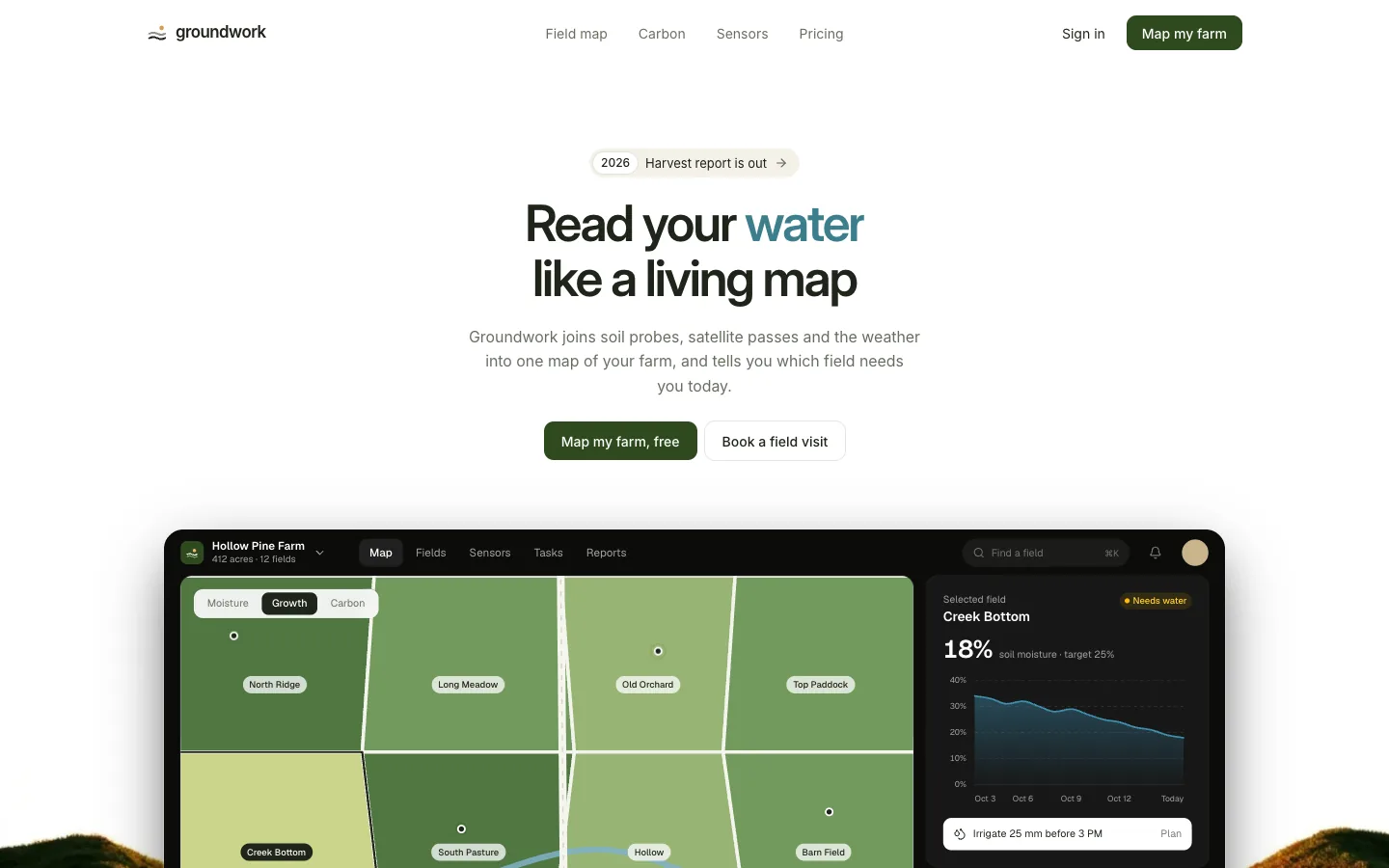
Field Ops Hero
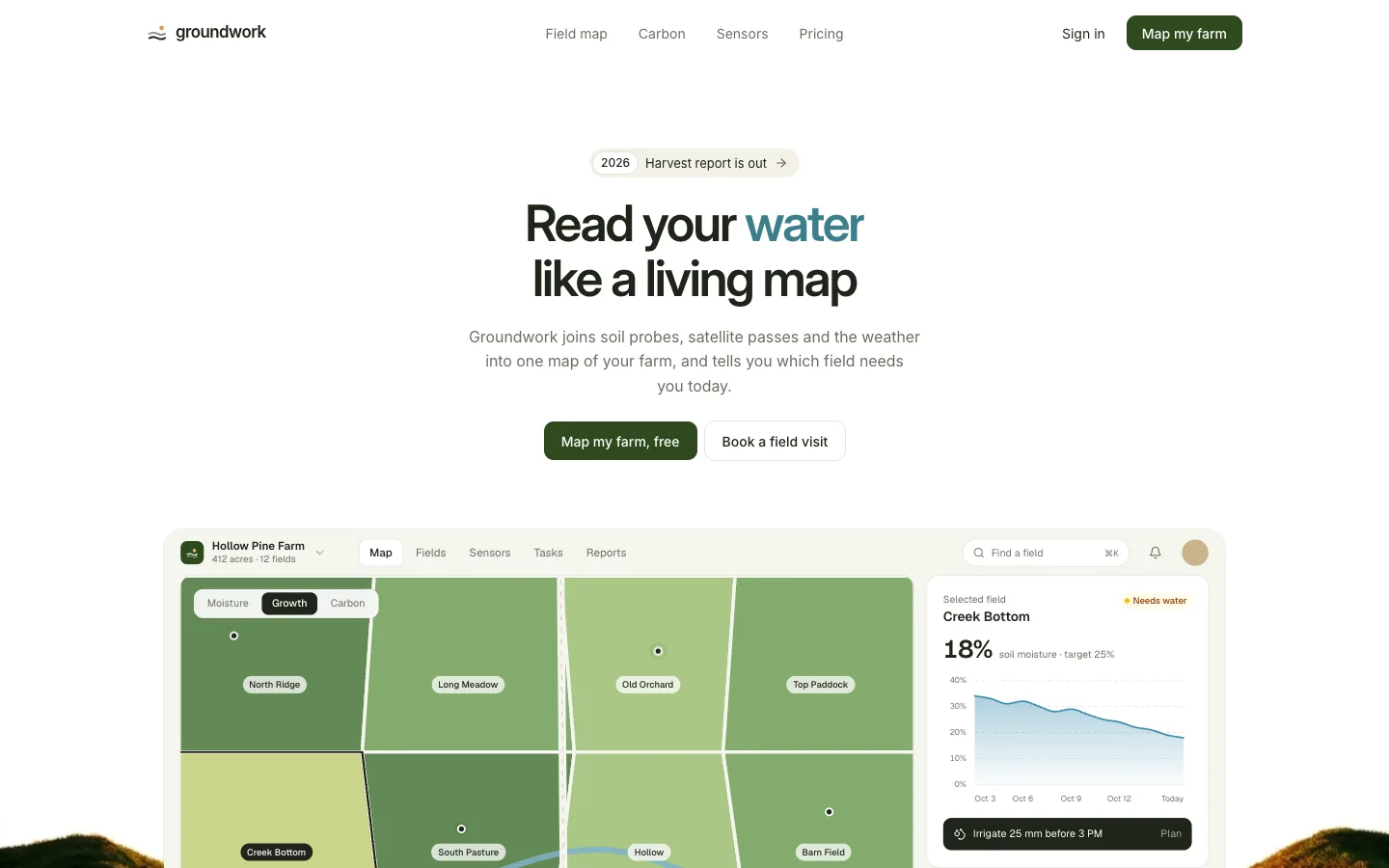
SectionA farm-intelligence hero in Inter over golden hills. A satellite scan line rewrites the headline's reading (soil, water, carbon, yield), and below it a map-first farm app switches layers on its own under a passing satellite.
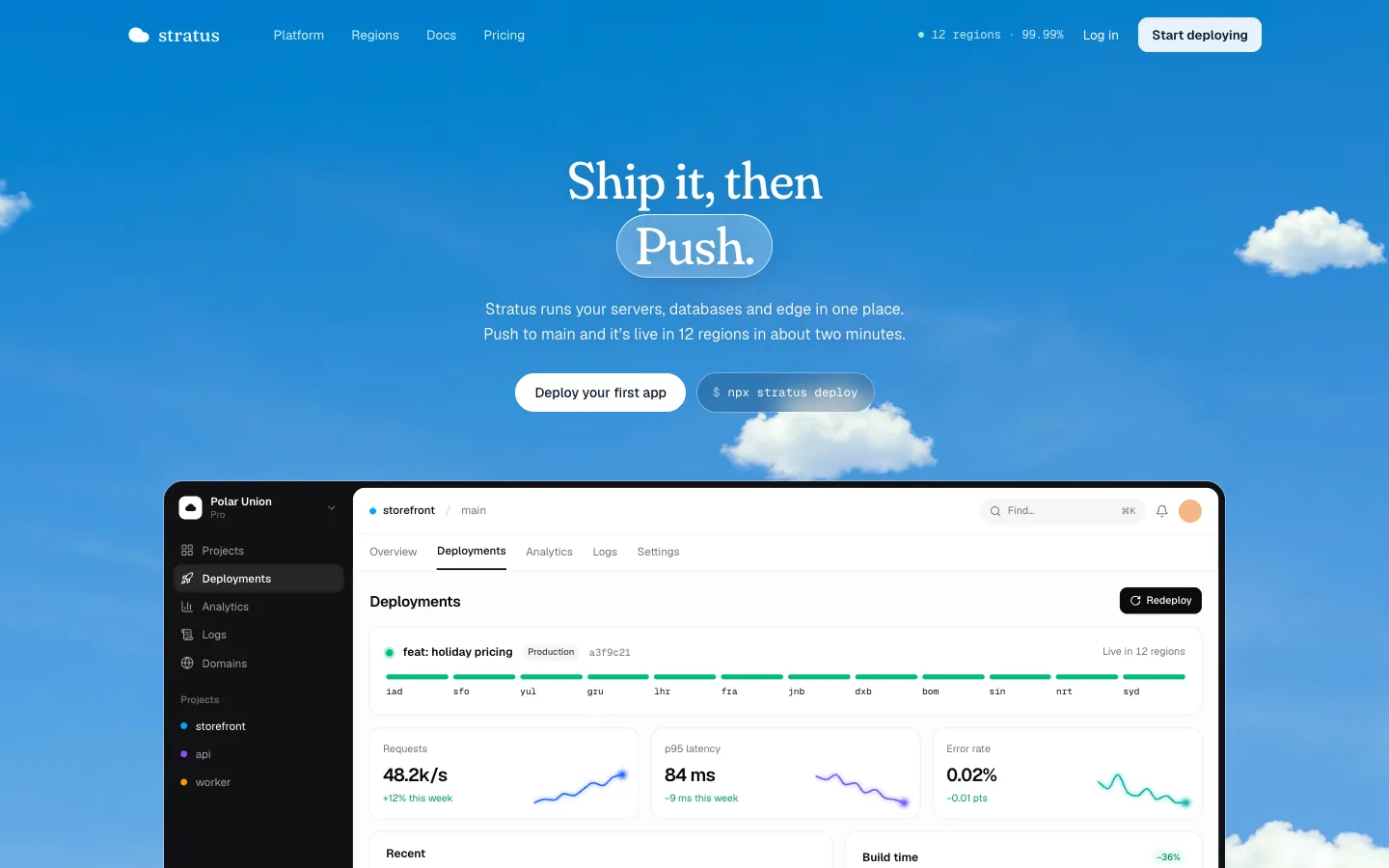
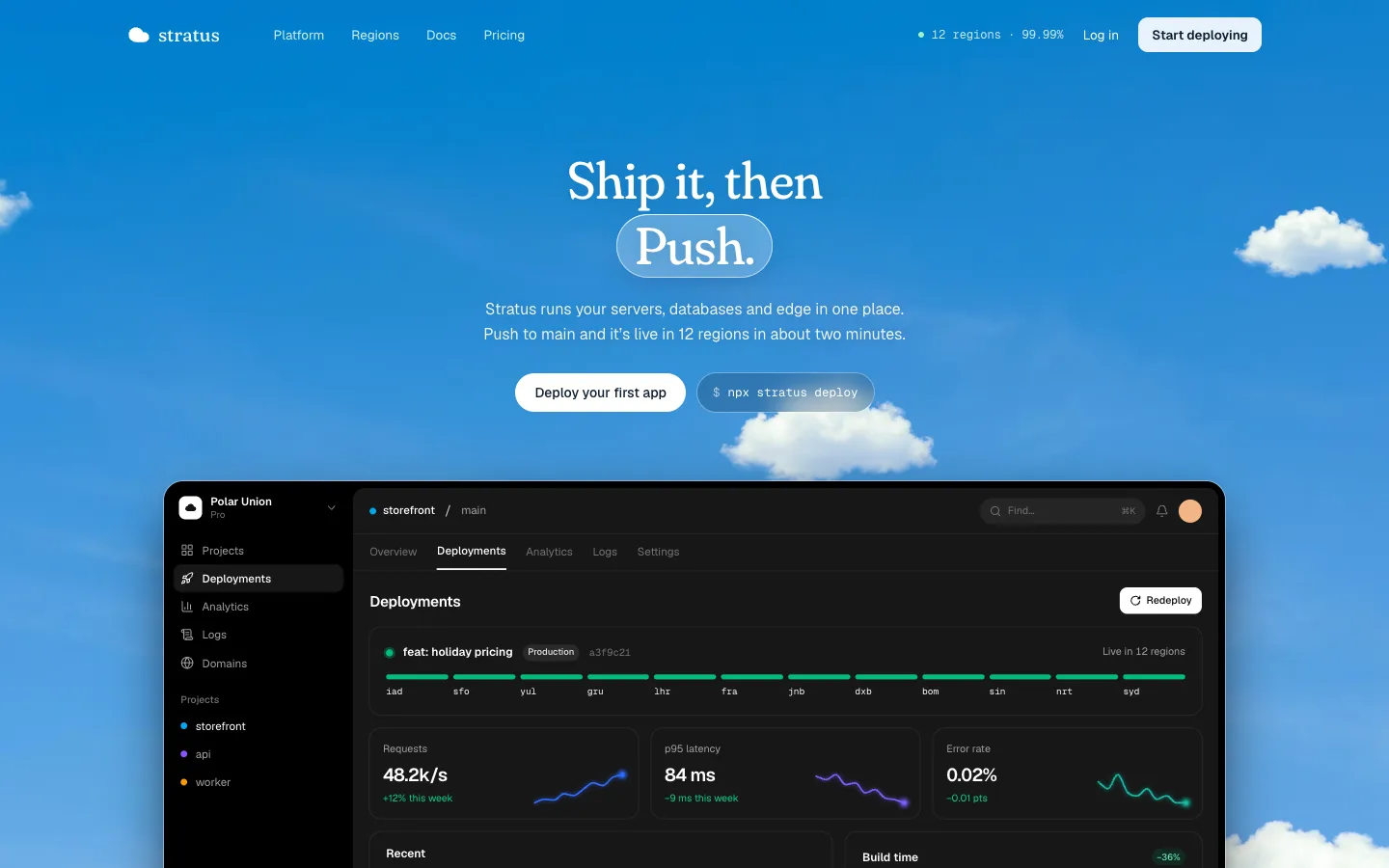
Deploy Hero
SectionA cloud-platform hero in Recoleta under a real sky with cut-out clouds drifting at five depths. The headline's last word condenses inside a frosted glass capsule like vapour, and below it a deploy fans out from Virginia to eleven regions.
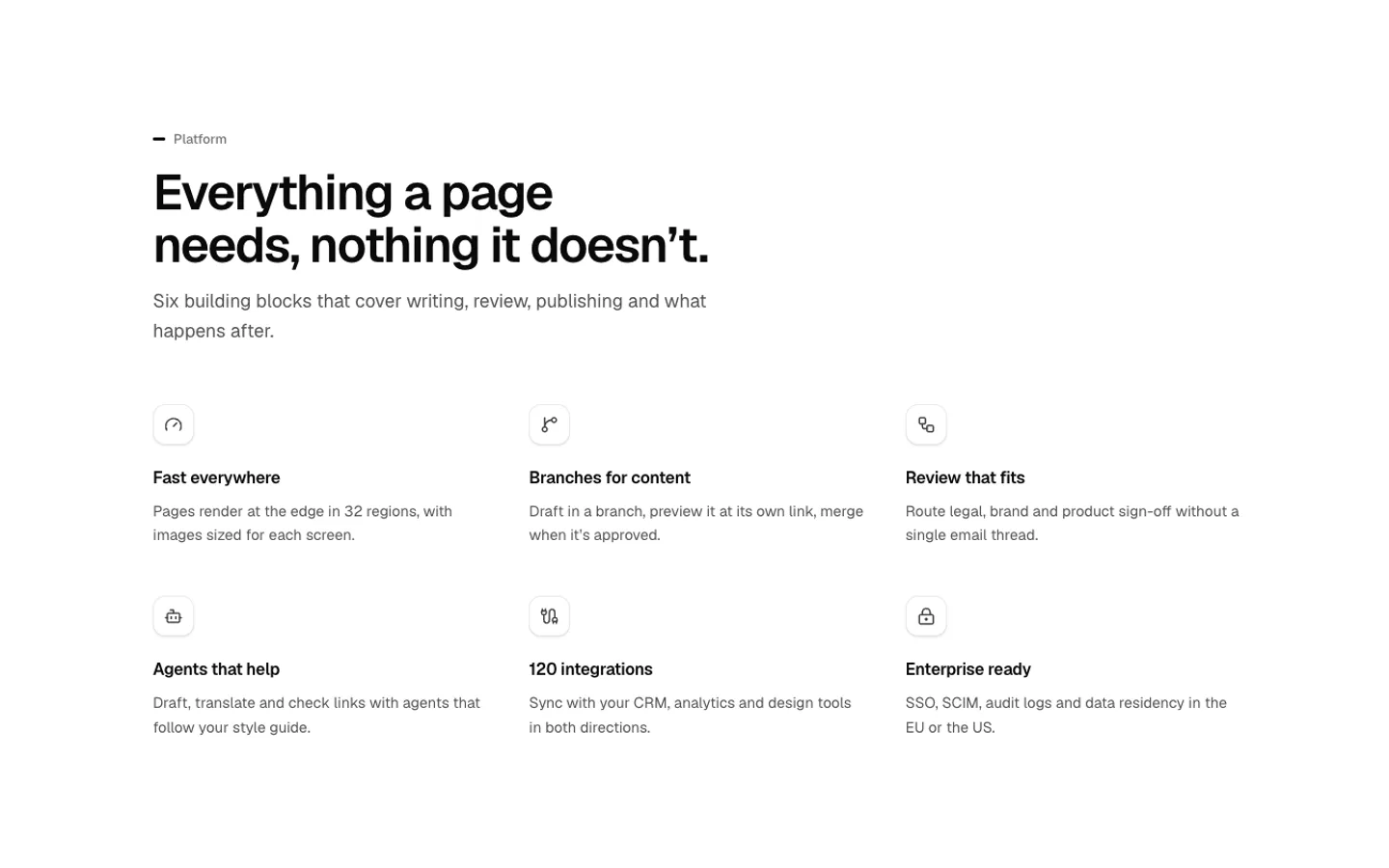
Feature Grid
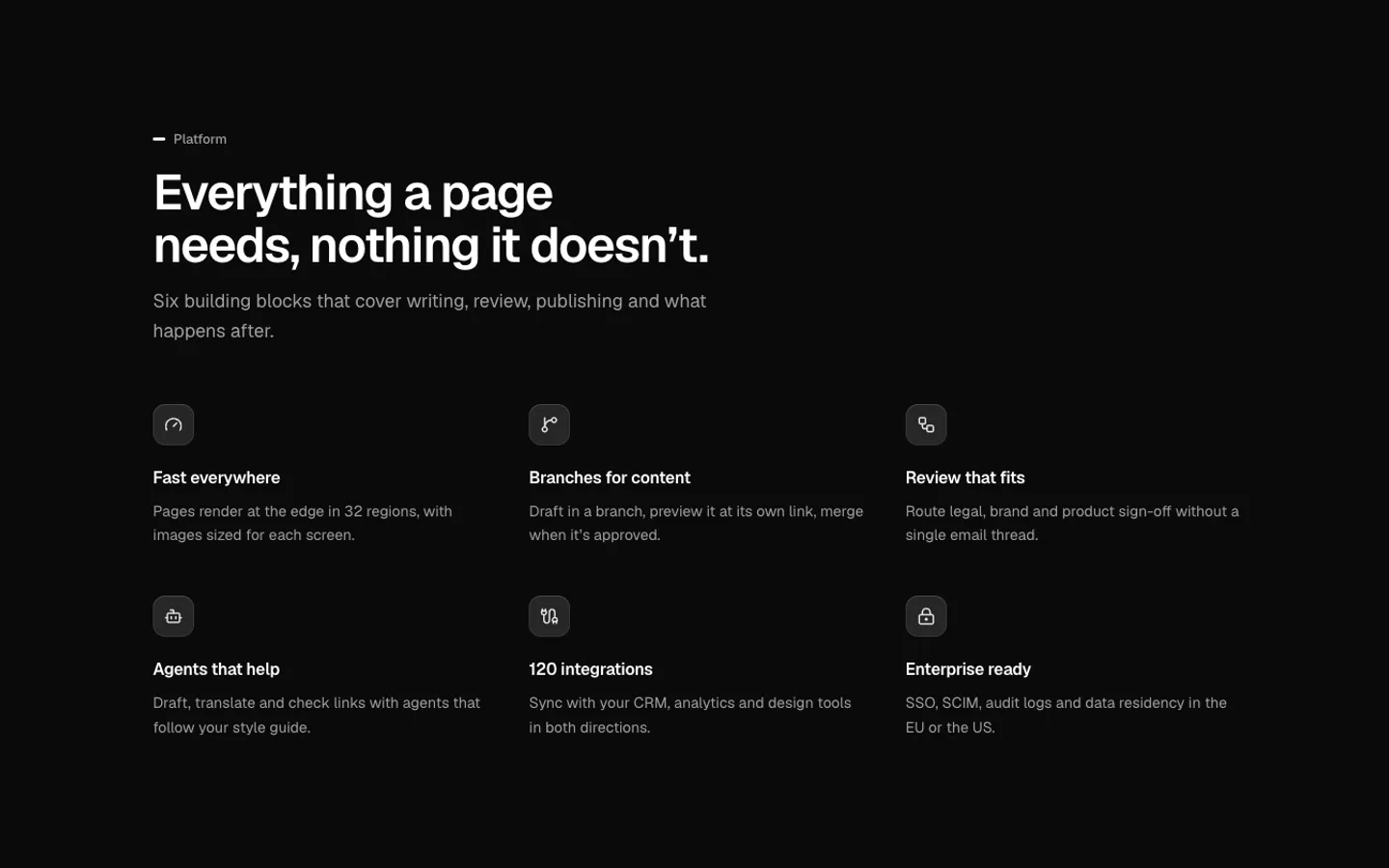
SectionAn icon grid of features with a heading and lede. Plain, as linked cards or divided by hairlines, in two to four columns, and fades in as it scrolls into view.
Feature Rows
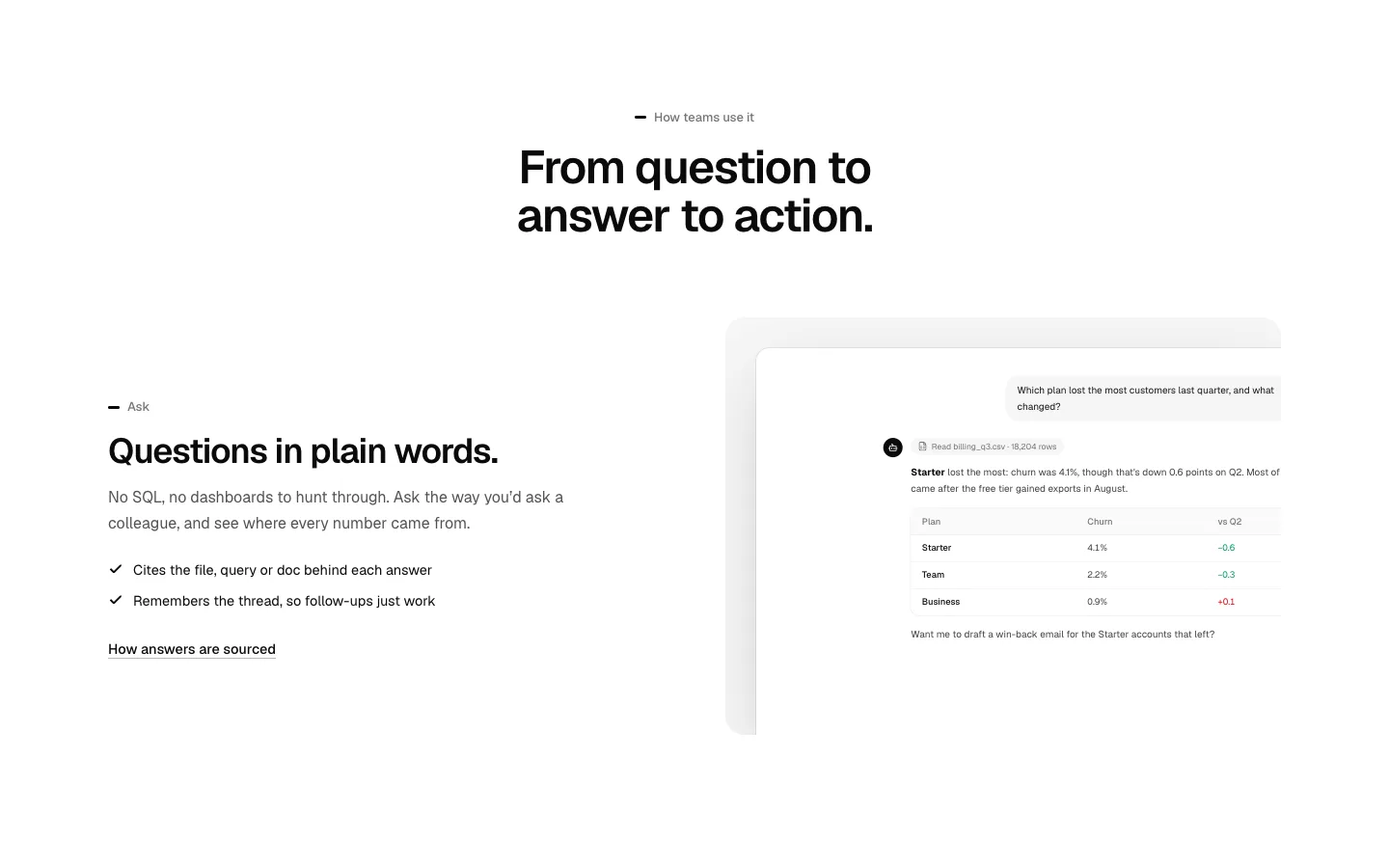
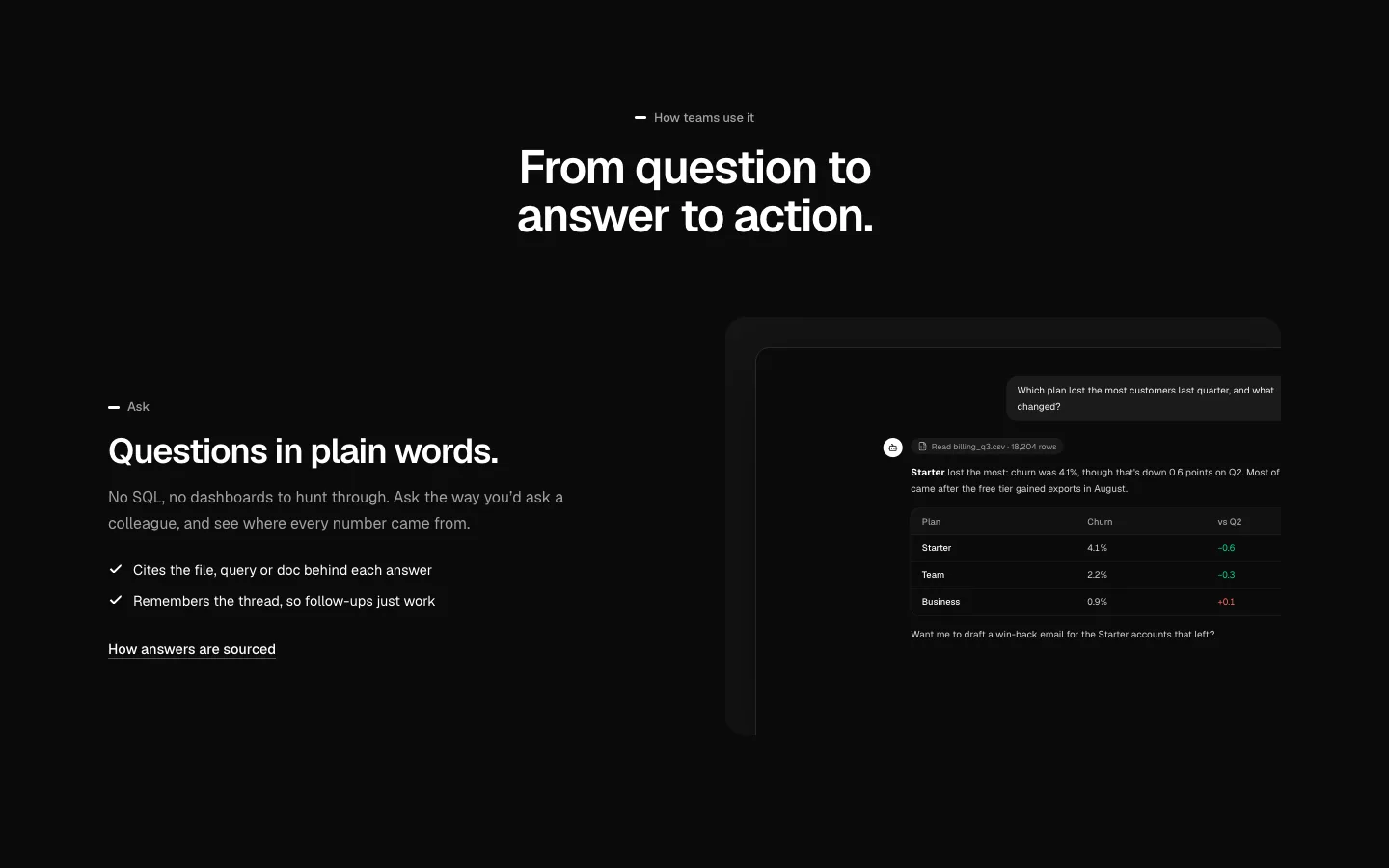
SectionAlternating feature rows: copy, points and a link beside a cropped product shot, swapping sides down the page.
Feature Tabs
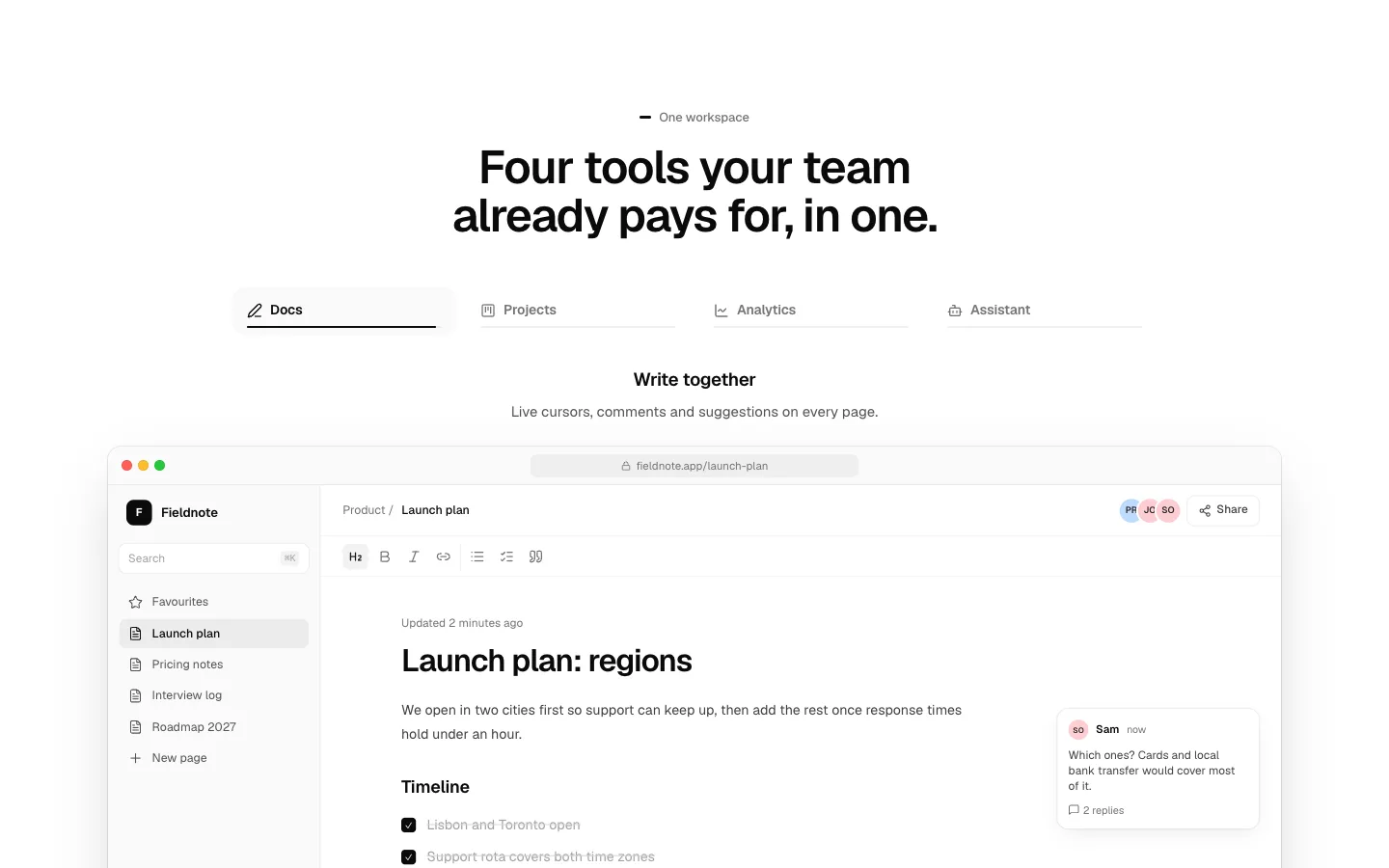
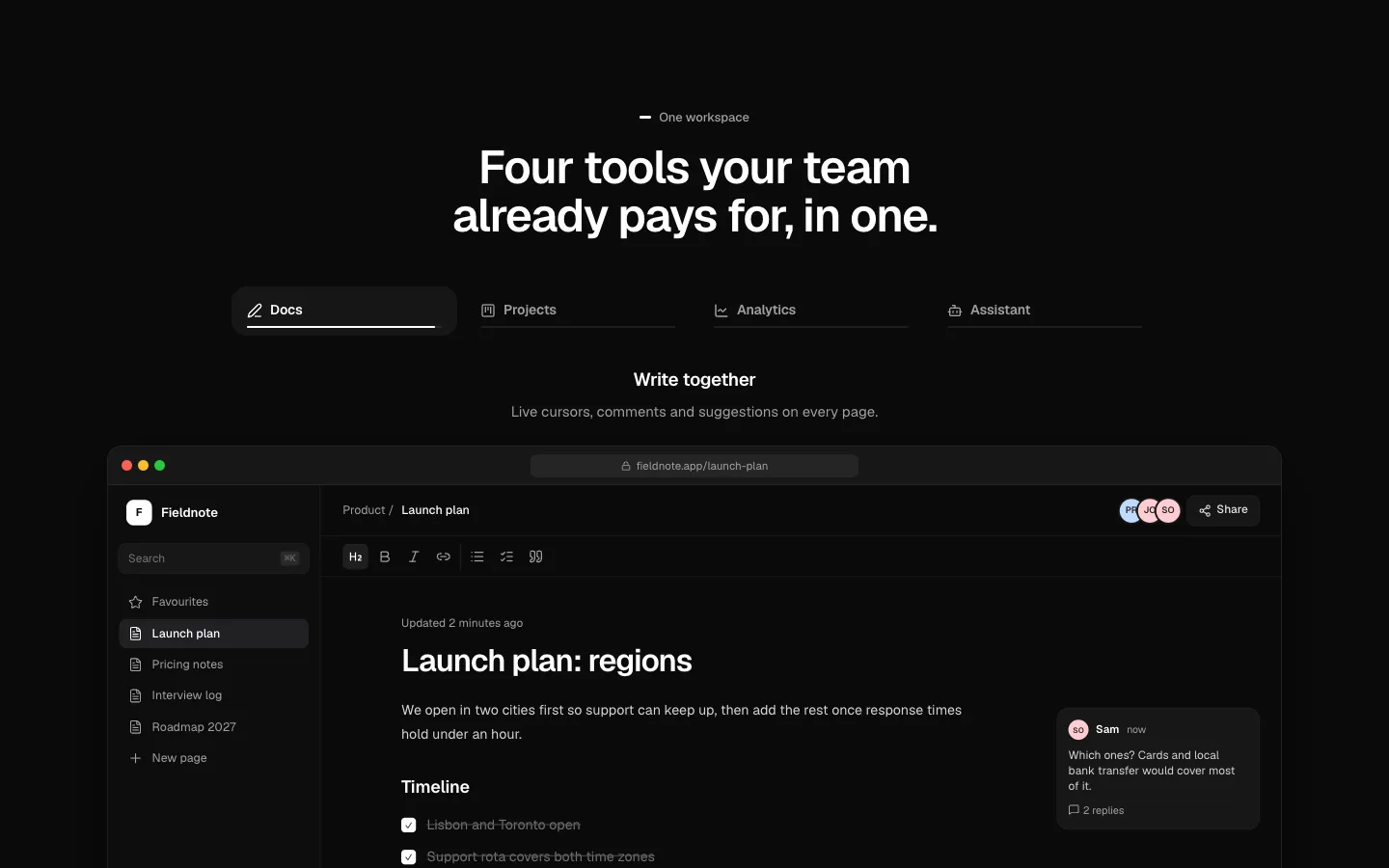
SectionFeature tabs that advance on their own while in view, with a progress line under the active tab. They stop once you pick one.
Sticky Features
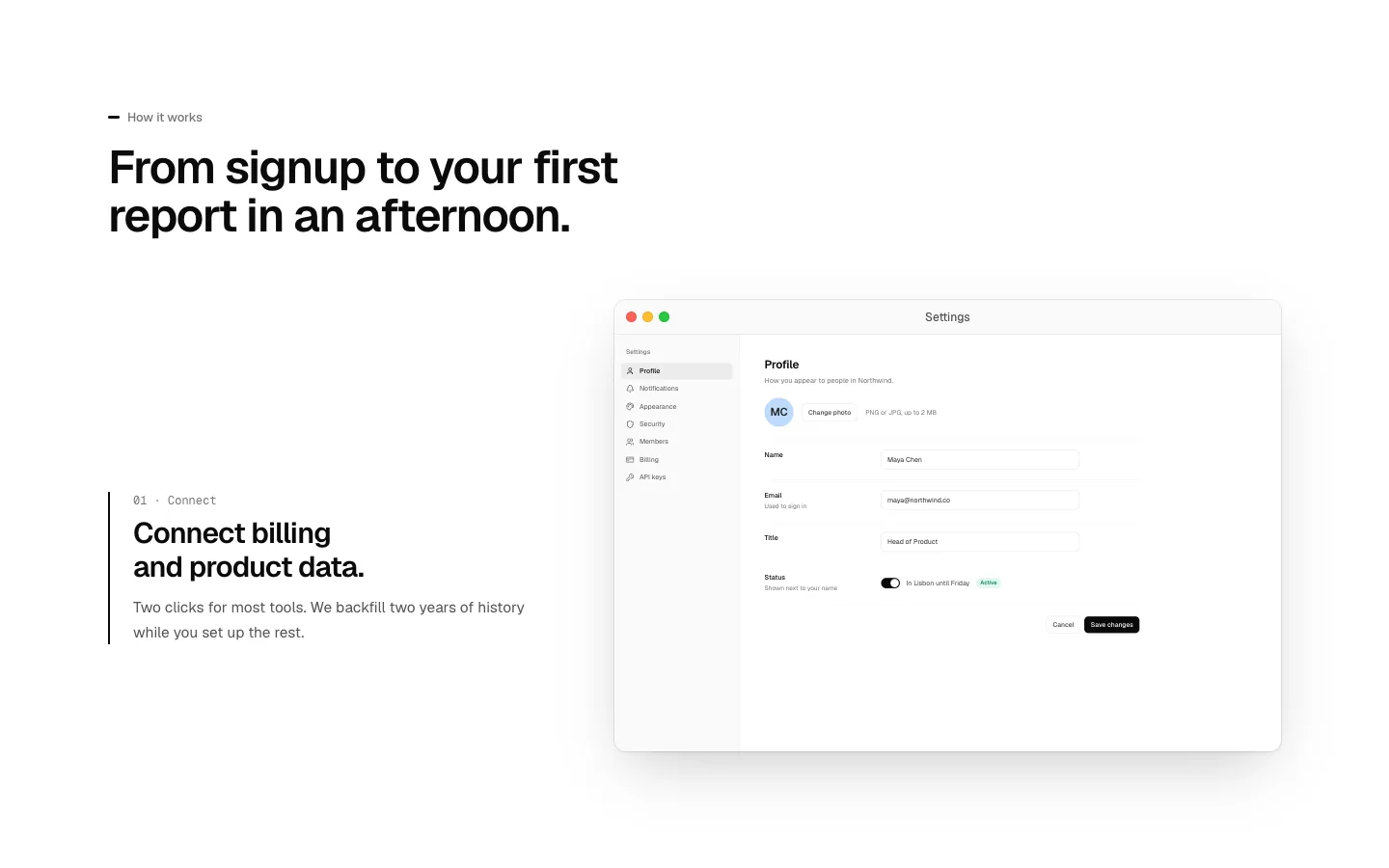
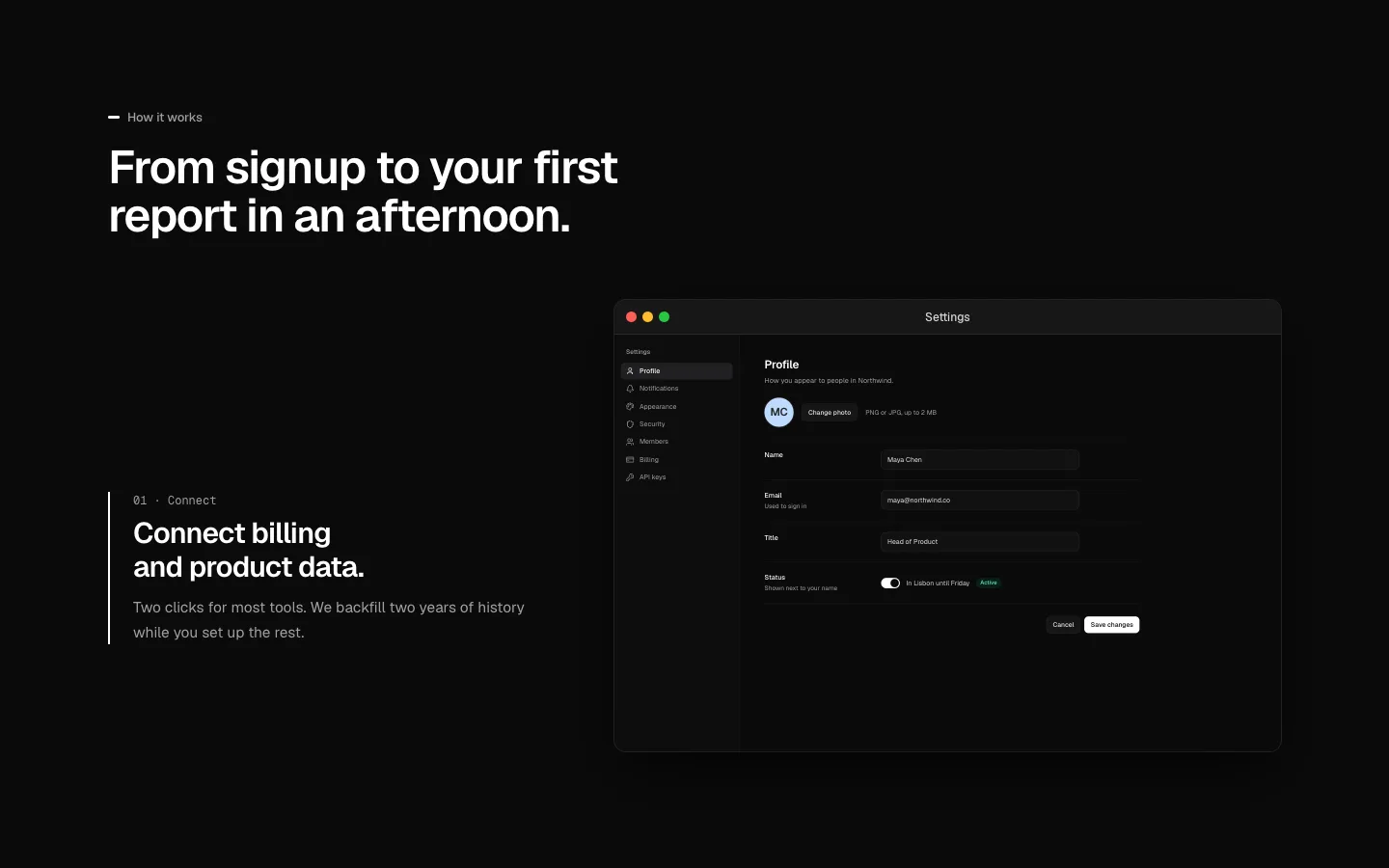
SectionSteps scroll past while the visual beside them stays pinned and changes to match the step in view.
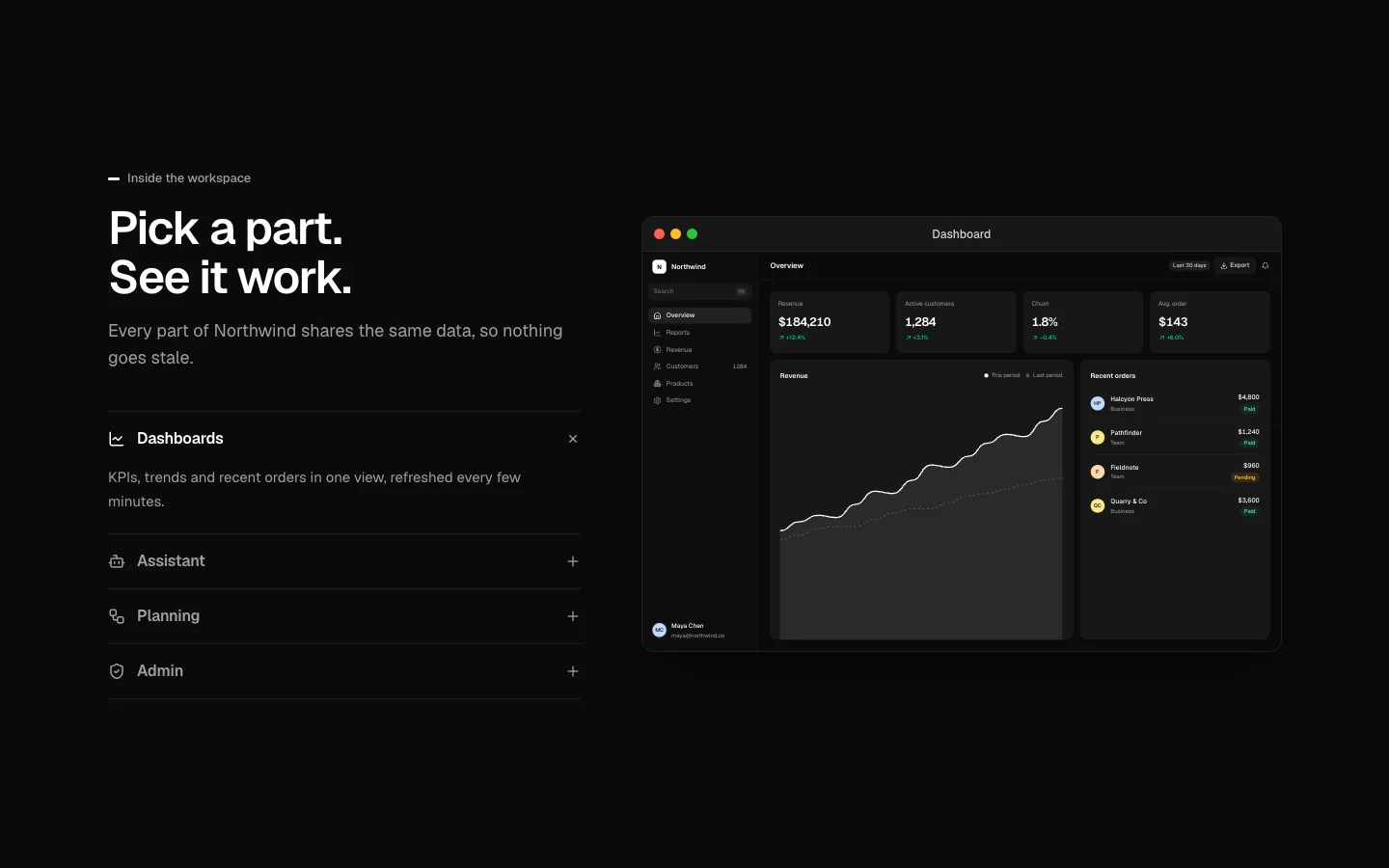
Feature Accordion
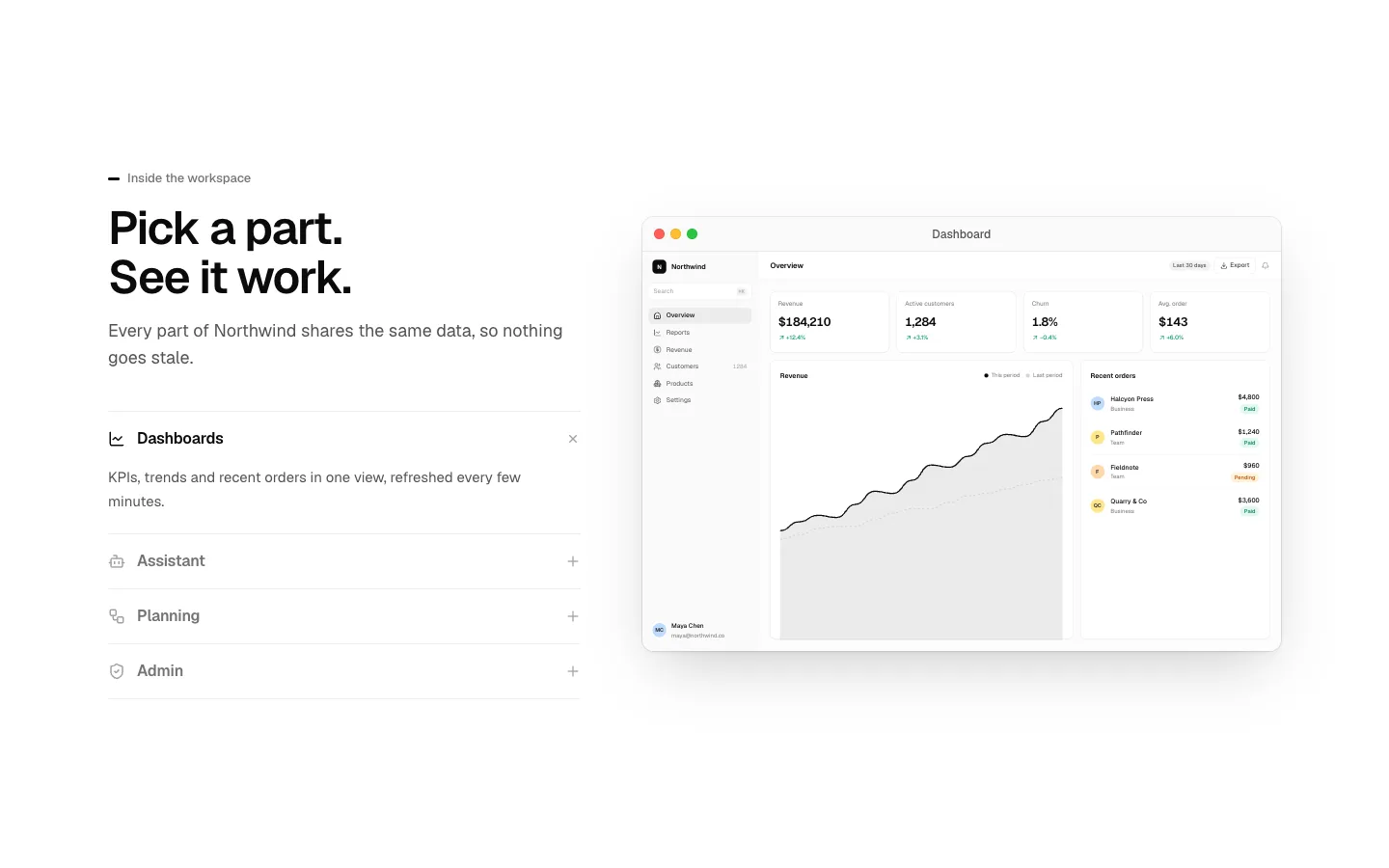
SectionAn accordion of features where the open item drives the picture beside it.
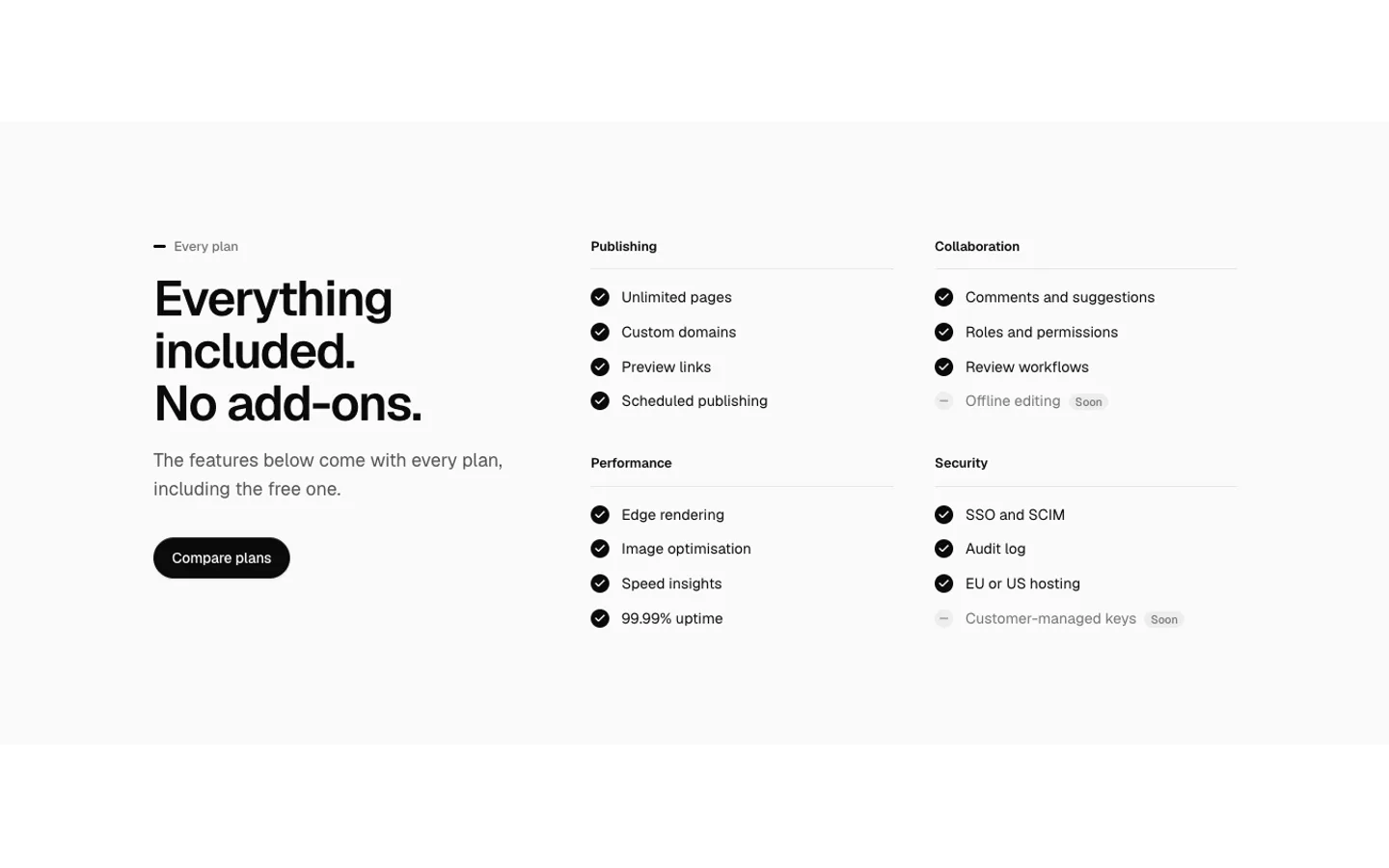
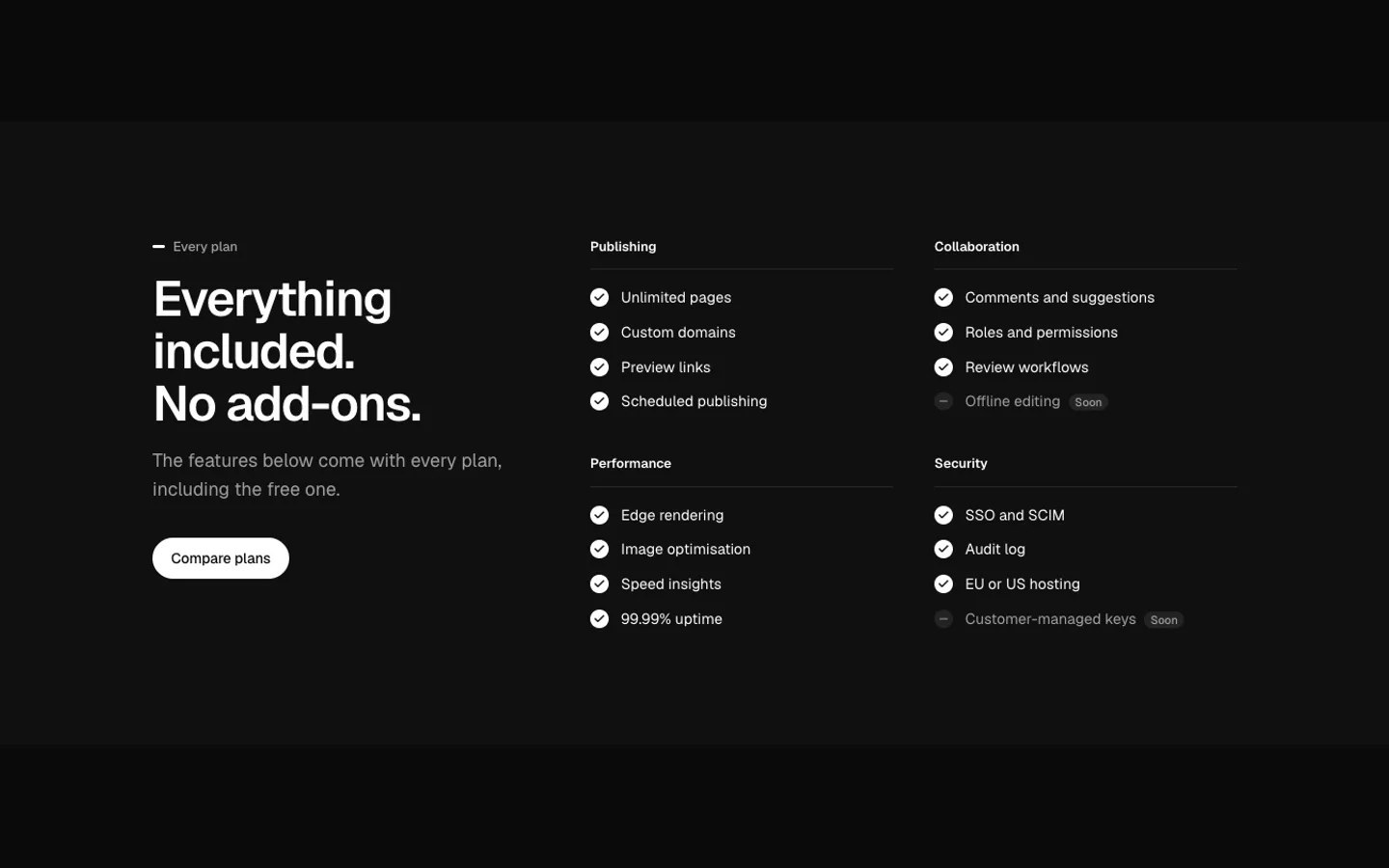
Feature Checklist
SectionEverything included, as grouped checklists, with items still to come marked as soon.
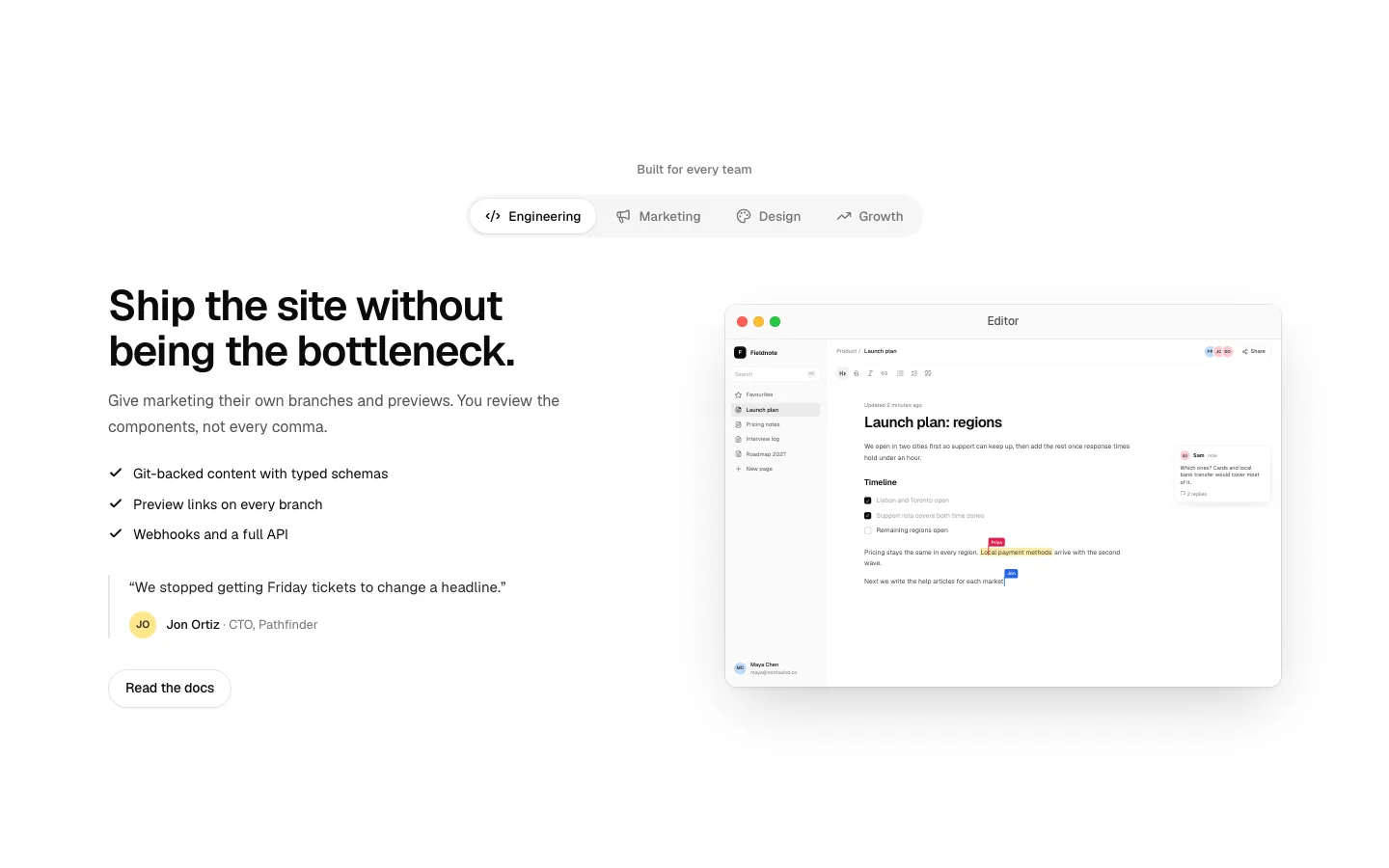
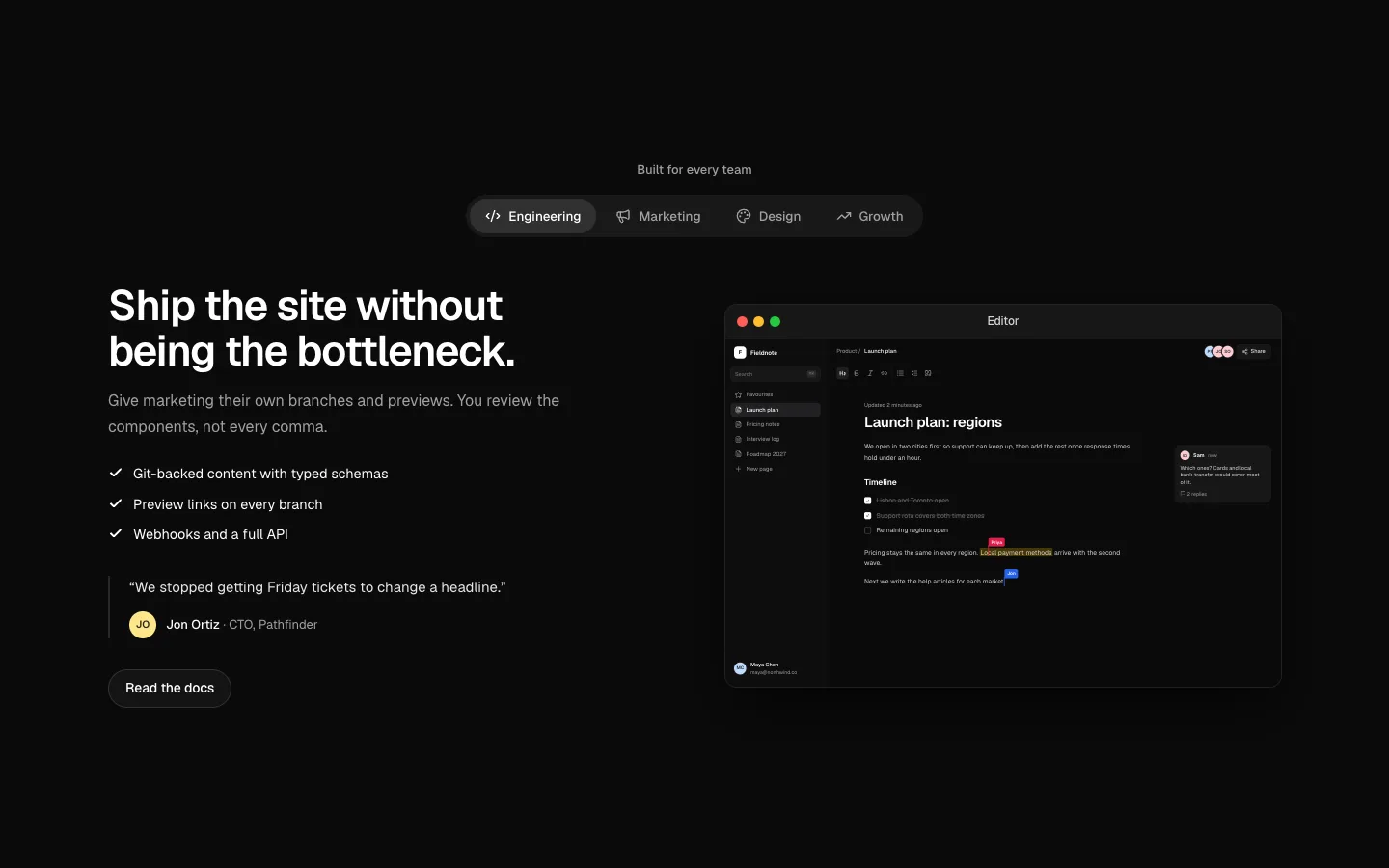
Feature Personas
SectionA role switcher: tabs by team change the headline, points, quote and picture.
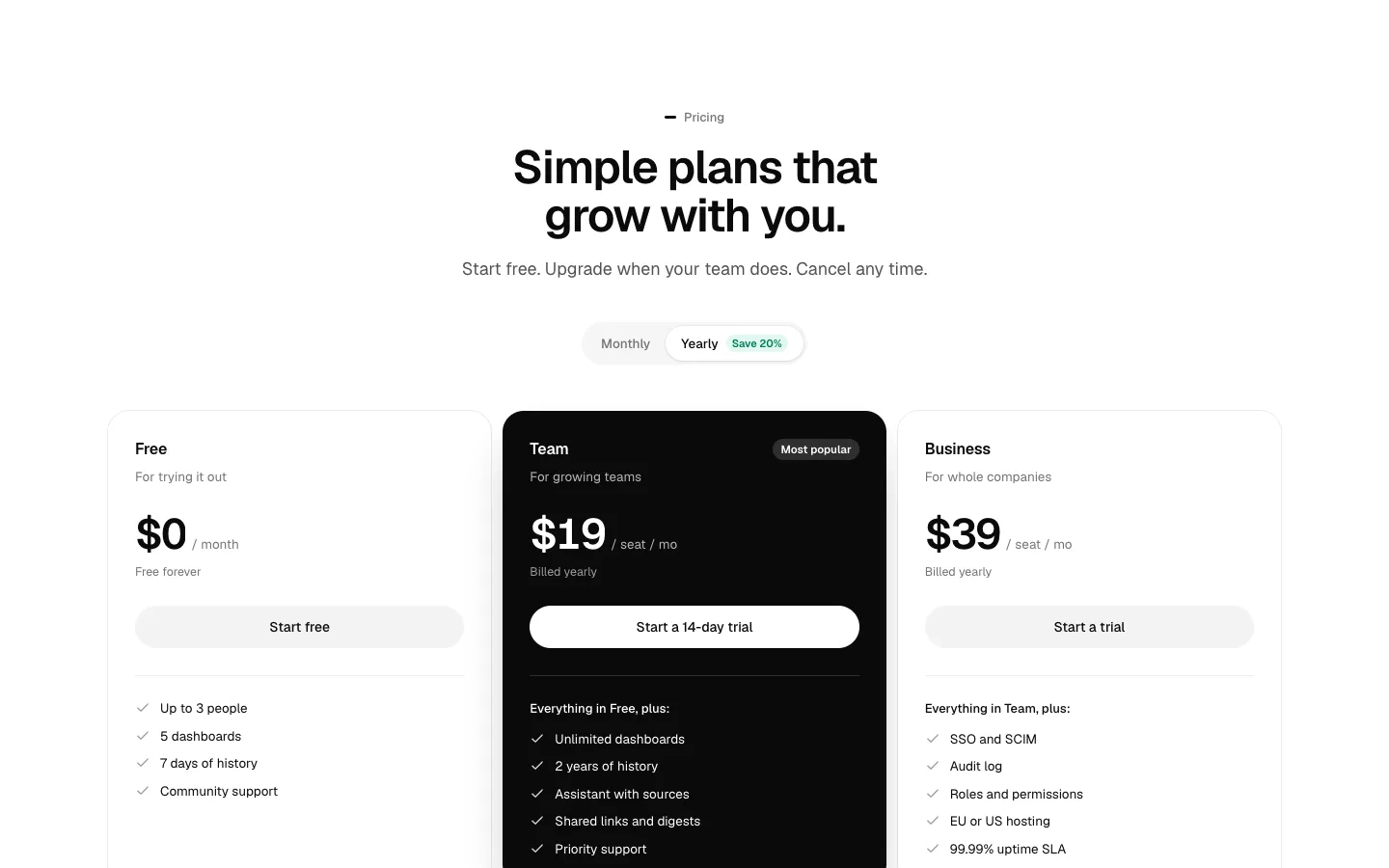
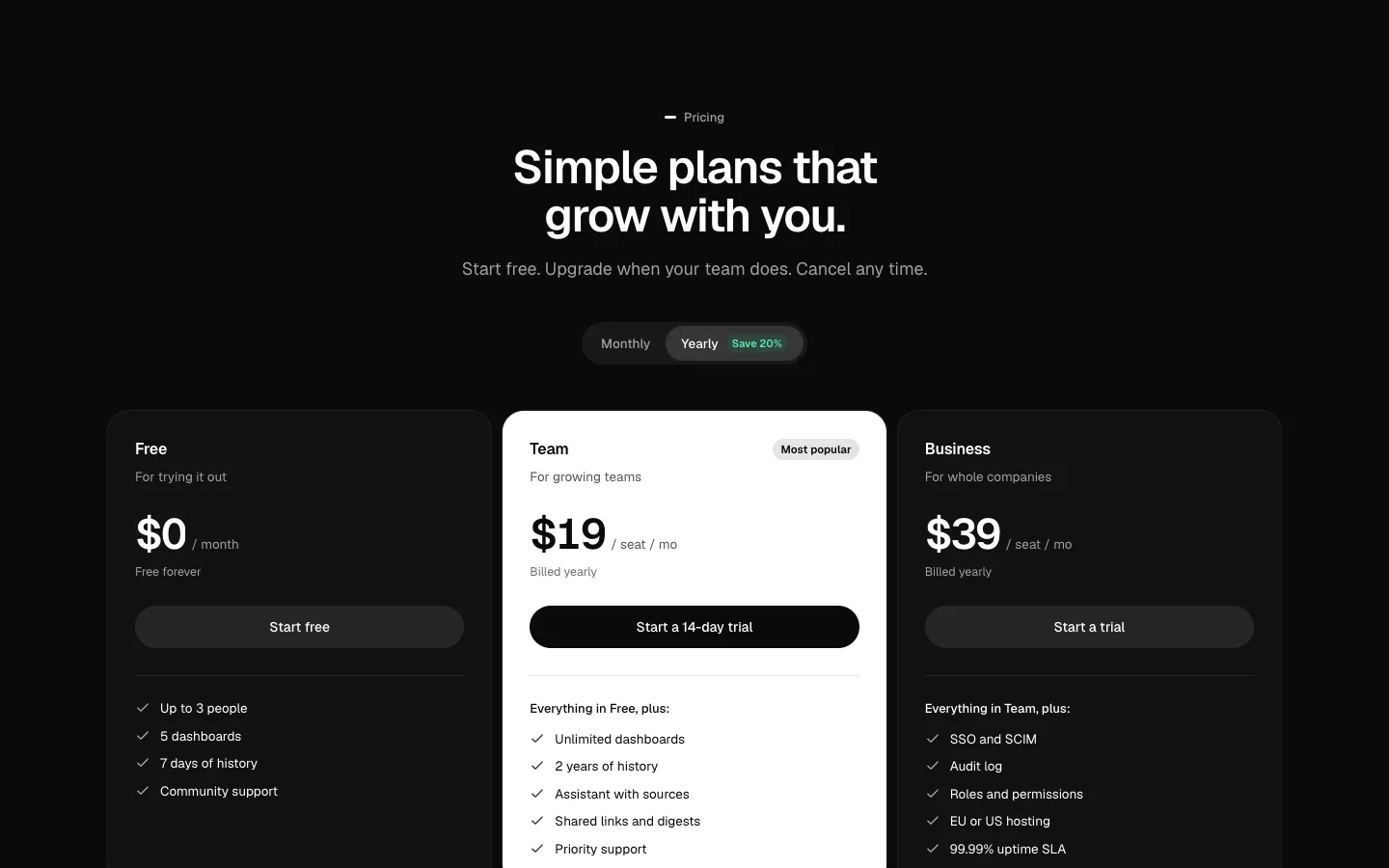
Pricing Tiers
SectionThree pricing tiers with a monthly or yearly switch, a highlighted plan and an enterprise row.
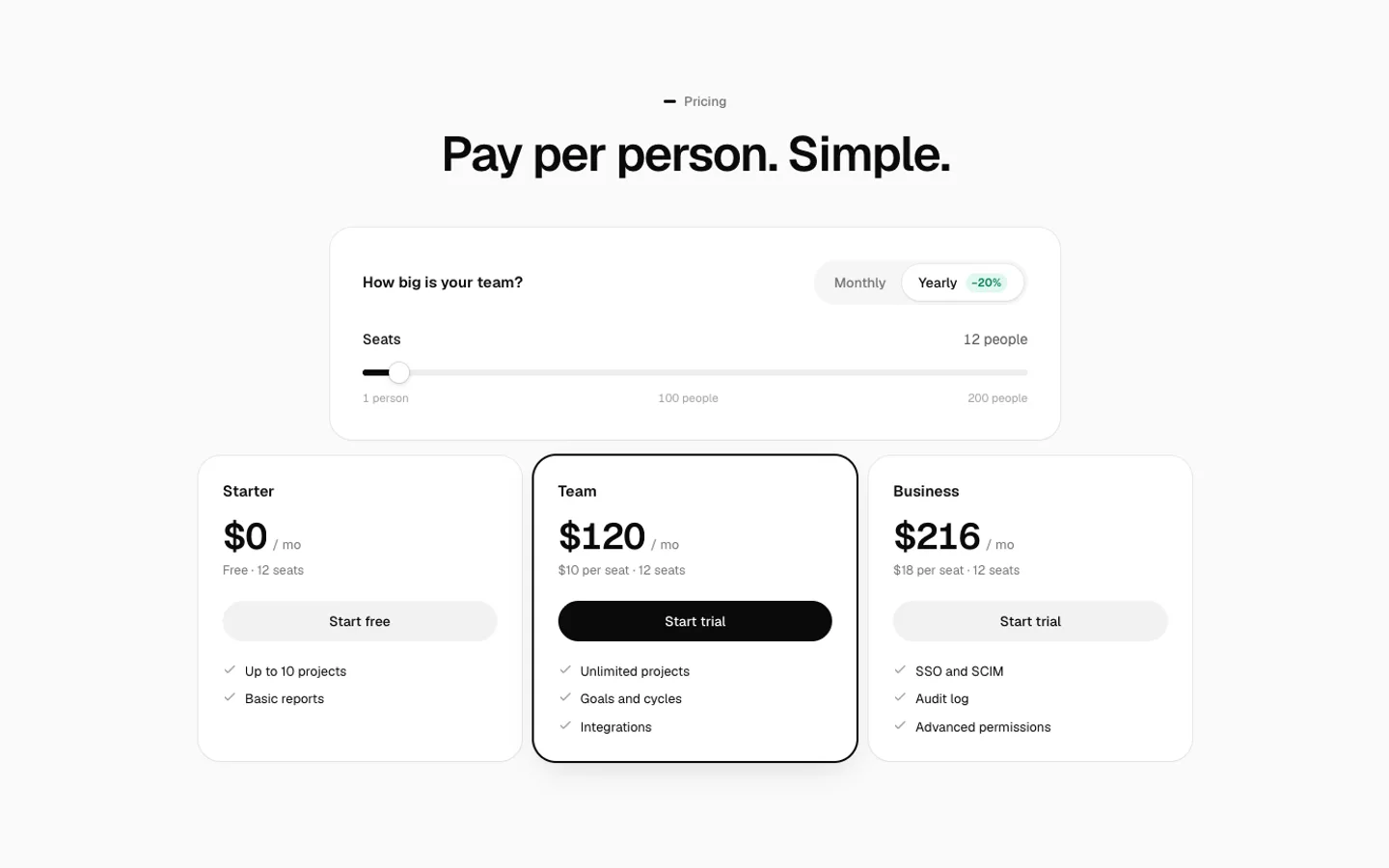
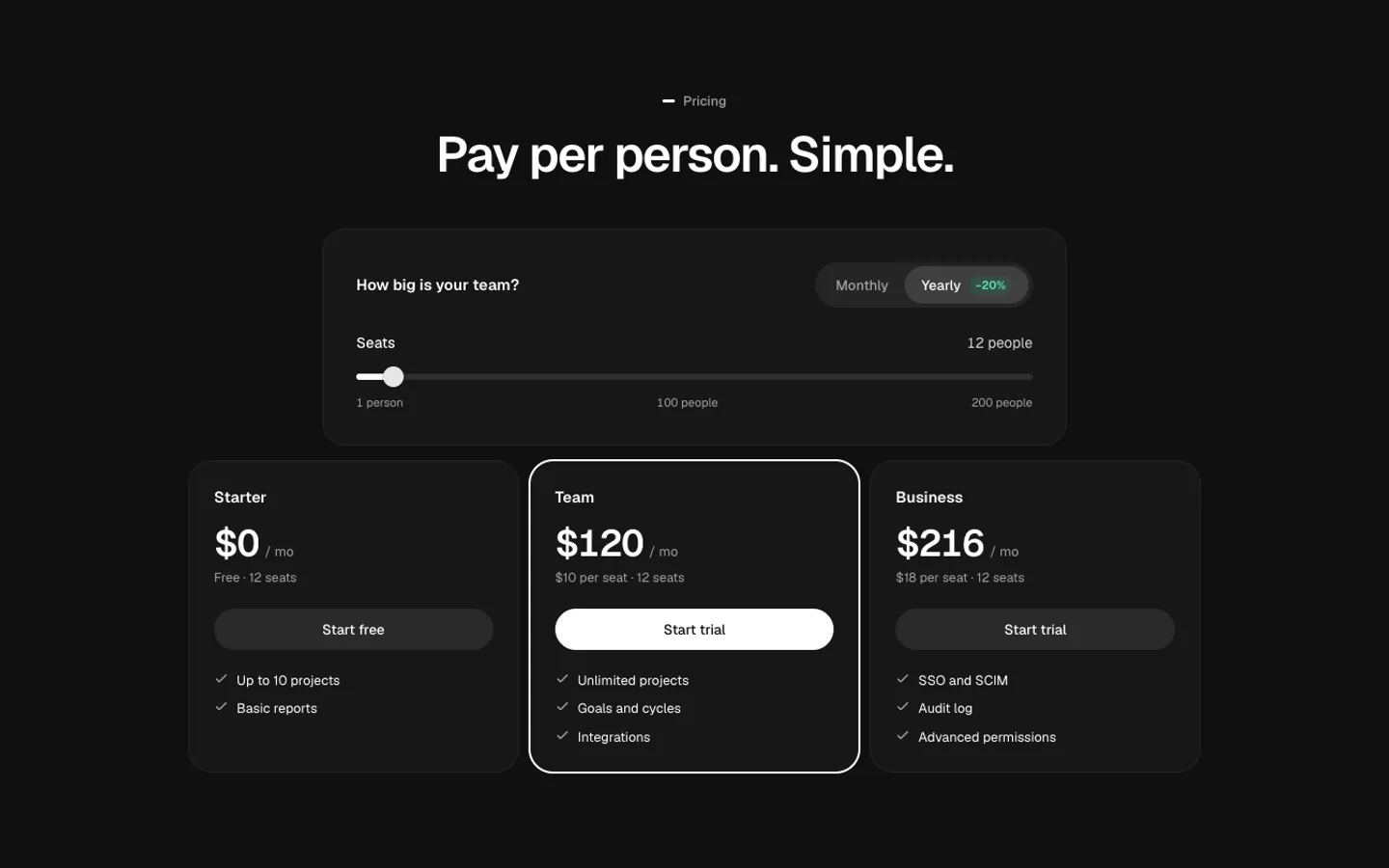
Seat Pricing
SectionA seat slider: totals for every plan update with team size.
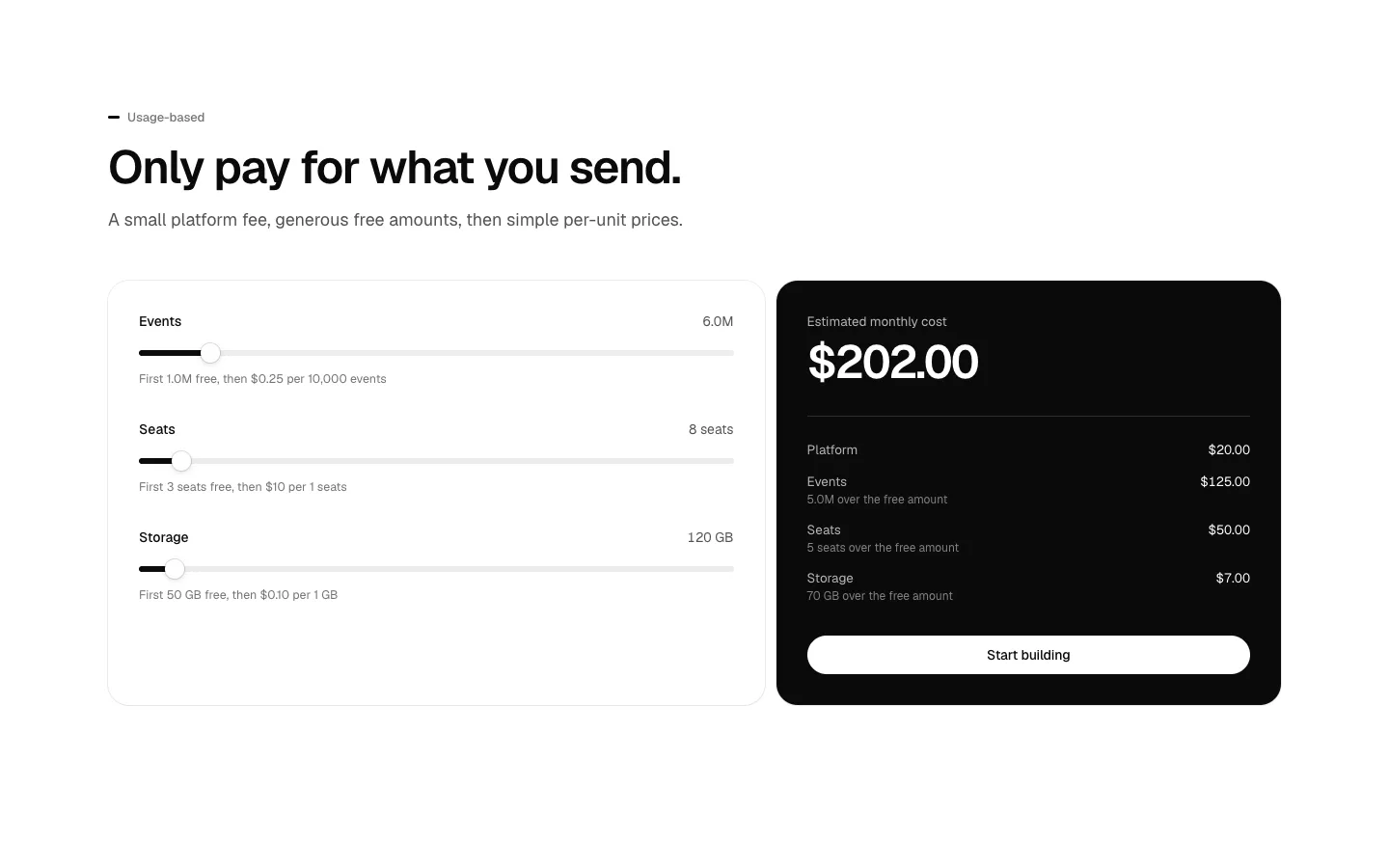
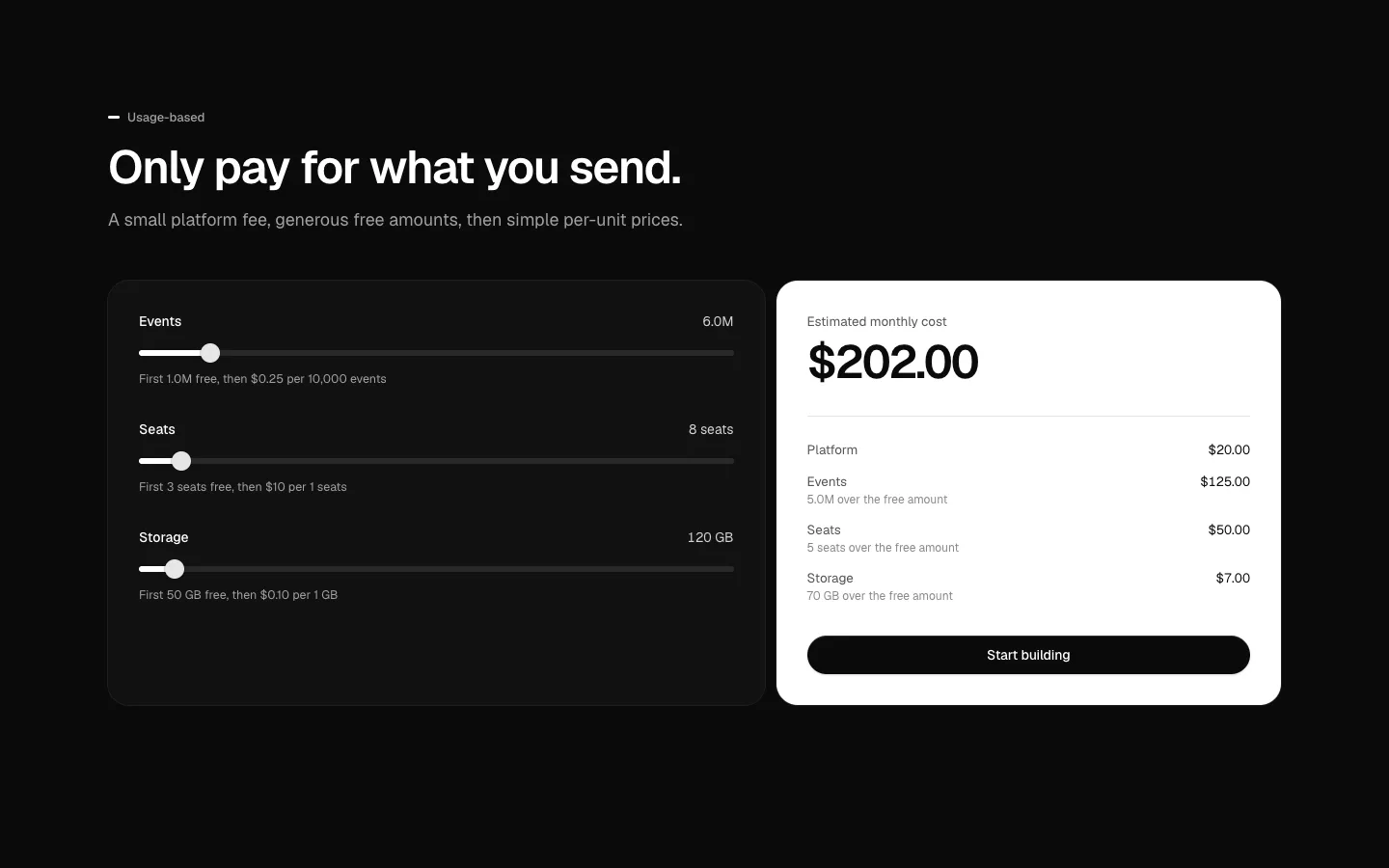
Usage Pricing
SectionUsage-based pricing: a slider per meter, a monthly estimate and a line-by-line breakdown.
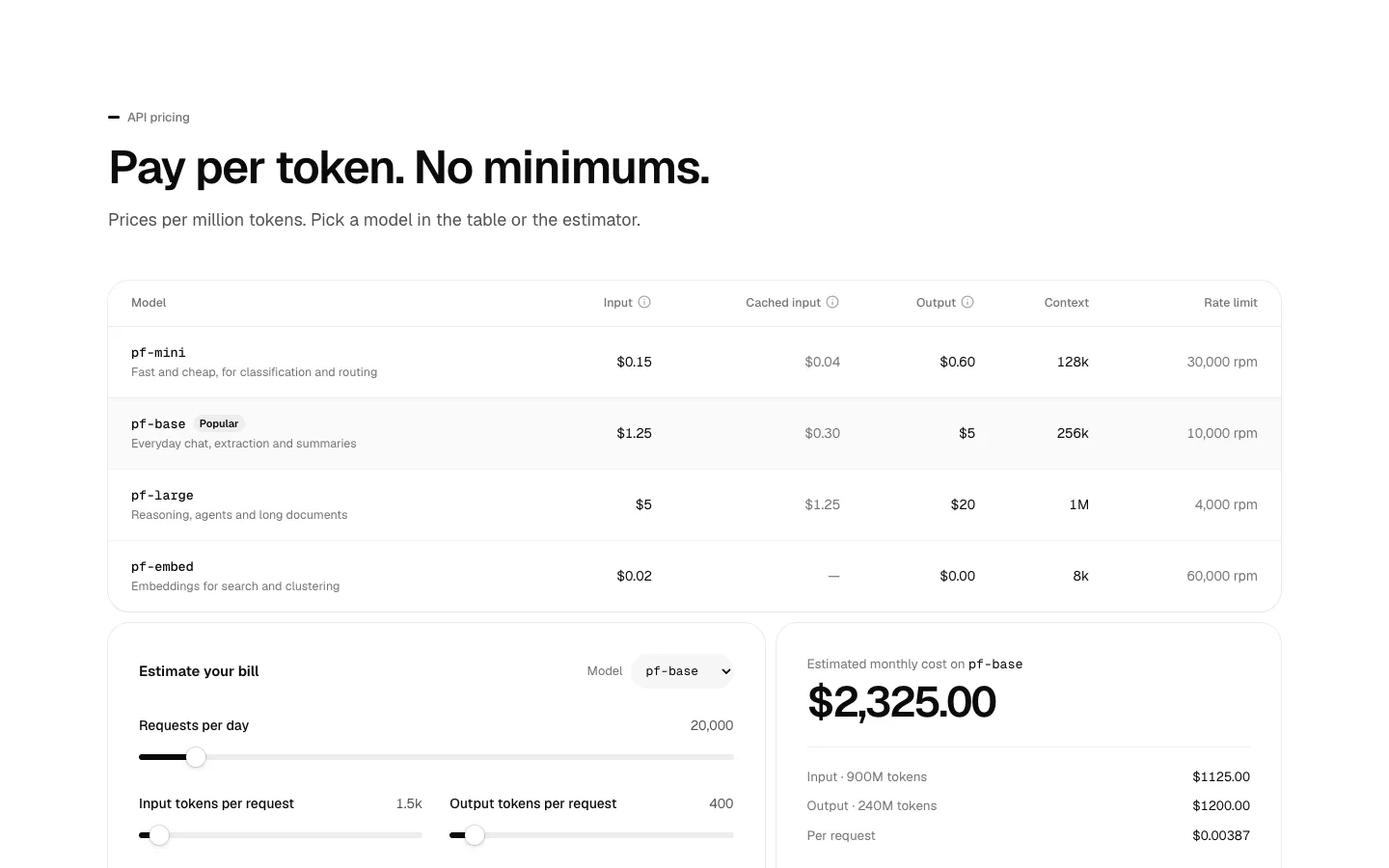
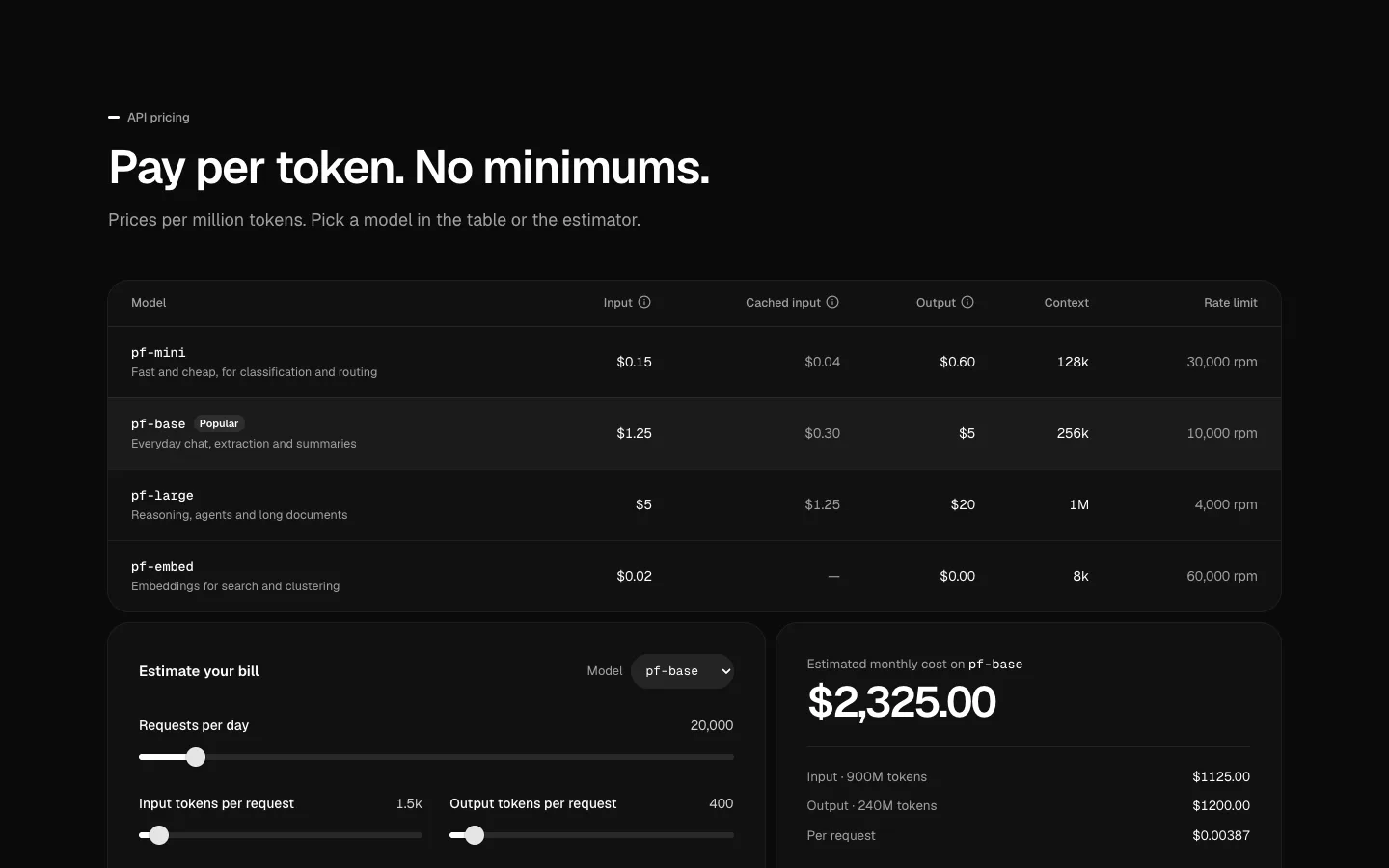
Token Pricing
SectionAI token pricing: per-model prices per million tokens and a monthly cost estimator.
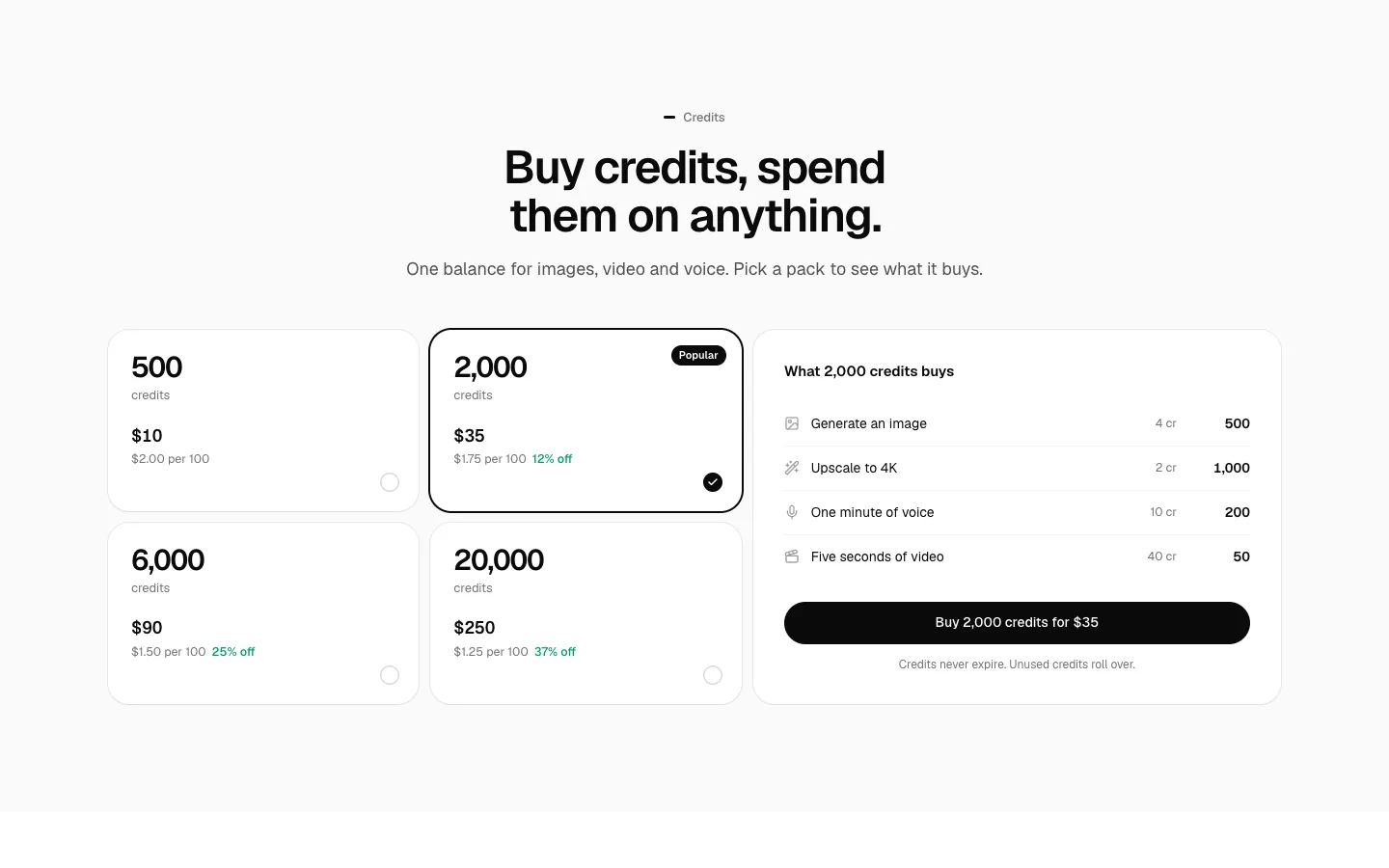
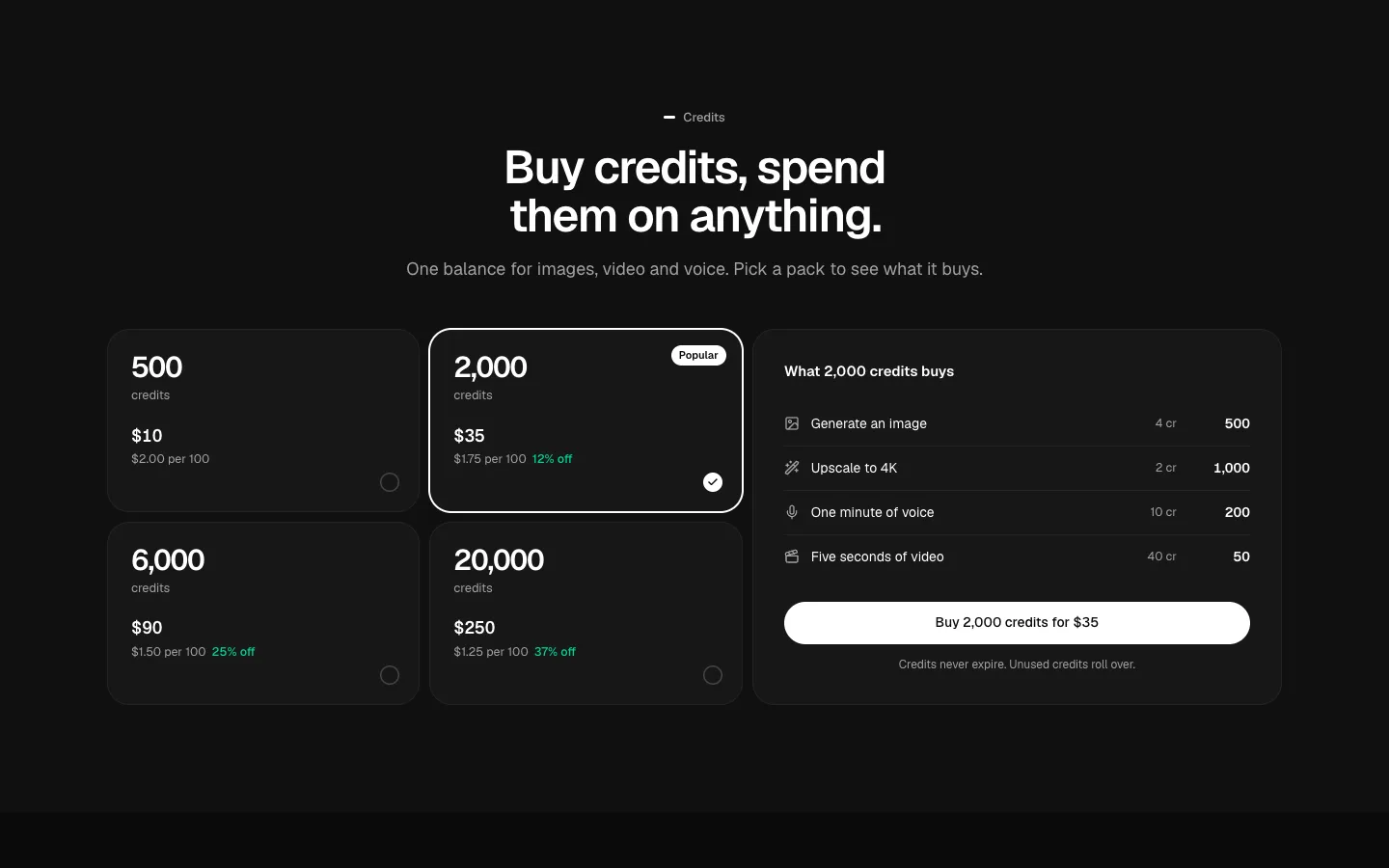
Credit Packs
SectionCredit packs: pick a pack and see what it buys.
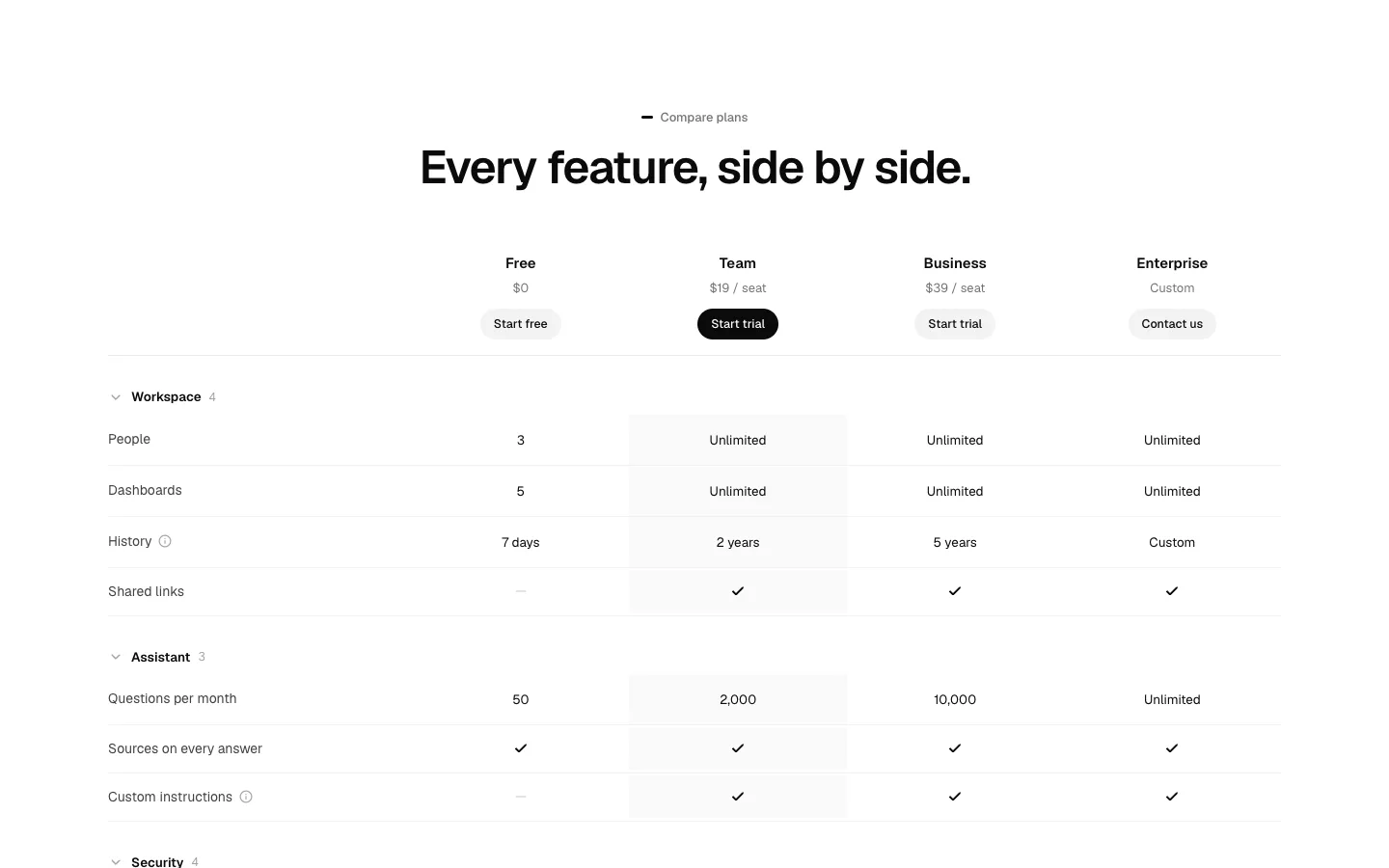
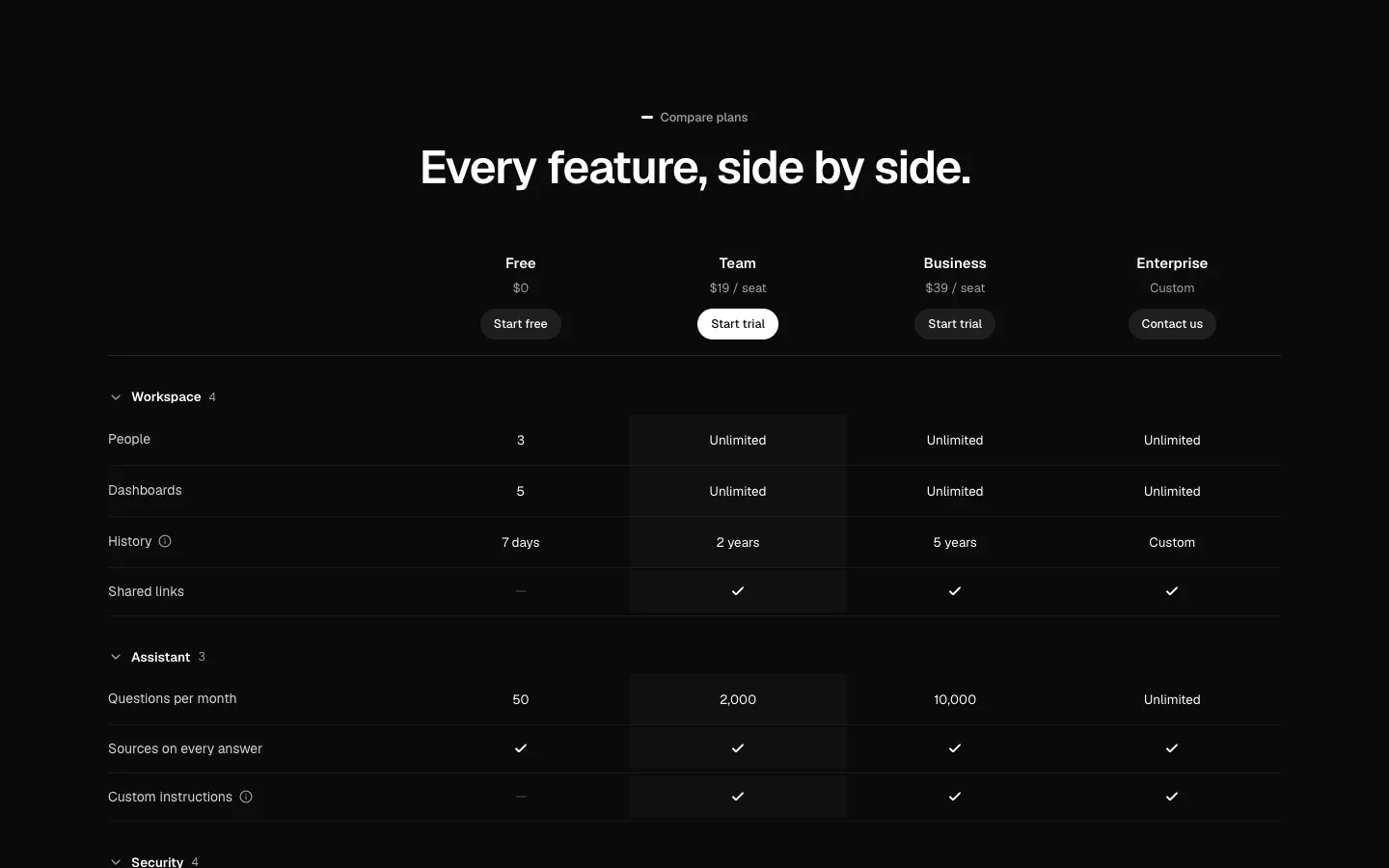
Pricing Comparison
SectionA plan comparison table with a sticky plan header, folding groups and rows that explain themselves.
Logo Cloud
SectionCustomer logos as a hairline grid or one quiet row that wraps, with a short title above.
Logo Marquee
SectionTwo rows of logos scrolling in opposite directions. Pauses on hover, on focus and off screen.
Logo Claim
SectionA big number and a star rating beside a grid of customer logos.
Logo Quotes
SectionCustomer logos that each show a one-line quote on hover, focus or tap.

Logo Swap
SectionMore logos than slots: one slot at a time swaps to the next mark.
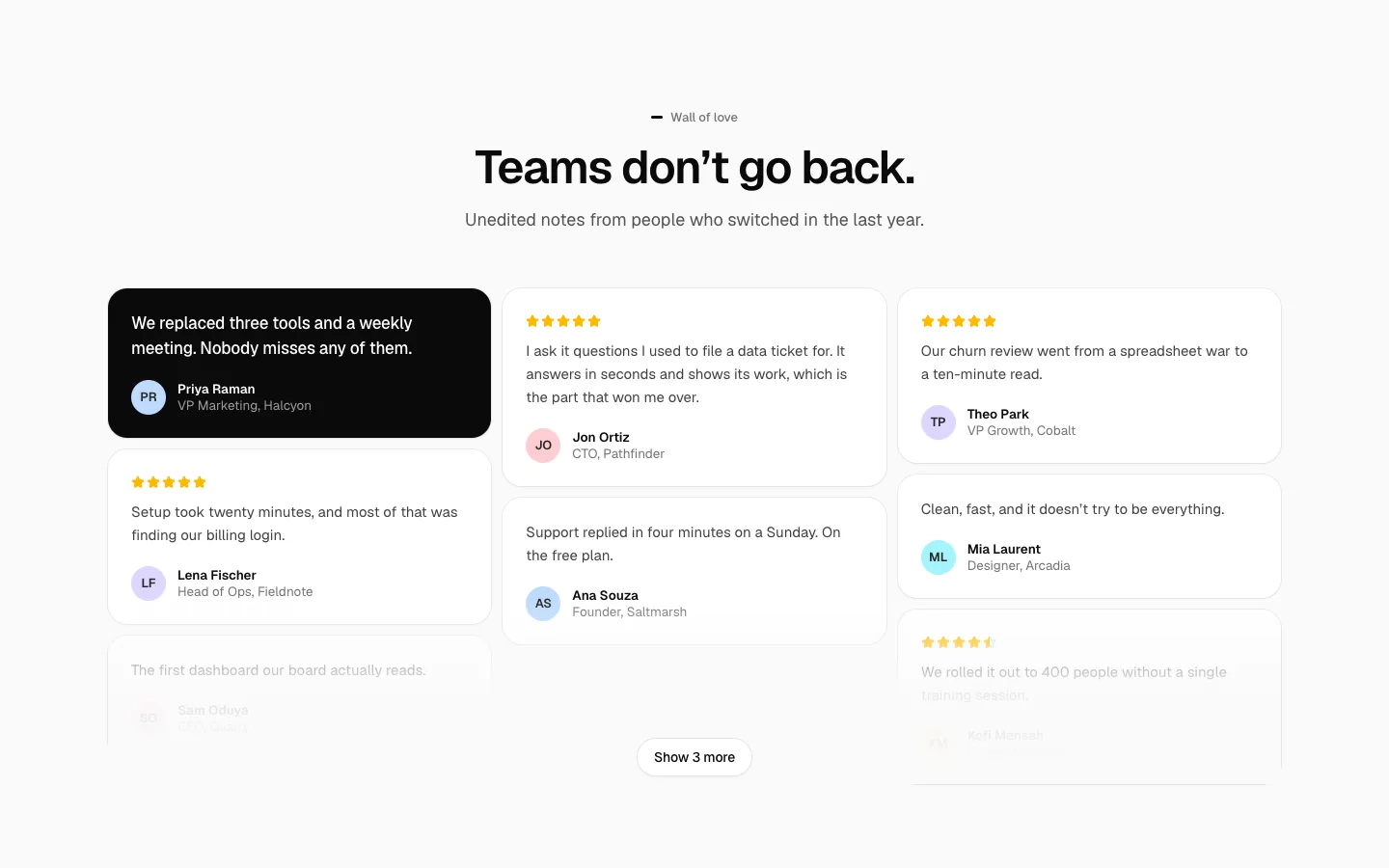

Testimonial Wall
SectionA wall of love: testimonial cards in columns with stars and bylines, folded behind a show more button.
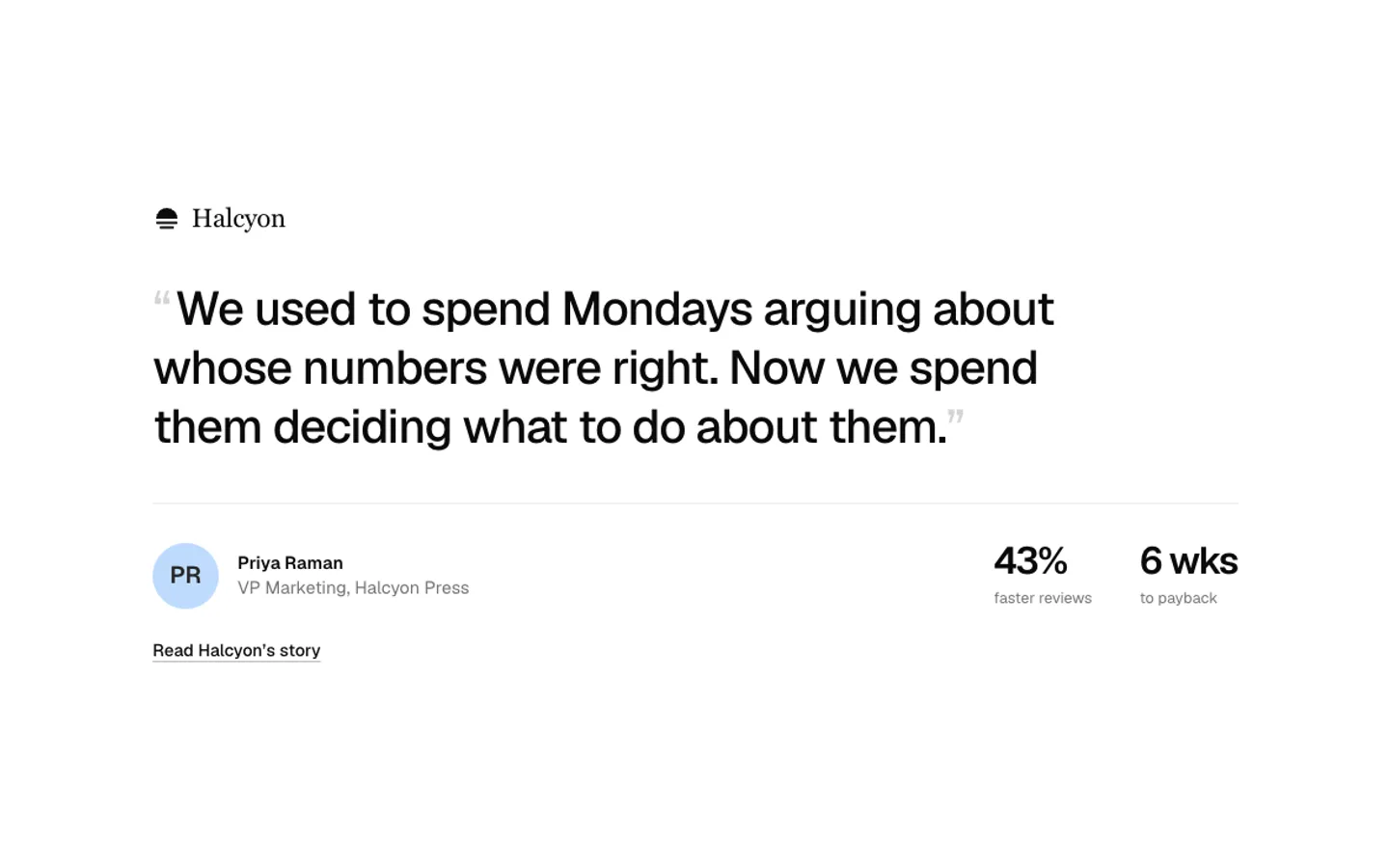
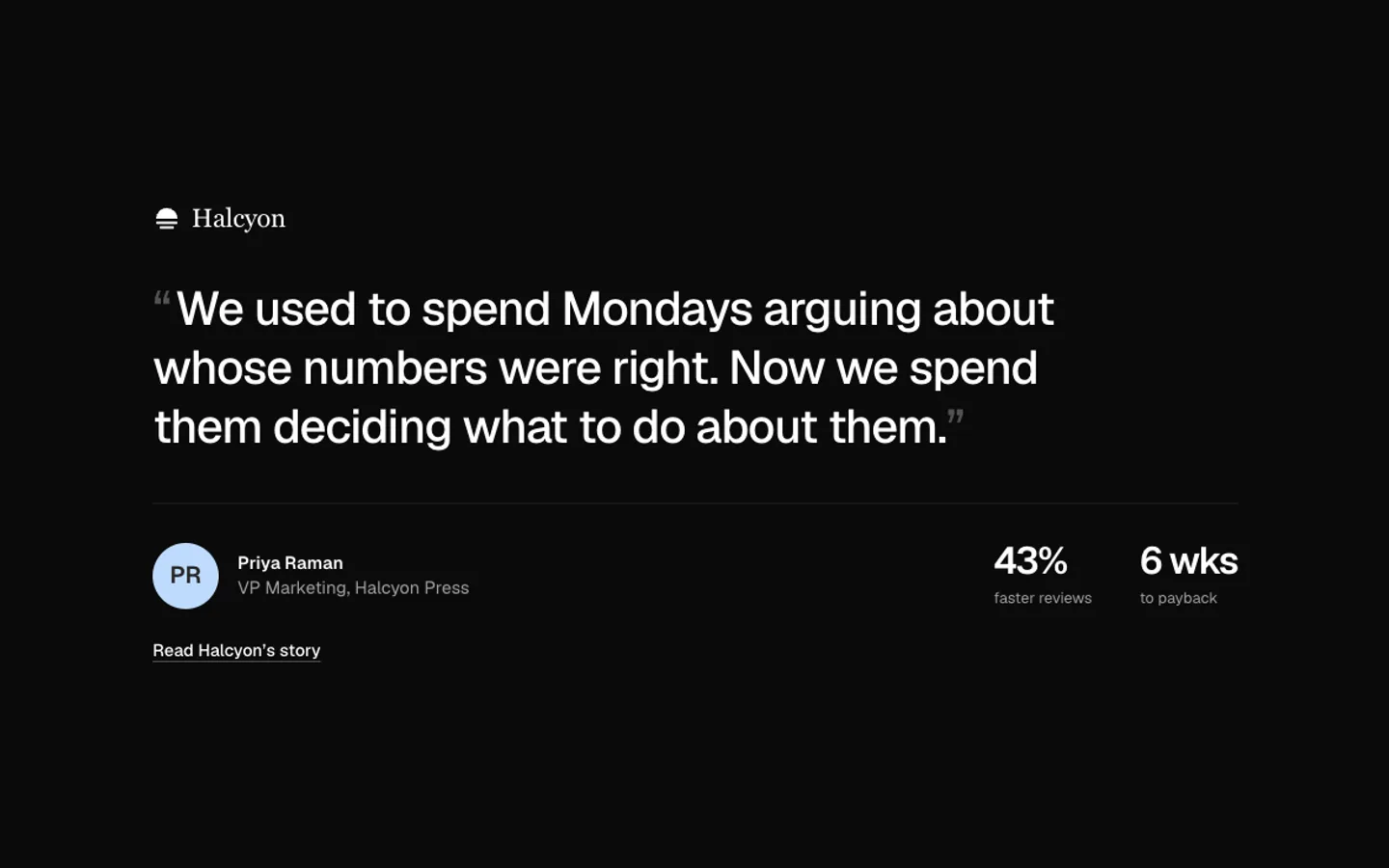
Testimonial Quote
SectionOne big quote with the person, their company logo and two results.
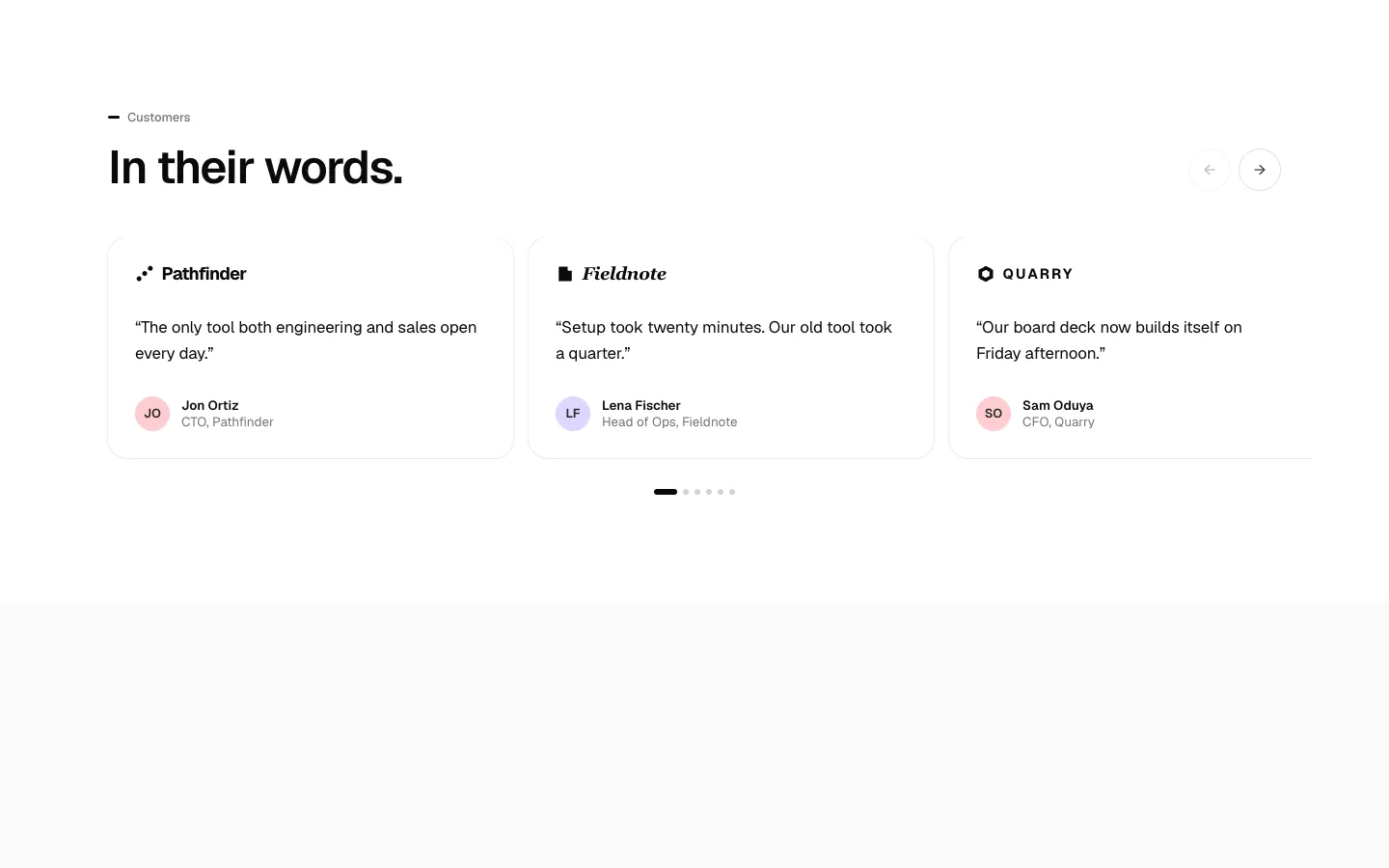
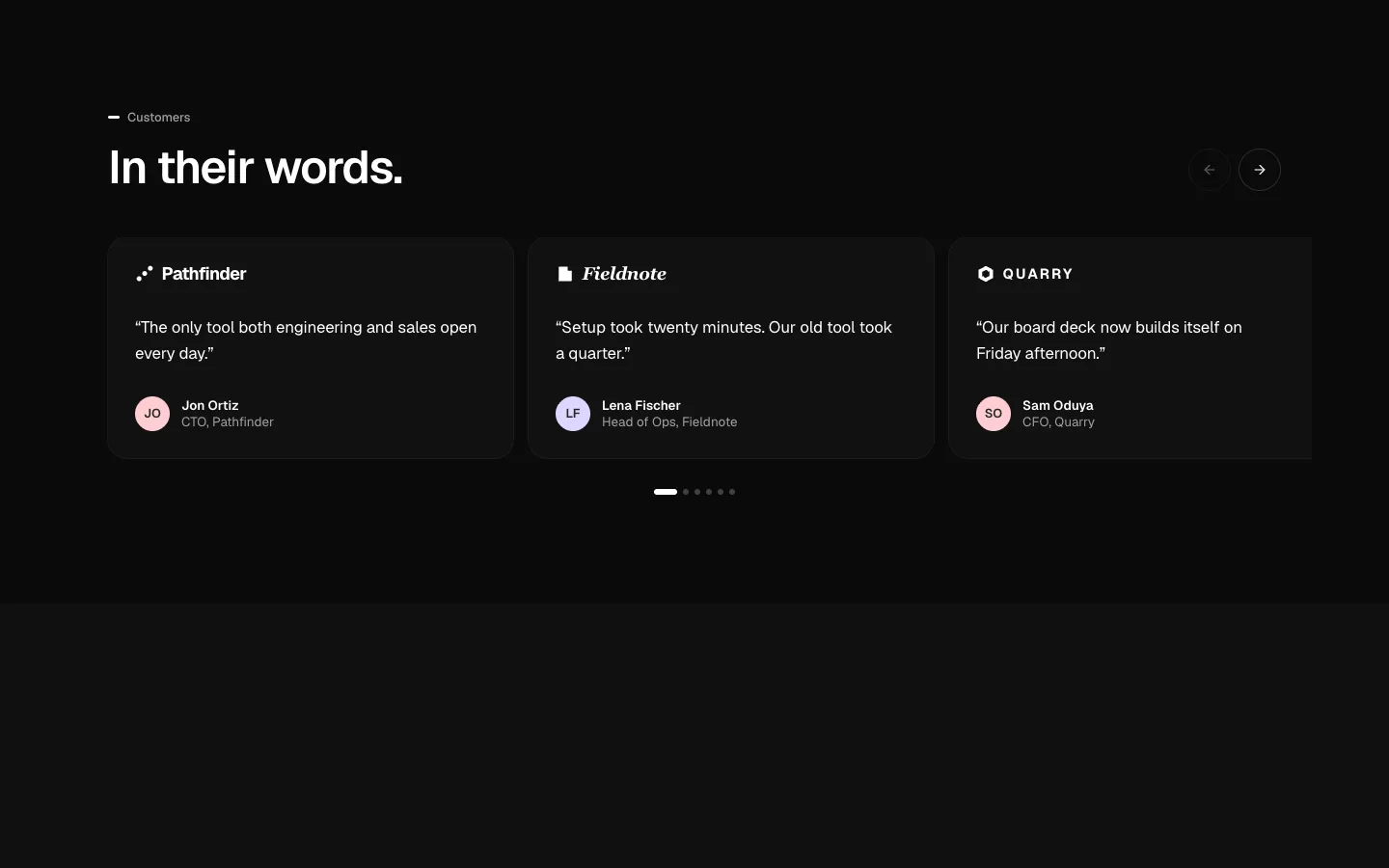
Testimonial Carousel
SectionA testimonial carousel you drag, swipe, key or click through. Snaps to each card and never autoplays.
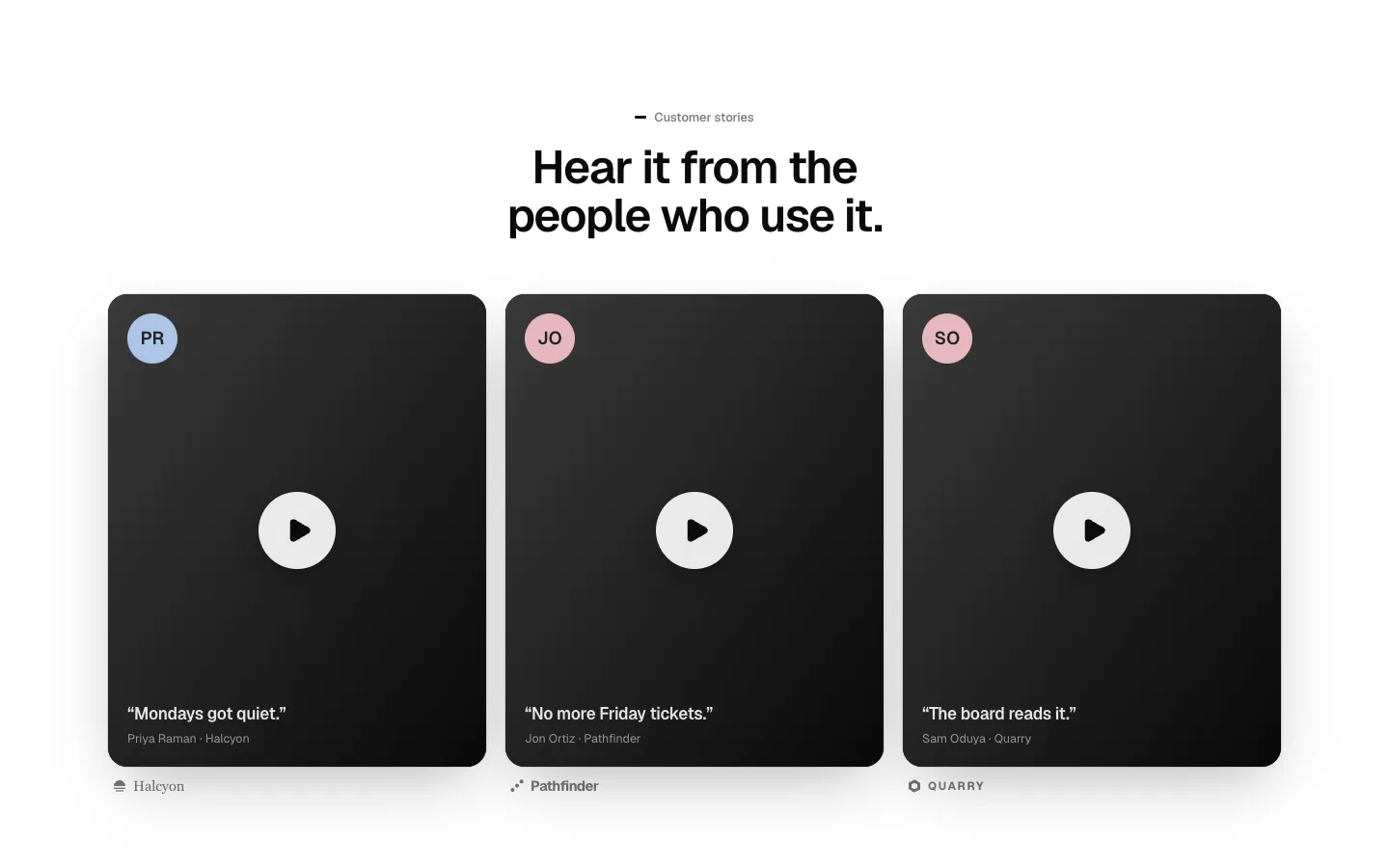
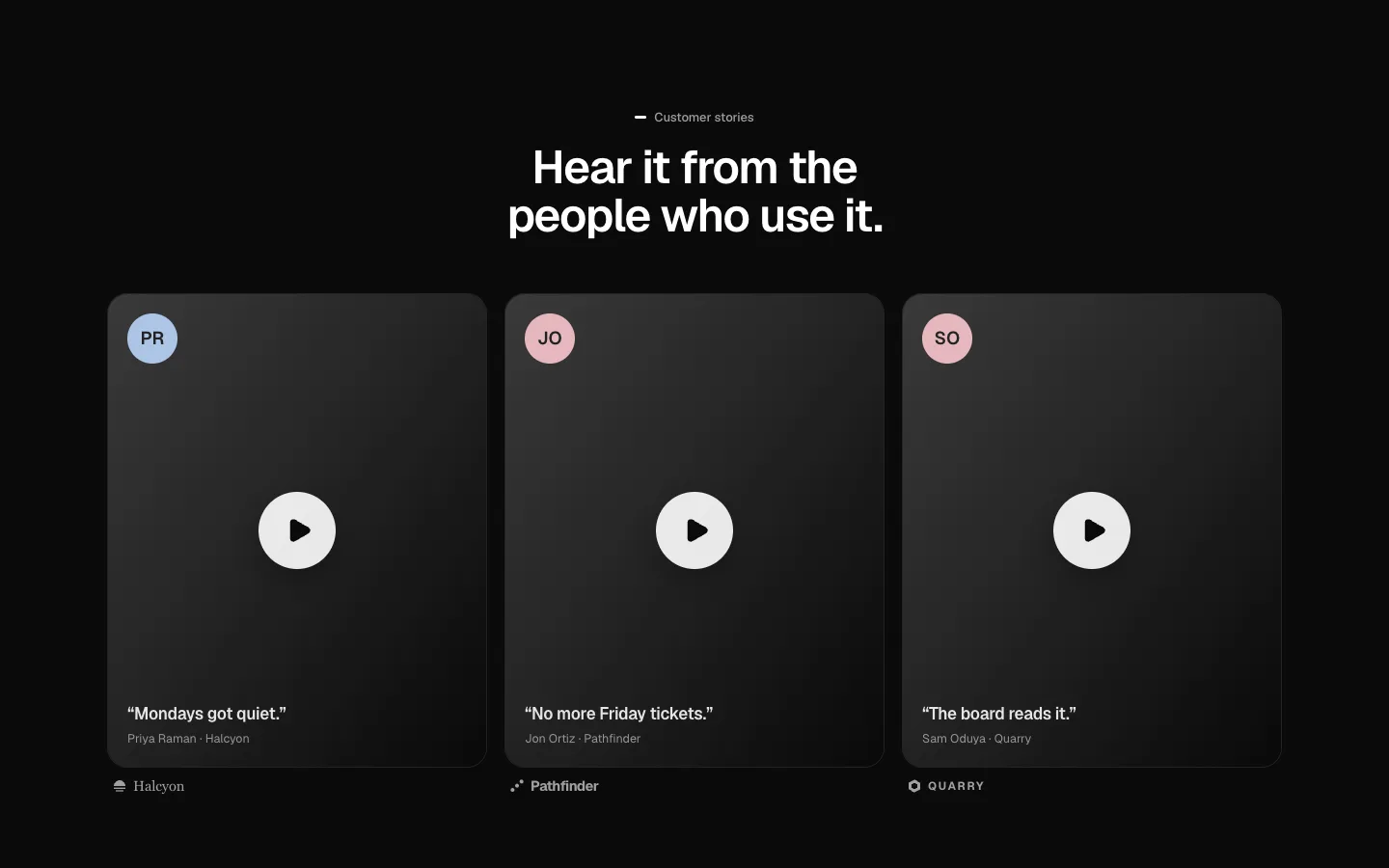
Video Testimonials
SectionVideo stories as posters that play in place with captions.
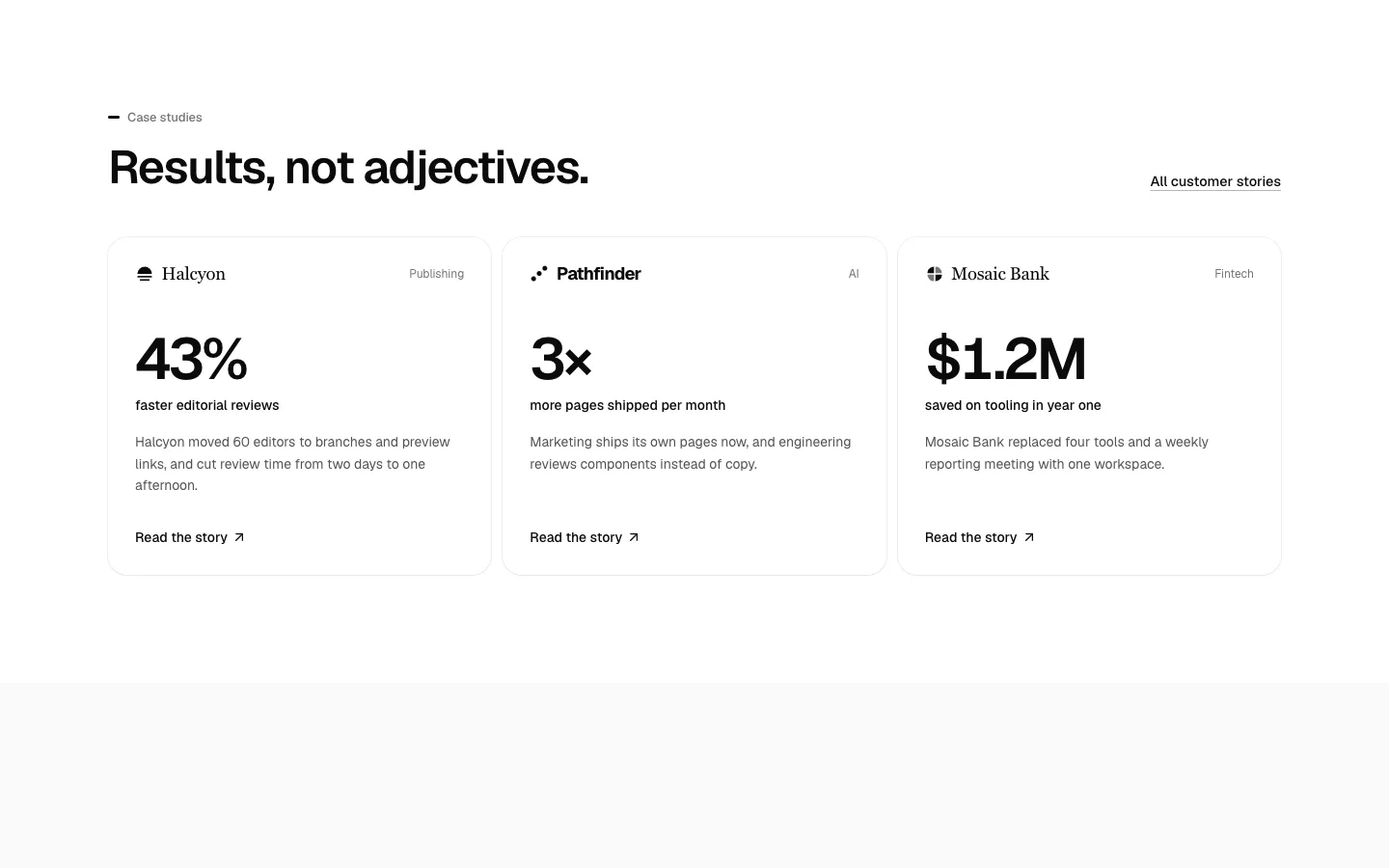
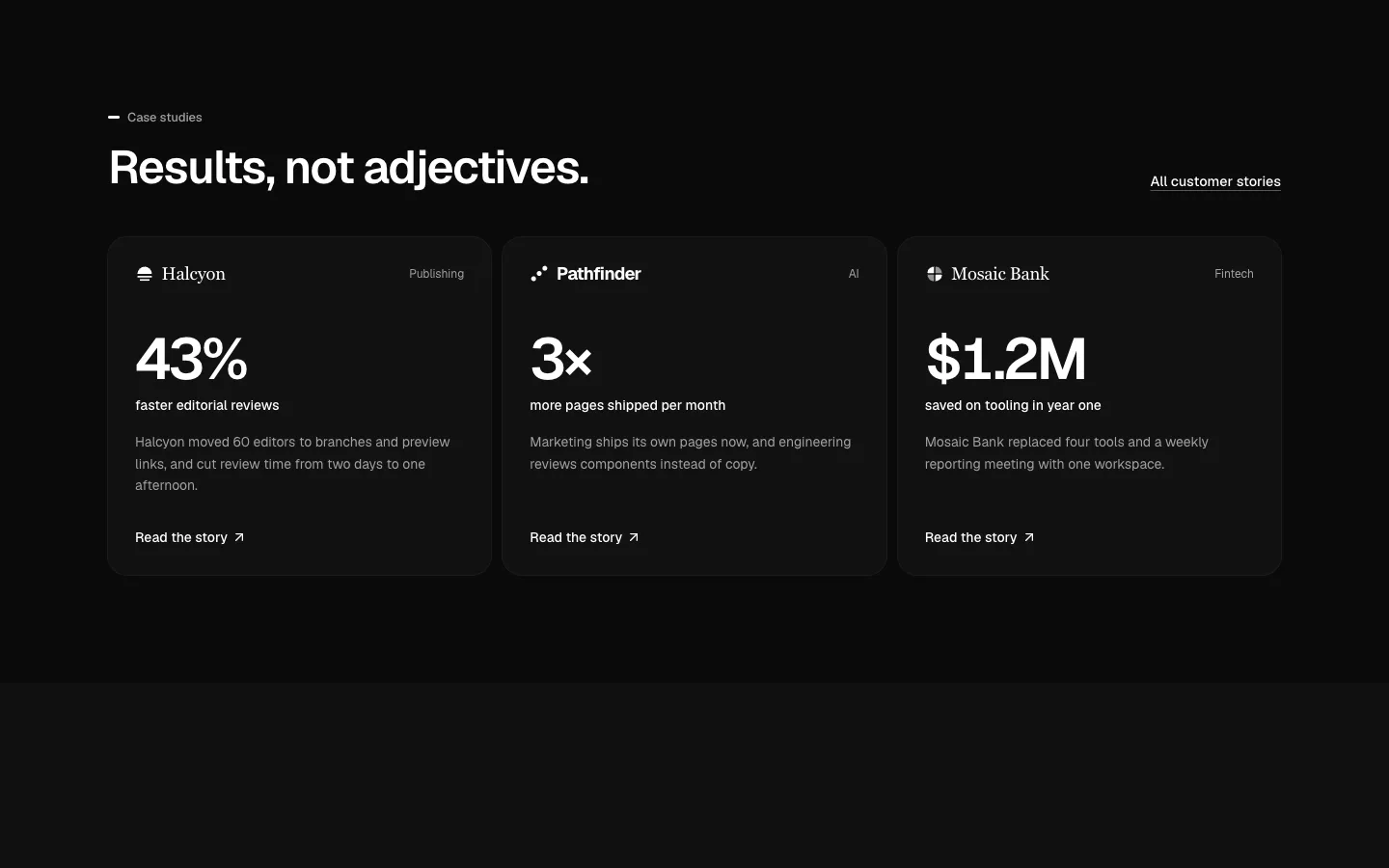
Case Studies
SectionCase study cards that lead with the result, then the company and the story.
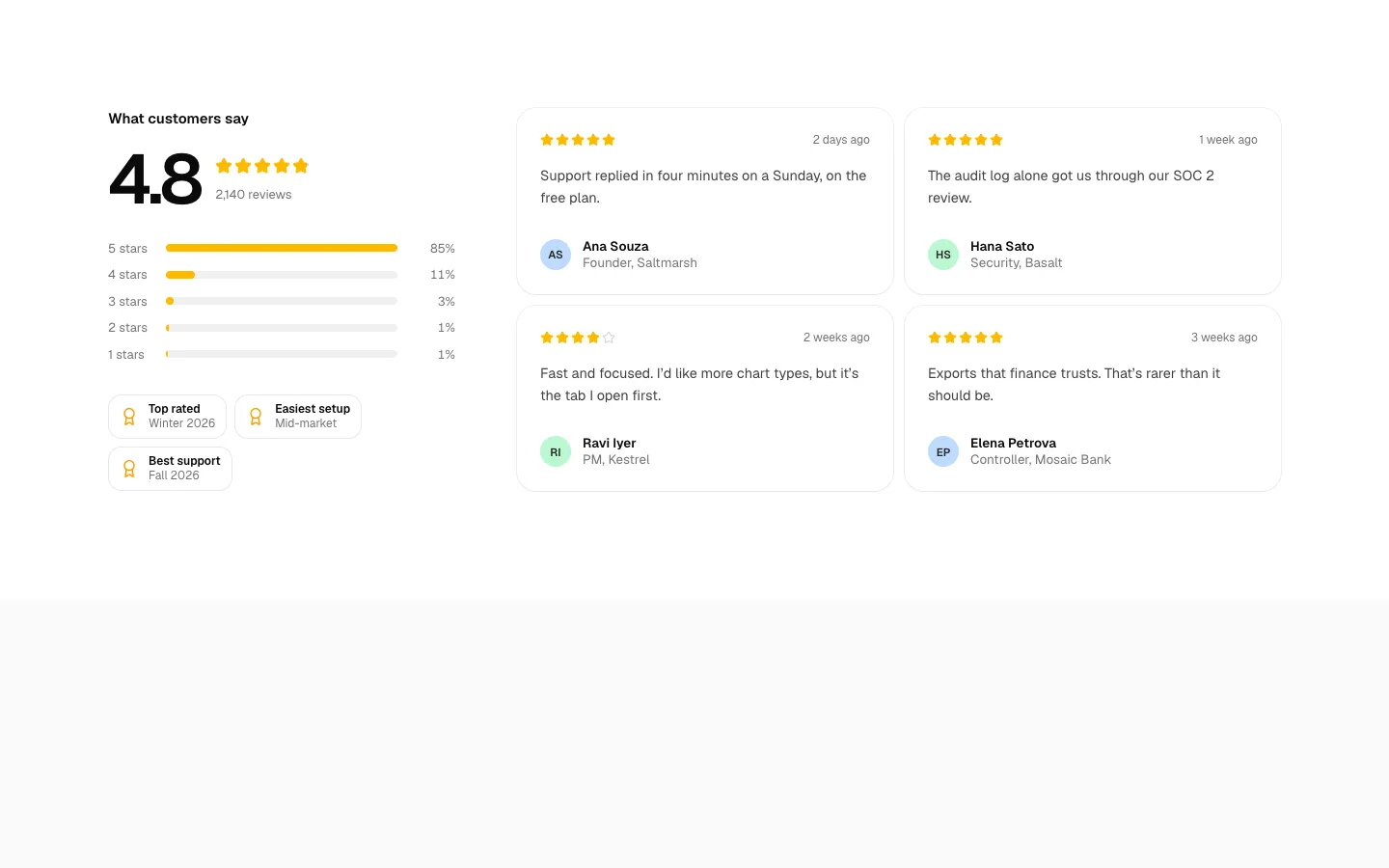
Rating Summary
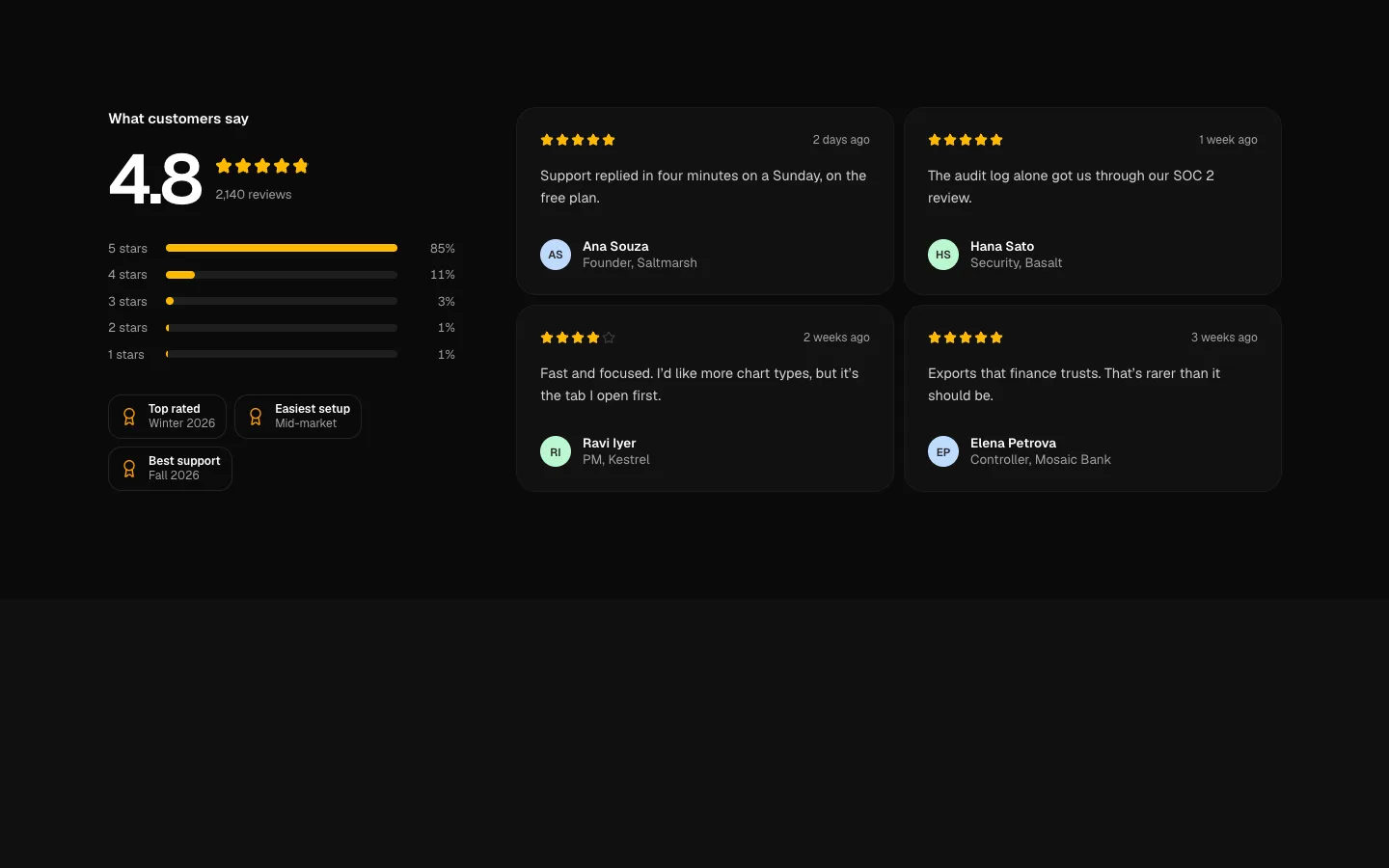
SectionAn overall score with a star breakdown, review-site badges and recent reviews.
Post Cards
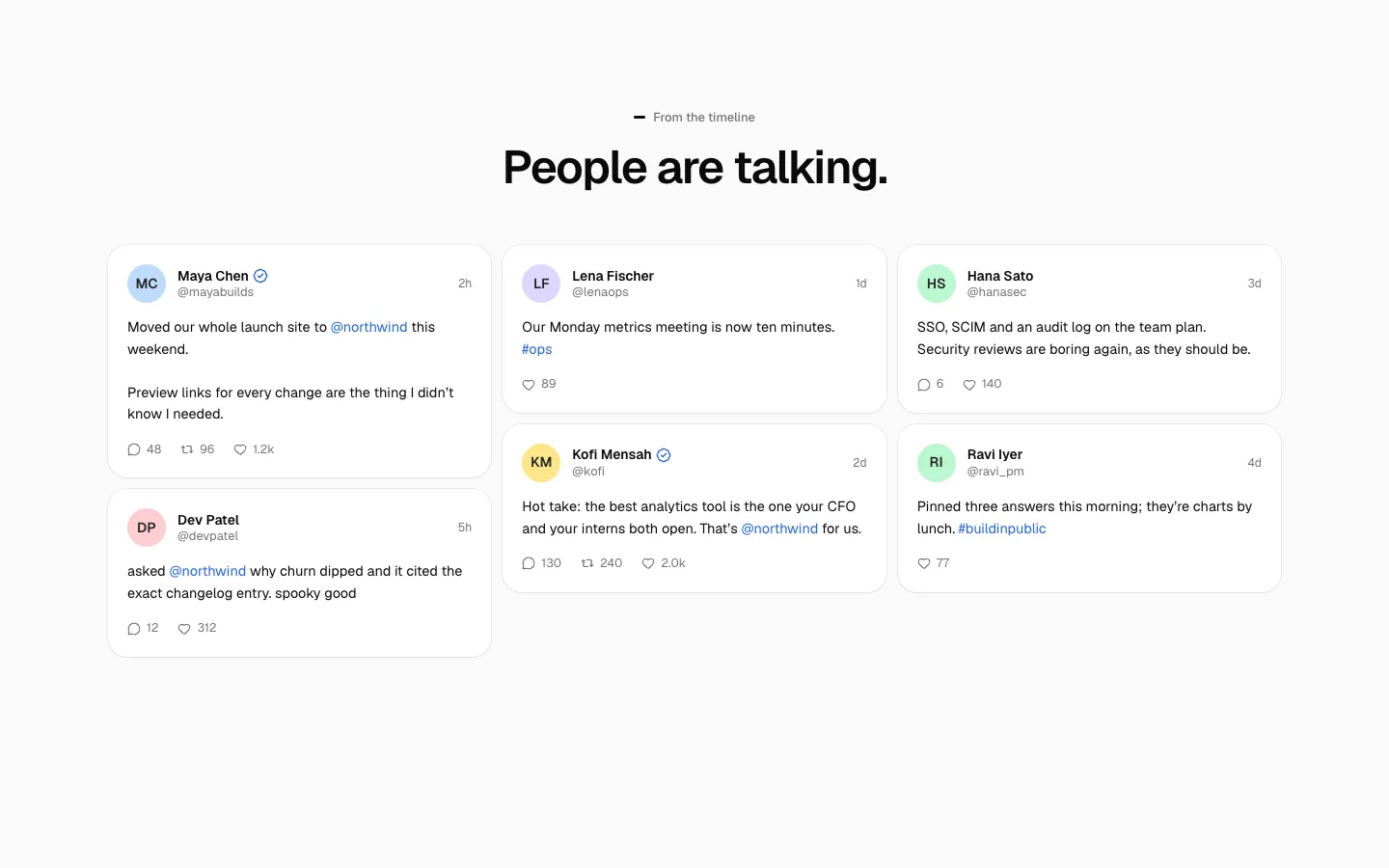
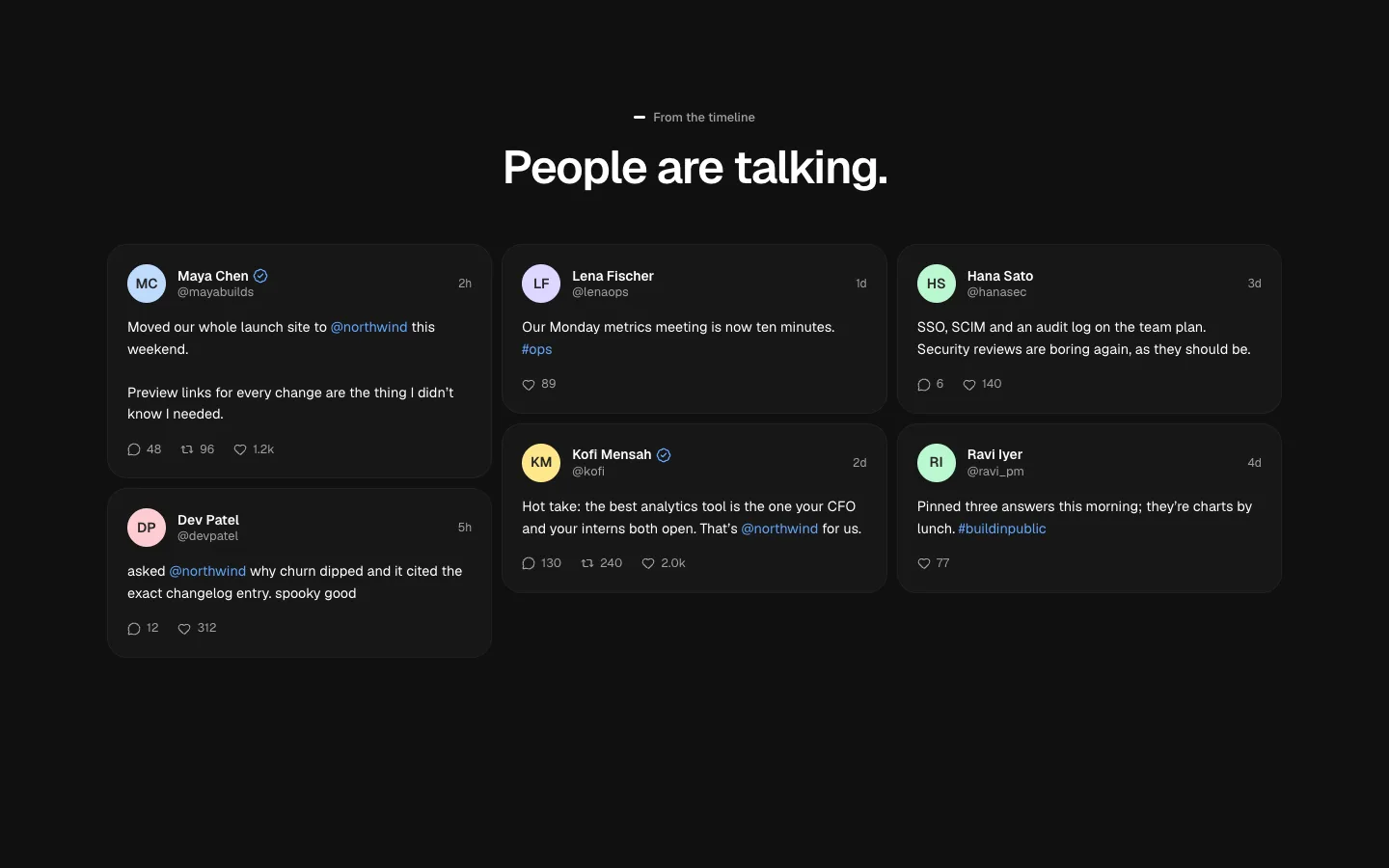
SectionTestimonials as social-style posts from made-up people.
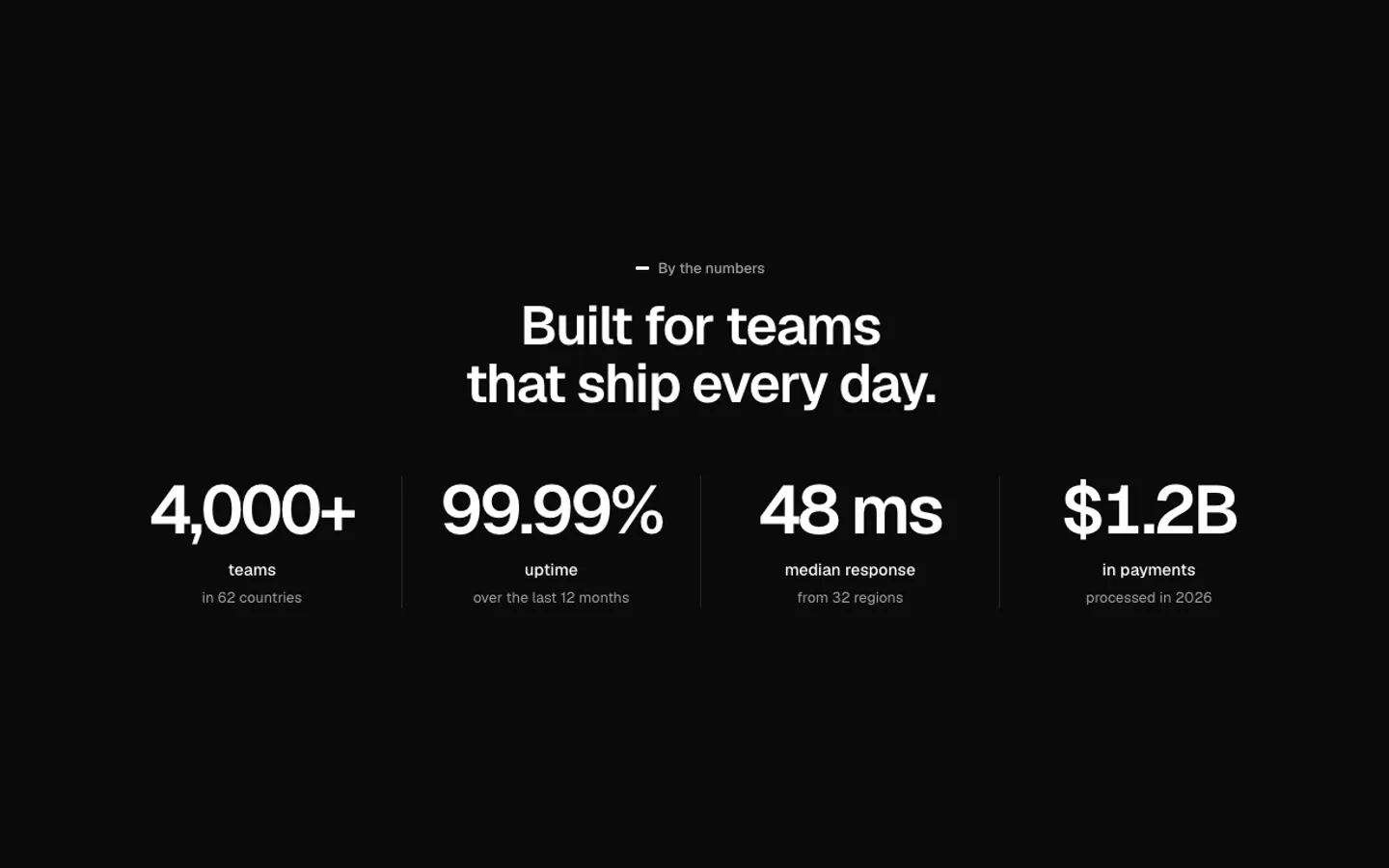
Stats Band
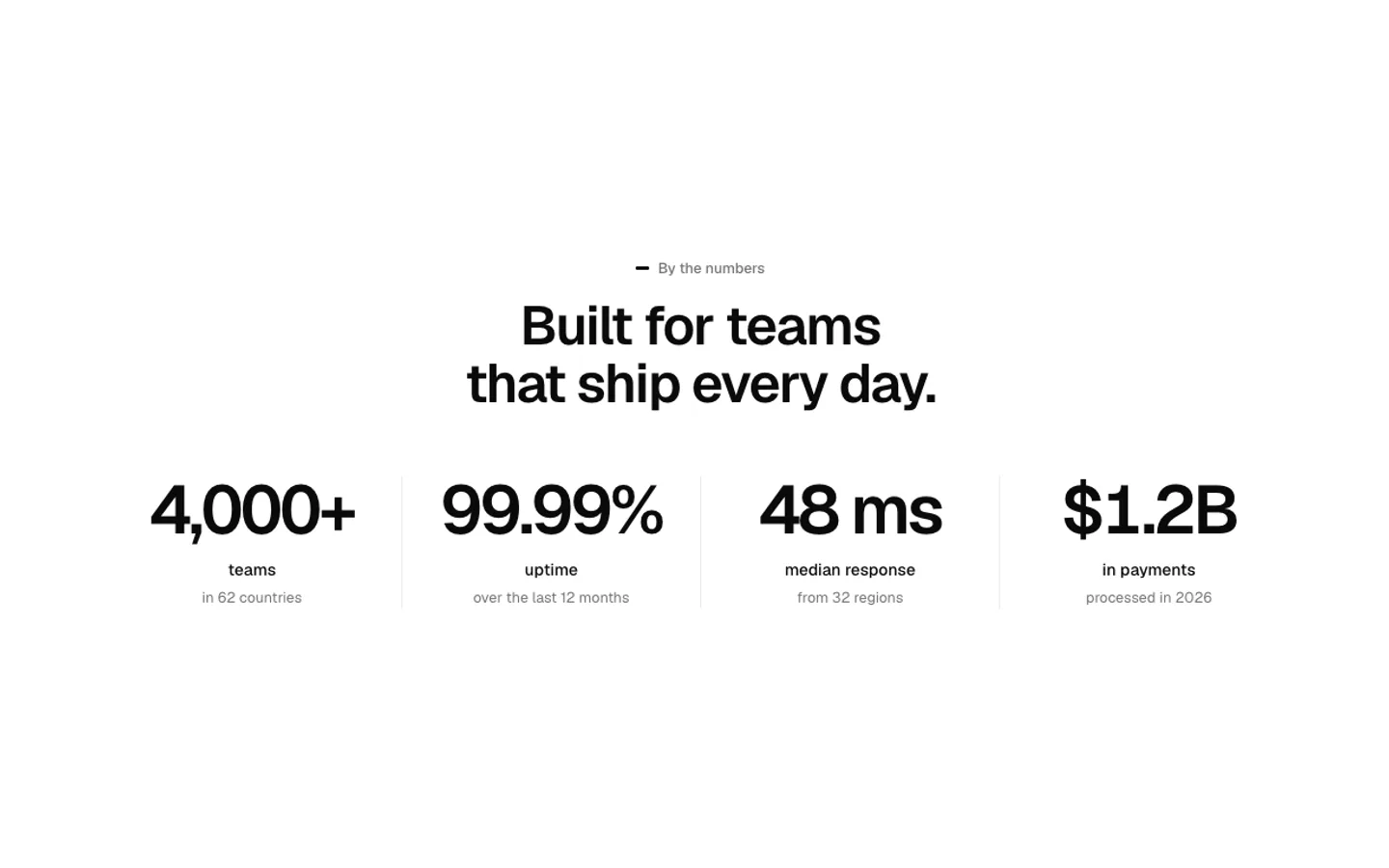
SectionBig numbers that count up once they scroll into view.
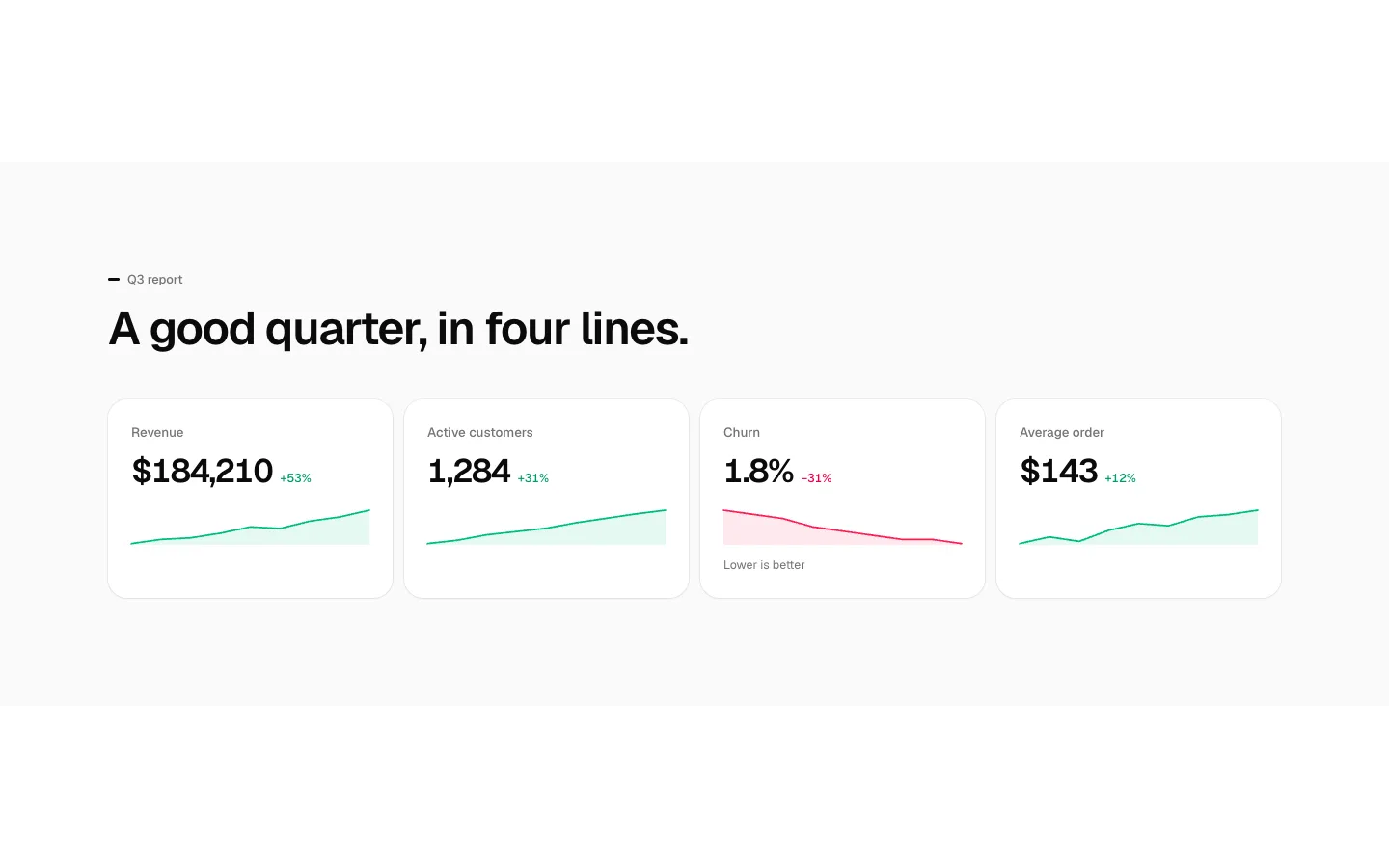
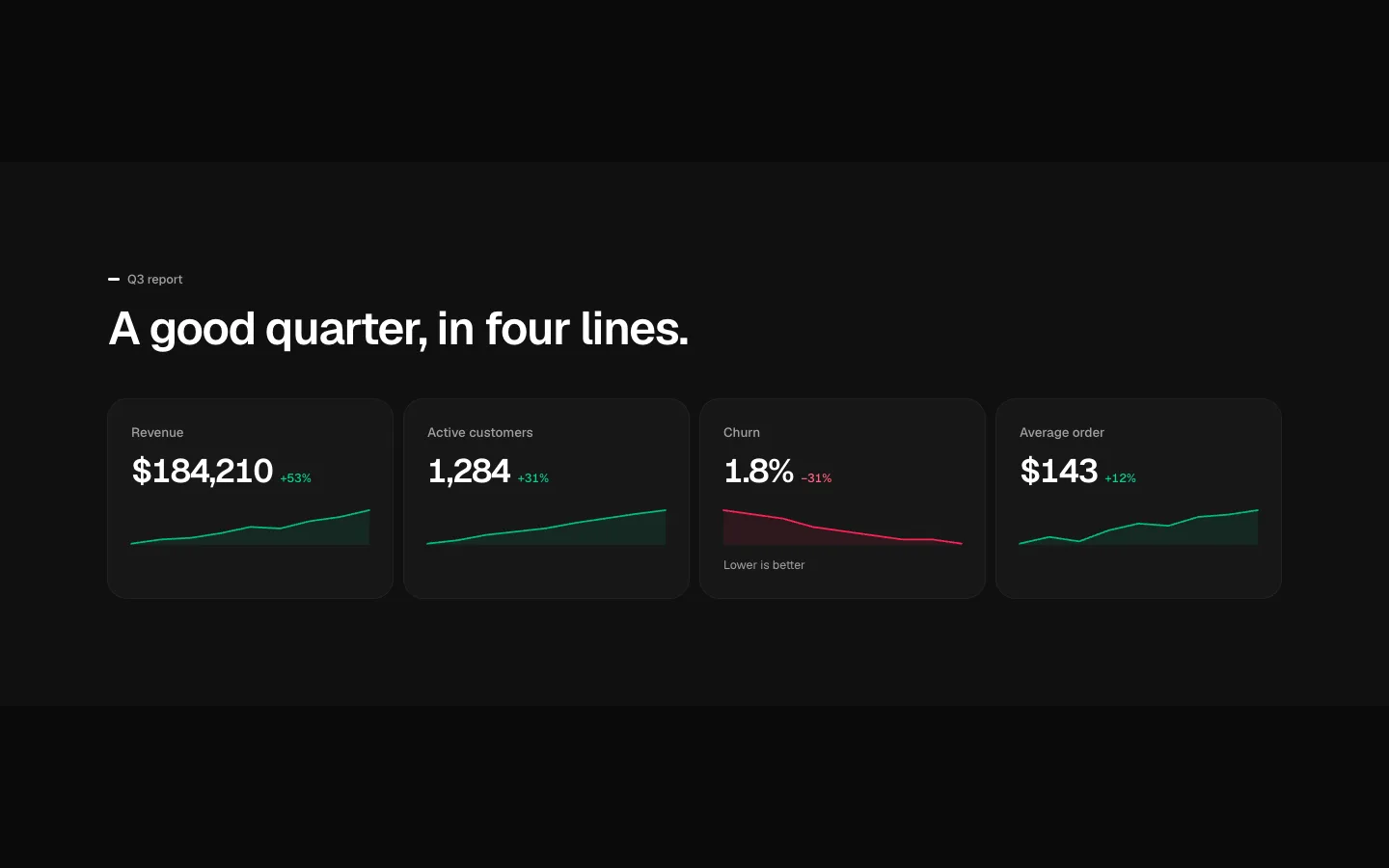
Stats with Sparklines
SectionStat cards, each with a small trend line and the change.
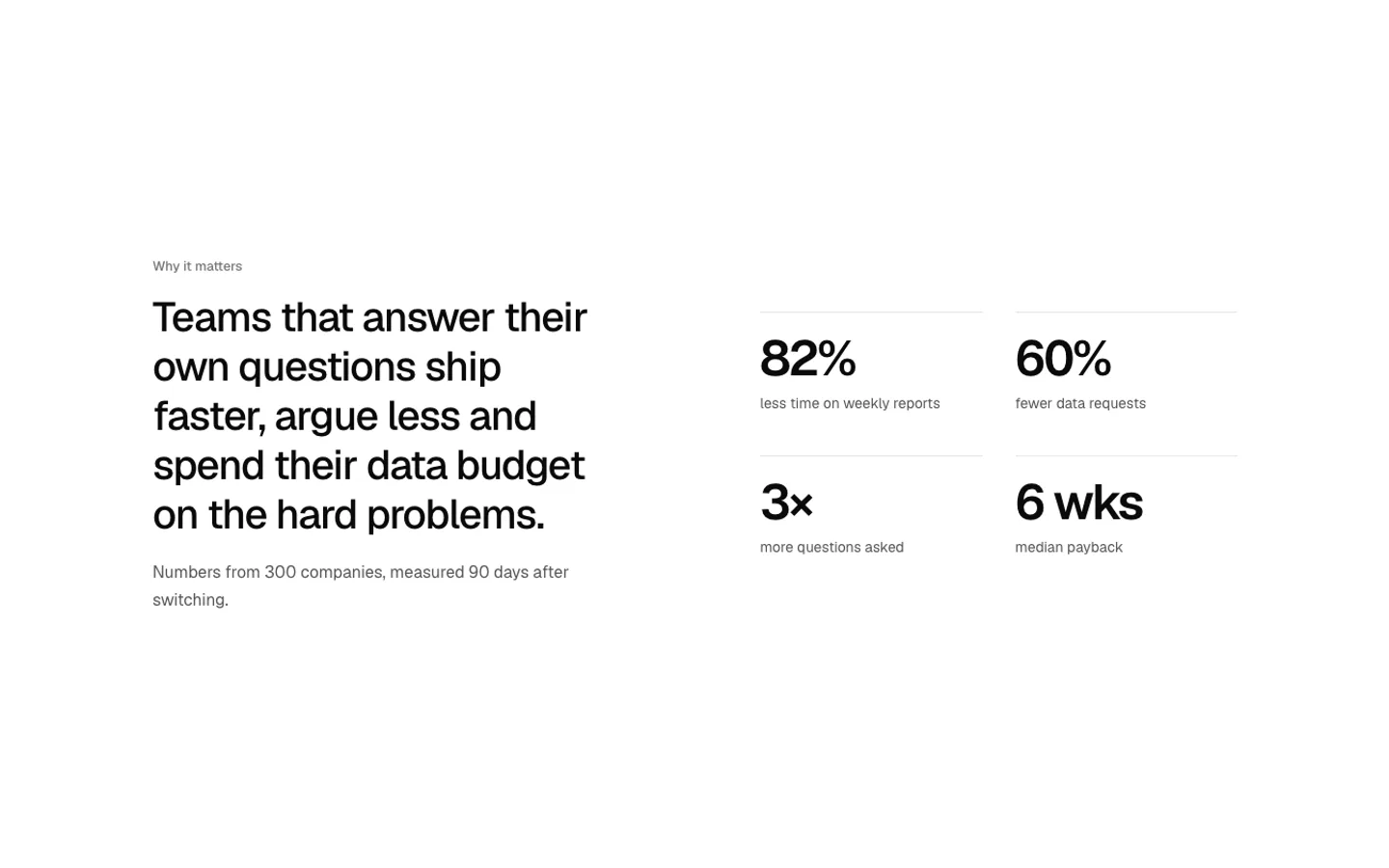
Stats Split
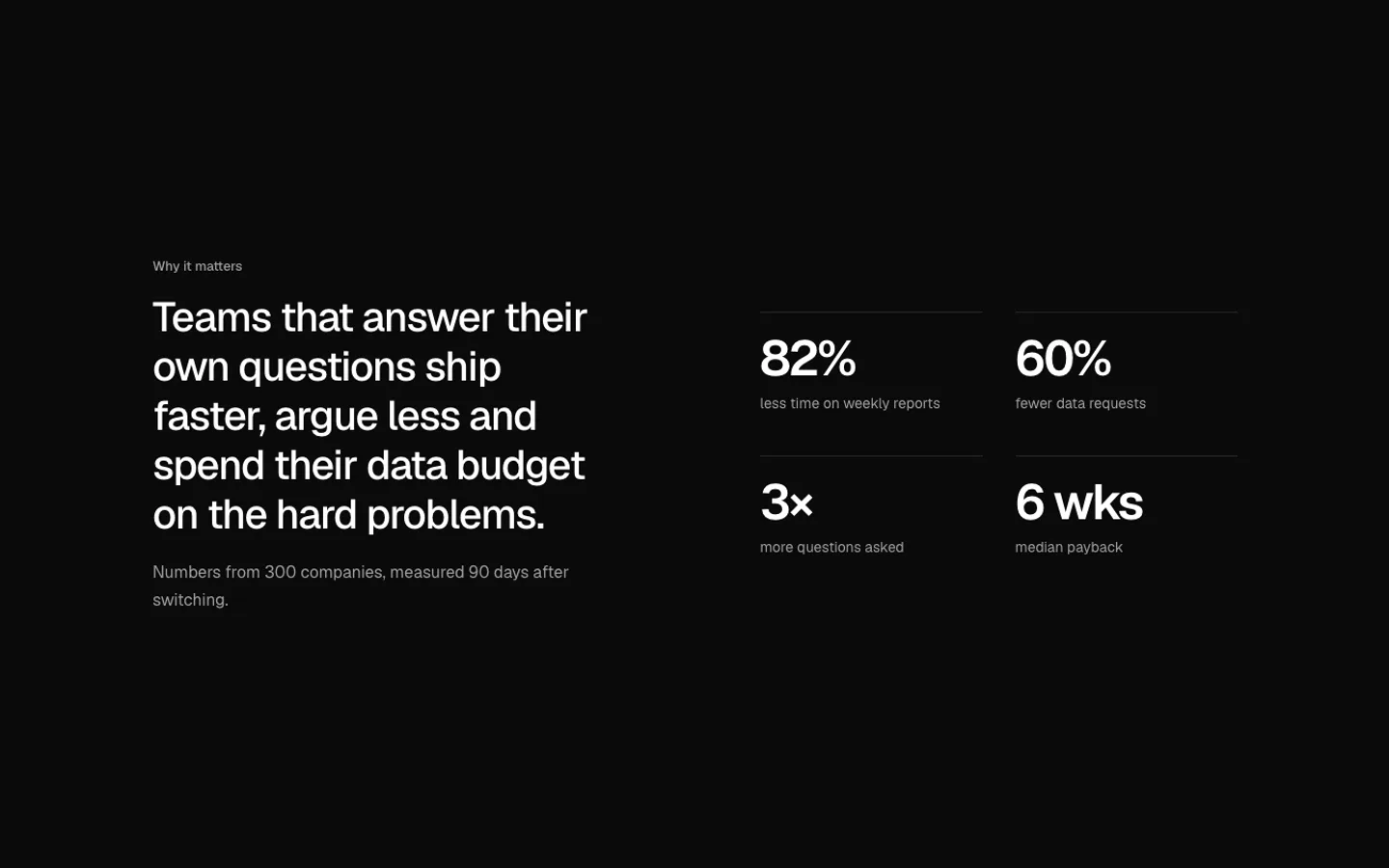
SectionA statement on the left and its numbers on the right.
Live Counter
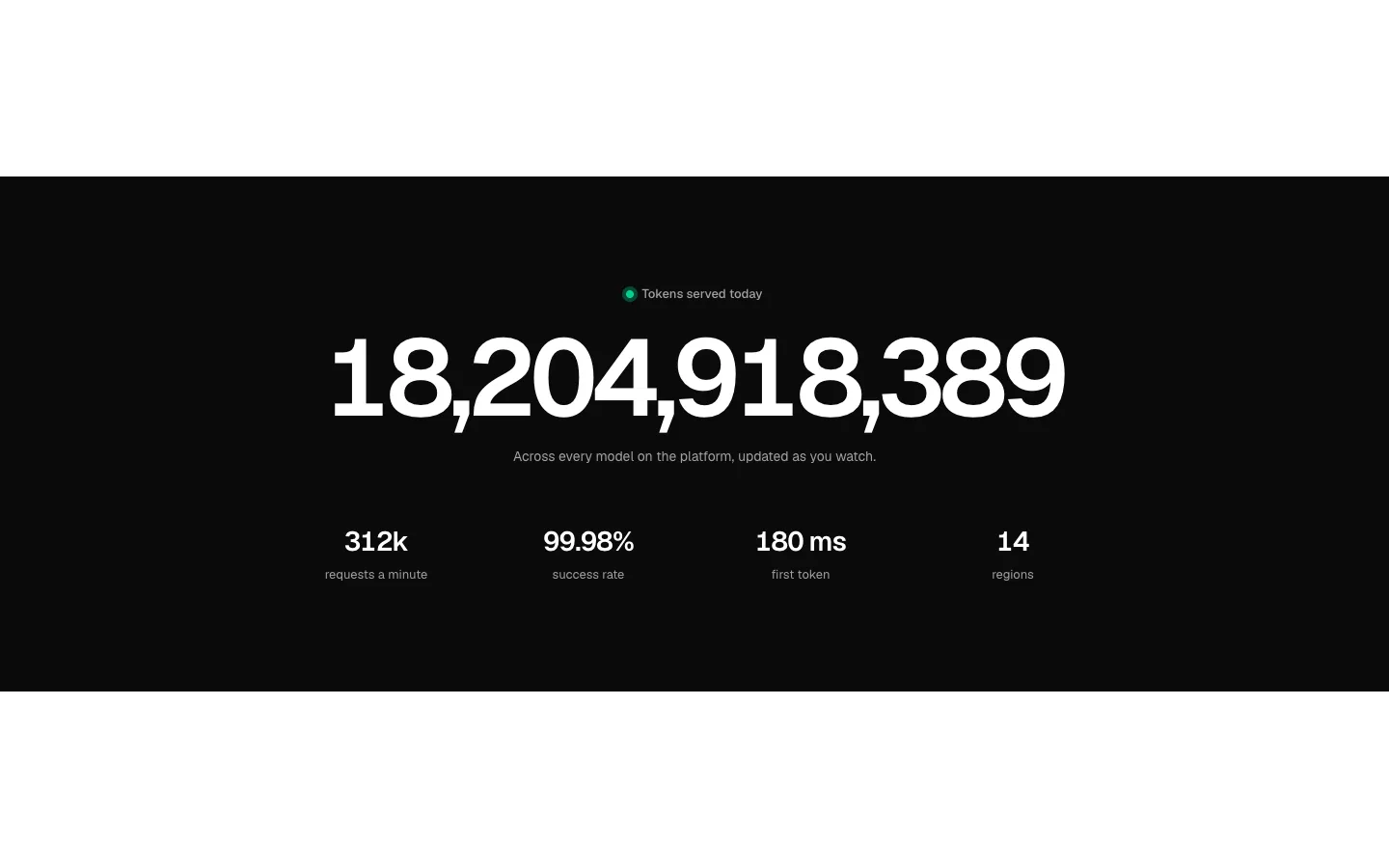
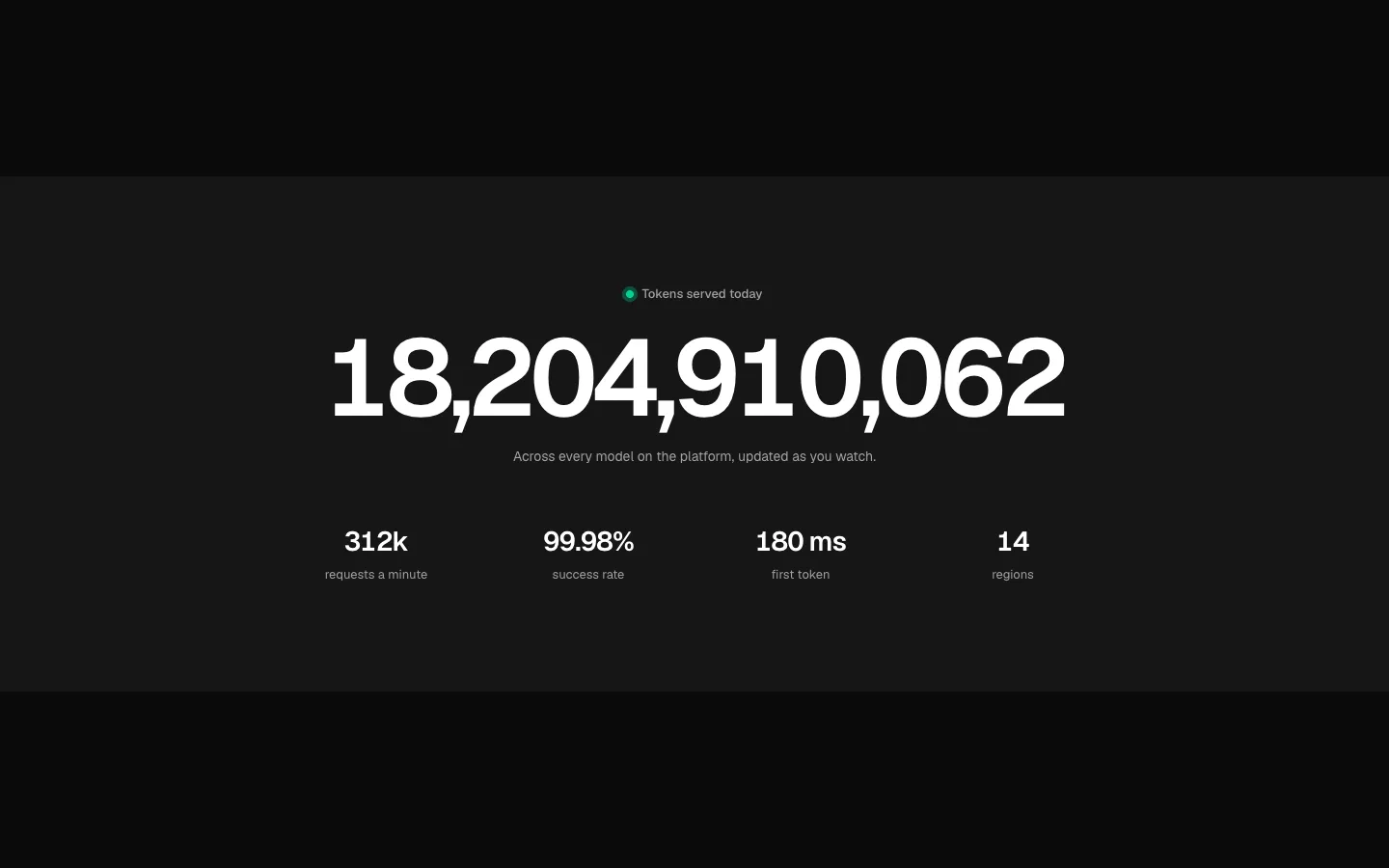
SectionA live counter that ticks only while on screen, and stays still off screen and for reduced motion.
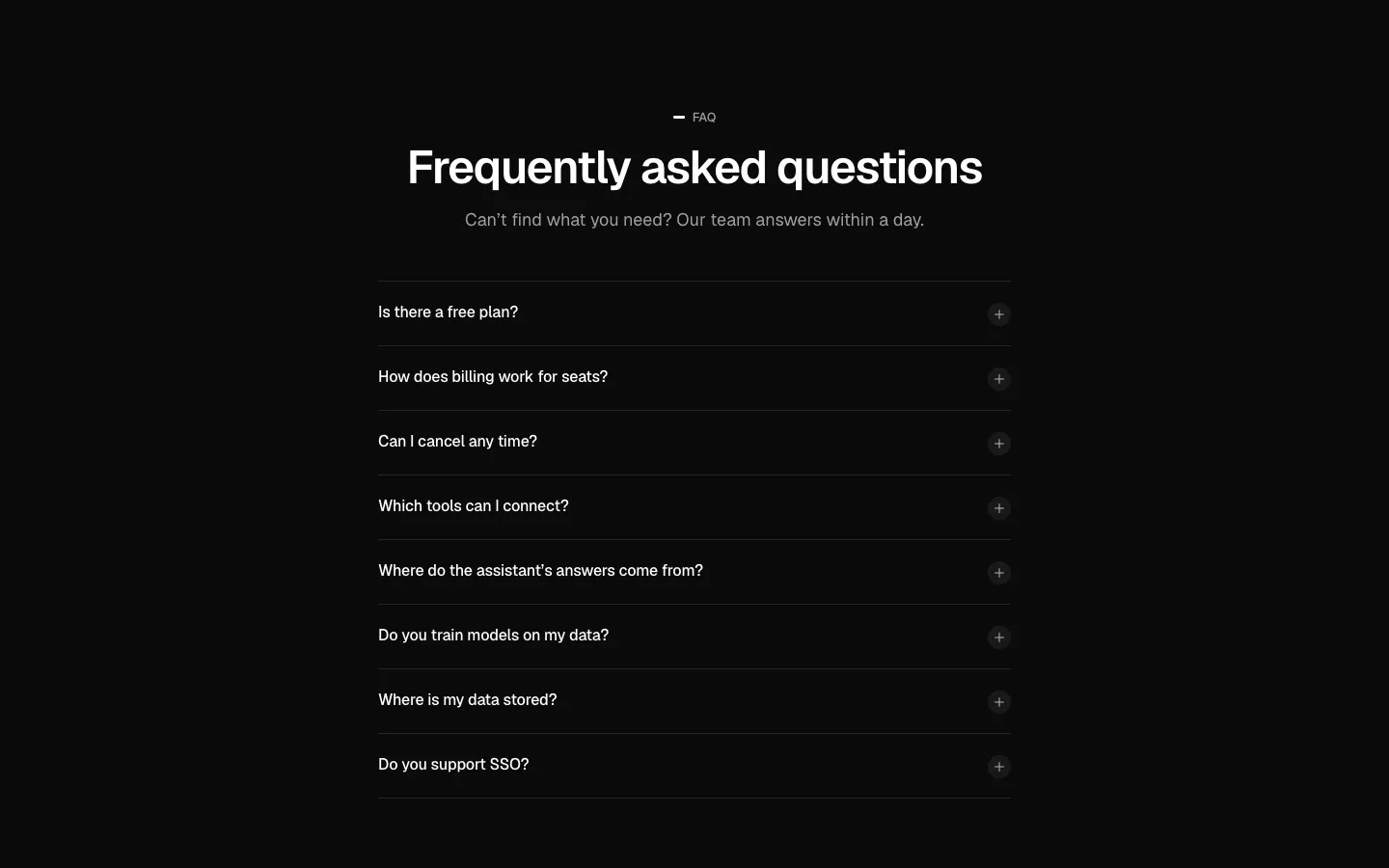
FAQ
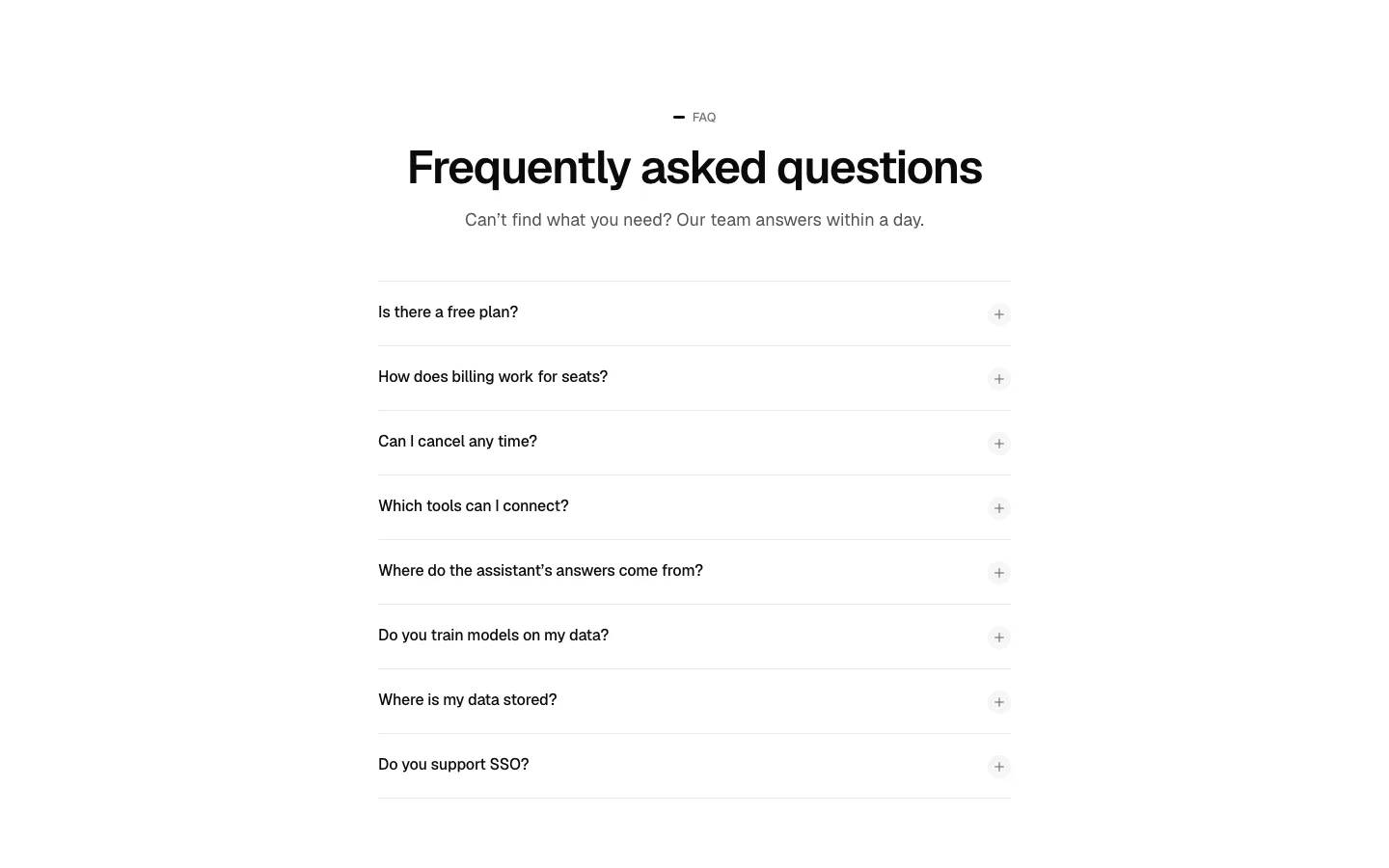
SectionQuestions as a single-column accordion that can add FAQPage structured data.
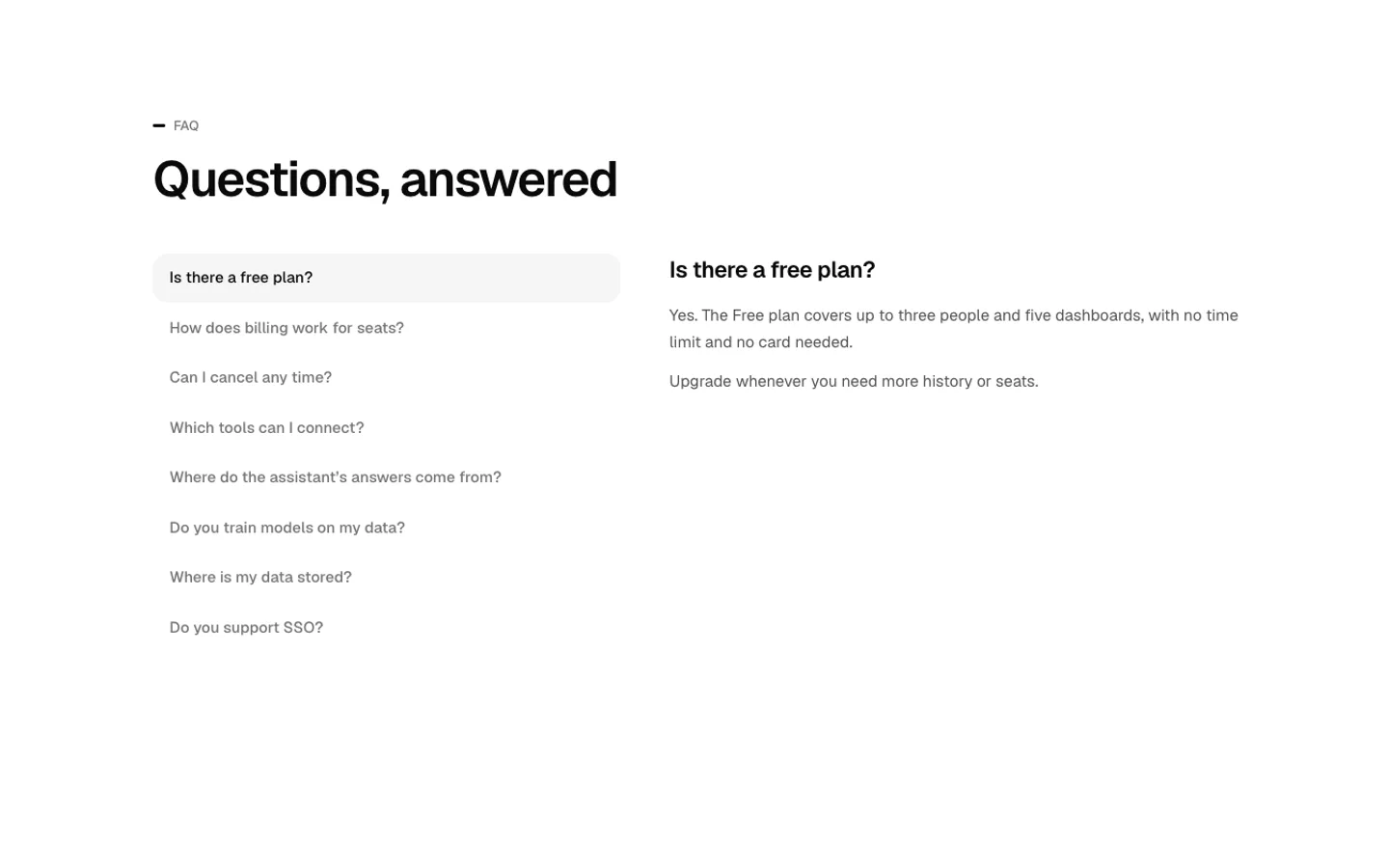
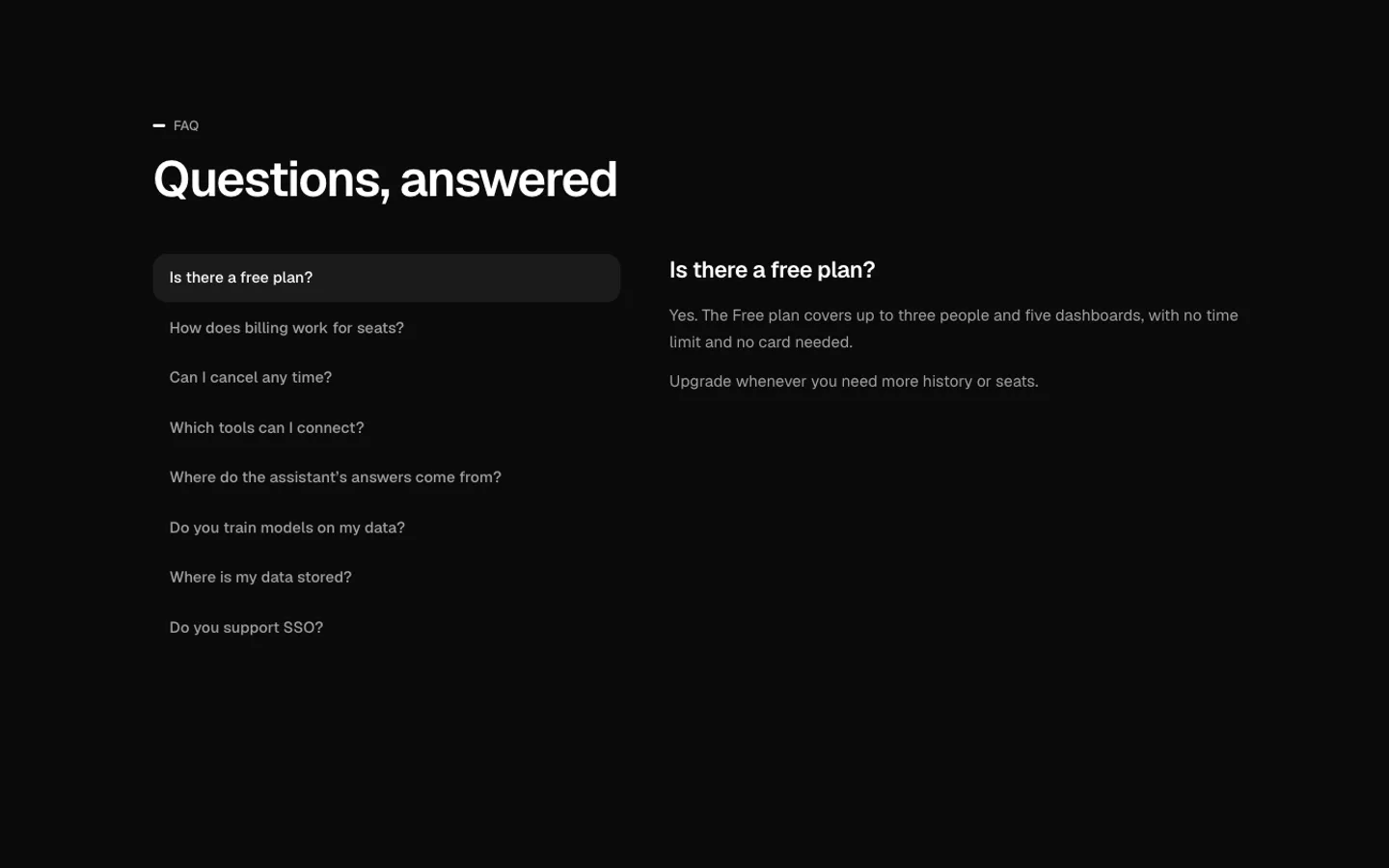
FAQ Two Column
SectionThe question list on the left and the selected answer on the right.
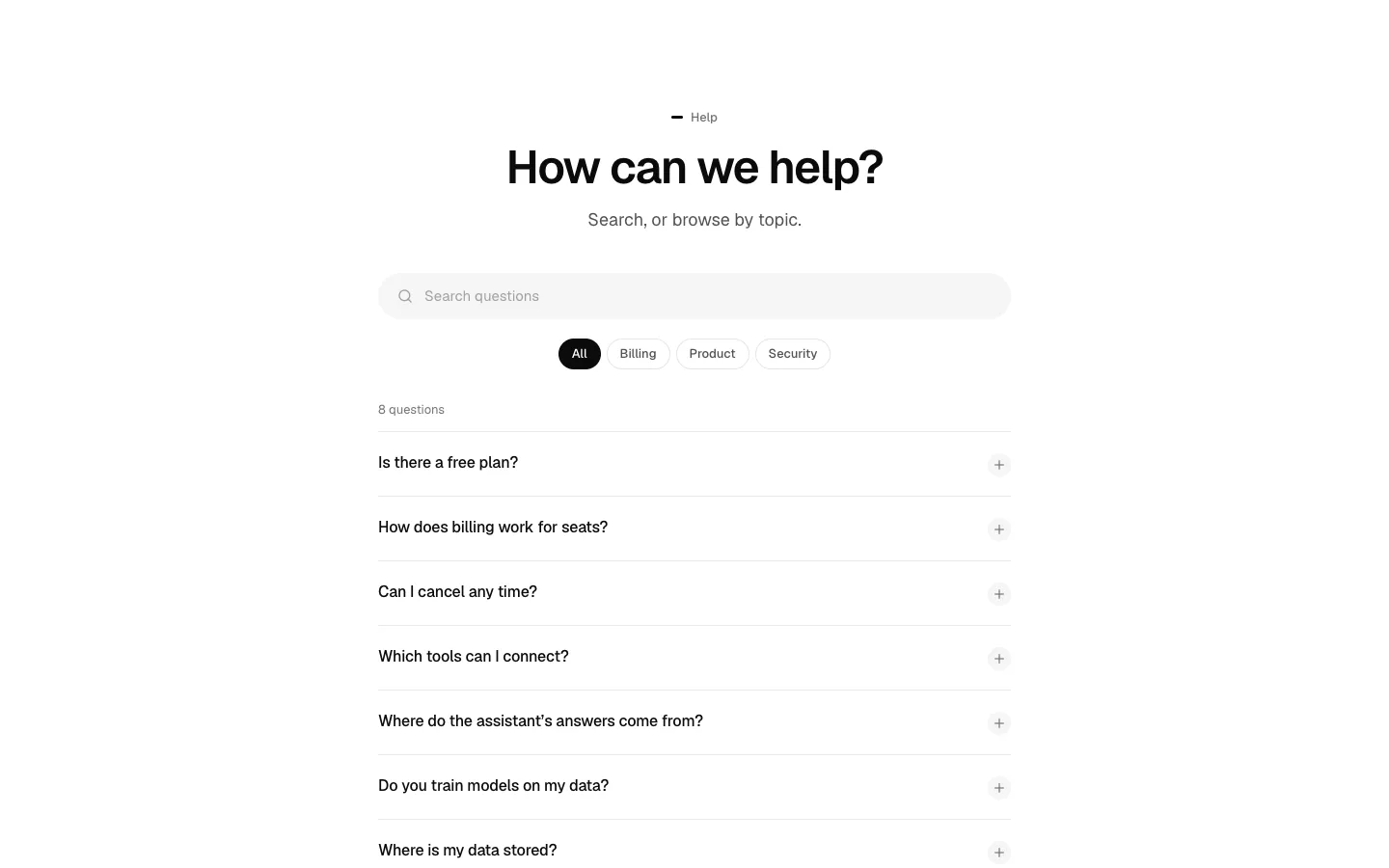

FAQ Search
SectionTopic tabs with search that filters as you type and highlights matches.
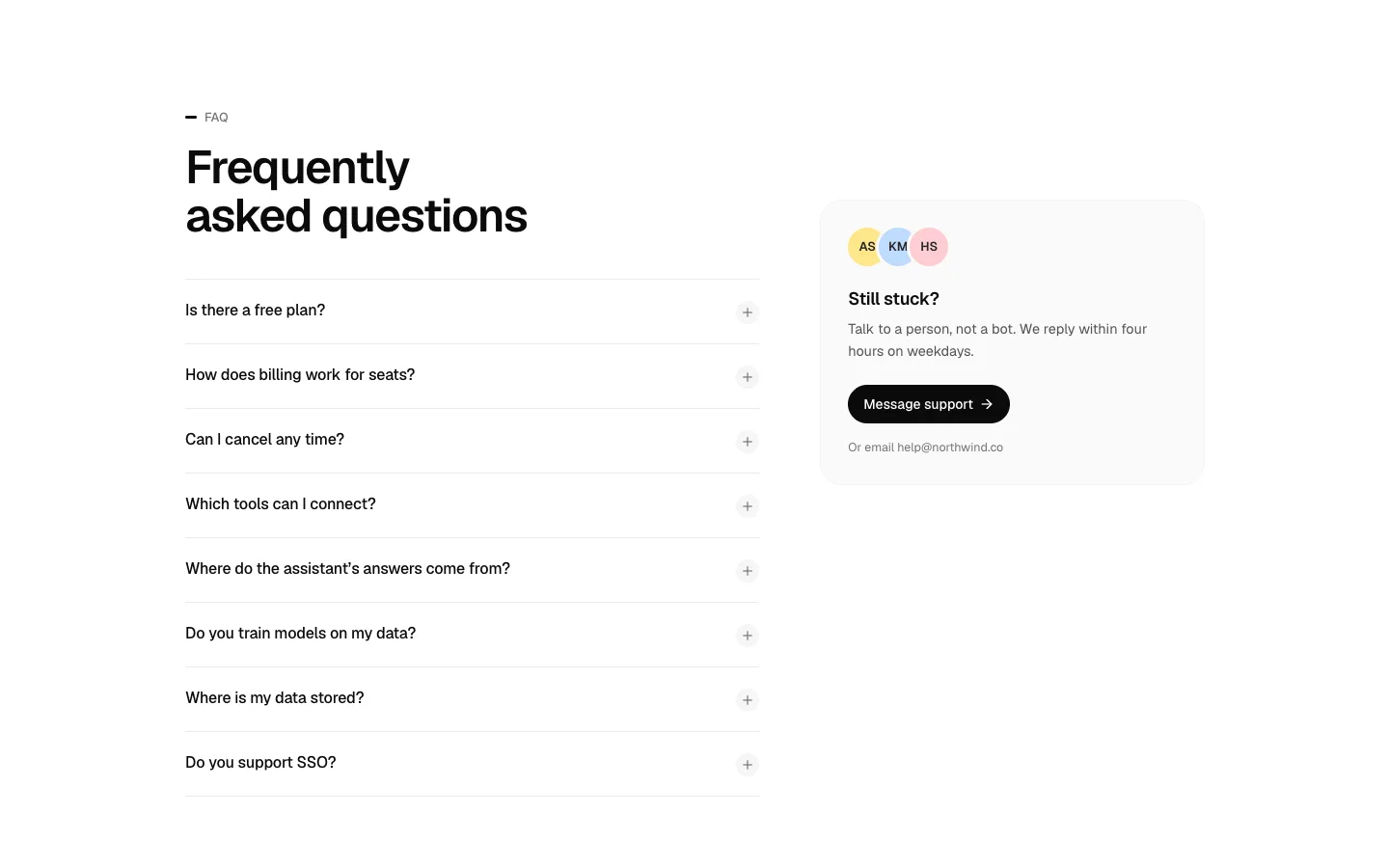
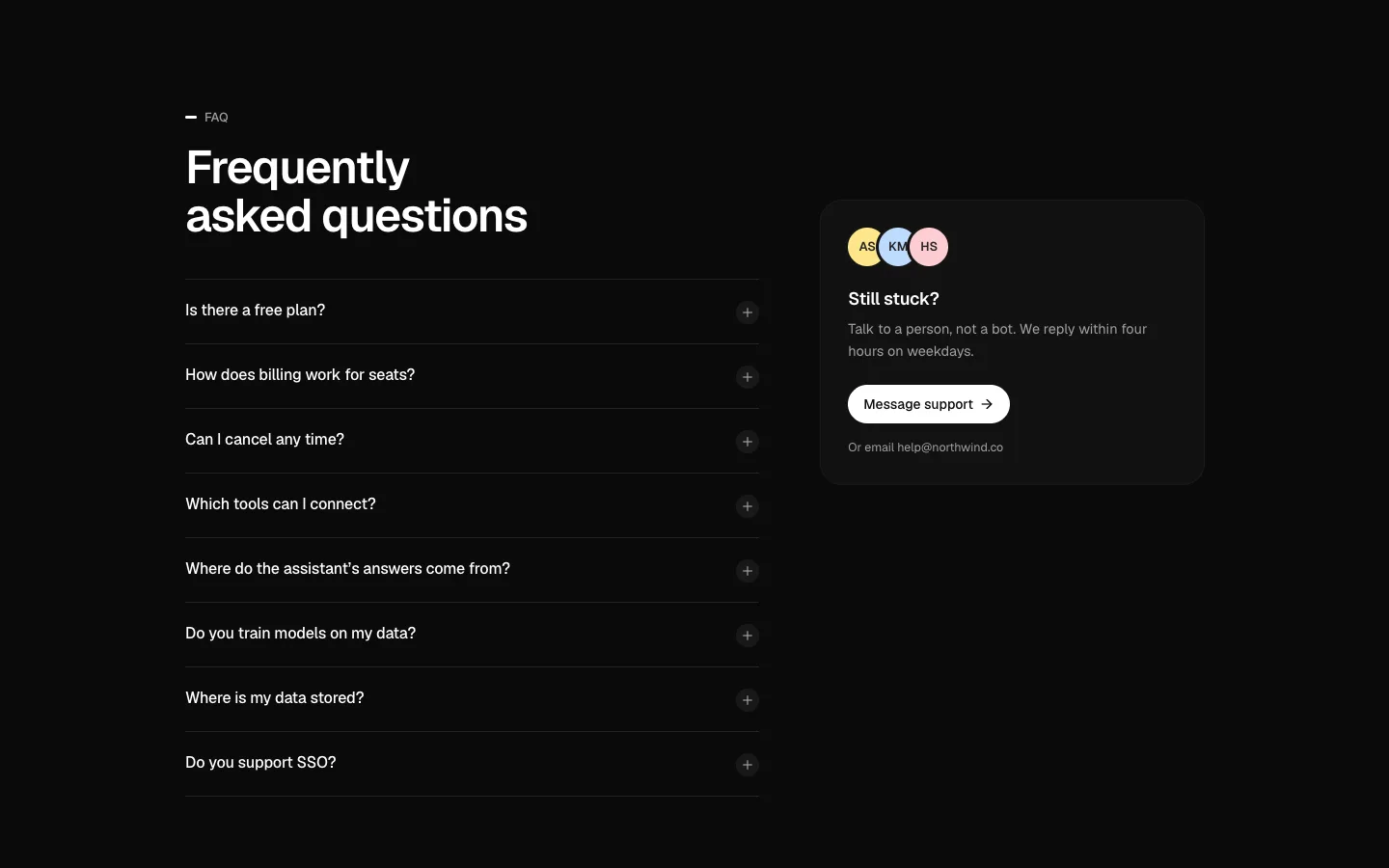
FAQ with Contact
SectionAn FAQ accordion beside a “Still stuck?” support card.
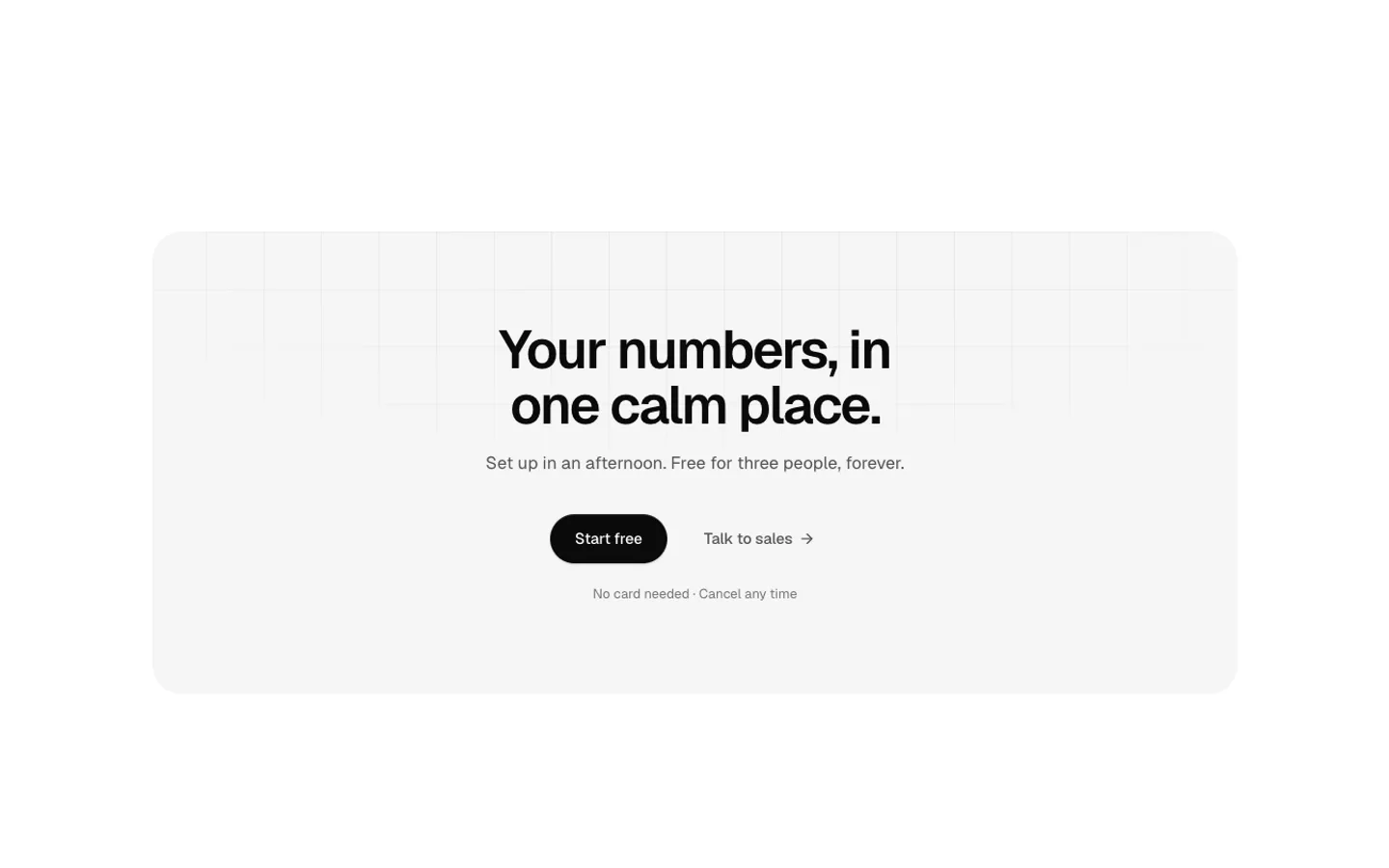
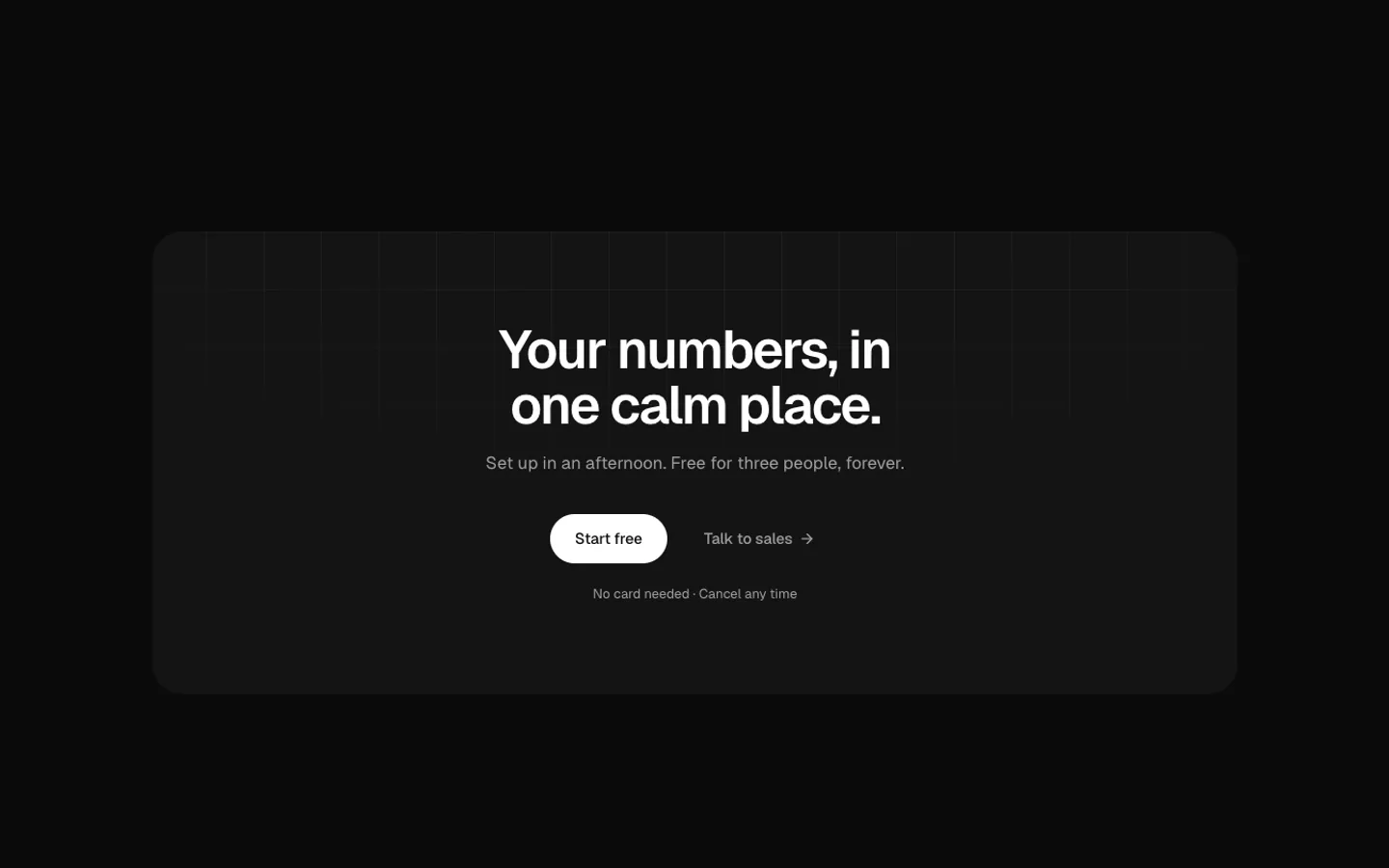
CTA Banner
SectionA closing call-to-action banner in muted, dark or the accent colour, with two buttons and a note.
CTA with Visual
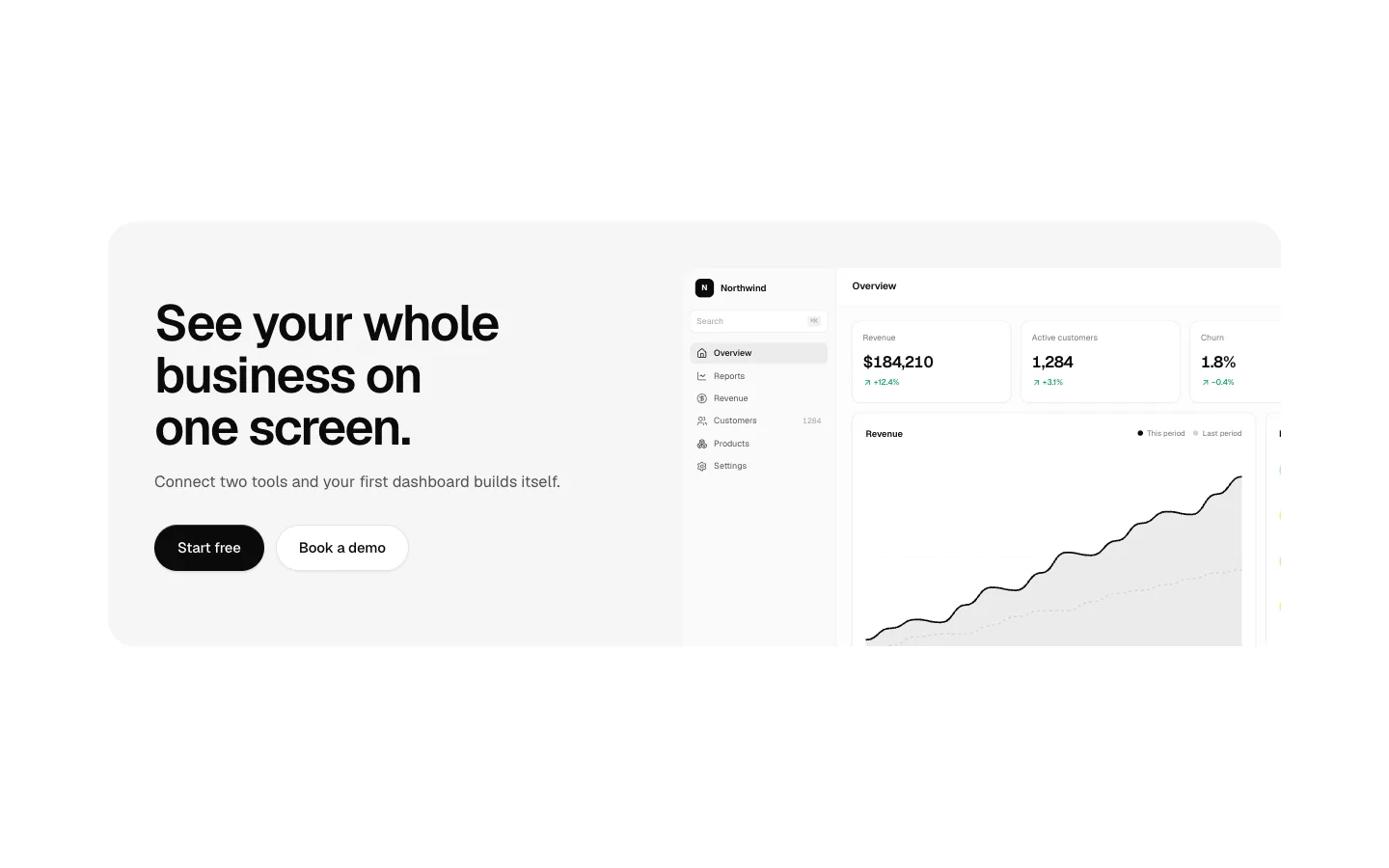
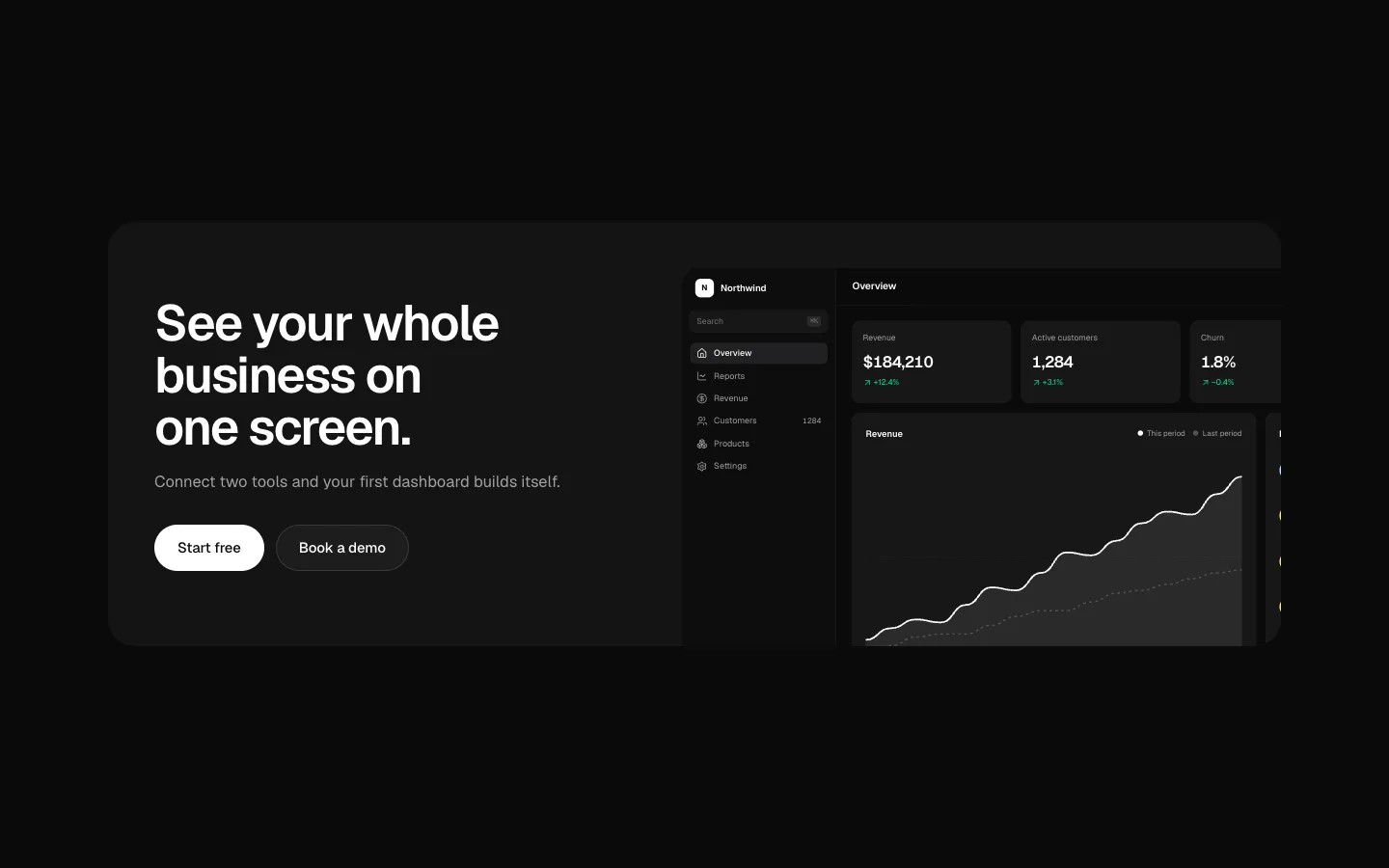
SectionA call to action with copy beside a product shot cropped at the edge.
Install CTA
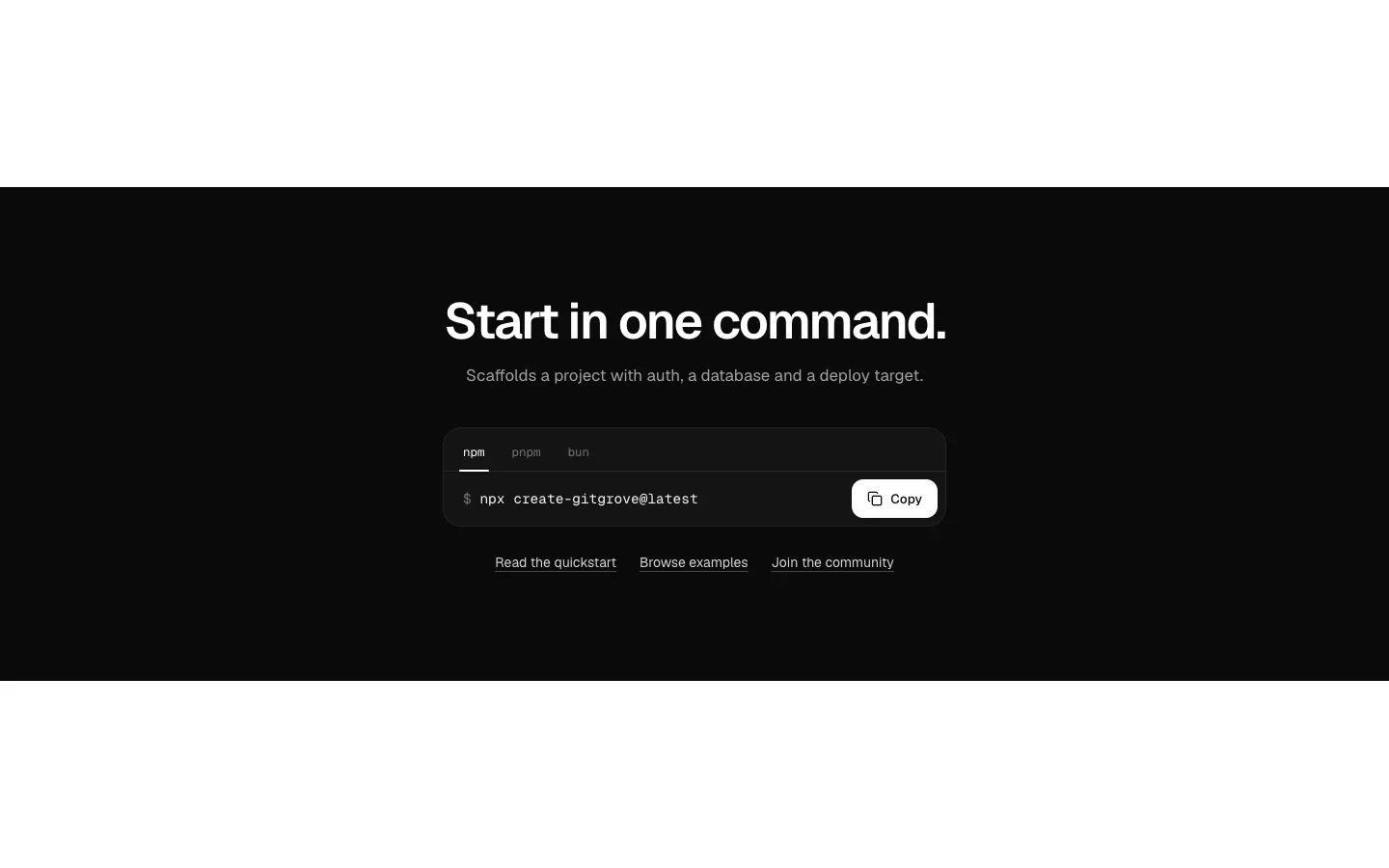
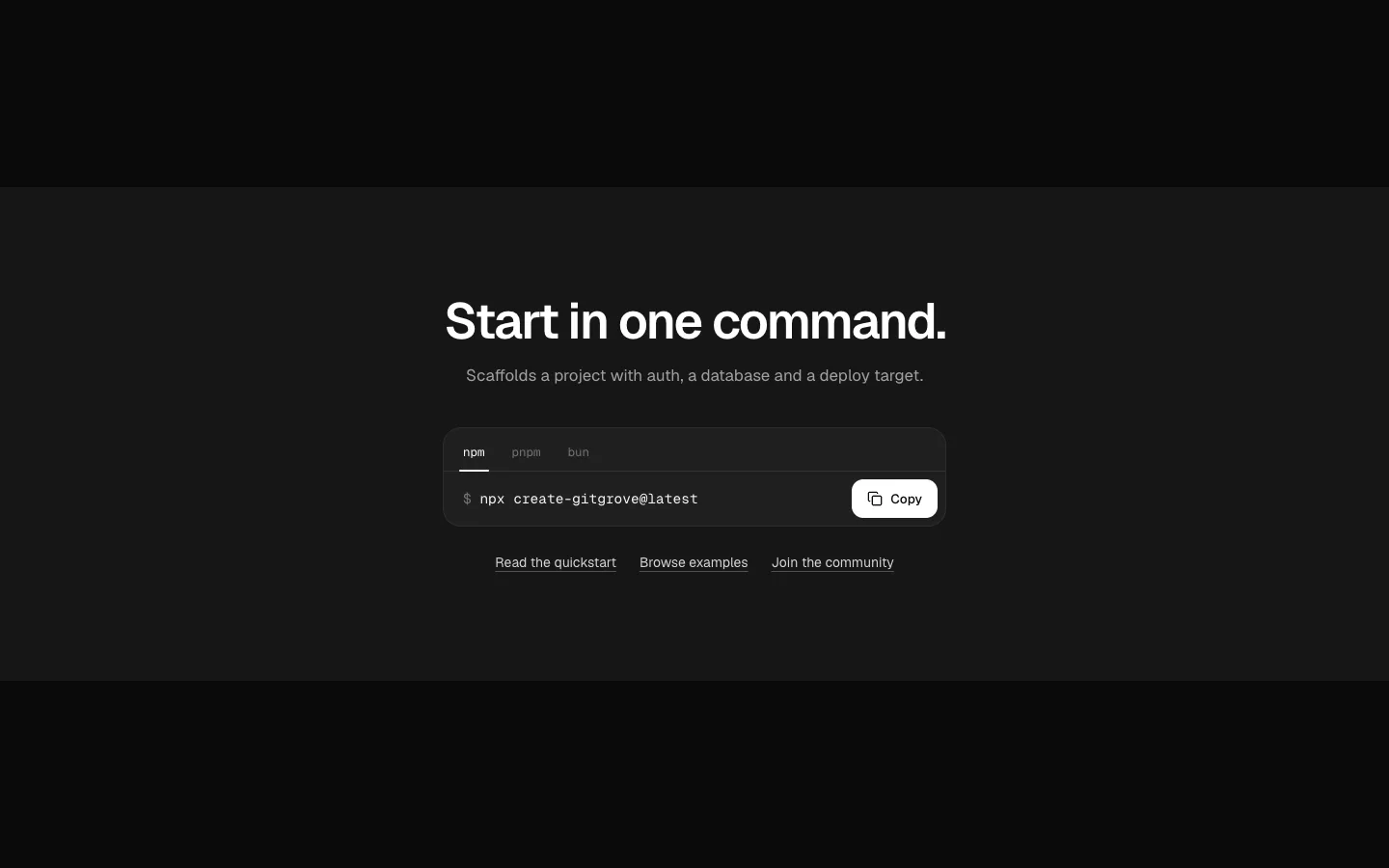
SectionAn install command to copy, with a package manager picker.
Book a Demo
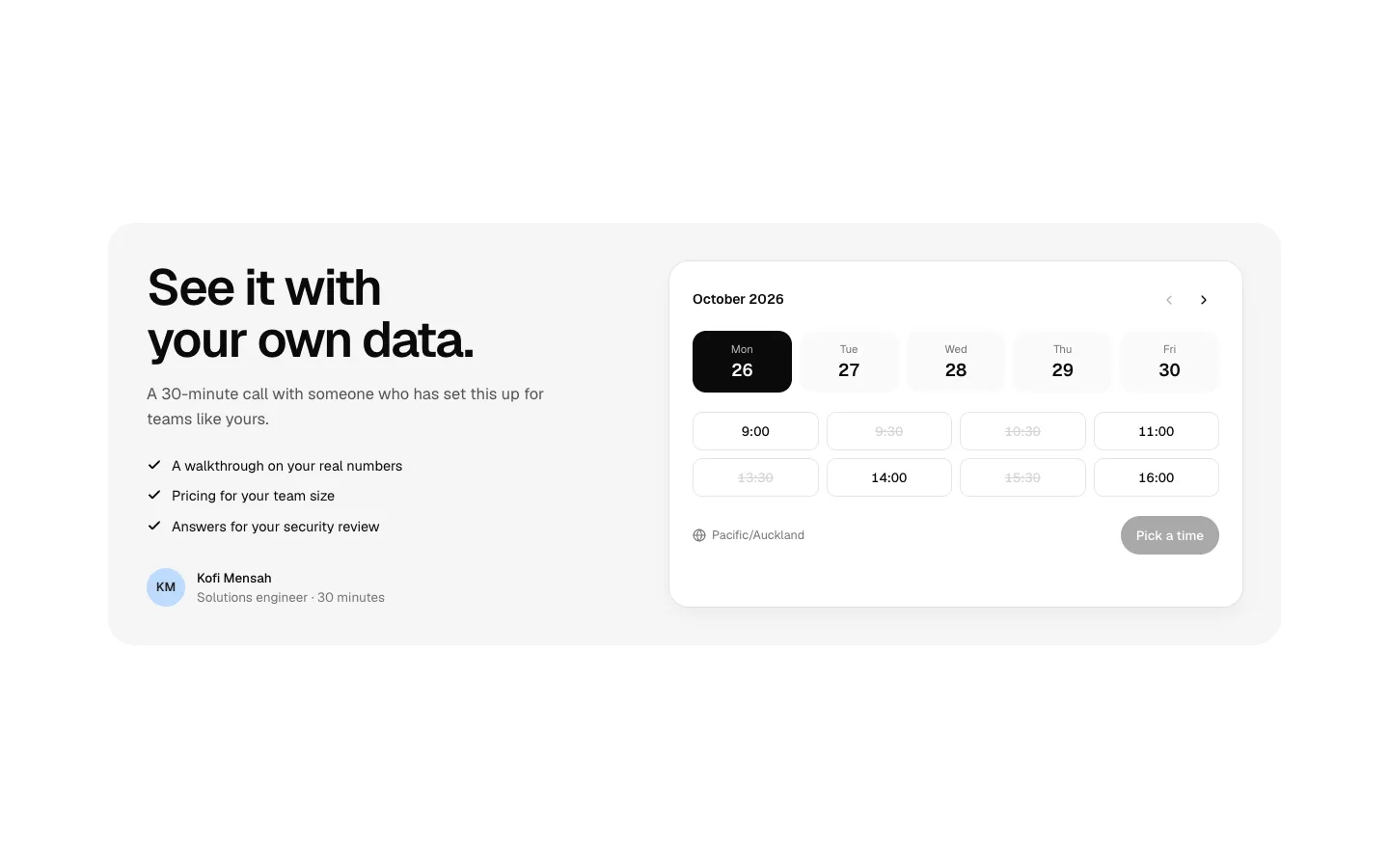
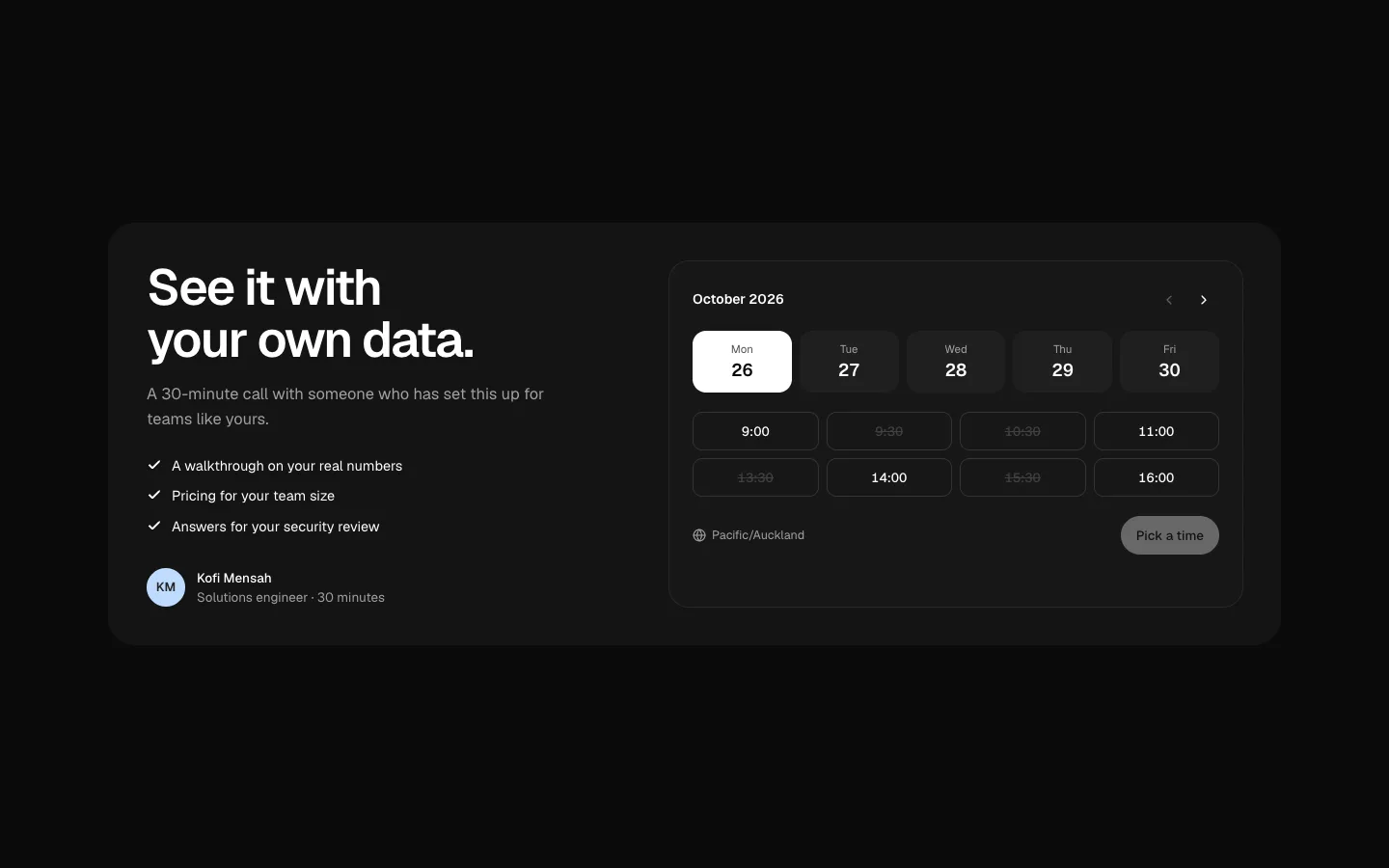
SectionA book-a-demo picker: choose a day and a time in place, no modal.

Sticky CTA
SectionA sticky call-to-action bar that appears after the hero and hides near the footer.

Site Header
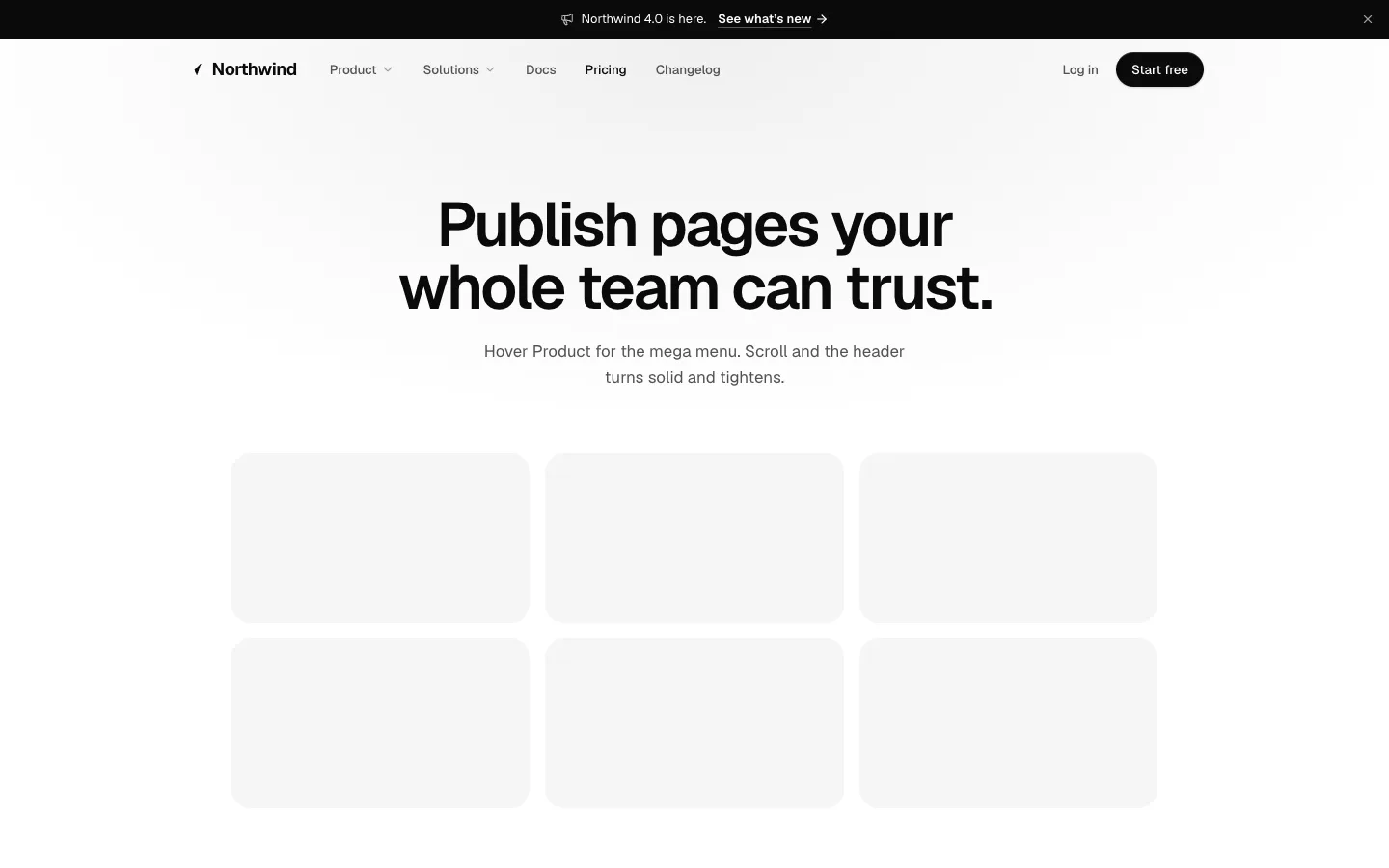
SectionA sticky marketing header with mega menus and a what's-new card, a log-in link and CTA. It can sit transparent over the hero and turn solid on scroll, float as a pill that tightens, hold an announcement bar, and fold into an accordion menu on narrow screens.
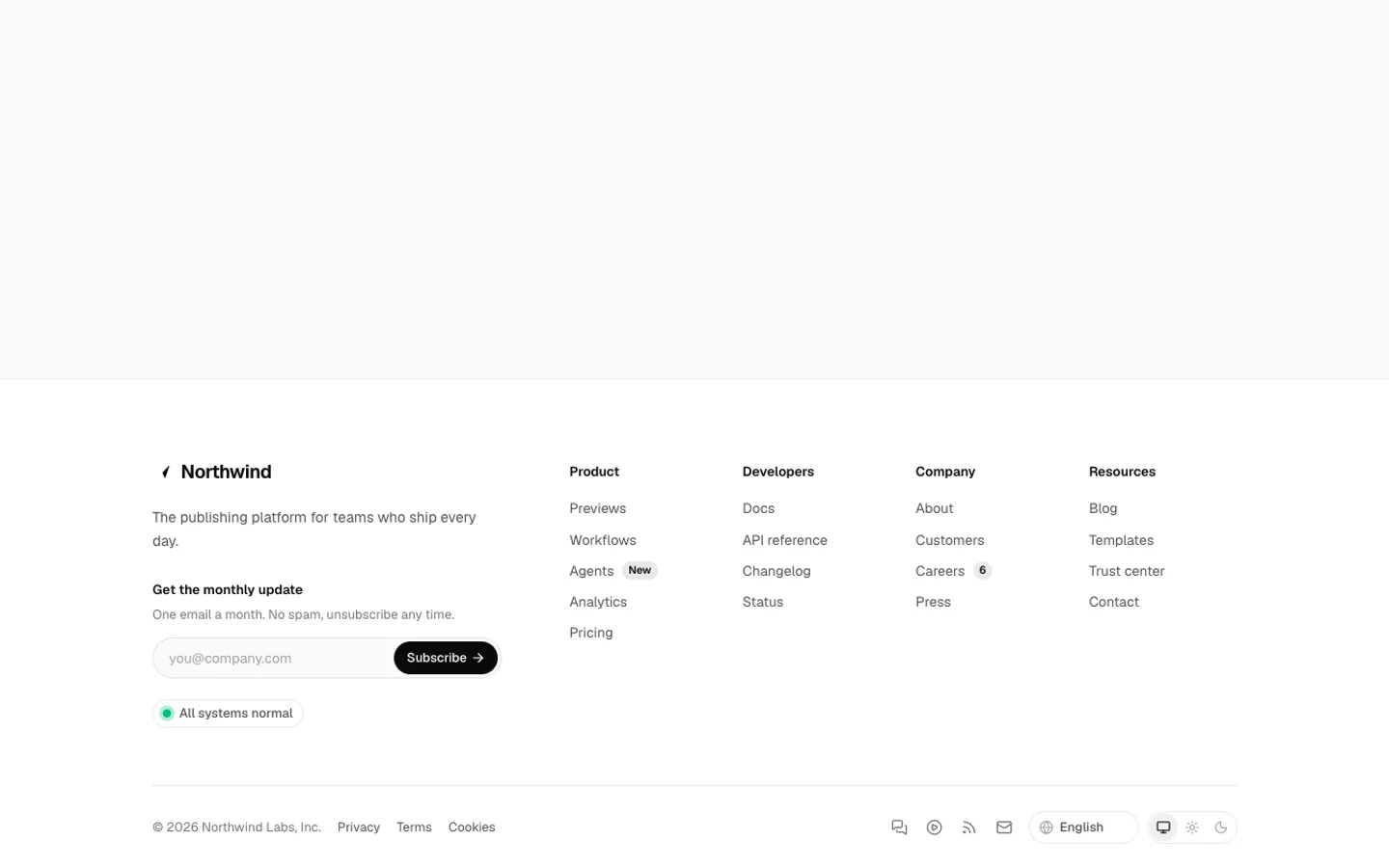
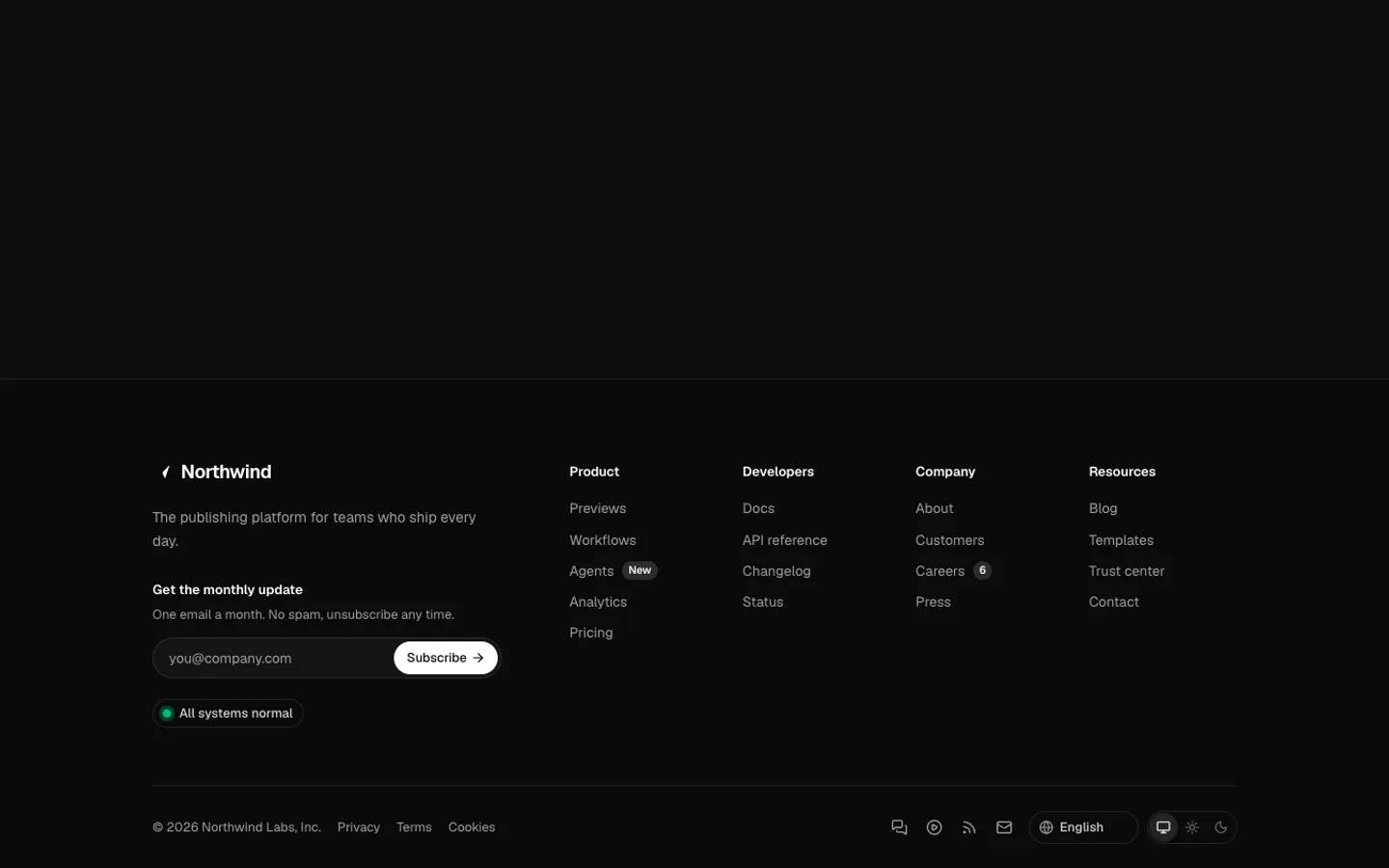
Site Footer
SectionSitemap columns with badges, a newsletter box with validation and a confirmation, a status pill, social links, a language picker and a system, light and dark switch. Also a large wordmark version and a one-row minimal footer.
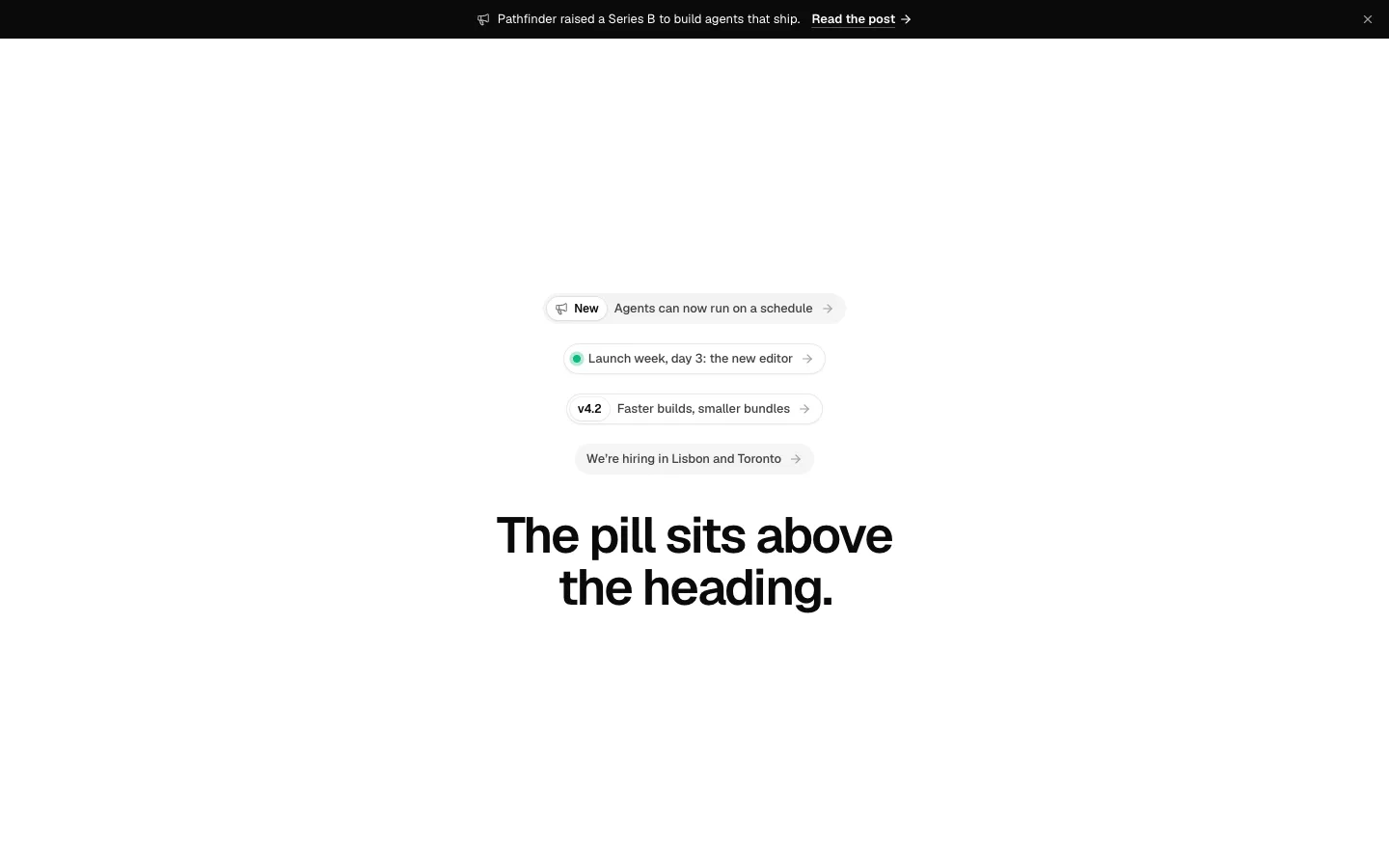
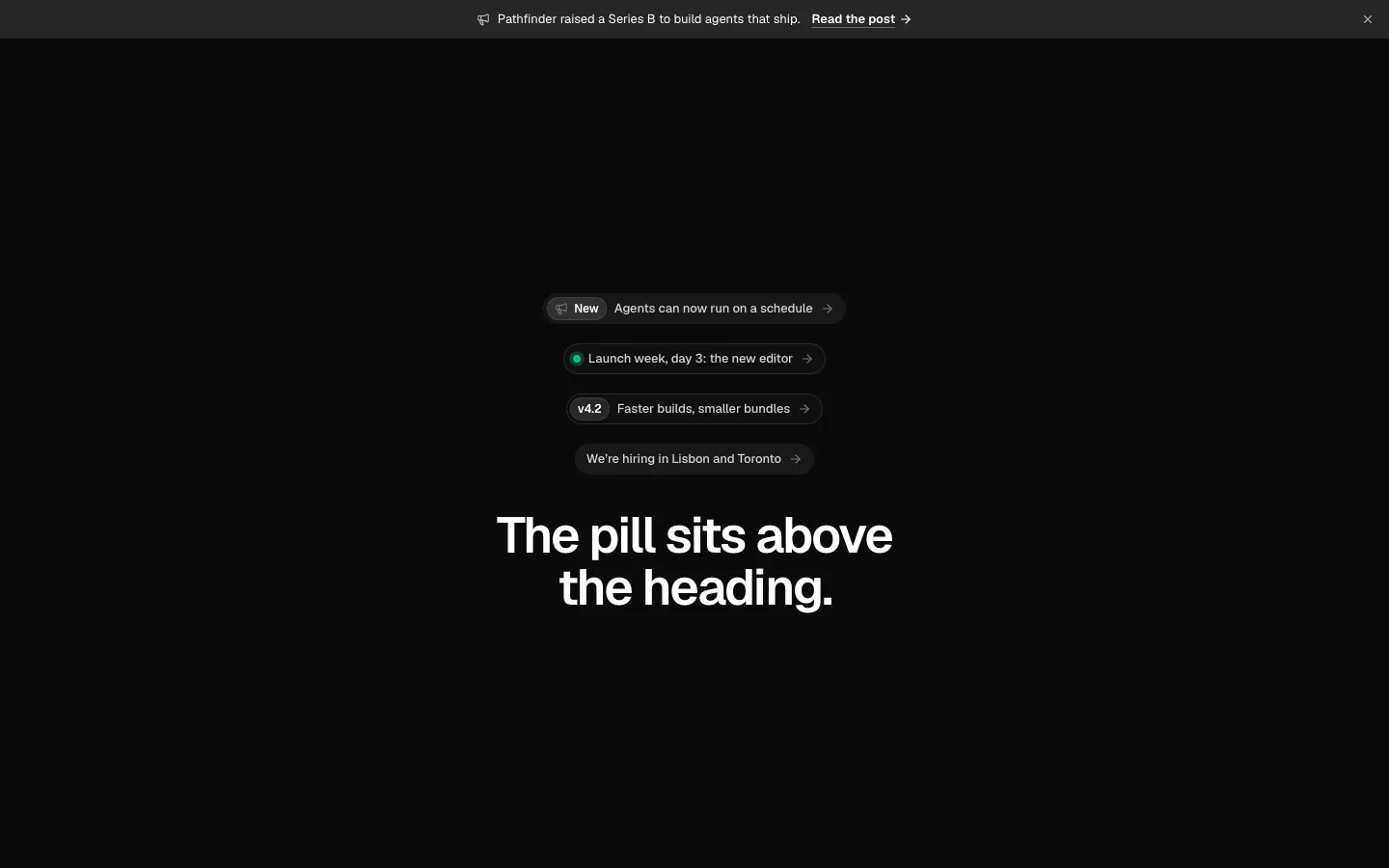
Announcement Pill
SectionThe “New: … →” chip that sits above a hero heading, with a tag, a megaphone or a live dot, in soft, outline and glass styles. Also a full-width announcement bar that folds away when dismissed.
Product Shot
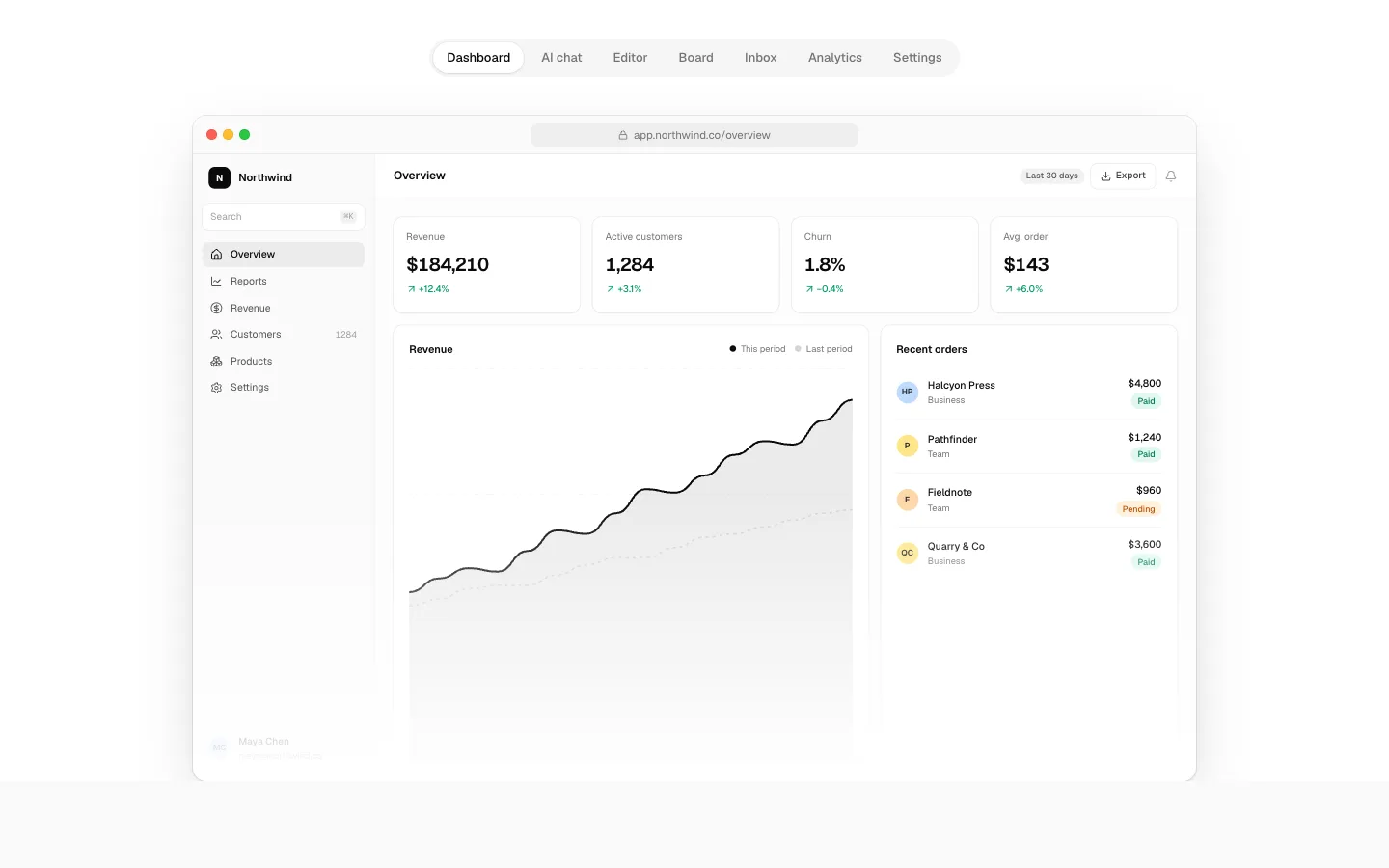
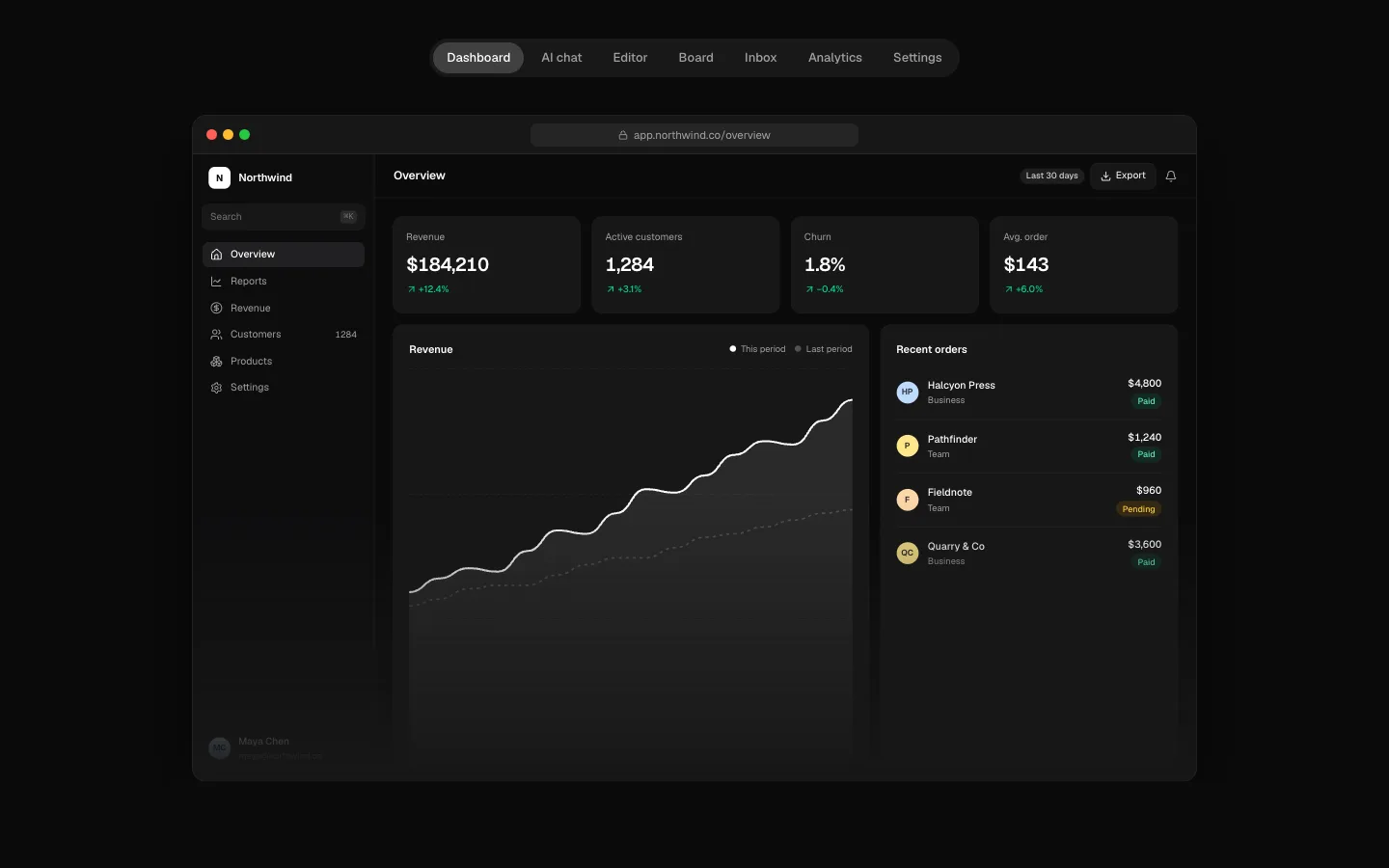
SectionReal-looking product screens without screenshots: a dashboard, AI chat, editor, board, inbox, analytics and settings. Each is coded at a fixed canvas and scaled to fit, so it stays crisp at any width, with crops, a spotlight, a faded edge and browser, window or laptop frames.
Device Frames
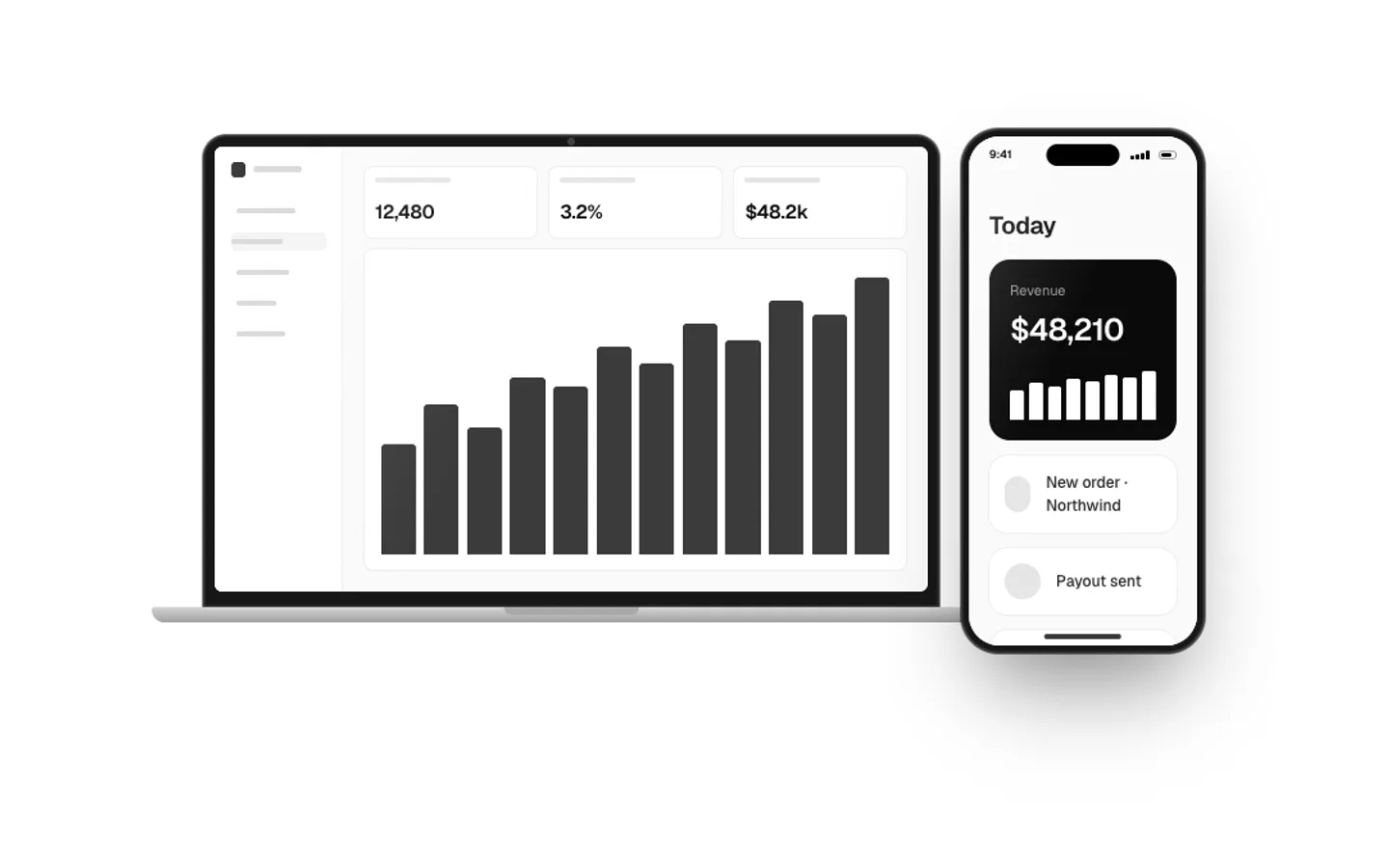
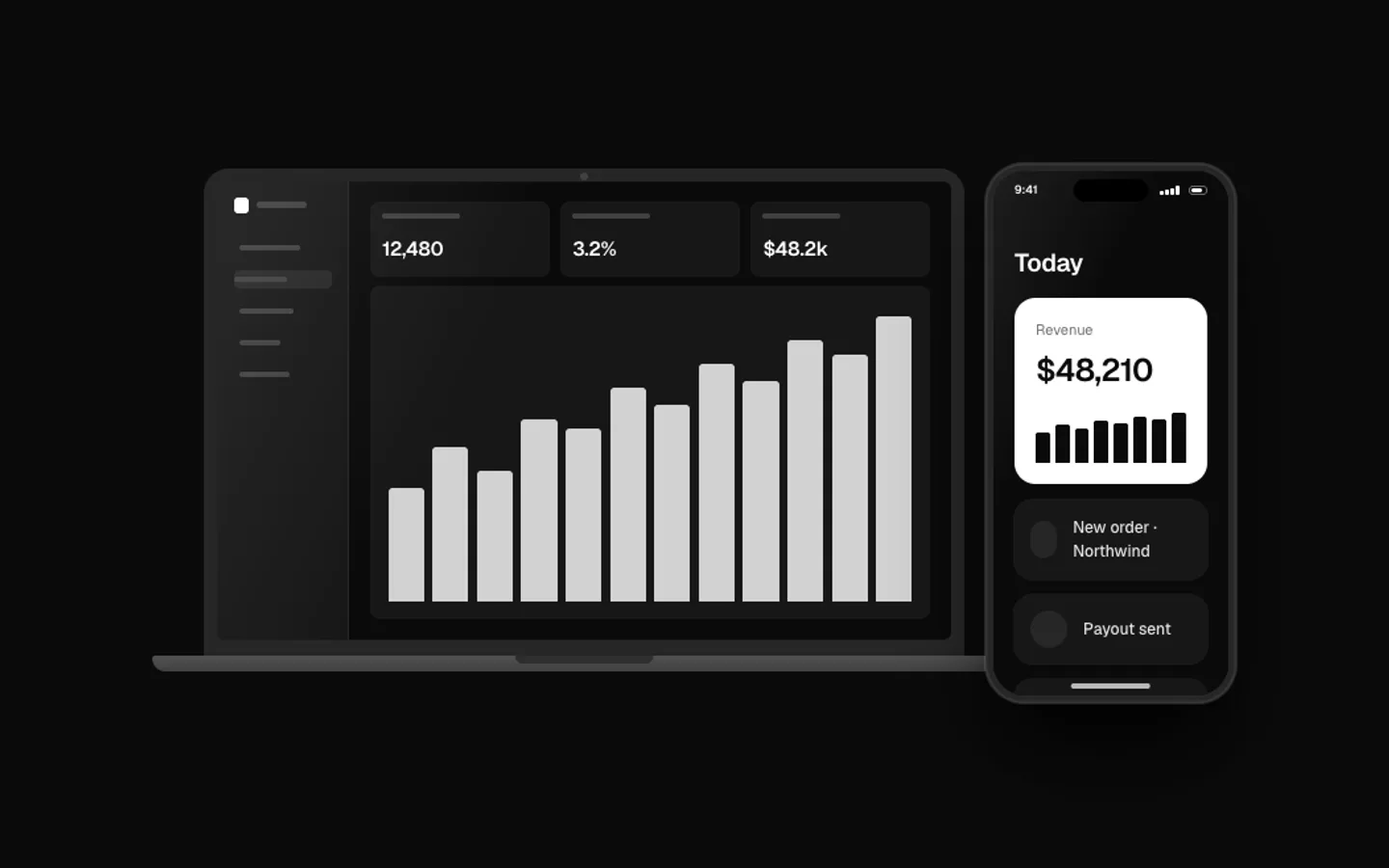
SectionBrowser (full chrome with tabs, or minimal), laptop, phone, tablet, terminal, code editor and desktop window frames in CSS, for light and dark, with 3D tilts, a glass sheen and a floor shadow.
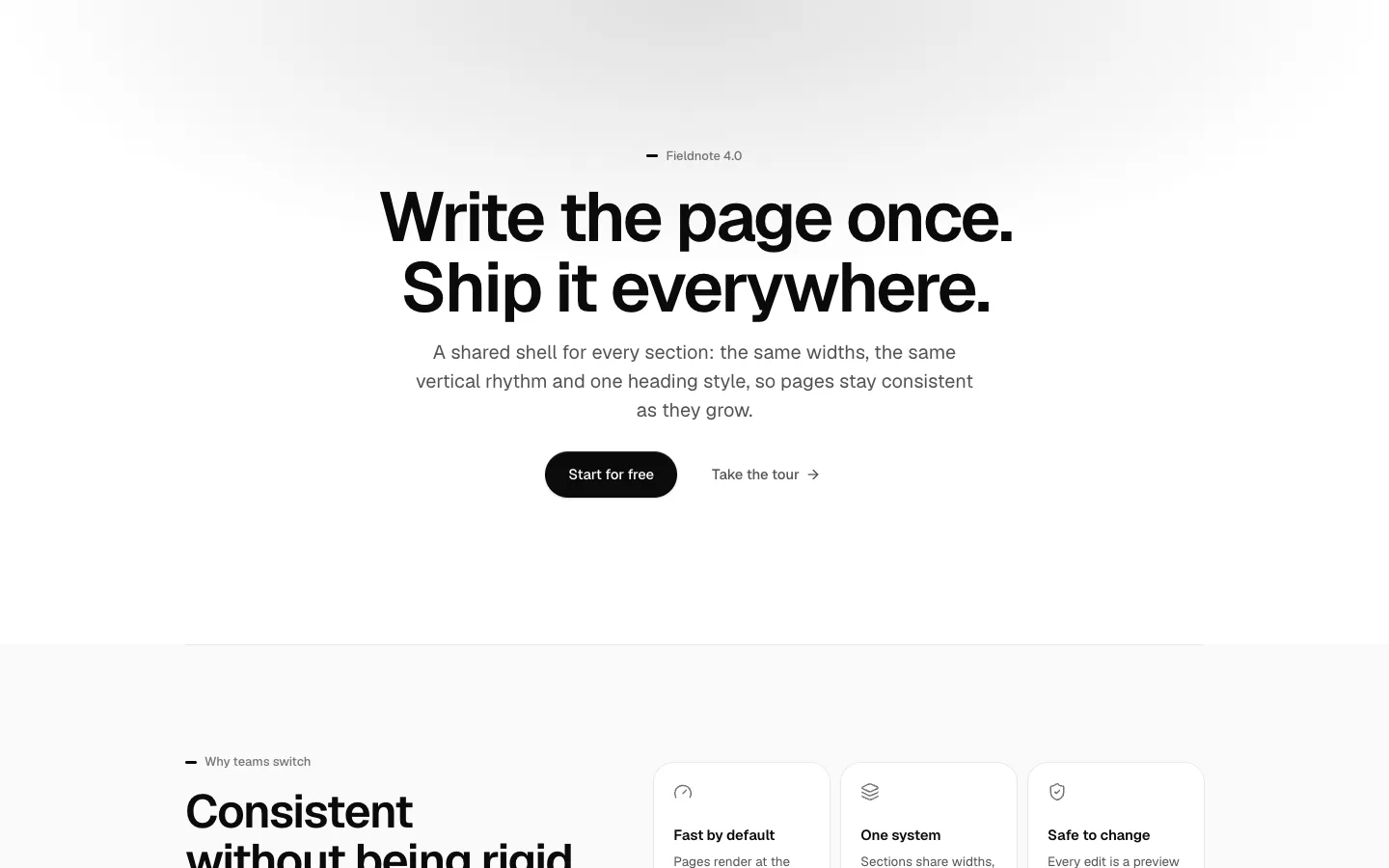

Section Shell
SectionThe container every marketing section sits in: four widths, a vertical rhythm, plain, muted and inverted tones, a divider and a background slot. Also the shared heading block, the marketing buttons, quiet patterns and the tokens that restyle every section.
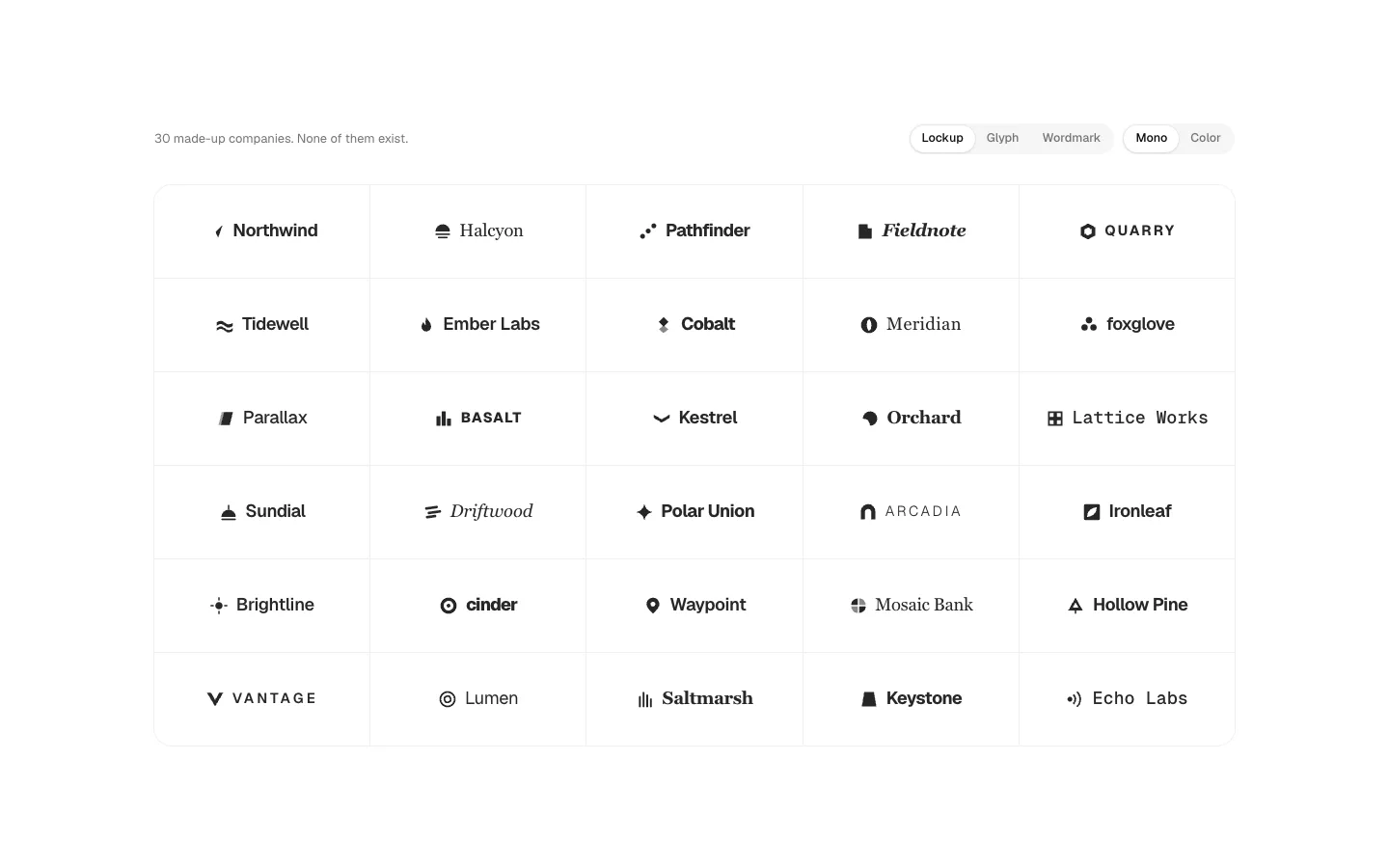
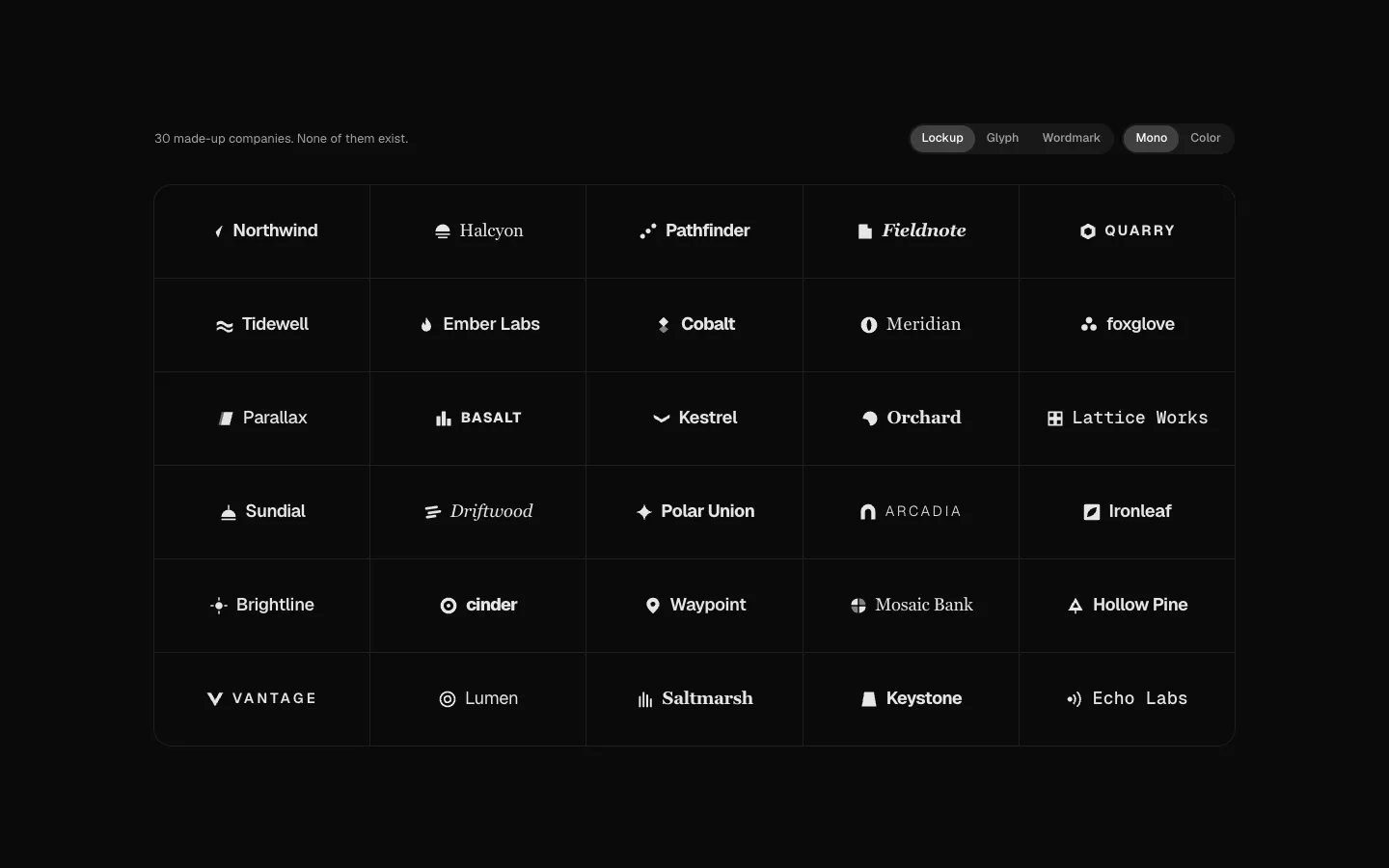
Brand Marks
SectionThirty made-up company logos as lockups, glyphs or wordmarks in mono or colour, and forty made-up app icons, for logo clouds, testimonials and integration grids. None of them are real.
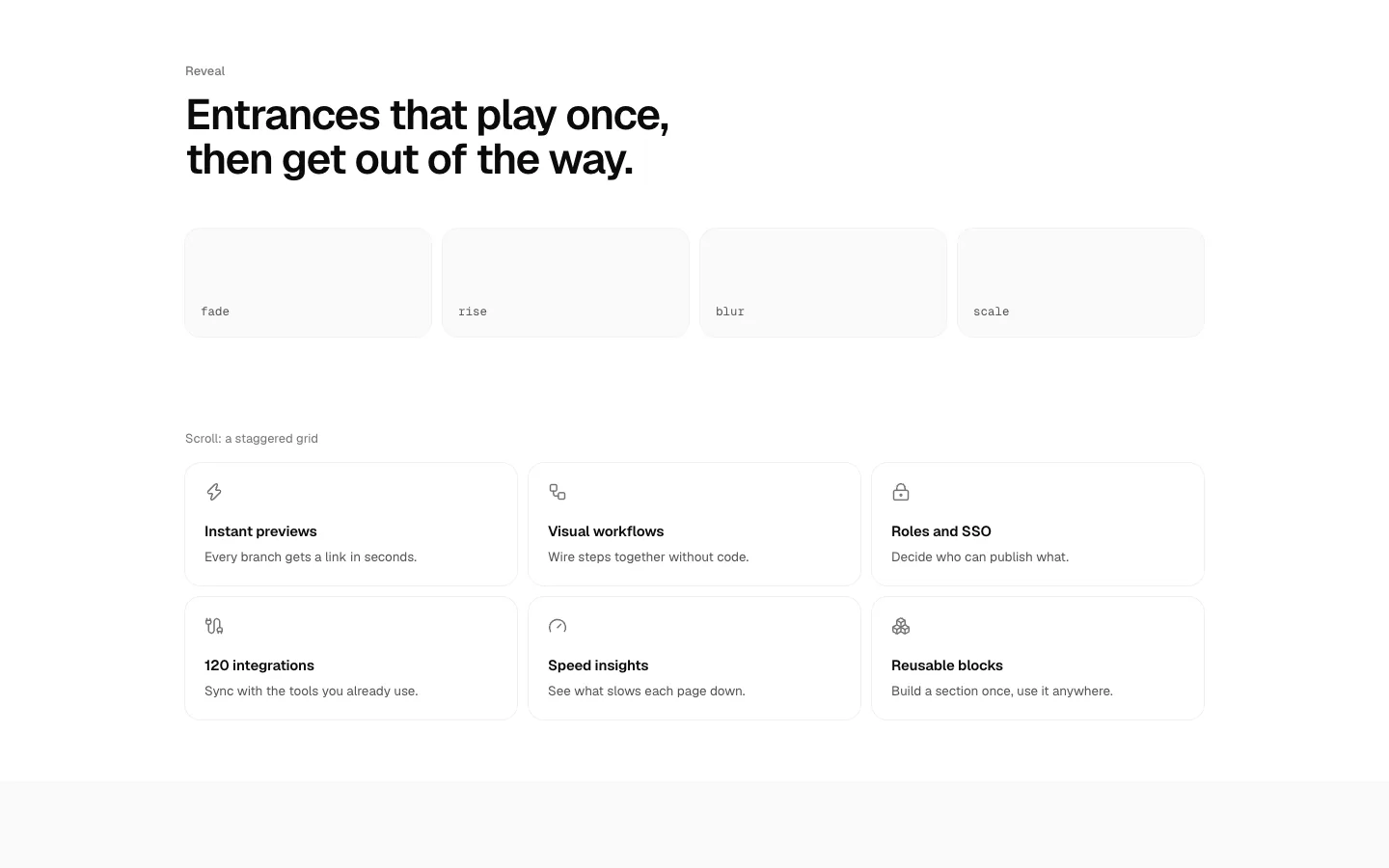
Reveal
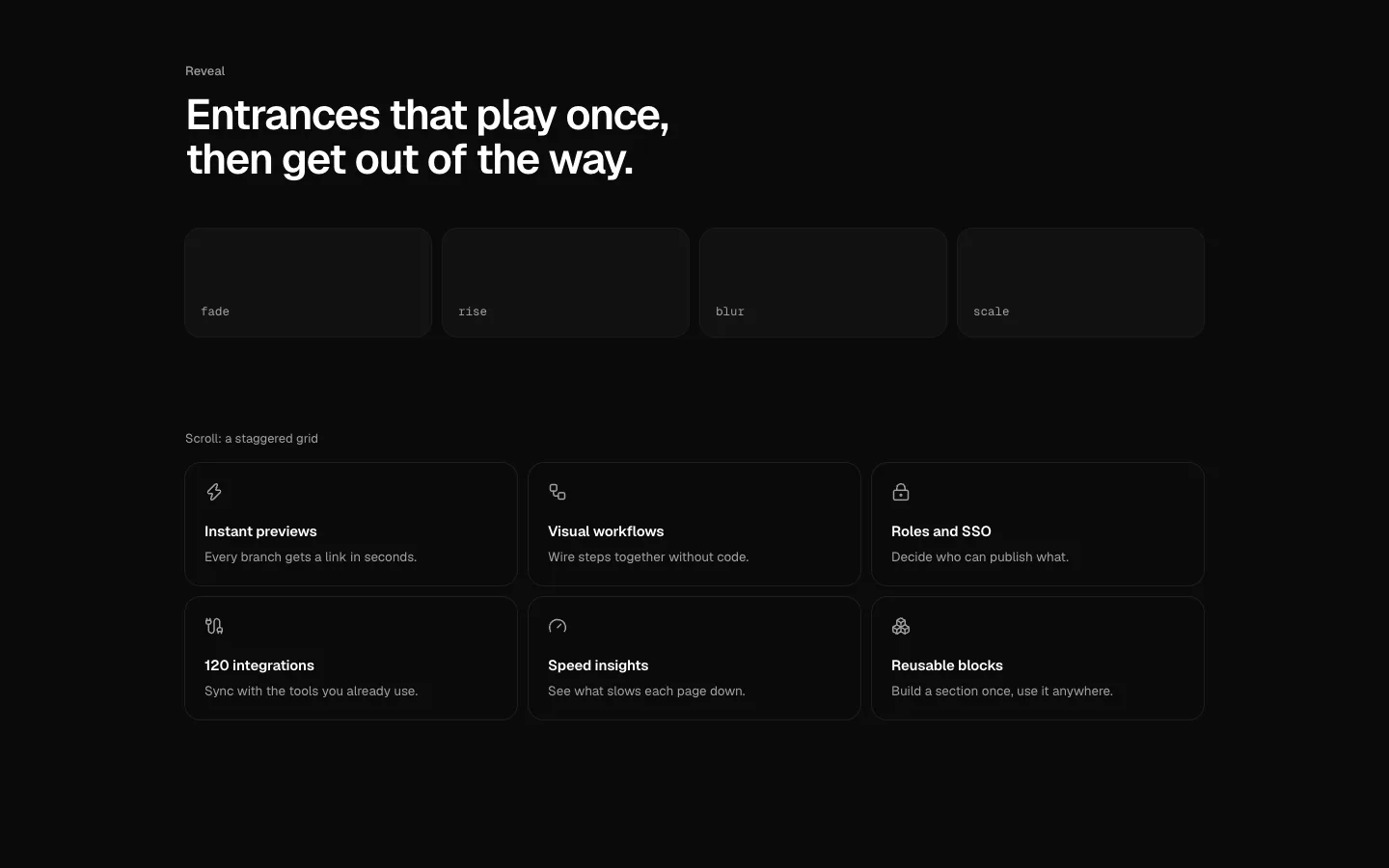
SectionOne-shot entrances (fade, rise, blur, scale) that play the first time something scrolls into view, a stagger for grids, and hooks that run ambient visuals only while they're on screen, in a foreground tab and allowed to move.
Agent Canvas Landing
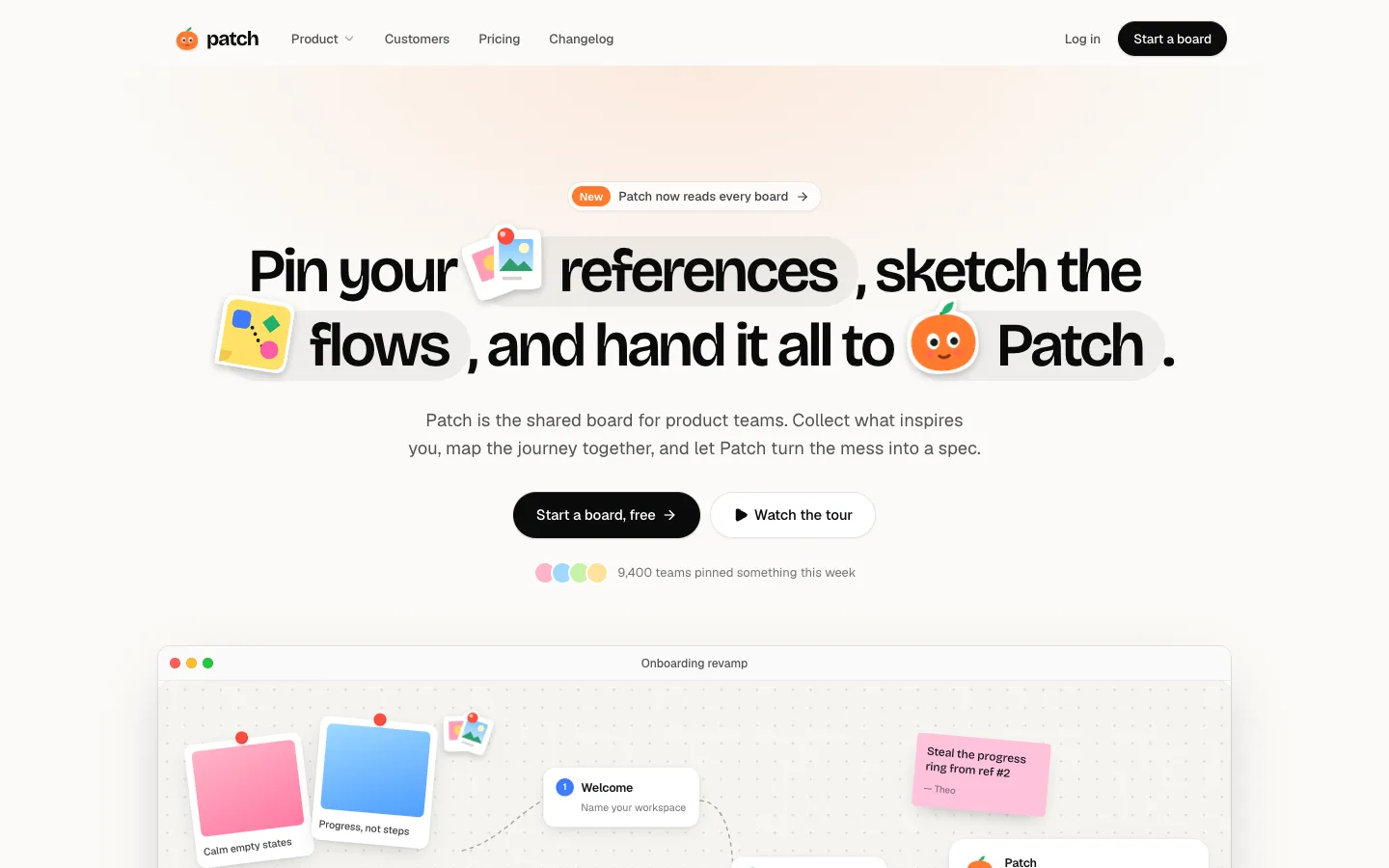
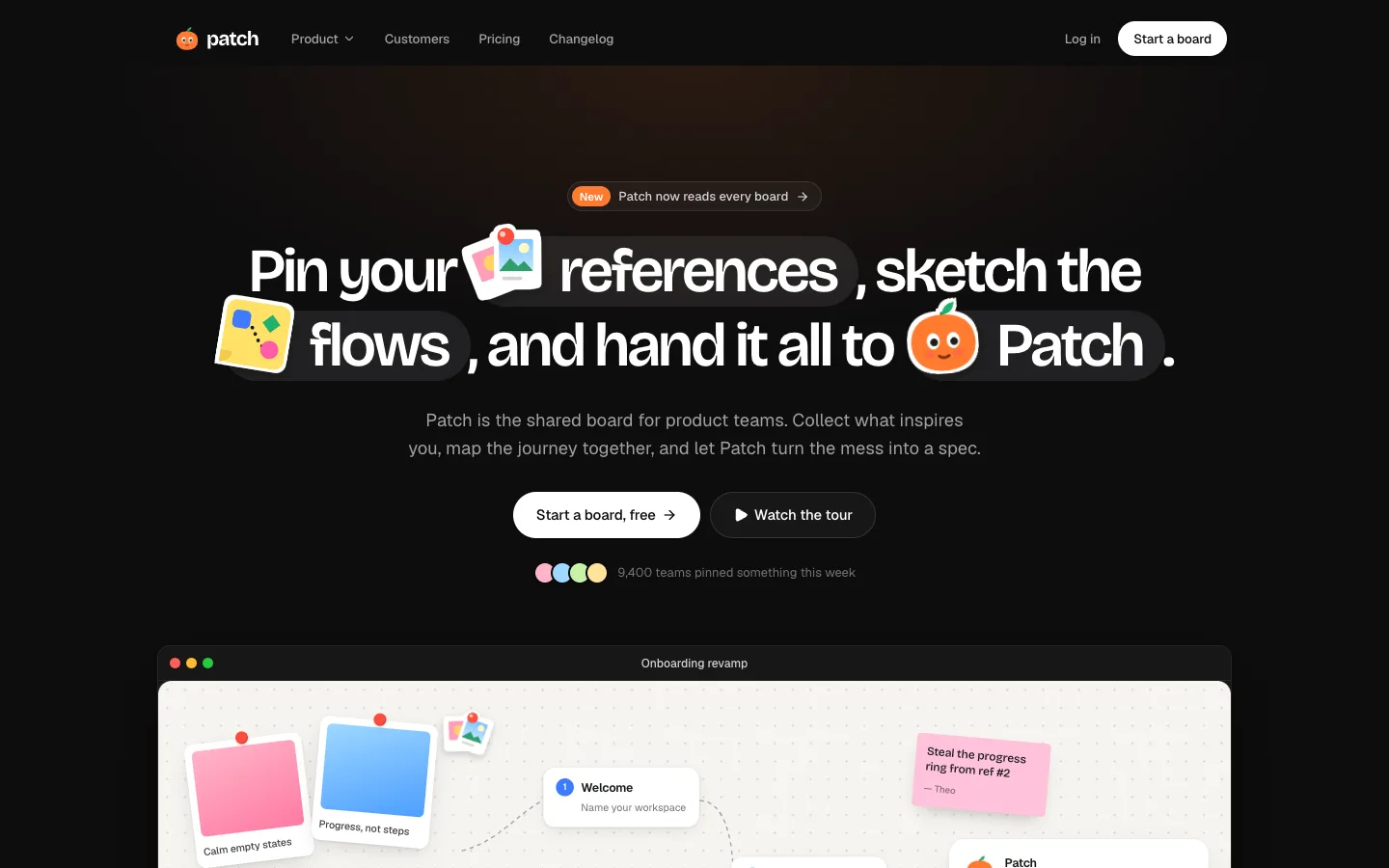
SectionA white, monochrome landing page for a made-up agent canvas. The headline rolls through what the agents do, and the canvas below follows it, selecting and playing in each task's frame. Nav, hero, canvas, agents, steps, quote, CTA and footer each live in their own file.